
Slow Motion Video Maker para PC
ITHotShots
Descarga Slow Motion Video Maker en PC con GameLoop Emulator
Slow Motion Video Maker en PC
Slow Motion Video Maker, proveniente del desarrollador ITHotShots, se ejecuta en el sistema Android en el pasado.
Ahora, puedes jugar Slow Motion Video Maker en PC con GameLoop sin problemas.
Descárgalo en la biblioteca de GameLoop o en los resultados de búsqueda. No más mirar la batería o llamadas frustrantes en el momento equivocado nunca más.
Simplemente disfrute de Slow Motion Video Maker PC en la pantalla grande de forma gratuita!
Slow Motion Video Maker Introducción
Smooth Slow Motion Video Maker: Create Stunning Effects
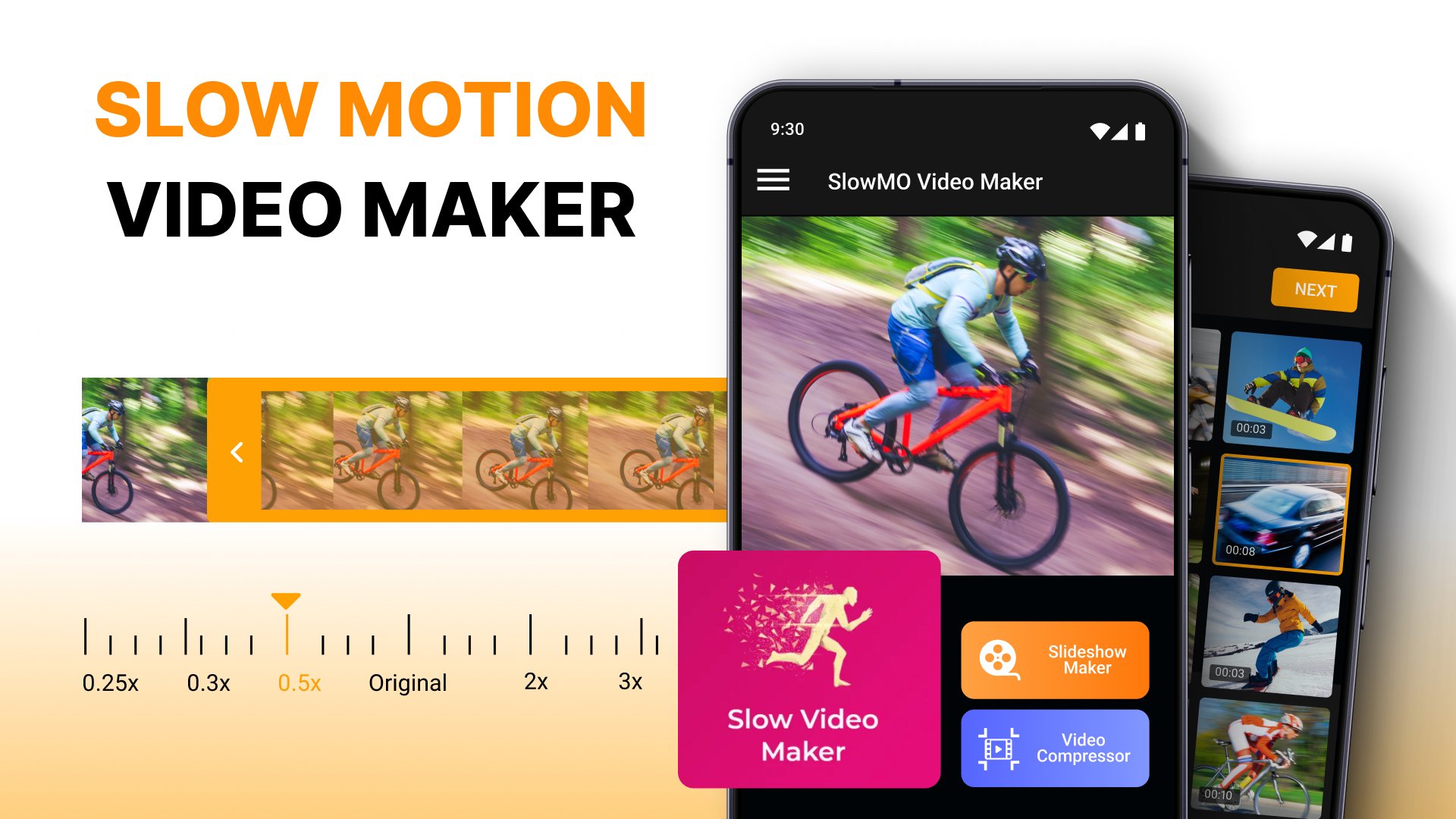
Transform your movies with the powerful Smooth Slow Motion Video Maker, a feature-packed Slowmo Video App that lets you effortlessly adjust speed, add creative effects, and enhance every moment with slow or fast motion. Give your videos a new perspective. Whether you want to slow down a funny moment or speed up exciting action, this app is for you. Don't hesitate, Make Video Slow Motion App is your perfect tool.Elevate your content using the Slomo Video Editor, a versatile Fast Motion Video Speed Editor that allows you to change the pace of your clips in just a few taps. Every Slow Fast: Video Speed Changer feature is designed to help you achieve the perfect flow, from slow to rapid-speed transitions. Explore creative possibilities with Slow Fast: Video Speed Changer and make every scene unique. This is the video slow motion app you need. Make every second feel epic.
📄 Amazing Key Features: 📄
🎬 Smooth Slow Motion Video Maker with background music options;
🎬 Fast Motion Editing: Accelerate your scenes effortlessly;
🎬 Make Video Slow Motion App: Combine photos with music;
🎬 Slo Mo Camera: Speed Up Video without losing quality;
🎬 High-Quality Compressor: Maintain clarity while compressing;
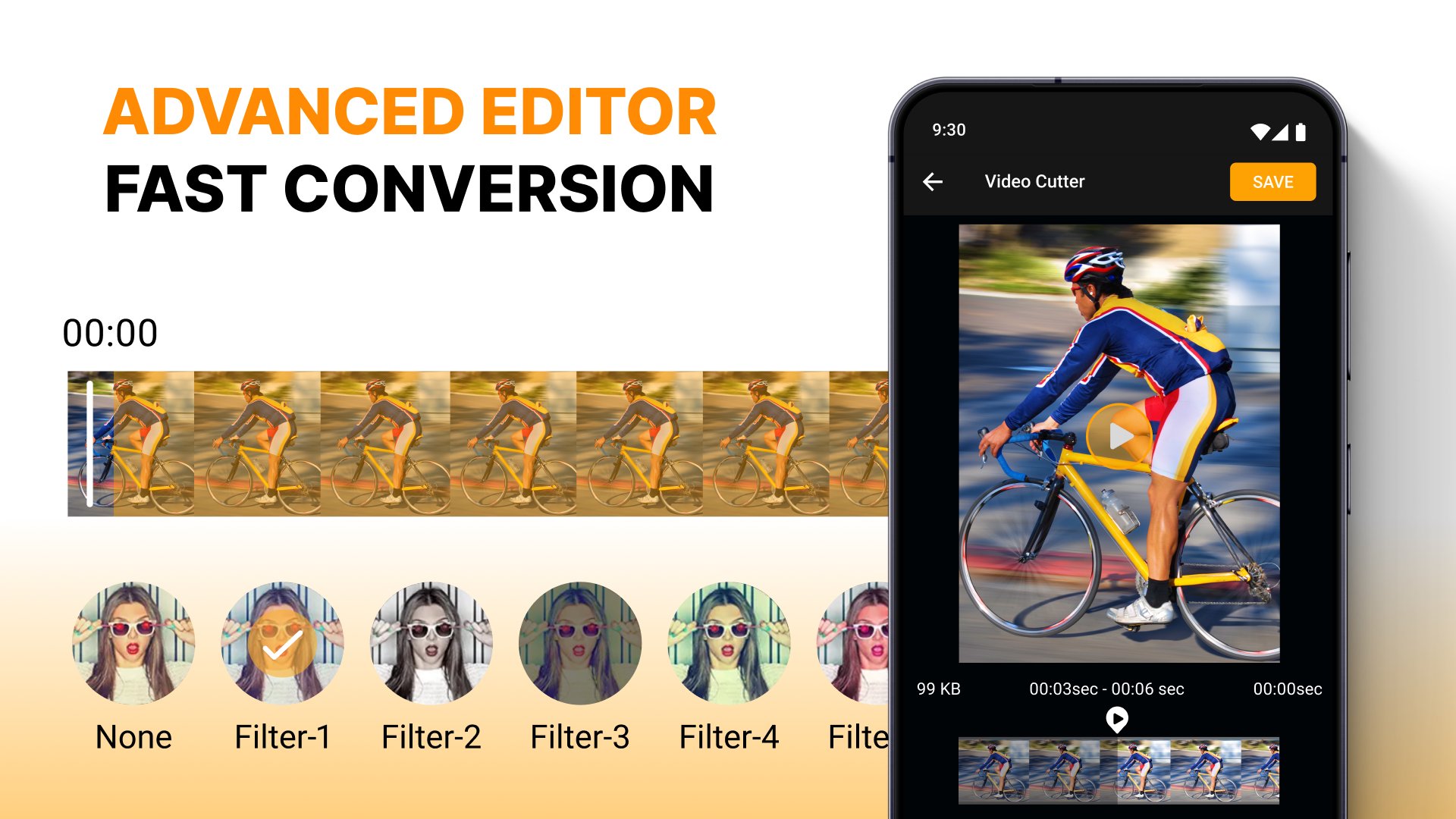
🎬 Cut, Compress, & Edit: Cut unwanted parts and compress with precision;
🎬 Slowmo Video App: Create dynamic transitions with Slomo Video Editor;
🎬 Intuitive Controls: Easily switch between slow and fast motion effects.
Effortlessly Edit and Control - Make Video Slow Motion App
Creating smooth, high-quality clips is simple with the Slow Video Editor Tool. Adjust the speed to various levels, like 1/4x or 2.0x, and see real-time previews to achieve the best results. This Slomo Video Editor app combines ease of use with professional features, allowing everyone to transform their clips. You can choose from multiple speeds with the Slomo Video App, ensuring every moment matches your vision. Add drama to your videos in one tap. Create magic with our video slow motion app.Perfect Transitions and Customizable Effects:
Make your videos stand out instantly. Enhance your footage with text, background music, and animations using the Slow Motion Video Editor Tool. Slow Fast: Video Speed Changer lets you adjust the speed of different segments within one clip, making it easy to create dynamic transitions. With Fast Motion Video Speed Editor, you have complete control over each frame, allowing you to smoothly shift between slow and fast segments. Try the video slow motion app now!
Fast Motion Video Speed Editor: Capture Every Detail with Precision:
Make everyday videos unforgettable. The Slo Mo Camera: Speed Up Video feature lets you control every detail of your clips. Whether focusing on fast-moving action or a beautiful slow-motion shot, the editing is made simple and the results are stunning. This Slow Motion Video Editor Tool ensures clarity and quality remain intact. Enjoy the versatility of the Smooth Slow Motion Video Maker and create unforgettable content that looks professional and polished. Get started with this video slow motion app now.
Customize Your Slideshow with Slo Mo Camera: Speed Up Video:
Turn quick moments into lasting memories. Use the Make Video Slow Motion App to turn your gallery photos into an impressive slideshow with background music and effects. This feature enables you to blend pictures and clips seamlessly. Let the Slowmo Video App bring your memories to life in a unique way. Try this video slow motion app today!
Start Creating with Smooth Slow Motion Video Maker Today!
Capture unforgettable moments with precision and creativity using the Smooth Slow Motion Video Maker. Adjust speeds, add effects, and make each clip uniquely yours. The Slomo Video Editor allows you to express yourself and effortlessly bring your ideas to life. Make memories last longer—download the video slow motion app.Avance
Etiquetas
Video-PlayersInformación
Desarrollador
ITHotShots
La última versión
2.1.1
Última actualización
2024-09-27
Categoría
Video-players-editors
Disponible en
Google Play
Mostrar más
Cómo jugar Slow Motion Video Maker con GameLoop en PC
1. Descargue GameLoop desde el sitio web oficial, luego ejecute el archivo exe para instalar GameLoop.
2. Abra GameLoop y busque "Slow Motion Video Maker", busque Slow Motion Video Maker en los resultados de búsqueda y haga clic en "Instalar".
3. Disfruta jugando Slow Motion Video Maker en GameLoop.
Minimum requirements
OS
Windows 8.1 64-bit or Windows 10 64-bit
GPU
GTX 1050
CPU
i3-8300
Memory
8GB RAM
Storage
1GB available space
Recommended requirements
OS
Windows 8.1 64-bit or Windows 10 64-bit
GPU
GTX 1050
CPU
i3-9320
Memory
16GB RAM
Storage
1GB available space