
Family Tv BH+ para PC
Family TV BH
Descarga Family Tv BH+ en PC con GameLoop Emulator
Family Tv BH+ en PC
Family Tv BH+, proveniente del desarrollador Family TV BH, se ejecuta en el sistema Android en el pasado.
Ahora, puedes jugar Family Tv BH+ en PC con GameLoop sin problemas.
Descárgalo en la biblioteca de GameLoop o en los resultados de búsqueda. No más mirar la batería o llamadas frustrantes en el momento equivocado nunca más.
Simplemente disfrute de Family Tv BH+ PC en la pantalla grande de forma gratuita!
Family Tv BH+ Introducción
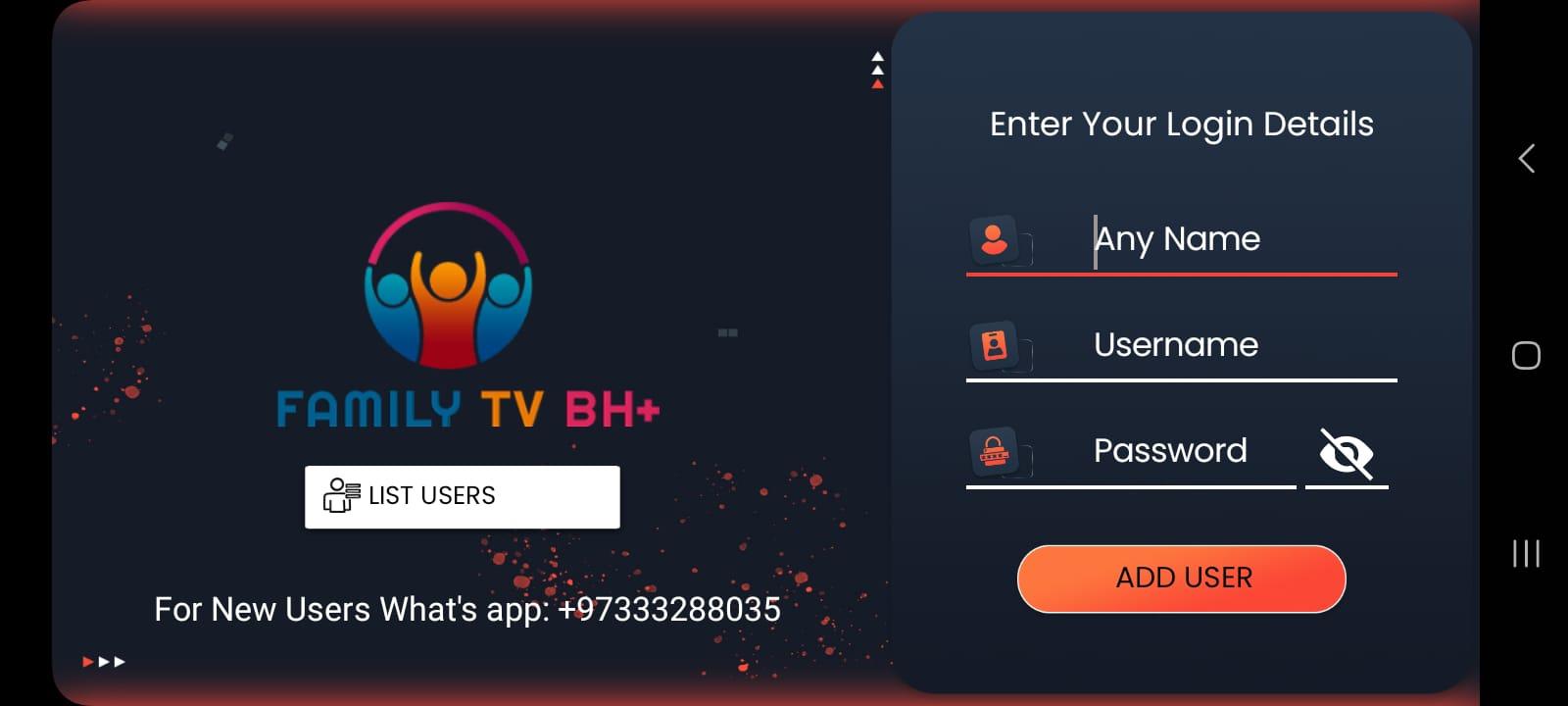
This App is a fabulous media player that allows end-users to play their content like Live TV, VOD, Series, and Local audio/Video files supplied by them; on their Android Phones, Android TVs, FireSticks, and other android devices.
Feature Overview
- Live, Movies, Series, and Radio Streaming Supported
- Support Xtream Codes API, M3U URL & Playlist, Local audio/video files
- Native Player and Built-in Player Added
- Master Search (Locked)
- New layout / UI Design
- Episode Resuming Bar
- Support: EPG ( TV Program Guide)
- Support: External EPG Sources (Locked)
- Ability to change the buffer size for the VIDEO Player
- Chrome Casting Improvements (Locked)
- New Controls on the Media Player
- Auto Next Episode Play Supported
- Parental Controls
- Support: TV Catch Up Streaming
- Support: Continue Watching
- Support: Recently Added Movies & Series
Avance

Etiquetas
Video-PlayersInformación
Desarrollador
Family TV BH
La última versión
3.0.9.6
Última actualización
2023-04-27
Categoría
Video-players-editors
Disponible en
Google Play
Mostrar más
Cómo jugar Family Tv BH+ con GameLoop en PC
1. Descargue GameLoop desde el sitio web oficial, luego ejecute el archivo exe para instalar GameLoop.
2. Abra GameLoop y busque "Family Tv BH+", busque Family Tv BH+ en los resultados de búsqueda y haga clic en "Instalar".
3. Disfruta jugando Family Tv BH+ en GameLoop.
Minimum requirements
OS
Windows 8.1 64-bit or Windows 10 64-bit
GPU
GTX 1050
CPU
i3-8300
Memory
8GB RAM
Storage
1GB available space
Recommended requirements
OS
Windows 8.1 64-bit or Windows 10 64-bit
GPU
GTX 1050
CPU
i3-9320
Memory
16GB RAM
Storage
1GB available space