
All Video Downloader With VPN para PC
Prompt App inc
Descarga All Video Downloader With VPN en PC con GameLoop Emulator
All Video Downloader With VPN en PC
All Video Downloader With VPN, proveniente del desarrollador Prompt App inc, se ejecuta en el sistema Android en el pasado.
Ahora, puedes jugar All Video Downloader With VPN en PC con GameLoop sin problemas.
Descárgalo en la biblioteca de GameLoop o en los resultados de búsqueda. No más mirar la batería o llamadas frustrantes en el momento equivocado nunca más.
Simplemente disfrute de All Video Downloader With VPN PC en la pantalla grande de forma gratuita!
All Video Downloader With VPN Introducción
Are you looking for a video downloader app to save your favorite videos to your phone? Then Stop searching you are at right app page
with All Video Downloader With VPN You have the fastest way to save your favorite videos, audio or image to your gallery.
Download any video with 3x faster download speed, absolute security of files, it would be the best video downloader that is perfect for you.
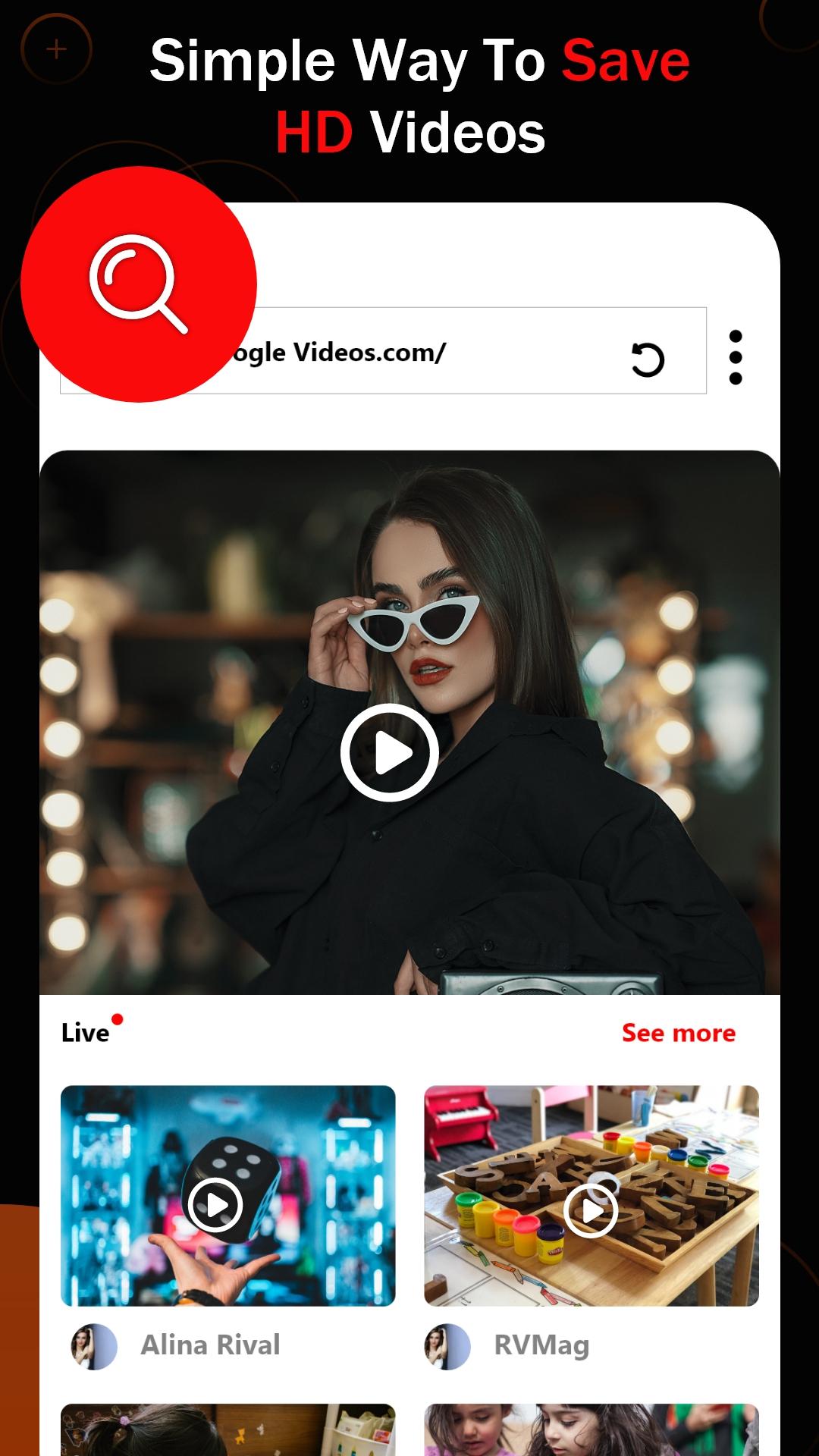
It has never been easier to download, save and repost videos from social media. Super fast and totally free! Copy the link to the video you want to download, paste it into our neat and simple built-in browser, click the video download button! and video is in your gallery.
What is a All Video Downloader With VPN:
✅ Key to any site anywhere in the world.
✅ Ability to visit sites, that are blocked in your country.
✅ Ability to surf the internet anonymously.
✅ All video downloader master from any website.
Key Features All Video Downloader With VPN:
✅ Download with wifi only.
✅ private browsing.
✅ Support multi-threading downloading and accelerate video downloads by several times
✅ Multiple resoultion of video avaialble for download.
✅ Download multiple files at the same time & Download videos in the background. Manage donwnload from notification.
✅ Built-in browser and built-in file manager. Pause, resume, and remove downloads.Manage all your downloads like Rename, play, share, and delete the files with one video downloader app.
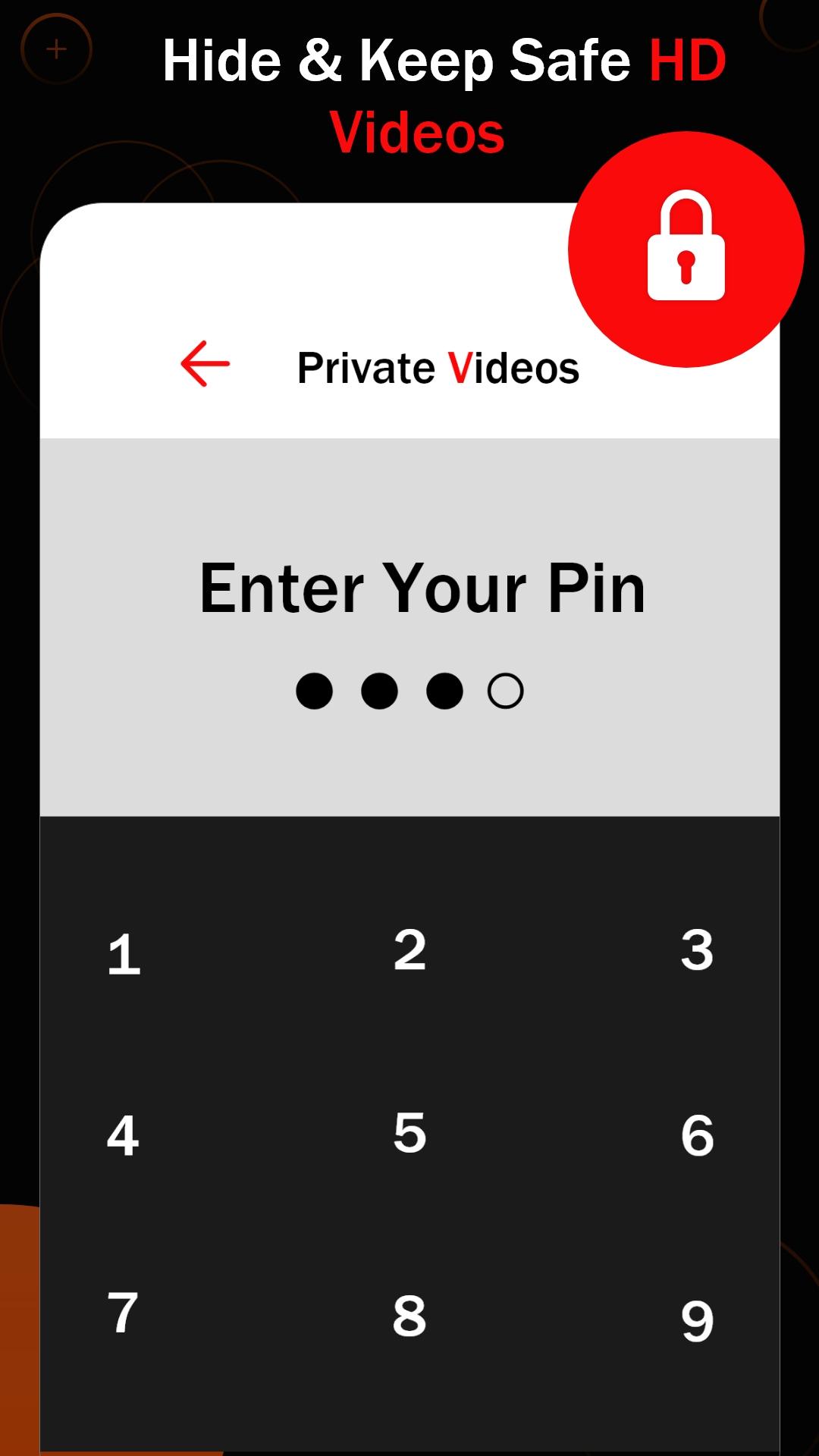
✅ Inbuilt password protection to secure your browsing history and videos.
✅ Change storage path, save video in your sd card
How to use All Video Downloader With VPN:
✅ To utilize the program, you need to browse the site. Do that by opening the browser involved.
✅ All Video Downloader would detect all the videos and songs on the site.
✅ Download the tapes you want by clicking on the Download button.
Disclaimer:
* Please get permission from the content owner before you repost videos.
* We are not responsible for any intellectual property violation that results from unauthorized reposts of videos.
* This All Video Downloader With VPN is not officially associated with Instagram, Facebook, Twitter, TikTok, etc.
* Downloading files protected by copyright is prohibited and regulated by the law of the country.
* This All Video Downloader With VPN doesn't support downloading Youtube videos due to the policy of Play Store.
* You should obtain permission before using or downloading content while indicating the source of the content.
Avance
Etiquetas
Video-PlayersInformación
Desarrollador
Prompt App inc
La última versión
1.8
Última actualización
2023-12-02
Categoría
Video-players-editors
Disponible en
Google Play
Mostrar más
Cómo jugar All Video Downloader With VPN con GameLoop en PC
1. Descargue GameLoop desde el sitio web oficial, luego ejecute el archivo exe para instalar GameLoop.
2. Abra GameLoop y busque "All Video Downloader With VPN", busque All Video Downloader With VPN en los resultados de búsqueda y haga clic en "Instalar".
3. Disfruta jugando All Video Downloader With VPN en GameLoop.
Minimum requirements
OS
Windows 8.1 64-bit or Windows 10 64-bit
GPU
GTX 1050
CPU
i3-8300
Memory
8GB RAM
Storage
1GB available space
Recommended requirements
OS
Windows 8.1 64-bit or Windows 10 64-bit
GPU
GTX 1050
CPU
i3-9320
Memory
16GB RAM
Storage
1GB available space