
Add Face On Video - Funny Face Video Changer para PC
Animation Message
Descarga Add Face On Video - Funny Face Video Changer en PC con GameLoop Emulator
Add Face On Video - Funny Face Video Changer en PC
Add Face On Video - Funny Face Video Changer, proveniente del desarrollador Animation Message, se ejecuta en el sistema Android en el pasado.
Ahora, puedes jugar Add Face On Video - Funny Face Video Changer en PC con GameLoop sin problemas.
Descárgalo en la biblioteca de GameLoop o en los resultados de búsqueda. No más mirar la batería o llamadas frustrantes en el momento equivocado nunca más.
Simplemente disfrute de Add Face On Video - Funny Face Video Changer PC en la pantalla grande de forma gratuita!
Add Face On Video - Funny Face Video Changer Introducción
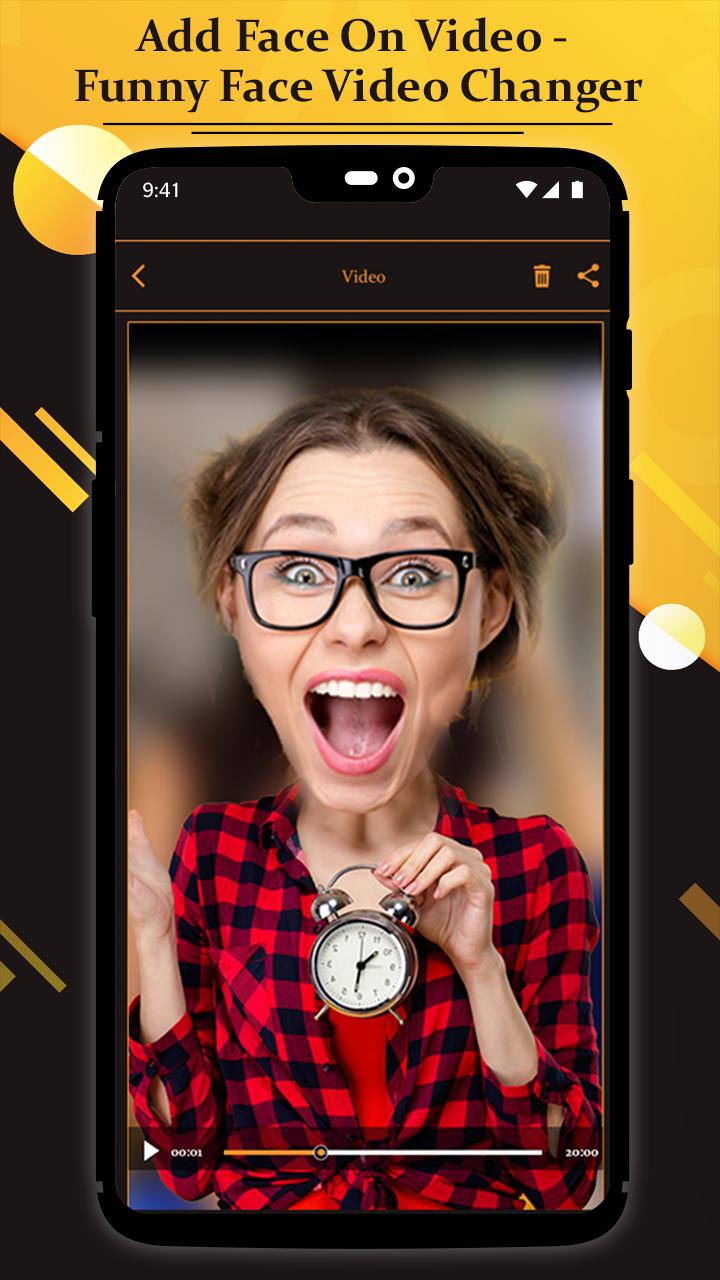
Substituting a new face onto someone else's body in a video can be fast and easy or extremely time-intensive, depending on the tools you have and how realistic you need the effect to be.
You can achieve a professional effect using the app Add Face On Video - Funny Face Video Changer.
Using a few well-chosen photos, you can substitute a face on a video using this app Add Face On Video - Funny Face Video Changer on your smartphone.
Make sure you adjust the photo's position for frames where the person in the video is moving his head.
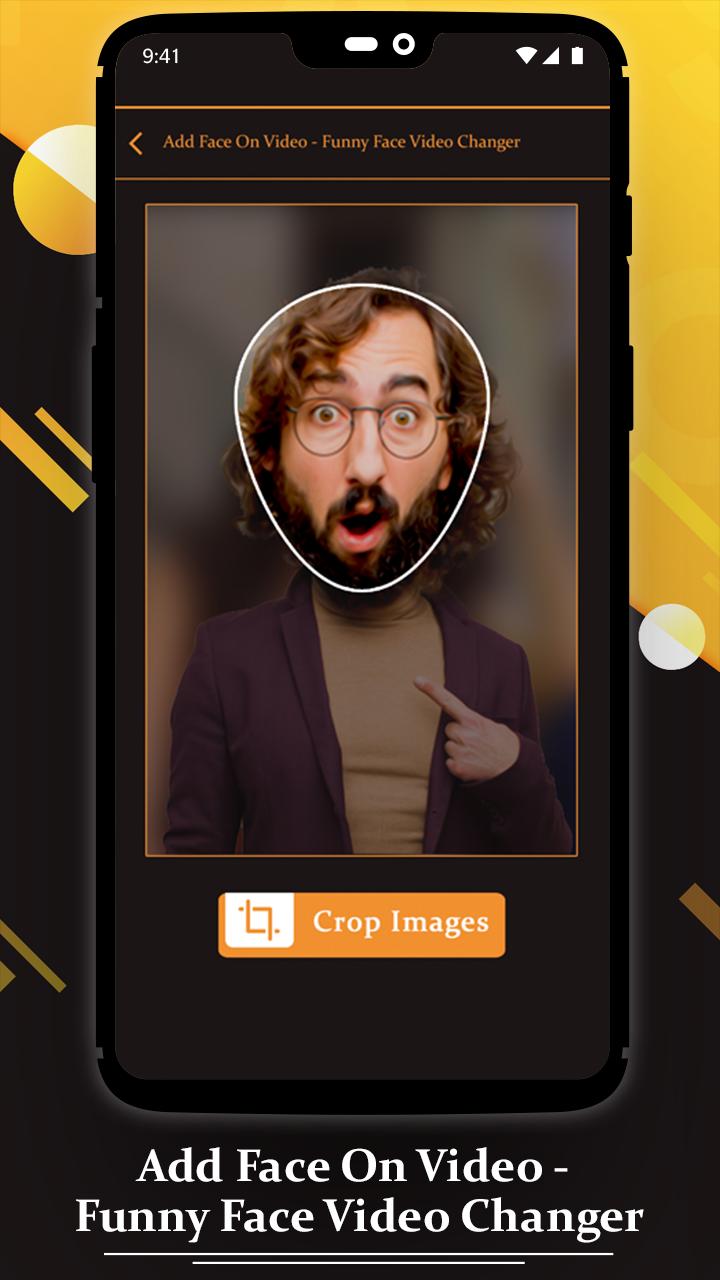
Prepare the photo of the face by removing all unnecessary elements around the face. The photo of the face should not include any background scenery or body parts.
Share your created video clip with your friends and make fun.
features
- Easy and fast create funny video
- add emojis, funny pic on videos
- Easy to place anyone’s face on clip
- Simple to crop and edit face image
- Share it with your friends
How to Use?
- Go to download and Install Add Face On Video - Funny Face Video Changer app
- Click on App icon and "Start" the app
- Open the video project in which you intend to insert the face photo.
- After Select video, choose a face pic which you want to add in video
-Import the face photo into the library of your video project.
- Select video from web and Download it.
- After Finish the process, you can see edited video on "My Creation"
-Crate funny videos and make fun with your friends!!!
Avance
Información
Desarrollador
Animation Message
La última versión
9.0
Última actualización
2021-04-29
Categoría
Video-players-editors
Disponible en
Google Play
Mostrar más
Cómo jugar Add Face On Video - Funny Face Video Changer con GameLoop en PC
1. Descargue GameLoop desde el sitio web oficial, luego ejecute el archivo exe para instalar GameLoop.
2. Abra GameLoop y busque "Add Face On Video - Funny Face Video Changer", busque Add Face On Video - Funny Face Video Changer en los resultados de búsqueda y haga clic en "Instalar".
3. Disfruta jugando Add Face On Video - Funny Face Video Changer en GameLoop.
Minimum requirements
OS
Windows 8.1 64-bit or Windows 10 64-bit
GPU
GTX 1050
CPU
i3-8300
Memory
8GB RAM
Storage
1GB available space
Recommended requirements
OS
Windows 8.1 64-bit or Windows 10 64-bit
GPU
GTX 1050
CPU
i3-9320
Memory
16GB RAM
Storage
1GB available space