
LUGO: App for Seamless Travels para PC
Hugo Mobility Pte Ltd
Descarga LUGO: App for Seamless Travels en PC con GameLoop Emulator
LUGO: App for Seamless Travels en PC
LUGO: App for Seamless Travels, proveniente del desarrollador Hugo Mobility Pte Ltd, se ejecuta en el sistema Android en el pasado.
Ahora, puedes jugar LUGO: App for Seamless Travels en PC con GameLoop sin problemas.
Descárgalo en la biblioteca de GameLoop o en los resultados de búsqueda. No más mirar la batería o llamadas frustrantes en el momento equivocado nunca más.
Simplemente disfrute de LUGO: App for Seamless Travels PC en la pantalla grande de forma gratuita!
LUGO: App for Seamless Travels Introducción
LUGO Transport and Mobility App
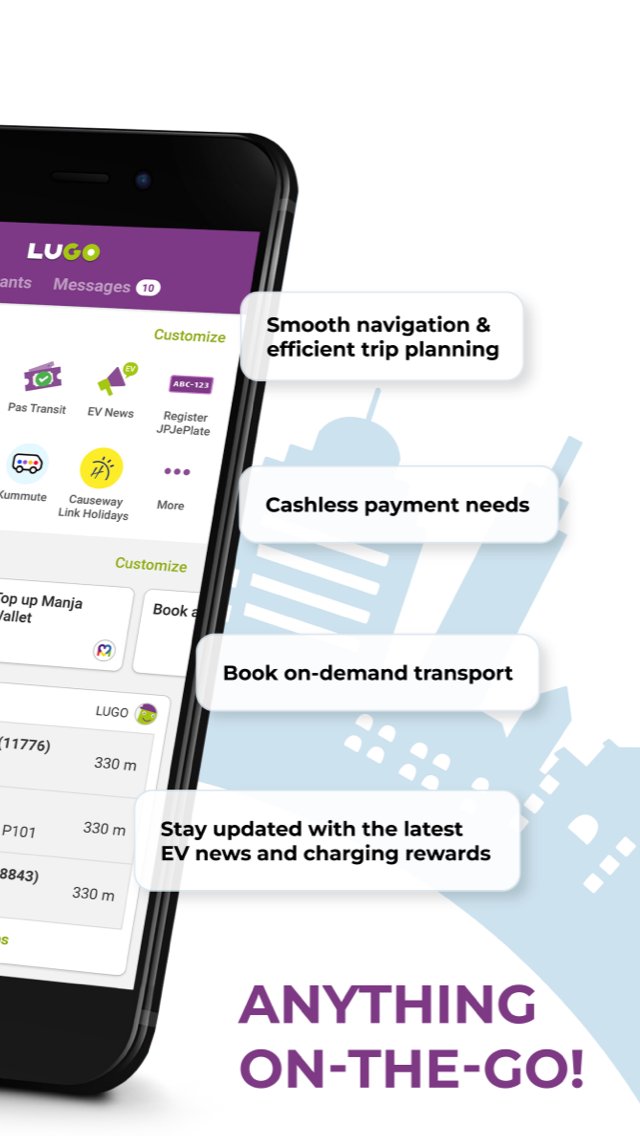
LUGO is a privately developed transport and mobility app that helps users with navigation, trip planning, schedule information, and selected public and private transport services. LUGO brings together supported mobility features to make travel planning and commuting more convenient.
Services Available on LUGO Now:
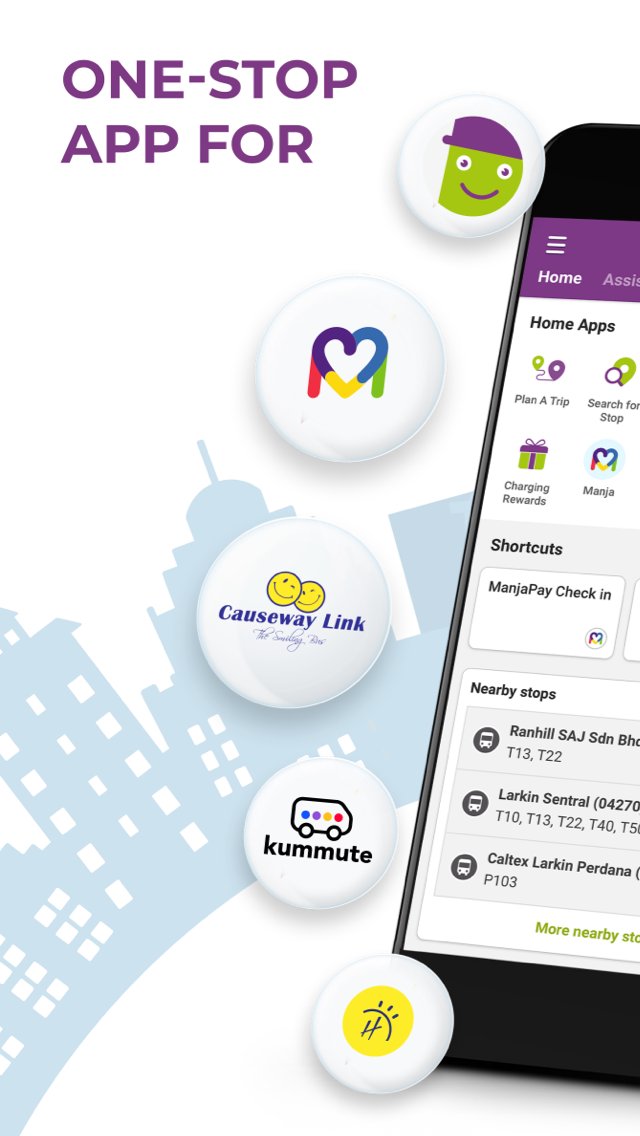
LUGO – A travel assistant that helps users plan journeys and view available transport options. Commuting from one place to another is made easier with multi-modal travel options for a smoother journey.
Manja – A simple and cashless way to pay for supported Causeway Link bus rides. Users can enable mobile payment to pay for supported bus fares without fumbling with coins.
EV Hub - Whether you’re gearing up to become an EV owner or looking to switch to a new electric car, LUGO is here to support your journey. Explore EV services designed to make your transition to electric smoother and more convenient.
Kummute – Your community ride. Kummute is a bus pooling service that works by combining your community's bookings. It then travels a route based on everyone’s pick-up and drop-off stops. With a booking, you get a guaranteed seat, affordable fares, and reliable service.
The assistant is currently supported in Singapore, Johor, and Kuala Lumpur.
Find Out More At:
https://lugo.com.my/
Connect with Us on Facebook:
https://www.fb.com/LUGOapp
Connect with Us on Twitter:
https://twitter.com/LUGOapp
Privacy Policy
Privacy policy can be found here: https://lugo.com.my/privacy-policy/
Government / Public Transport Information Disclaimer
LUGO is a privately developed application and is not affiliated with, endorsed by, authorized by, or operated by any government entity, including but not limited to the Government of Singapore, Land Transport Authority (LTA), Ministry of Transport (MOT), Road Transport Department Malaysia (JPJ), or other public transport authorities.
Transport, vehicle, EV, route, stop, schedule, fare, holiday, and public service information shown in the app is obtained only from the sources listed below, and may be processed through LUGO’s own transport platform before being displayed. No other sources are used.
Sources Used:
https://www.lta.gov.sg – Land Transport Authority of Singapore (LTA)
https://datamall.lta.gov.sg – LTA DataMall
https://www.mot.gov.sg – Ministry of Transport, Singapore (MOT)
https://www.jpj.gov.my – Road Transport Department Malaysia (JPJ)
https://bas.my – myBAS / Agensi Pengangkutan Awam Darat (APAD), Malaysia
https://www.causewaylink.com.my – Causeway Link (Handal Indah Sdn Bhd)
Users should refer to the official sources above for the latest and most authoritative government, public transport, vehicle, route, schedule, fare, holiday, and service information.
Avance
Etiquetas
Travel-&Información
Desarrollador
Hugo Mobility Pte Ltd
La última versión
1.8.6
Última actualización
2026-10-16
Categoría
Travel-local
Disponible en
Google Play
Mostrar más
Cómo jugar LUGO: App for Seamless Travels con GameLoop en PC
1. Descargue GameLoop desde el sitio web oficial, luego ejecute el archivo exe para instalar GameLoop.
2. Abra GameLoop y busque "LUGO: App for Seamless Travels", busque LUGO: App for Seamless Travels en los resultados de búsqueda y haga clic en "Instalar".
3. Disfruta jugando LUGO: App for Seamless Travels en GameLoop.
Minimum requirements
OS
Windows 8.1 64-bit or Windows 10 64-bit
GPU
GTX 1050
CPU
i3-8300
Memory
8GB RAM
Storage
1GB available space
Recommended requirements
OS
Windows 8.1 64-bit or Windows 10 64-bit
GPU
GTX 1050
CPU
i3-9320
Memory
16GB RAM
Storage
1GB available space