Zip RAR - File Compressor para PC
Ninelogix Studio
Descarga Zip RAR - File Compressor en PC con GameLoop Emulator
Zip RAR - File Compressor en PC
Zip RAR - File Compressor, proveniente del desarrollador Ninelogix Studio, se ejecuta en el sistema Android en el pasado.
Ahora, puedes jugar Zip RAR - File Compressor en PC con GameLoop sin problemas.
Descárgalo en la biblioteca de GameLoop o en los resultados de búsqueda. No más mirar la batería o llamadas frustrantes en el momento equivocado nunca más.
Simplemente disfrute de Zip RAR - File Compressor PC en la pantalla grande de forma gratuita!
Zip RAR - File Compressor Introducción
Zip RAR Opener: RAR File Compressor!
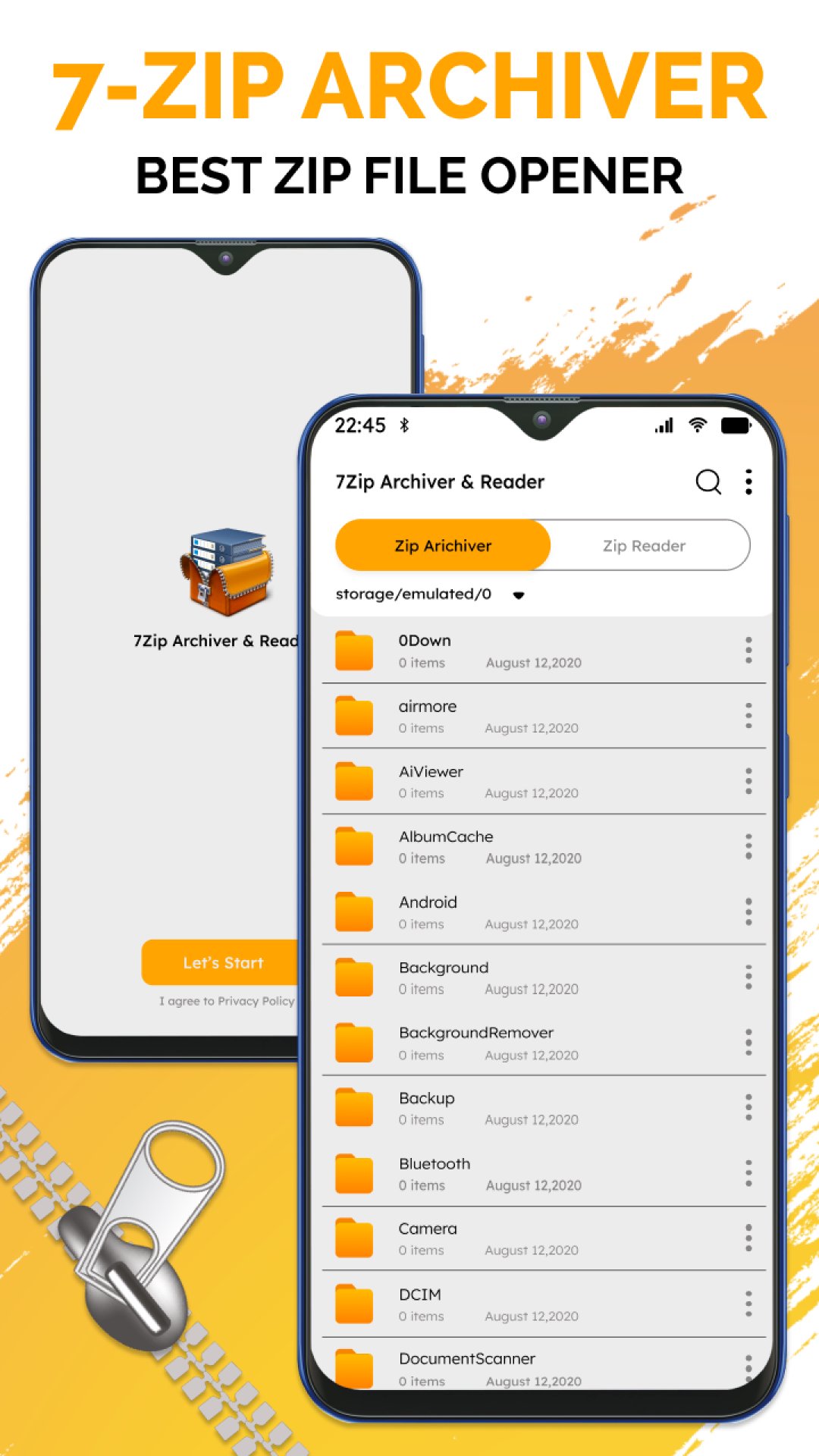
Looking for the ultimate tool to manage and compress your files effortlessly? Zip RAR Opener: RAR File Compressor is your all-in-one solution for compressing, extracting, and organizing files. Combining functionality and ease in a single application, this is a perfect choice for handling your files directly from your Android device.Simplify your file management with the RAR Compressor: Zip Extractor, and experience a seamless way to create, open, and share compressed files!
📄 Zip RAR Opener Key Features: 📄
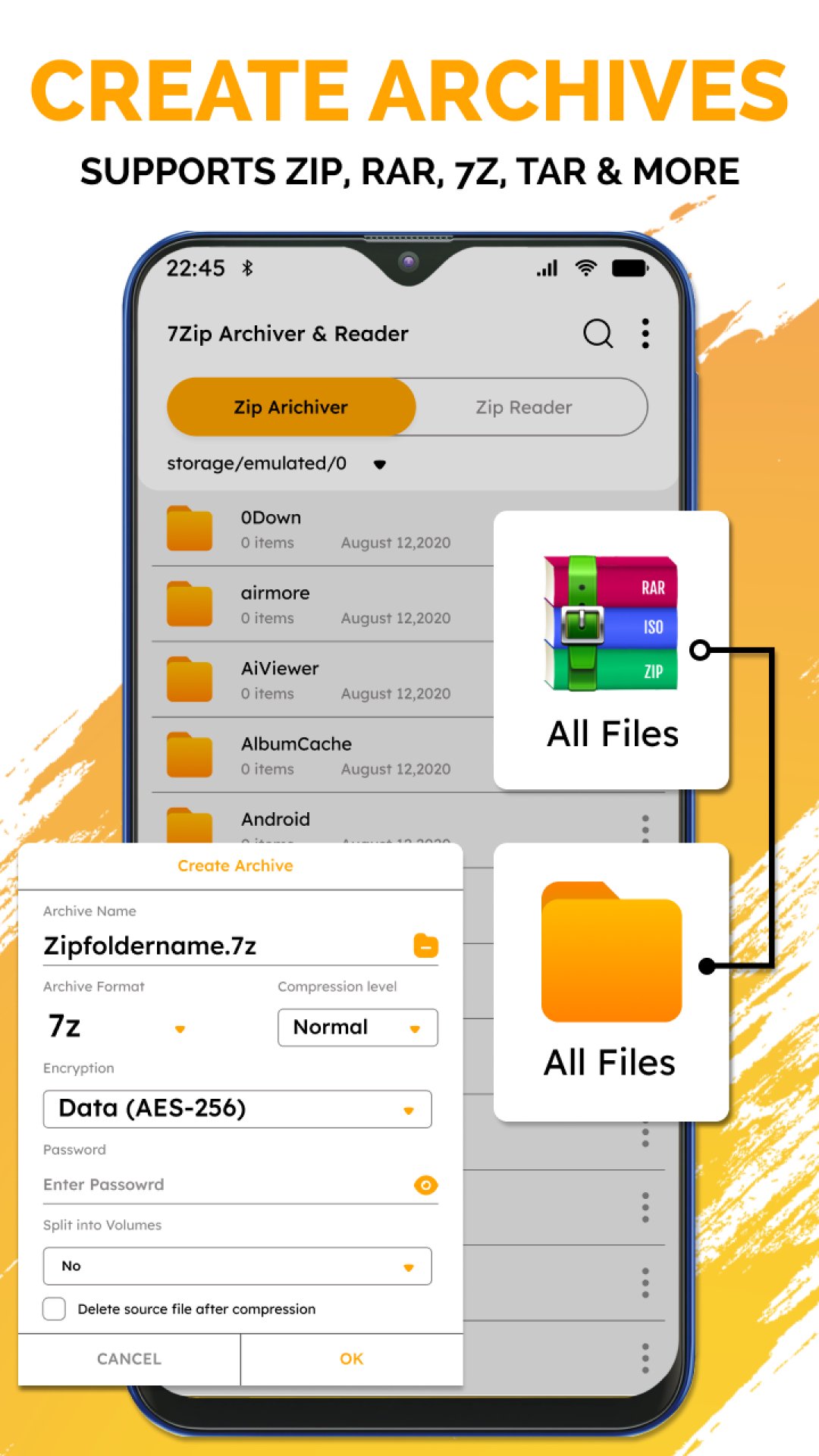
📂Compress and decompress files easily with the RAR Extractor Tool;
📂Open and extract files with the RAR File Extractor: Zip Opener;
📂Organize and manage your files with the RAR Manager: Zip File Opener;
📂Handle multiple compressed files simultaneously using the Zip File Extractor For Android;
📂Maintain file integrity while extracting archives with the RAR Extractor Tool;
📂Quickly share extracted files from the Zip RAR Opener: RAR File Compressor.
Effortless RAR Manager: Zip File Opener!
The RAR Compressor: Zip Extractor will help you easily compress and extract files. Whether you need to decompress data or open an archive, this app ensures that your files are handled efficiently and securely. With the RAR Manager: Zip File Opener, managing extensive archives or organizing your documents has never been easier. This tool guarantees smooth file handling every time, perfect for personal and professional use.Comprehensive File Management:🗃️
Take control of your files with the RAR File Extractor: Zip Opener. With the help of this tool, you will be able to operate several compressed files in one place. Rest assured that no file will get lost. In-app intuitive interface ensures fast and effortless operation of the file, even of the most extensive archives. With the Zip File Extractor For Android, you can keep all your essential files organized and easily accessible.
Share Files Without Hassle:📁
Using the RAR Extractor Tool, one can keep many files in a single archive and then easily share them. It ensures speed and safety in file sharing, making it suitable for sending big documents, photos, or any sort of data. Sharing has never been this easy and quick with the RAR File Extractor: Zip Opener.
Stay Productive on the Go:🗄️
With the Zip RAR Opener: RAR File Compressor, you can handle your files anywhere. The app supports various formats and ensures compatibility with most devices, providing a reliable tool for managing your archives. The Zip File Extractor For Android is designed to make your file-handling tasks smooth and efficient wherever you are.
Get Started with Zip RAR Opener Today!
Maximize your productivity and unclutter your life with the Zip RAR Opener: RAR File Compressor. Whether you need to compress, extract, or organize your files, this app has you covered. Try the RAR Compressor: Zip Extractor now and experience the ease of managing your files as you've never had it before!Avance
Etiquetas
HerramientasInformación
Desarrollador
Ninelogix Studio
La última versión
3.1.1
Última actualización
2025-01-16
Categoría
Herramientas
Disponible en
Google Play
Mostrar más
Cómo jugar Zip RAR - File Compressor con GameLoop en PC
1. Descargue GameLoop desde el sitio web oficial, luego ejecute el archivo exe para instalar GameLoop.
2. Abra GameLoop y busque "Zip RAR - File Compressor", busque Zip RAR - File Compressor en los resultados de búsqueda y haga clic en "Instalar".
3. Disfruta jugando Zip RAR - File Compressor en GameLoop.
Minimum requirements
OS
Windows 8.1 64-bit or Windows 10 64-bit
GPU
GTX 1050
CPU
i3-8300
Memory
8GB RAM
Storage
1GB available space
Recommended requirements
OS
Windows 8.1 64-bit or Windows 10 64-bit
GPU
GTX 1050
CPU
i3-9320
Memory
16GB RAM
Storage
1GB available space