
Wi Fi Automatic - Network Tool para PC
DanielParkApp
Descarga Wi Fi Automatic - Network Tool en PC con GameLoop Emulator
Wi Fi Automatic - Network Tool en PC
Wi Fi Automatic - Network Tool, proveniente del desarrollador DanielParkApp, se ejecuta en el sistema Android en el pasado.
Ahora, puedes jugar Wi Fi Automatic - Network Tool en PC con GameLoop sin problemas.
Descárgalo en la biblioteca de GameLoop o en los resultados de búsqueda. No más mirar la batería o llamadas frustrantes en el momento equivocado nunca más.
Simplemente disfrute de Wi Fi Automatic - Network Tool PC en la pantalla grande de forma gratuita!
Wi Fi Automatic - Network Tool Introducción
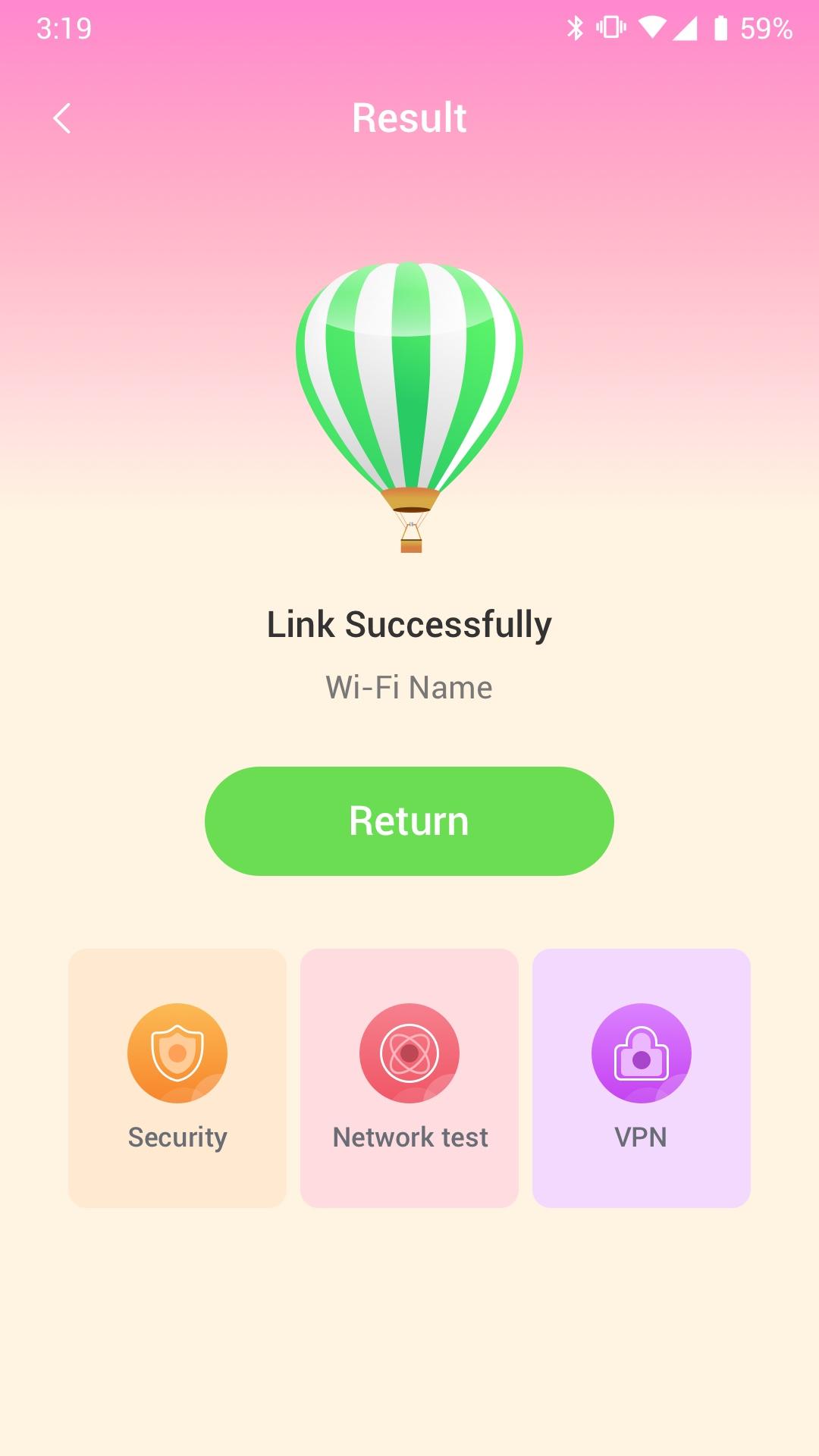
Wi Fi Automatic can efficiently query surrounding Wi-Fi hotspots and monitor the signal strength of all available WiFi networks
· Use WiFi Monitor to detect slow WiFi networks and identify poor signal strength.
· Use the Wi Fi Automatic app to scan all WiFi networks in your environment.
· Use the Wi Fi Automatic app to measure the signal strength of your WiFi network.
Wi Fi Automatic can help you diagnose various issues in your wifi network settings, internet connection, and also detect various issues on remote servers with the extensive tools it provides.
With Wi Fi Automatic's free tools and utilities, you can:
• Run WiFi and cellular speed tests, download and upload speed analysis and latency
• Use Wi Fi Automatic to scan the network and discover all devices connected to any network
Wifi signal display:
- Display text representation of signal strength
- Wifi network type (WEP, WPA, WPA2)
Wi-Fi Scanner:
- Fast and reliable detection of all network devices
- Vendor names, IP and MAC addresses of all discovered devices
Avance
Etiquetas
HerramientasInformación
Desarrollador
DanielParkApp
La última versión
1.0.3
Última actualización
2022-09-06
Categoría
Herramientas
Disponible en
Google Play
Mostrar más
Cómo jugar Wi Fi Automatic - Network Tool con GameLoop en PC
1. Descargue GameLoop desde el sitio web oficial, luego ejecute el archivo exe para instalar GameLoop.
2. Abra GameLoop y busque "Wi Fi Automatic - Network Tool", busque Wi Fi Automatic - Network Tool en los resultados de búsqueda y haga clic en "Instalar".
3. Disfruta jugando Wi Fi Automatic - Network Tool en GameLoop.
Minimum requirements
OS
Windows 8.1 64-bit or Windows 10 64-bit
GPU
GTX 1050
CPU
i3-8300
Memory
8GB RAM
Storage
1GB available space
Recommended requirements
OS
Windows 8.1 64-bit or Windows 10 64-bit
GPU
GTX 1050
CPU
i3-9320
Memory
16GB RAM
Storage
1GB available space