
Volume Booster - Sound Booster para PC
Coocent
Descarga Volume Booster - Sound Booster en PC con GameLoop Emulator
Volume Booster - Sound Booster en PC
Volume Booster - Sound Booster, proveniente del desarrollador Coocent, se ejecuta en el sistema Android en el pasado.
Ahora, puedes jugar Volume Booster - Sound Booster en PC con GameLoop sin problemas.
Descárgalo en la biblioteca de GameLoop o en los resultados de búsqueda. No más mirar la batería o llamadas frustrantes en el momento equivocado nunca más.
Simplemente disfrute de Volume Booster - Sound Booster PC en la pantalla grande de forma gratuita!
Volume Booster - Sound Booster Introducción
Max Volume Booster & Loud Speaker Booster for local music players and online music streaming can boost the volume of your phone and tablet to get a louder volume than the system default. Useful for listening to music, watching movies, setting alarm clocks, listening to audiobooks, playing games, and more. This volume booster app also works for headphones and Bluetooth speakers, 100% free and easy to use.
Lightweight and user-friendly, this sound booster is easy to tune and increases headphone volume as well as Bluetooth audio! Use our super volume booster to volume up easily and listen to super crisp, outstanding HD sound quality with rich audio depth! 🎶
If you want to boost the volume to exceed the default system volume,
If you feel your music is not loud enough,
If you are having a party and want to add more excitement,
Try this Super Volume Booster - Sound Booster and all your audio problems will be solved!
💖 Music Volume Booster & Audio Enhancer can increase all media volume: including music, recordings, audiobooks, videos, games, ringtones, alarm clocks, and notifications. Break the default volume limit, listen to louder sounds for music, video, and webcasts.
💖 Headphone Volume Booster & Speaker Amplifier supports boosting the volume of phone speakers, external speakers, headphones, and Bluetooth devices.
💖 Different from normal volume booster apps, Max Volume Booster combines volume control and volume boost into one seamless tool—controlling your phone volume has never been easier! One click to quickly amplify your phone volume to maximum, and you will listen to a powerful loud sound right away.
💖 Efficiently boost the speaker without distortion . We noticed that many volume boost apps cause distortion when amplifying audio, so with Volume Booster , we worked to provide you with a smooth and crystal-clear sound boost experience.
🔝 Volume Booster & Speaker Amplifier Features
Simple, powerful & free sound control app to boost your speaker
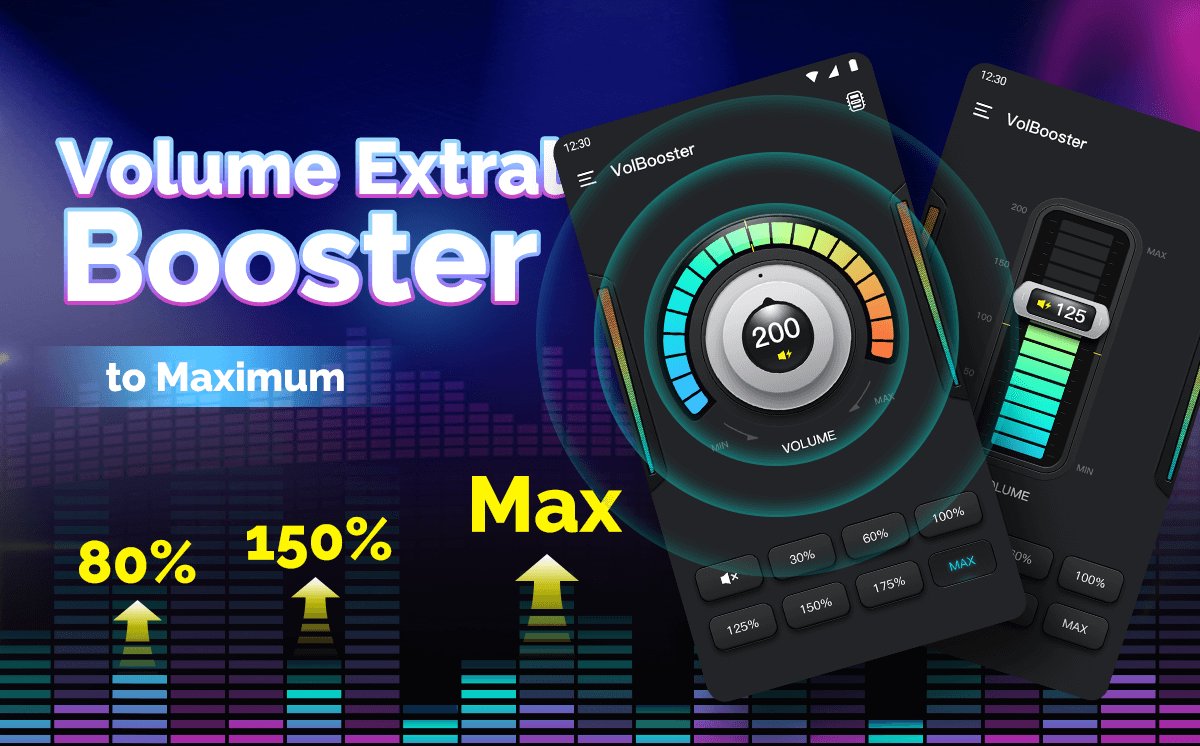
Experience 200% louder sound for all your media
Lightweight volume amplifier app with low resource usage
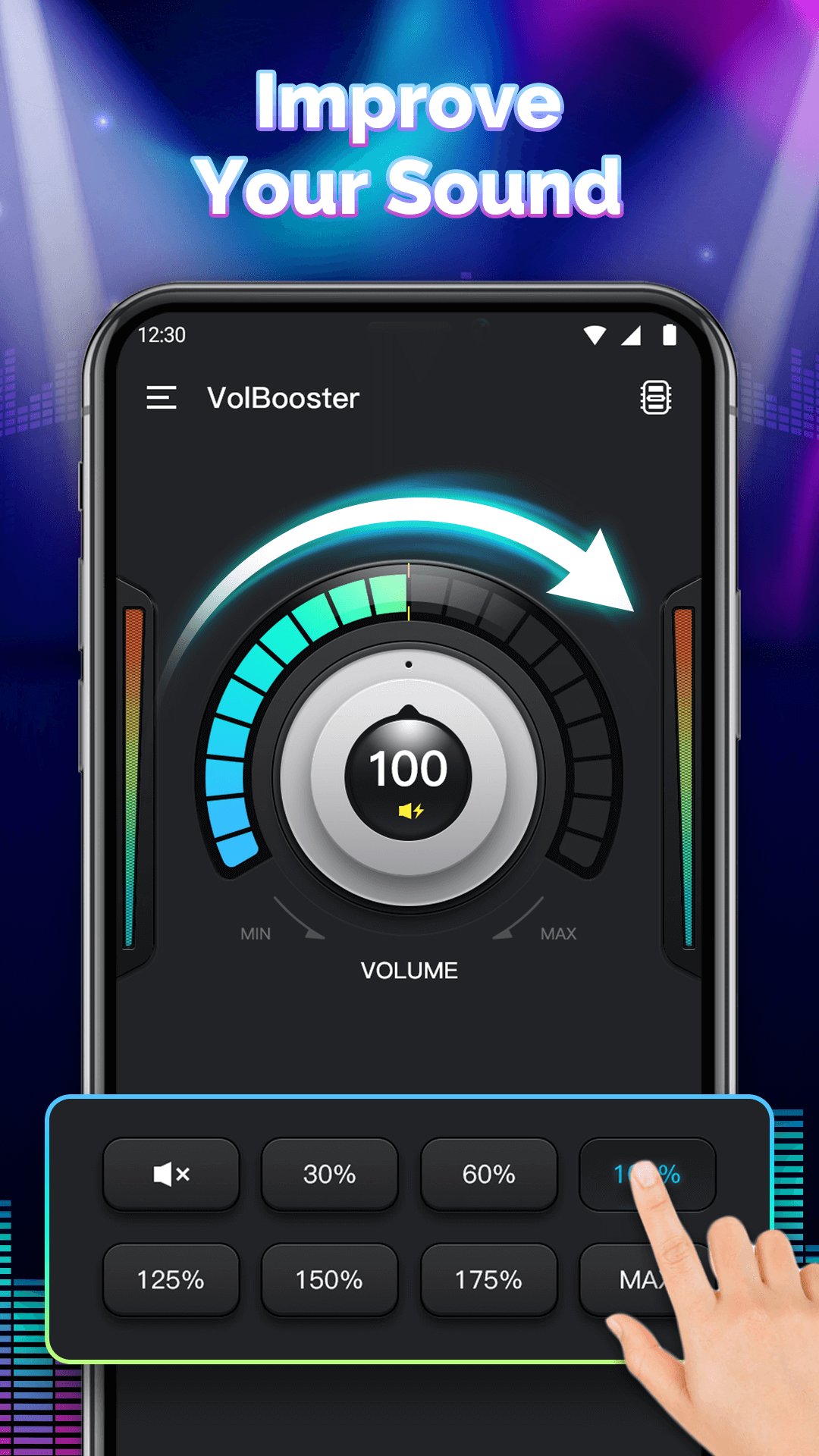
Simple user interface, start up with just one click
Compatible with all Bluetooth headphones and speakers
Volume up with clean sound and zero distortion
Sleek and intuitive UI interface
🎧 Suitable for Most People or Scenes :
Best alarm amplifier for heavy sleepers
Hearing assistance tool for elderly users
Street performer speaker enhancer
Optimize car stereo volume for road trips
🔝 To enjoy the max sound volume level :
Open the Volume Booster app
Start your music, videos, or movies
Adjust the sound level you need
Leave Volume Booster running smoothly in the background
Disclaimer: use at your own risk. Playing audio at high volumes, especially for a prolonged amount of time, can destroy speakers and/or damage hearing.
Volume Booster is a simple yet powerful free app to boost your phone or tablet to maximize volume . You only need one tap to enjoy a louder volume than the system default and turn your phone into a portable megaphone or loudspeaker! Try it now—the BEST extra volume booster app ever!
Avance
Etiquetas
HerramientasInformación
Desarrollador
Coocent
La última versión
1.3.5
Última actualización
2026-11-20
Categoría
Herramientas
Disponible en
Google Play
Mostrar más
Cómo jugar Volume Booster - Sound Booster con GameLoop en PC
1. Descargue GameLoop desde el sitio web oficial, luego ejecute el archivo exe para instalar GameLoop.
2. Abra GameLoop y busque "Volume Booster - Sound Booster", busque Volume Booster - Sound Booster en los resultados de búsqueda y haga clic en "Instalar".
3. Disfruta jugando Volume Booster - Sound Booster en GameLoop.
Minimum requirements
OS
Windows 8.1 64-bit or Windows 10 64-bit
GPU
GTX 1050
CPU
i3-8300
Memory
8GB RAM
Storage
1GB available space
Recommended requirements
OS
Windows 8.1 64-bit or Windows 10 64-bit
GPU
GTX 1050
CPU
i3-9320
Memory
16GB RAM
Storage
1GB available space