
TV file transfer & TV Remote para PC
SM Infotech
Descarga TV file transfer & TV Remote en PC con GameLoop Emulator
TV file transfer & TV Remote en PC
TV file transfer & TV Remote, proveniente del desarrollador SM Infotech, se ejecuta en el sistema Android en el pasado.
Ahora, puedes jugar TV file transfer & TV Remote en PC con GameLoop sin problemas.
Descárgalo en la biblioteca de GameLoop o en los resultados de búsqueda. No más mirar la batería o llamadas frustrantes en el momento equivocado nunca más.
Simplemente disfrute de TV file transfer & TV Remote PC en la pantalla grande de forma gratuita!
TV file transfer & TV Remote Introducción
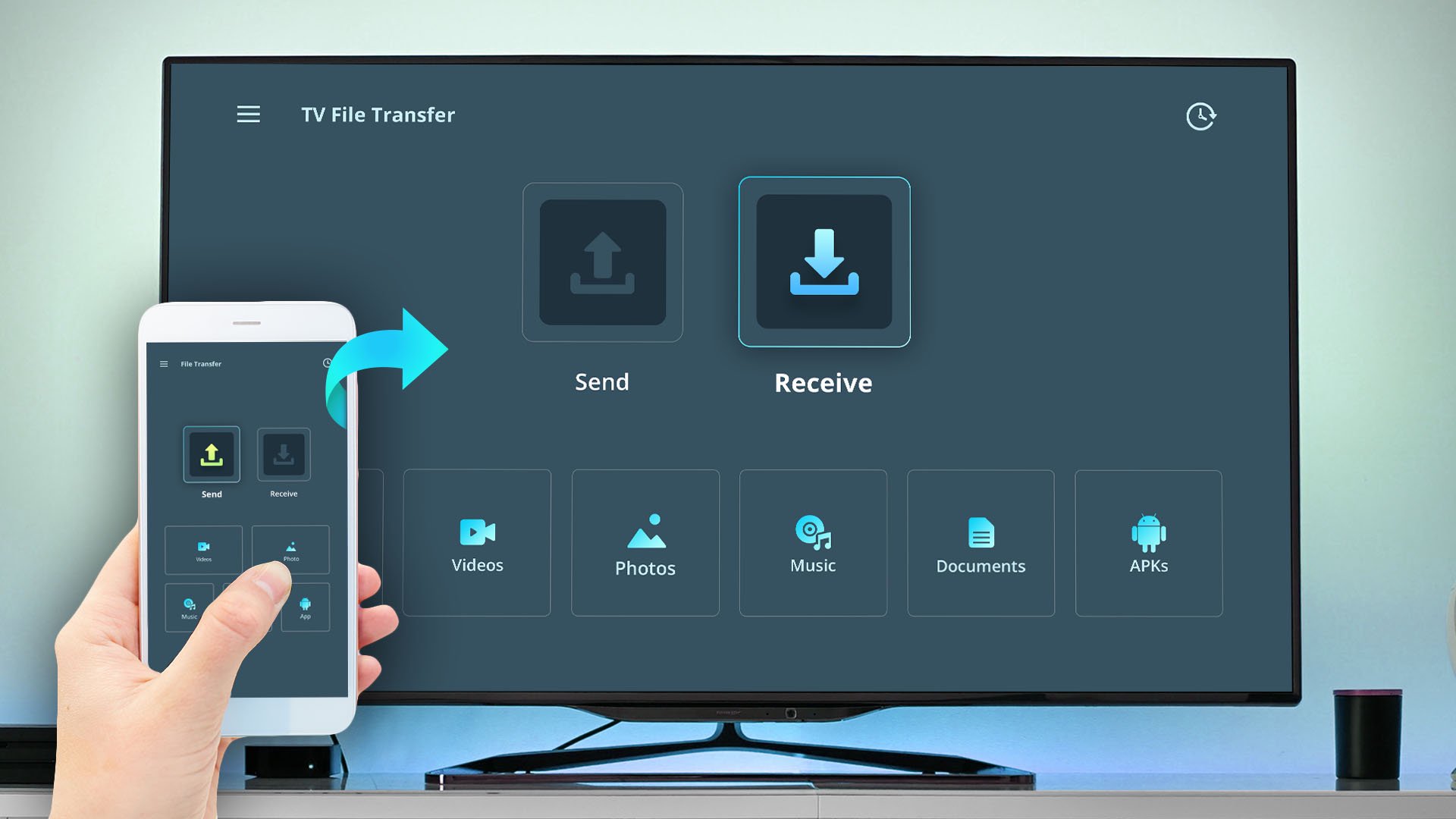
TV File Transfer is simple application to connect mobile with TV or other devices. Also it allows you to send/receive data like movies, photos, apk, music, documents from one device to another in a faster and simple way.
------------------------------------------------------------
✨ NEW FEATURE: TV Remote For Android TV
------------------------------------------------------------
Now you can use your mobile as a TV Remote.
• Tap on the TV Remote button → Nearby TVs will appear on the same WiFi → Select your TV → Enter the pairing code shown on TV → Start controlling.
• Use phone as remote to change channels, control volume, navigation, mute, power and more.
• Multiple Remote Themes choose from different remote designs based on your style and preference.
• Home Screen Remote Control Widget
Access remote controls directly from your device’s home screen.
App Features :
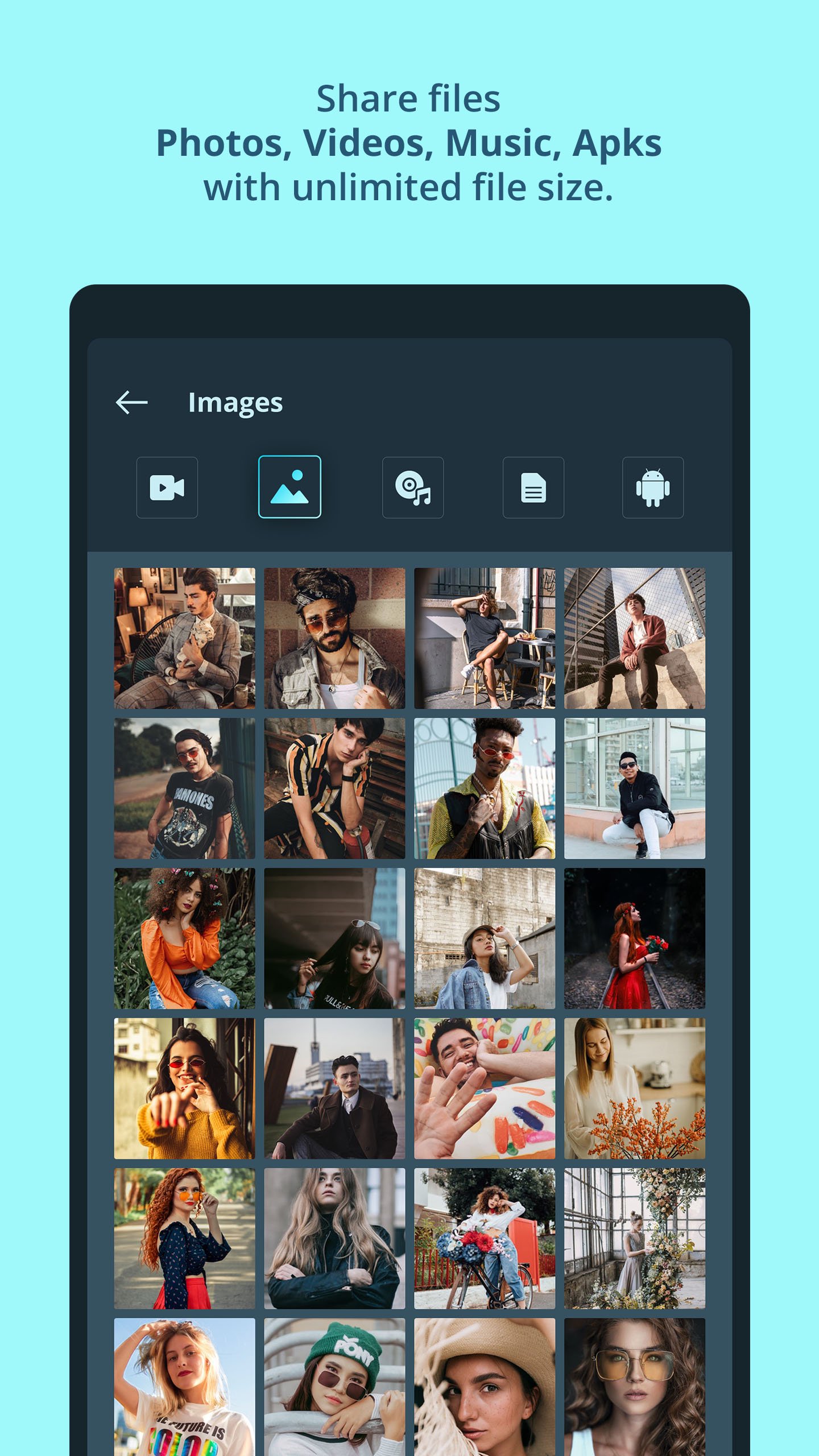
1. Transfer Photos, Videos, Music, Documents, apk with unlimited size from one device to TV with ease.
Enjoy fast TV file transfer, smooth media sharing, and reliable connection for all your important files.
2. App discovers automatically other devices connected in Same WiFi with "TV File Transfer" app installed.
Making the connection quick and simple. Just select the device and start sharing instantly — no manual setup or complicated pairing required.
3. Transfer data with speed using Local WiFi network - works much faster that Bluetooth.
Offering speeds far better than traditional Bluetooth. Transfer movies, large videos with wireless connection.
4. Storage Manager allows view and easy access of data on TV or other devices.
It use to browse, organize, and manage all your files directly on your TV or devices. Quickly view media, check folders, and access phone data in the app.
To able to use TV Transfer Files you must install app on both devices your TV & phone to able transfer files.
Avance
Etiquetas
HerramientasInformación
Desarrollador
SM Infotech
La última versión
1.3.0
Última actualización
2026-03-18
Categoría
Herramientas
Disponible en
Google Play
Mostrar más
Cómo jugar TV file transfer & TV Remote con GameLoop en PC
1. Descargue GameLoop desde el sitio web oficial, luego ejecute el archivo exe para instalar GameLoop.
2. Abra GameLoop y busque "TV file transfer & TV Remote", busque TV file transfer & TV Remote en los resultados de búsqueda y haga clic en "Instalar".
3. Disfruta jugando TV file transfer & TV Remote en GameLoop.
Minimum requirements
OS
Windows 8.1 64-bit or Windows 10 64-bit
GPU
GTX 1050
CPU
i3-8300
Memory
8GB RAM
Storage
1GB available space
Recommended requirements
OS
Windows 8.1 64-bit or Windows 10 64-bit
GPU
GTX 1050
CPU
i3-9320
Memory
16GB RAM
Storage
1GB available space