
Tone Generator: Frequency & So para PC
epsilon ventures
Descarga Tone Generator: Frequency & So en PC con GameLoop Emulator
Tone Generator: Frequency & So en PC
Tone Generator: Frequency & So, proveniente del desarrollador epsilon ventures, se ejecuta en el sistema Android en el pasado.
Ahora, puedes jugar Tone Generator: Frequency & So en PC con GameLoop sin problemas.
Descárgalo en la biblioteca de GameLoop o en los resultados de búsqueda. No más mirar la batería o llamadas frustrantes en el momento equivocado nunca más.
Simplemente disfrute de Tone Generator: Frequency & So PC en la pantalla grande de forma gratuita!
Tone Generator: Frequency & So Introducción
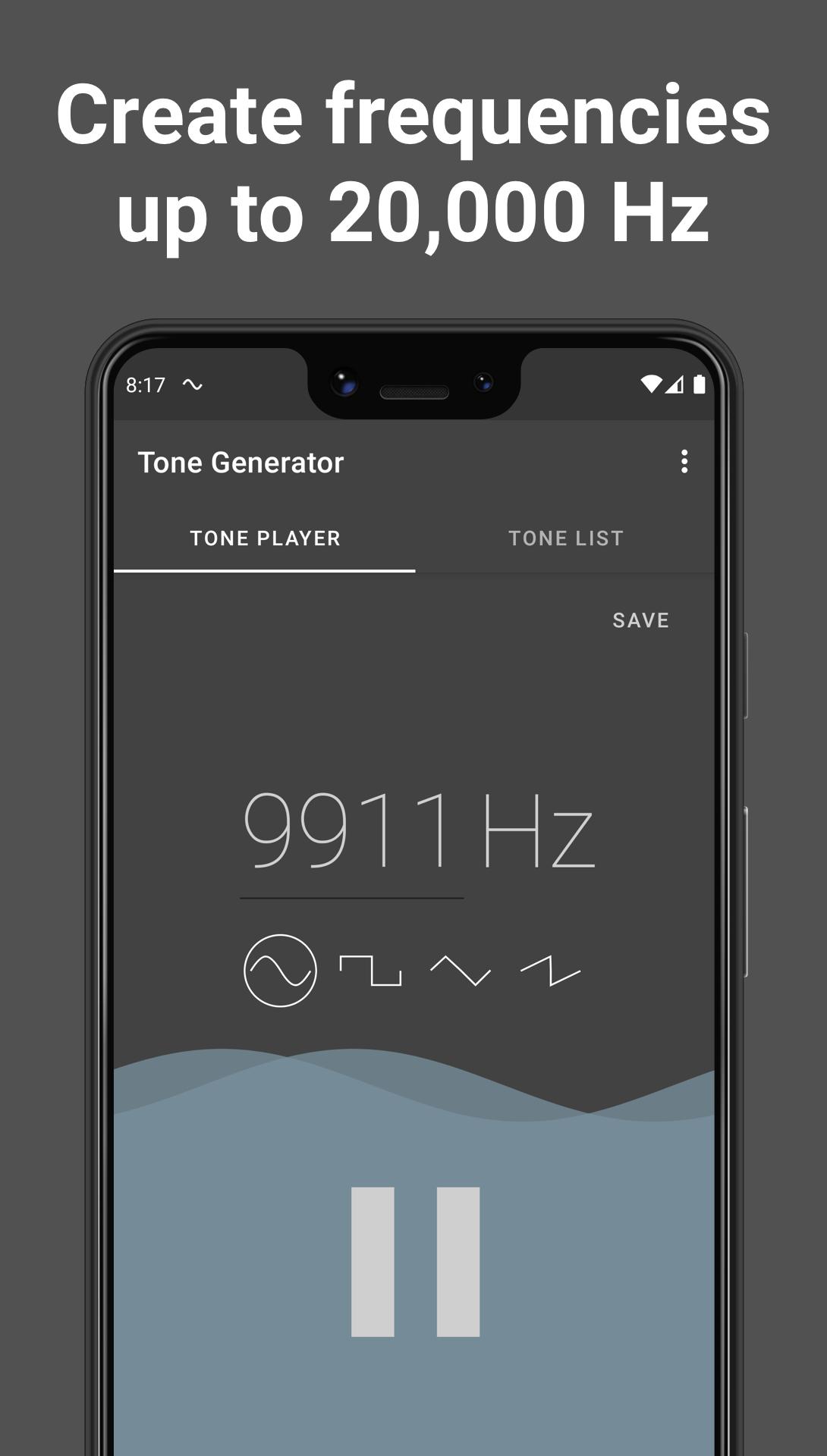
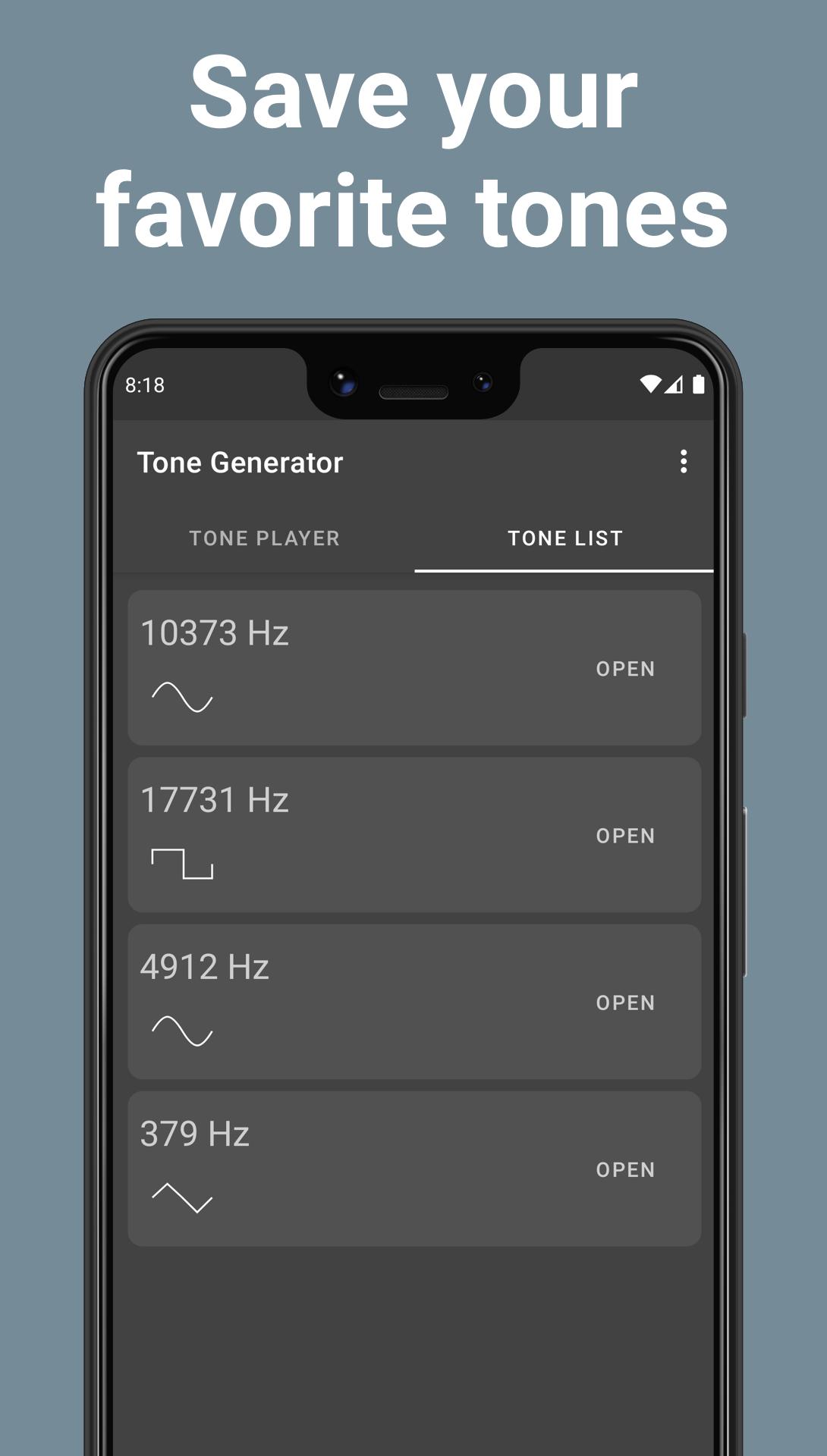
Tone Generator helps you build & play custom sound waves. This app lets you create sounds from low frequency all the way to high frequency.
A tone generator (also known as signal generator, noise generator, or frequency generator) lets you create a tone of varying frequency & waveform on demand.
The Signal Generator supports the following wave types:
🔊 sine wave
🔊 square wave
🔊 sawtooth wave
🔊 triangle wave
This app has the ability to generate noise from 1 hZ all the way up to 20,000 hertz.
Note: some humans may not be able to hear high frequency tones played by the sound generator. The sine wave function at high pitch functions similar to a dog whistle
How to use Tone Generator:
1. Slide the bar up & down to your desired frequency
2. Select one of the four wave generators (sine, square, sawtooth, triangle).
3. Tap the wave generator again to stop playing the sound.
The most beautiful sound generator & frequency generator!
Avance
Etiquetas
HerramientasInformación
Desarrollador
epsilon ventures
La última versión
2.2
Última actualización
2022-07-10
Categoría
Herramientas
Disponible en
Google Play
Mostrar más
Cómo jugar Tone Generator: Frequency & So con GameLoop en PC
1. Descargue GameLoop desde el sitio web oficial, luego ejecute el archivo exe para instalar GameLoop.
2. Abra GameLoop y busque "Tone Generator: Frequency & So", busque Tone Generator: Frequency & So en los resultados de búsqueda y haga clic en "Instalar".
3. Disfruta jugando Tone Generator: Frequency & So en GameLoop.
Minimum requirements
OS
Windows 8.1 64-bit or Windows 10 64-bit
GPU
GTX 1050
CPU
i3-8300
Memory
8GB RAM
Storage
1GB available space
Recommended requirements
OS
Windows 8.1 64-bit or Windows 10 64-bit
GPU
GTX 1050
CPU
i3-9320
Memory
16GB RAM
Storage
1GB available space