SNMP MIB Browser para PC
Zoho Corporation
Descarga SNMP MIB Browser en PC con GameLoop Emulator
SNMP MIB Browser en PC
SNMP MIB Browser, proveniente del desarrollador Zoho Corporation, se ejecuta en el sistema Android en el pasado.
Ahora, puedes jugar SNMP MIB Browser en PC con GameLoop sin problemas.
Descárgalo en la biblioteca de GameLoop o en los resultados de búsqueda. No más mirar la batería o llamadas frustrantes en el momento equivocado nunca más.
Simplemente disfrute de SNMP MIB Browser PC en la pantalla grande de forma gratuita!
SNMP MIB Browser Introducción
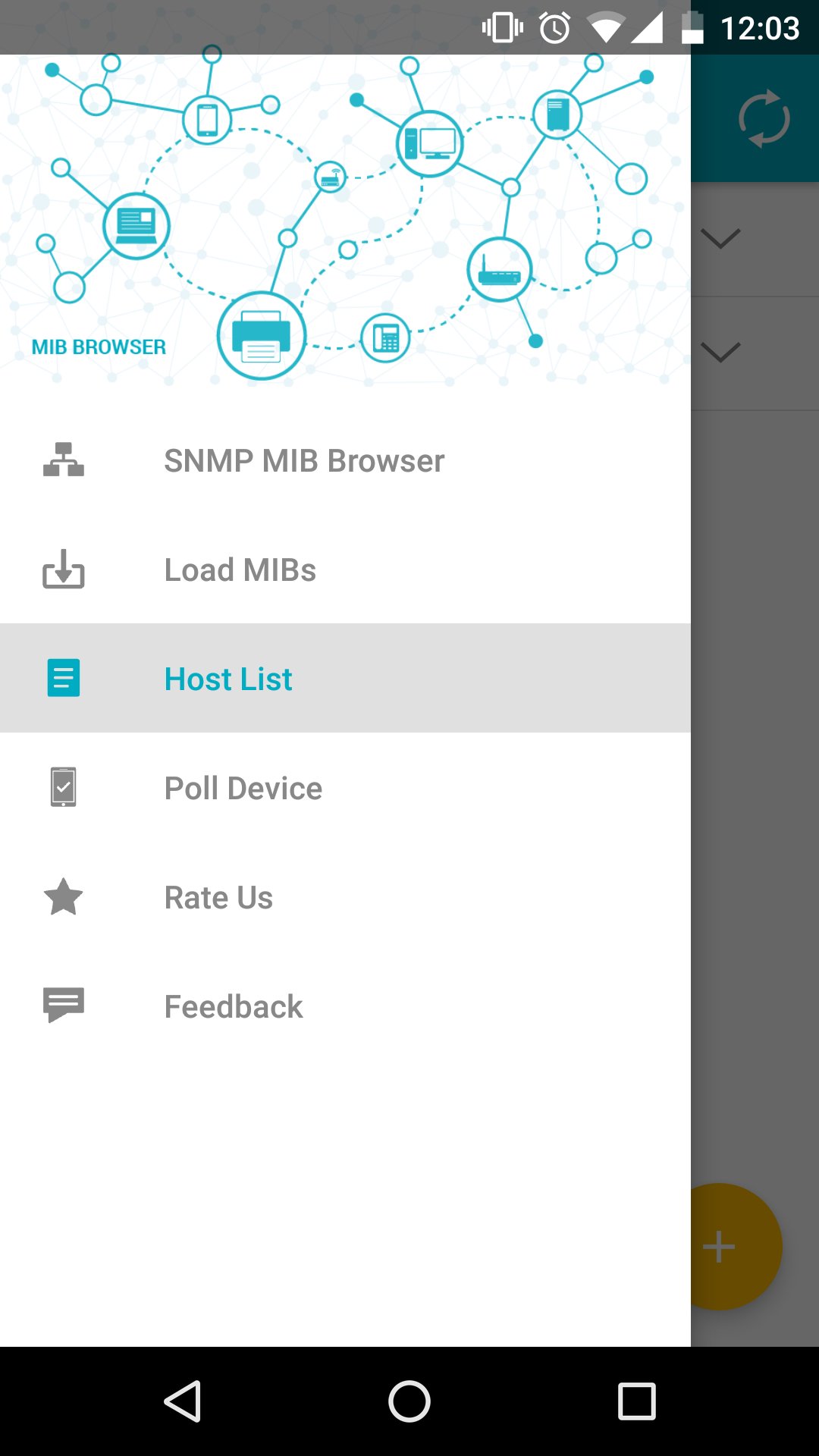
ManageEngine SNMP MIB Browser for Android enables the user to monitor and manage the MIB data for any SNMP enabled network devices like desktops, routers, switches, etc., on the move.
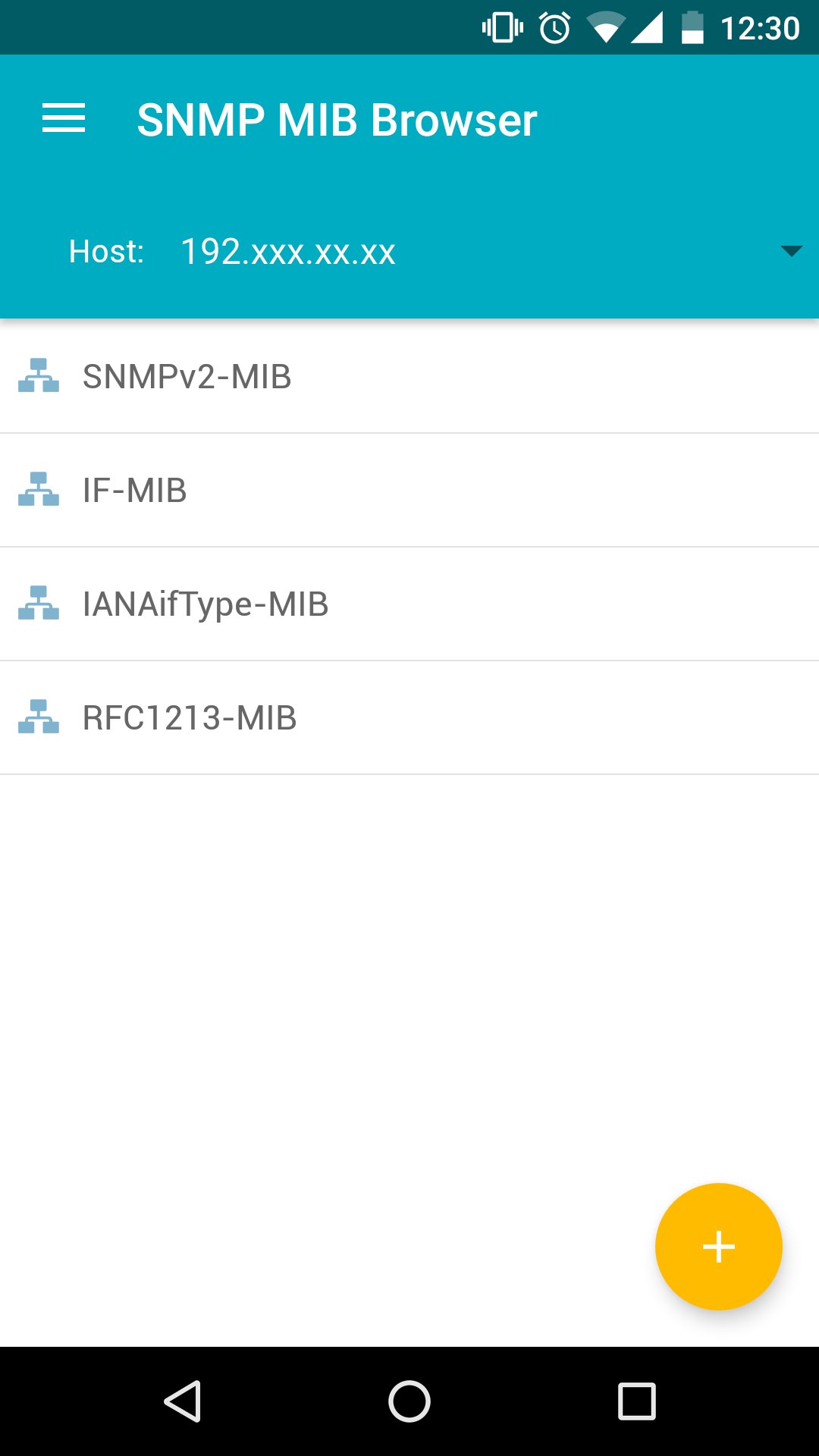
This app enables the user to load any standard MIB and fetch values from the devices. It fetches data for scalar/tabular groups and displays it in an intuitive user interface. It also supports SNMP SET operation, using which the user can modify the data on a device. MibBrowser supports SNMPv1, SNMPv2c and SNMPv3 versions. If User opts SNMPv3 version for communication, he has the option to select HMAC algorithms like MD5, SHA for authentication and DES, 3DES, AES-128, AES-192 and AES-256 for encryption.
Tool has an option to poll the SNMP enabled devices at a periodic interval, which is configurable.
Key Features :
* Load any MIB from any location on the device and fetch MIB data.
* Fetch MIB data in ALL versions of SNMP(v1, v2c, v3) from agents implemented by any vendors.
* Support for SNMP SET Operation.
* User can configure agent parameters
* Perform SNMP Polling for particular ObjectID on the device.
* Fetch MIB data of any scalar or tabular group, just by a click
* Support for MD5 and SHA authentication algorithms and DES, 3DES, AES-128, AES-192, AES-256 encryption for SNMPv3 packets.
* Tool remembers all device details like host, port, community string so that user need not enter these details every now and then.
Prerequisite :
To run this application, WiFi connectivity is required to communicate with the local Network/Internet.
Copy the required MIBs in the mibs directory, which would have been created during installation in the root path of the Memory card.
The MIB files should have .mib, .my, or .txt extensions, if any, and are not case sensitive.
While loading MIB files from a location other than the mibs directory created, load the dependent MIBs (if any) before loading the required MIB.
Avance
Etiquetas
HerramientasInformación
Desarrollador
Zoho Corporation
La última versión
2.3
Última actualización
2026-04-06
Categoría
Herramientas
Disponible en
Google Play
Mostrar más
Cómo jugar SNMP MIB Browser con GameLoop en PC
1. Descargue GameLoop desde el sitio web oficial, luego ejecute el archivo exe para instalar GameLoop.
2. Abra GameLoop y busque "SNMP MIB Browser", busque SNMP MIB Browser en los resultados de búsqueda y haga clic en "Instalar".
3. Disfruta jugando SNMP MIB Browser en GameLoop.
Minimum requirements
OS
Windows 8.1 64-bit or Windows 10 64-bit
GPU
GTX 1050
CPU
i3-8300
Memory
8GB RAM
Storage
1GB available space
Recommended requirements
OS
Windows 8.1 64-bit or Windows 10 64-bit
GPU
GTX 1050
CPU
i3-9320
Memory
16GB RAM
Storage
1GB available space