
Shakey Wakey: Shake Screen on para PC
StickyApple.com
Descarga Shakey Wakey: Shake Screen on en PC con GameLoop Emulator
Shakey Wakey: Shake Screen on en PC
Shakey Wakey: Shake Screen on, proveniente del desarrollador StickyApple.com, se ejecuta en el sistema Android en el pasado.
Ahora, puedes jugar Shakey Wakey: Shake Screen on en PC con GameLoop sin problemas.
Descárgalo en la biblioteca de GameLoop o en los resultados de búsqueda. No más mirar la batería o llamadas frustrantes en el momento equivocado nunca más.
Simplemente disfrute de Shakey Wakey: Shake Screen on PC en la pantalla grande de forma gratuita!
Shakey Wakey: Shake Screen on Introducción
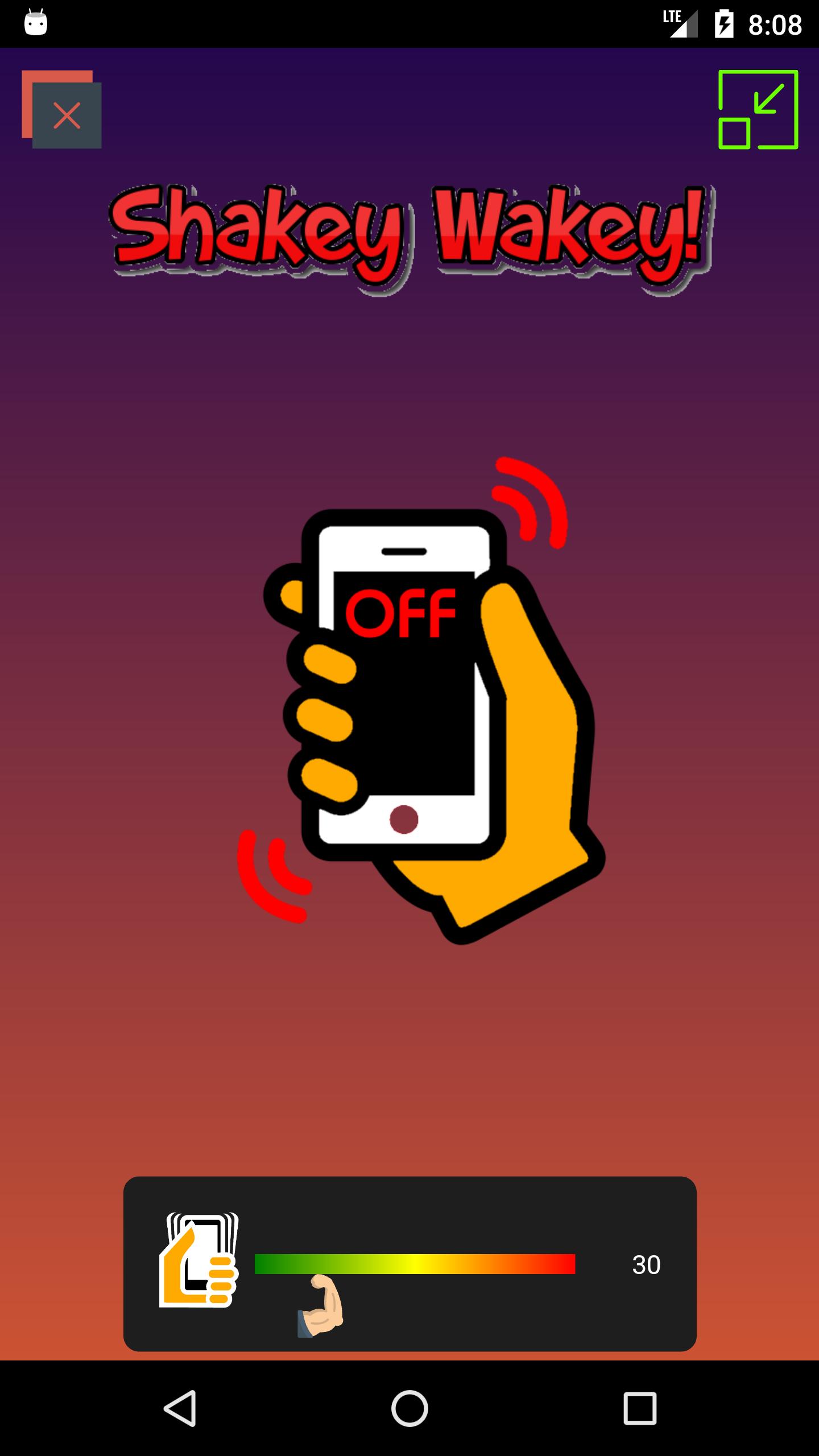
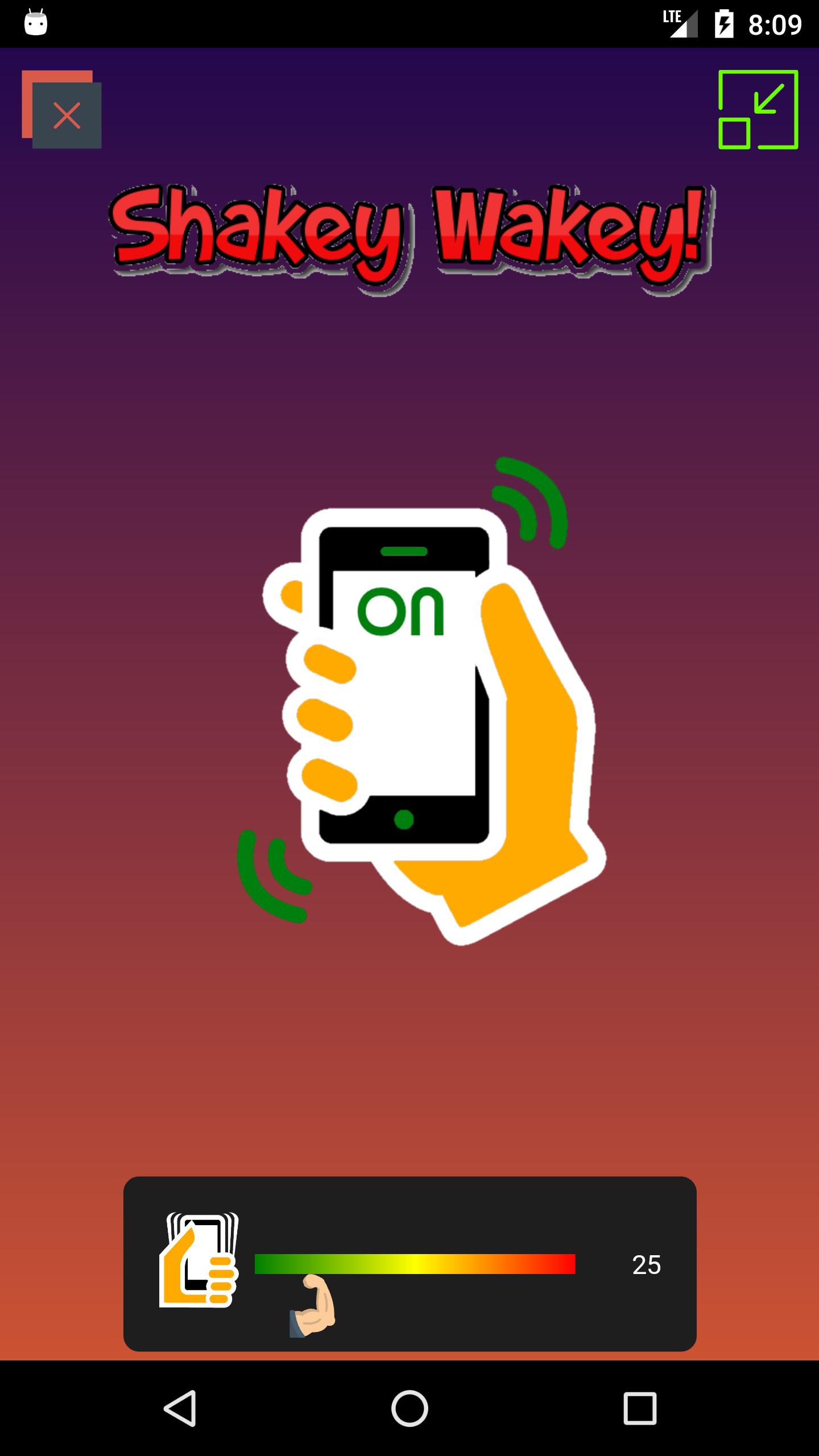
This app simply lets you shake to wake your phone - i.e. when your screen is off, you can shake it to turn it on.
- Customize the shake strength
- Runs in the background (battery friendly)
- A great alternative way to turn your screen on, just shake it, no need to touch it or tap anywhere, a great alternative for glove wearers - a quick way to see your lockscreen notifications or unlock your phone
- Great solution for users with a broken power button
Shake sensitivity varies across devices so try a few sensitivities around the 30 range until you find the strength that suits your requirements.
Any issues or questions please write to nutlondon@gmail.com
Avance
Etiquetas
HerramientasInformación
Desarrollador
StickyApple.com
La última versión
2.1.0
Última actualización
2022-10-28
Categoría
Herramientas
Disponible en
Google Play
Mostrar más
Cómo jugar Shakey Wakey: Shake Screen on con GameLoop en PC
1. Descargue GameLoop desde el sitio web oficial, luego ejecute el archivo exe para instalar GameLoop.
2. Abra GameLoop y busque "Shakey Wakey: Shake Screen on", busque Shakey Wakey: Shake Screen on en los resultados de búsqueda y haga clic en "Instalar".
3. Disfruta jugando Shakey Wakey: Shake Screen on en GameLoop.
Minimum requirements
OS
Windows 8.1 64-bit or Windows 10 64-bit
GPU
GTX 1050
CPU
i3-8300
Memory
8GB RAM
Storage
1GB available space
Recommended requirements
OS
Windows 8.1 64-bit or Windows 10 64-bit
GPU
GTX 1050
CPU
i3-9320
Memory
16GB RAM
Storage
1GB available space