
Sound Meter - Decibel Meter para PC
Tools Dev
Descarga Sound Meter - Decibel Meter en PC con GameLoop Emulator
Sound Meter - Decibel Meter en PC
Sound Meter - Decibel Meter, proveniente del desarrollador Tools Dev, se ejecuta en el sistema Android en el pasado.
Ahora, puedes jugar Sound Meter - Decibel Meter en PC con GameLoop sin problemas.
Descárgalo en la biblioteca de GameLoop o en los resultados de búsqueda. No más mirar la batería o llamadas frustrantes en el momento equivocado nunca más.
Simplemente disfrute de Sound Meter - Decibel Meter PC en la pantalla grande de forma gratuita!
Sound Meter - Decibel Meter Introducción
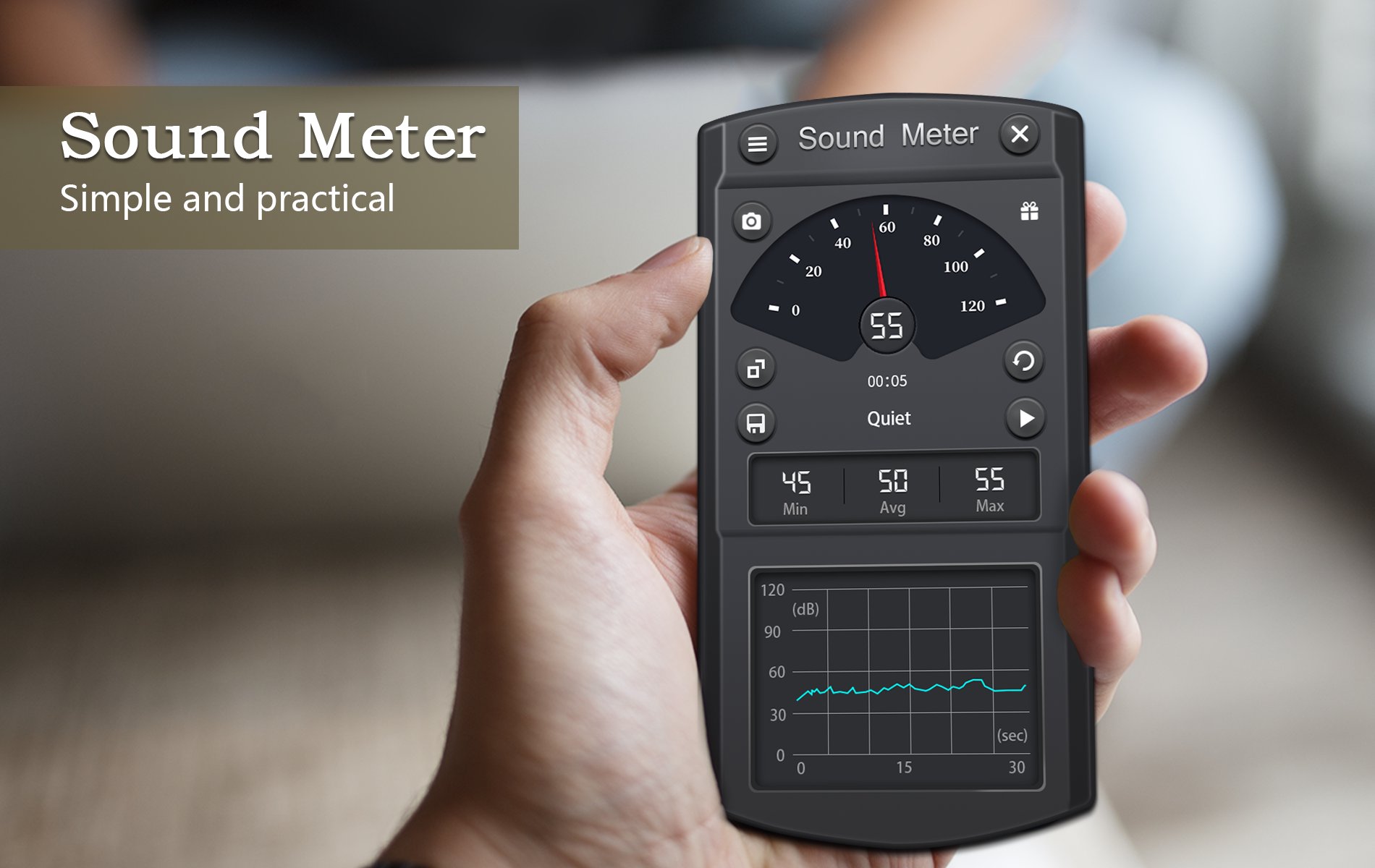
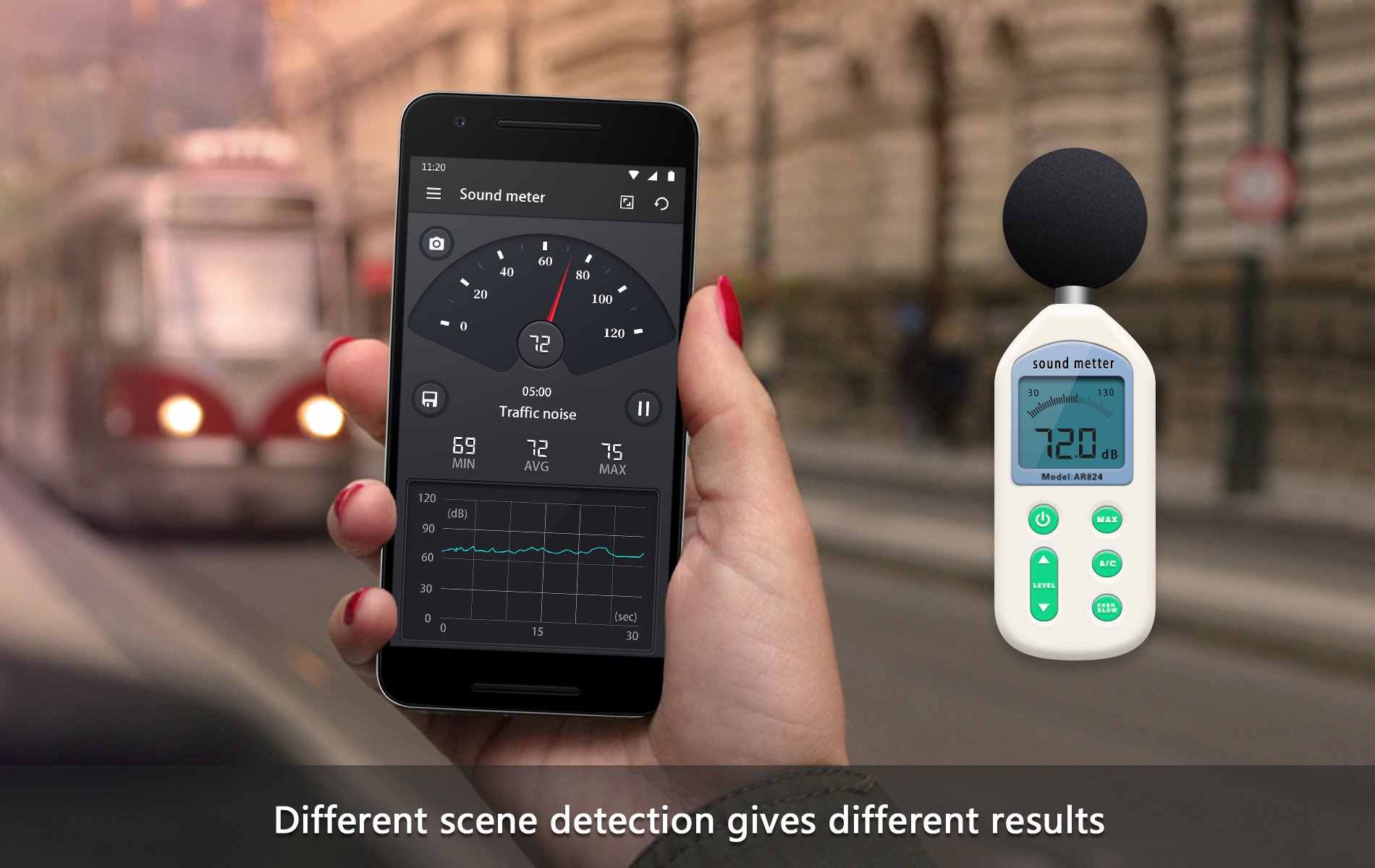
The sound meter app uses your microphone to measure noise volume in decibels (dB). With this decibel meter, you can easily measure the current level of environmental noise—your best helper to detect noise anywhere.
Sound meter features:
-Indicate decibel levels by an accurate gauge
-Display the current environmental noise reference
-Display min/avg/max decibel values in real time
-Display dB readings by a clear graph, easy to understand
-Calibrate the decibel level accurately for each device
-Show complete measurement histories
-Set custom warnings for high decibel noise
-Switch between white or black themes
-Transfer into a compact, smaller interface
Levels of Noise in decibels (dB) according to the American Academy of Audiology range from 20 dB to 120 dB—for example, 60 dB represents "Normal conversation".
If the interface is small when you open it, you should know it is a convenient mini mode. Tap the button under the dial gauge to switch the interface into a full-size view.
High decibel values are harmful to your physical and mental health as well as your hearing function. It is best to avoid prolonged exposure to noisy environments. To protect your health and your family's hearing, detect the decibel value right now! Do not hesitate—download this Sound Pressure Level (SPL) meter and noise detector app today.
Avance
Etiquetas
HerramientasInformación
Desarrollador
Tools Dev
La última versión
3.0.12
Última actualización
2026-11-19
Categoría
Herramientas
Disponible en
Google Play
Mostrar más
Cómo jugar Sound Meter - Decibel Meter con GameLoop en PC
1. Descargue GameLoop desde el sitio web oficial, luego ejecute el archivo exe para instalar GameLoop.
2. Abra GameLoop y busque "Sound Meter - Decibel Meter", busque Sound Meter - Decibel Meter en los resultados de búsqueda y haga clic en "Instalar".
3. Disfruta jugando Sound Meter - Decibel Meter en GameLoop.
Minimum requirements
OS
Windows 8.1 64-bit or Windows 10 64-bit
GPU
GTX 1050
CPU
i3-8300
Memory
8GB RAM
Storage
1GB available space
Recommended requirements
OS
Windows 8.1 64-bit or Windows 10 64-bit
GPU
GTX 1050
CPU
i3-9320
Memory
16GB RAM
Storage
1GB available space