MyFRITZ!App para PC
AVM GmbH
Descarga MyFRITZ!App en PC con GameLoop Emulator
MyFRITZ!App en PC
MyFRITZ!App, proveniente del desarrollador AVM GmbH, se ejecuta en el sistema Android en el pasado.
Ahora, puedes jugar MyFRITZ!App en PC con GameLoop sin problemas.
Descárgalo en la biblioteca de GameLoop o en los resultados de búsqueda. No más mirar la batería o llamadas frustrantes en el momento equivocado nunca más.
Simplemente disfrute de MyFRITZ!App PC en la pantalla grande de forma gratuita!
MyFRITZ!App Introducción
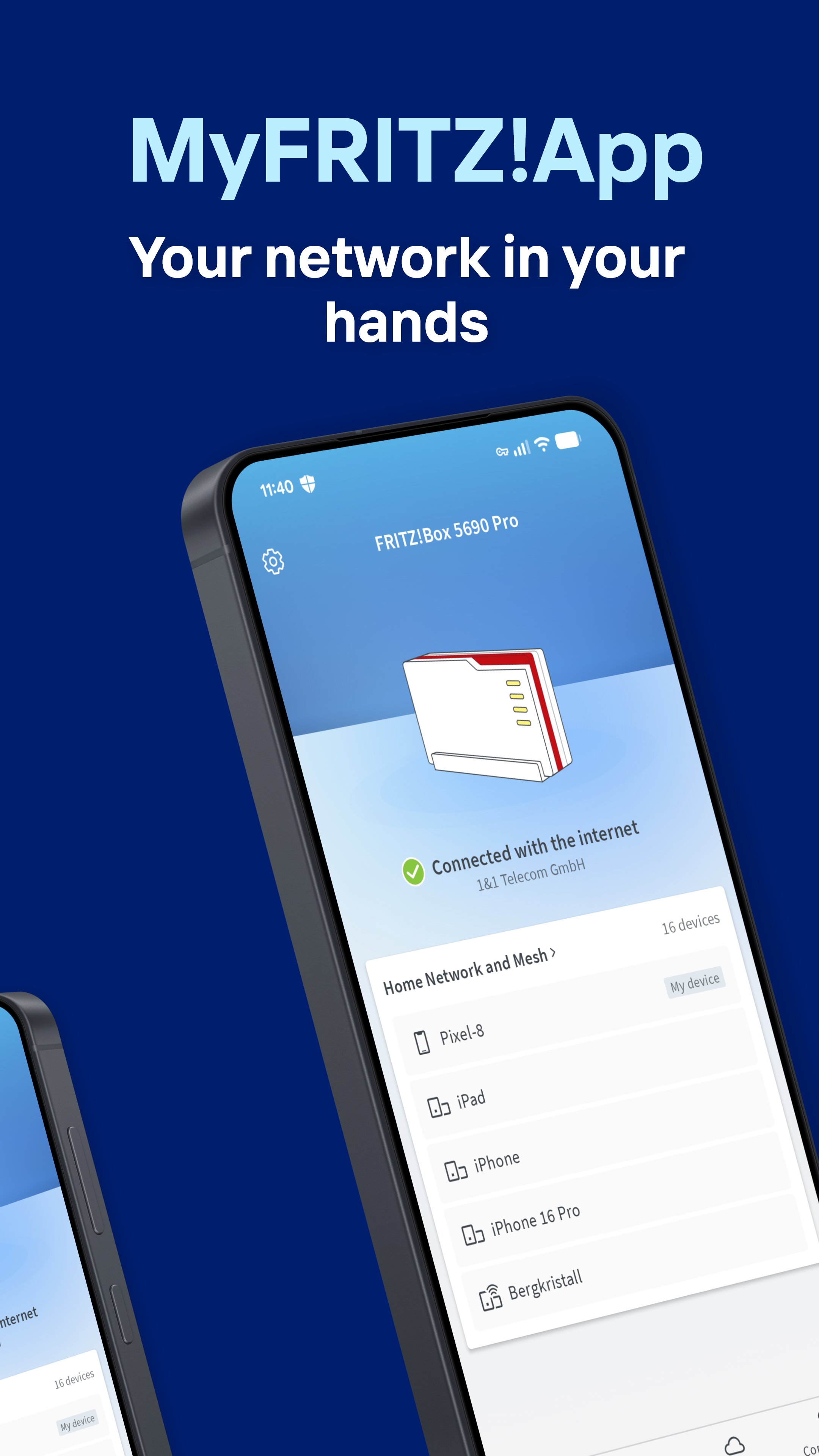
The MyFRITZ!App is your key to an intelligent, secure home network. With this app you always have complete control of your FRITZ!Box and all connected devices from everywhere.
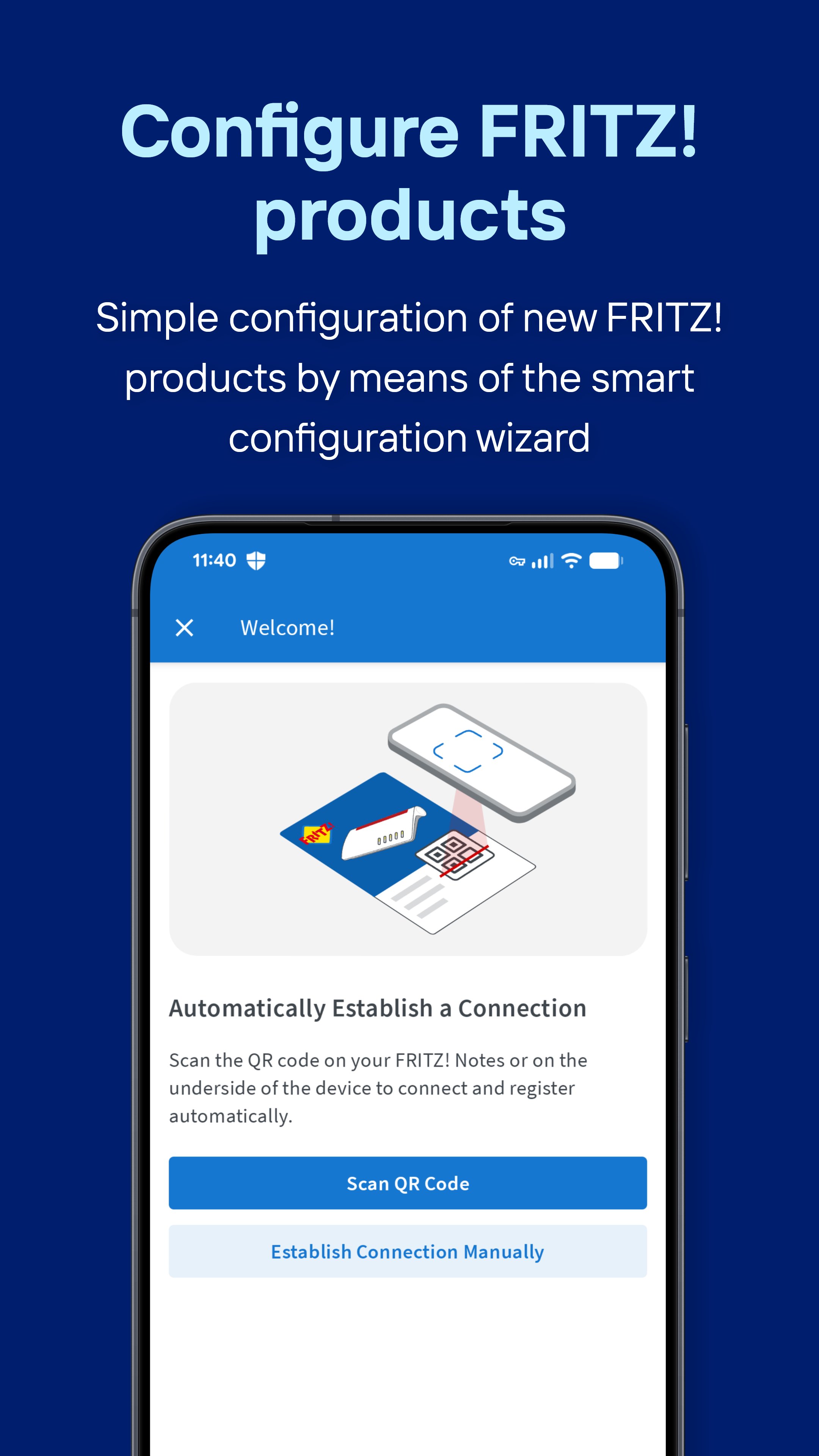
Simple configuration of new FRITZ! products
Thanks to the smart configuration wizard, new FRITZ!Boxes and FRITZ!Mesh Sets can be integrated into your home network effortlessly. A wizard takes you step by step through the configuration to ensure that everything works straightaway.
Control of your home network
Keep track of all devices and events in your home network. With the MyFRITZ!App you can prioritize devices, block internet access for selected devices, rename devices and much more. With just a few clicks, you can also establish a secure and private VPN connection to your FRITZ!Box, allowing you to access devices in your home network even when you’re on the go. Thanks to the MyFRITZ!App you always have complete control of your home network.
Share Wi-Fi access
Set up a Wi-Fi guest access for easy sharing via QR code. This way you can grant your guests fast, secure internet access without revealing your home network password. Of course, it is also easy to share access to your home network.
Access to your private cloud
With the NAS storage integrated in your FRITZ!Box you can access the data saved there from anywhere. Be it photos, videos or documents – your data is stored safely at your home.
Notifications in real time
Always keep informed about important events in your home network. The MyFRITZ!App notifies you immediately about missed calls, new voice messages or available updates for your FRITZ!Box.
Experience a new level of convenience and security for your home network with the MyFRITZ!App.
https://fritzhelp.avm.de/help/privacy/en
Avance
Etiquetas
HerramientasJuegos de mesaInformación
Desarrollador
AVM GmbH
La última versión
2.29.0
Última actualización
2026-08-31
Categoría
Herramientas
Disponible en
Google Play
Mostrar más
Cómo jugar MyFRITZ!App con GameLoop en PC
1. Descargue GameLoop desde el sitio web oficial, luego ejecute el archivo exe para instalar GameLoop.
2. Abra GameLoop y busque "MyFRITZ!App", busque MyFRITZ!App en los resultados de búsqueda y haga clic en "Instalar".
3. Disfruta jugando MyFRITZ!App en GameLoop.
Minimum requirements
OS
Windows 8.1 64-bit or Windows 10 64-bit
GPU
GTX 1050
CPU
i3-8300
Memory
8GB RAM
Storage
1GB available space
Recommended requirements
OS
Windows 8.1 64-bit or Windows 10 64-bit
GPU
GTX 1050
CPU
i3-9320
Memory
16GB RAM
Storage
1GB available space