
ML Manager: APK Extractor para PC
Javier Santos V.
Descarga ML Manager: APK Extractor en PC con GameLoop Emulator
ML Manager: APK Extractor en PC
ML Manager: APK Extractor, proveniente del desarrollador Javier Santos V., se ejecuta en el sistema Android en el pasado.
Ahora, puedes jugar ML Manager: APK Extractor en PC con GameLoop sin problemas.
Descárgalo en la biblioteca de GameLoop o en los resultados de búsqueda. No más mirar la batería o llamadas frustrantes en el momento equivocado nunca más.
Simplemente disfrute de ML Manager: APK Extractor PC en la pantalla grande de forma gratuita!
ML Manager: APK Extractor Introducción
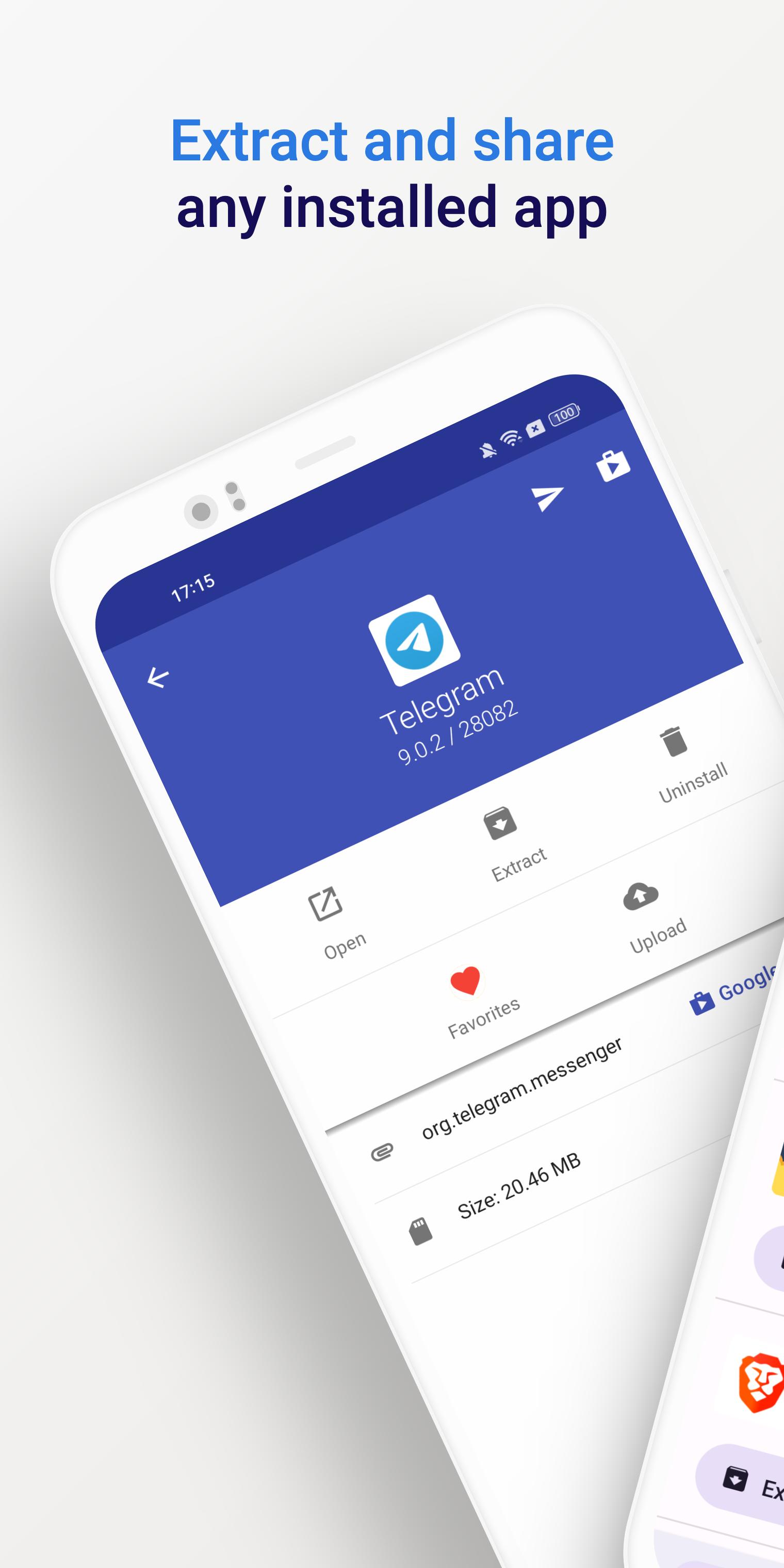
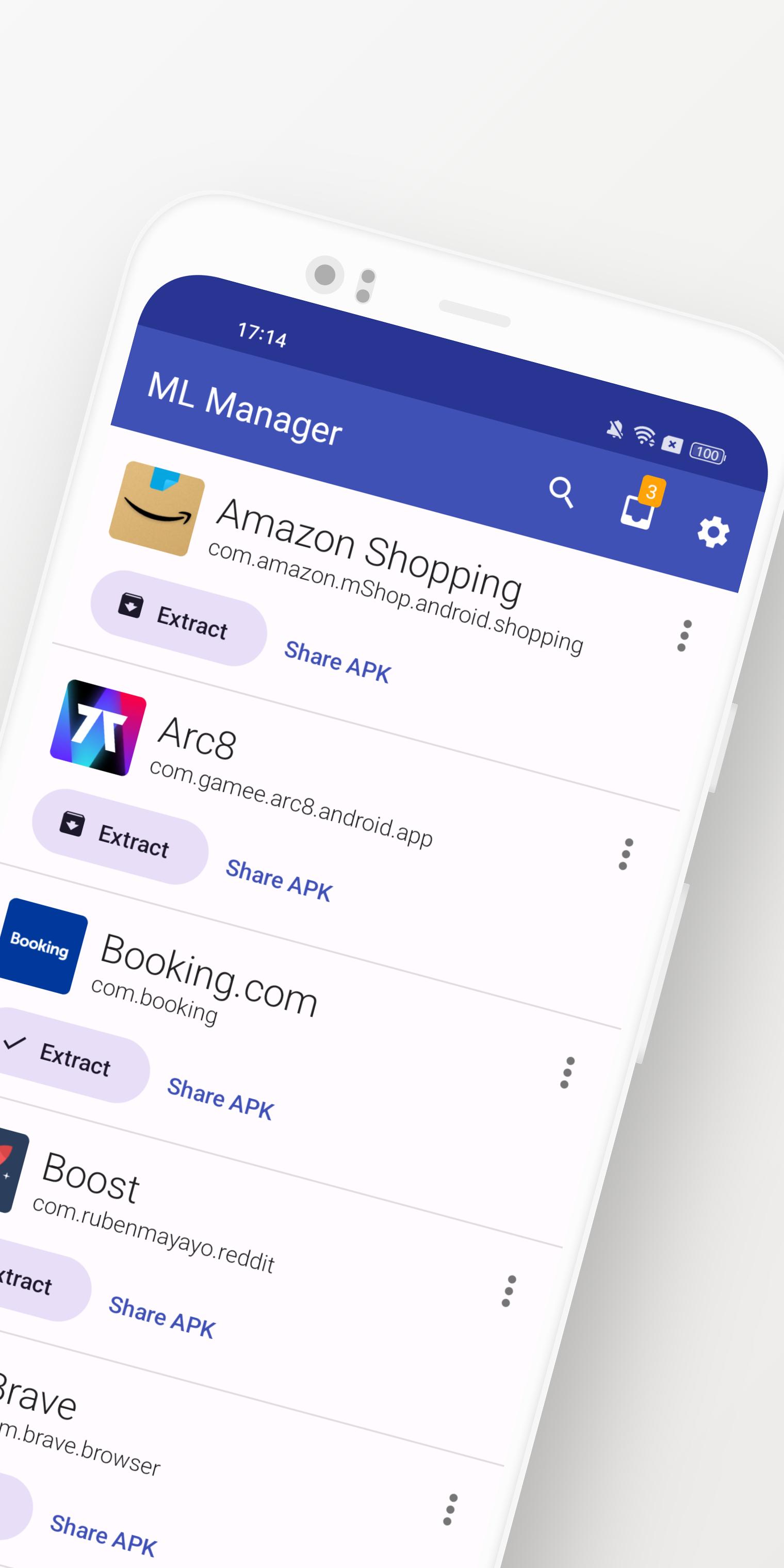
ML Manager is a customizable APK manager for Android: extract any installed app, mark them as favorites, easily share .apk files and much more.
Meet the easiest app manager and extractor with Material Design on Android.
Features:
• Extract any installed & system apps and save them as APK.
• Batch mode to extract multiple APKs at the same time.
• Share any APK with other apps: Telegram, Dropbox, Email, etc.
• Organize your apps by marking them as favorites for easier access.
• Upload your latest APKs to APKMirror.
• Uninstall any installed app.
• Customizations available in settings, including a dark mode, custom main colors and more.
• No root access required.
Need more features? Check out the Pro version with root access:
• Uninstall system apps. - Requires Root -
• Hide apps from the device launcher so only you can see them. - Requires Root -
• Clear cache & data for any app. - Requires Root -
• Enable the new and elegant compact mode.
• Always extract APKs in the background while you continue to extract other apps.
What is the media saying about ML Manager?
• AndroidPolice (EN): "ML Manager makes extracting APKs from your device easy."
• PhoneArena (EN): "With a combination of basic, essential features and a Material-inspired user interface, the app is definitely something to look out for."
• Xataka Android (ES): "ML Manager is the easiest way to extract and share APKs."
• HDBlog (IT): "If you need a simple, beautiful and optimized application, without losing basic and essential features, ML Manager is a good choice."
Avance
Etiquetas
HerramientasInformación
Desarrollador
Javier Santos V.
La última versión
5.0
Última actualización
2025-01-10
Categoría
Herramientas
Disponible en
Google Play
Mostrar más
Cómo jugar ML Manager: APK Extractor con GameLoop en PC
1. Descargue GameLoop desde el sitio web oficial, luego ejecute el archivo exe para instalar GameLoop.
2. Abra GameLoop y busque "ML Manager: APK Extractor", busque ML Manager: APK Extractor en los resultados de búsqueda y haga clic en "Instalar".
3. Disfruta jugando ML Manager: APK Extractor en GameLoop.
Minimum requirements
OS
Windows 8.1 64-bit or Windows 10 64-bit
GPU
GTX 1050
CPU
i3-8300
Memory
8GB RAM
Storage
1GB available space
Recommended requirements
OS
Windows 8.1 64-bit or Windows 10 64-bit
GPU
GTX 1050
CPU
i3-9320
Memory
16GB RAM
Storage
1GB available space