
MaxiTools para PC
MaxiECU
Descarga MaxiTools en PC con GameLoop Emulator
MaxiTools en PC
MaxiTools, proveniente del desarrollador MaxiECU, se ejecuta en el sistema Android en el pasado.
Ahora, puedes jugar MaxiTools en PC con GameLoop sin problemas.
Descárgalo en la biblioteca de GameLoop o en los resultados de búsqueda. No más mirar la batería o llamadas frustrantes en el momento equivocado nunca más.
Simplemente disfrute de MaxiTools PC en la pantalla grande de forma gratuita!
MaxiTools Introducción
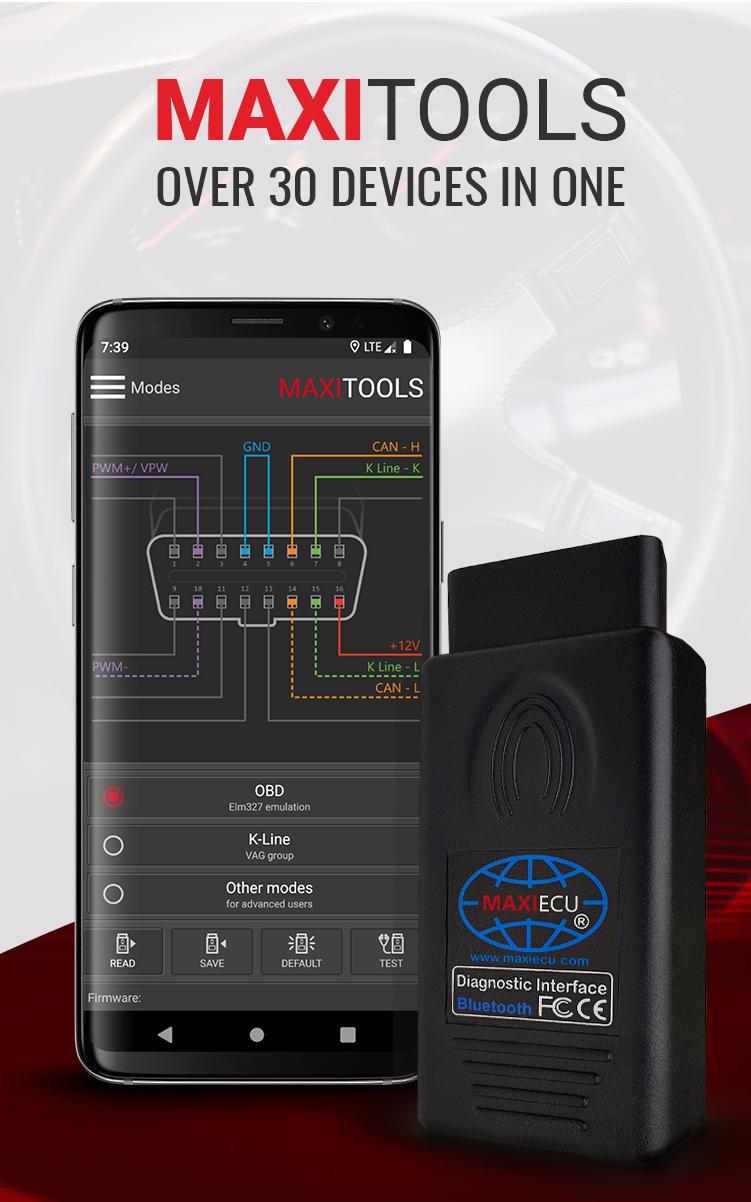
The MaxiTools application allows you to change the MaxiEcu (MPM) interface mode. Thanks to MaxiTools you can use all popular diagnostic programs available on the market - without necessary to buy a new interface to each one.
With MaxiTools you are able to modify the settings in the interface multiplexer and to run other modes, e.g.
✅ELM 327 operating mode
✅VAG-KKL mode
✅K-Line advanced mode.
Correctly set in advanced mode removes the need for using adapters. In addition, MaxiTools also has a test function with which you can check whether the multiplexer is working properly.
Simple operation, quick start
★ Connect the MaxiEcu (MPM) interface with the MaxiTool application
★ Choose the operating mode in the application
★ Run the selected diagnostic program and use its capabilities with the MaxiEcu (MPM) interface.
After work, the interface automatically returns to the original operating mode.
The application is intended only for MaxiEcu (MPM) interfaces. More information about interfaces you will find in our online store: www.maxiecu.eu/shop
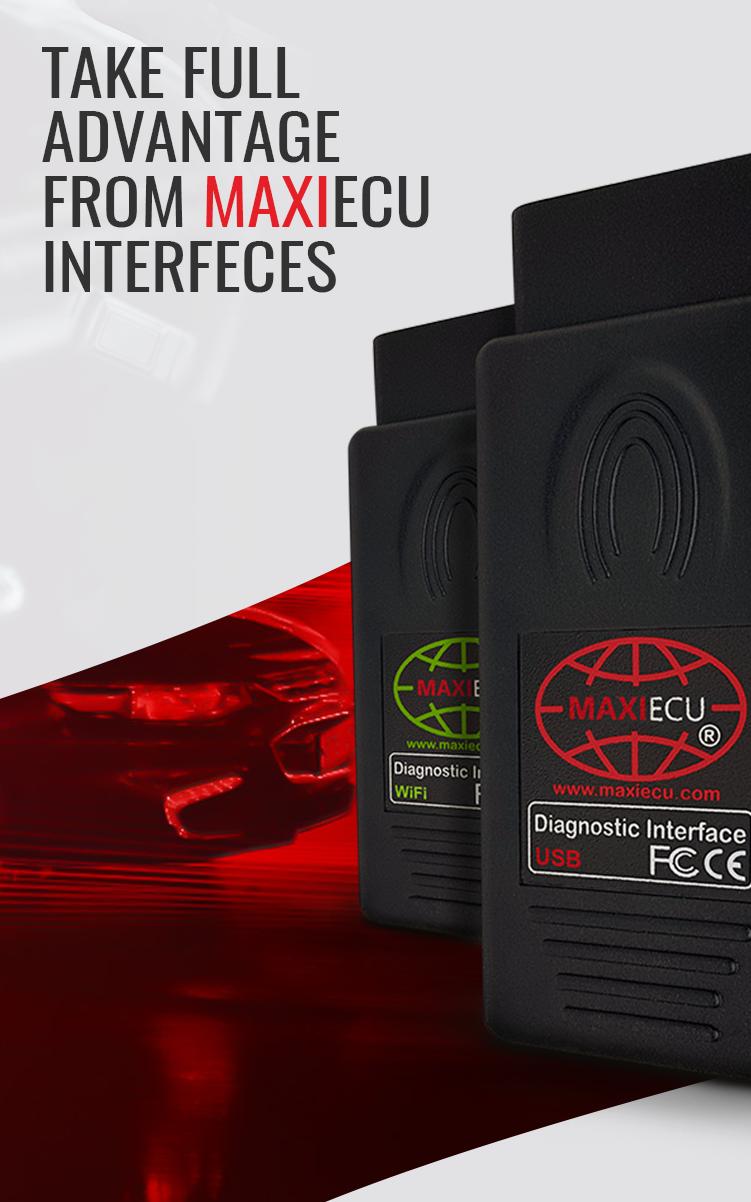
Supported connections: USB, WiFi, Bluetooth
Language: Polish, English, German, French, Russian
Application designed by MaxiEcu - producent of diagnostic sets for computer car diagnostics.
We'd love to hear your opinions and impressions about MaxiTools. Send us your assessment or suggestions via the application form on your User account or by email: team@maxiecu.com
Avance
Etiquetas
HerramientasInformación
Desarrollador
MaxiECU
La última versión
1.1.6
Última actualización
2020-10-29
Categoría
Herramientas
Disponible en
Google Play
Mostrar más
Cómo jugar MaxiTools con GameLoop en PC
1. Descargue GameLoop desde el sitio web oficial, luego ejecute el archivo exe para instalar GameLoop.
2. Abra GameLoop y busque "MaxiTools", busque MaxiTools en los resultados de búsqueda y haga clic en "Instalar".
3. Disfruta jugando MaxiTools en GameLoop.
Minimum requirements
OS
Windows 8.1 64-bit or Windows 10 64-bit
GPU
GTX 1050
CPU
i3-8300
Memory
8GB RAM
Storage
1GB available space
Recommended requirements
OS
Windows 8.1 64-bit or Windows 10 64-bit
GPU
GTX 1050
CPU
i3-9320
Memory
16GB RAM
Storage
1GB available space