Korean Keyboard: Korean typing keypad para PC
United Apps LLC.
Descarga Korean Keyboard: Korean typing keypad en PC con GameLoop Emulator
Korean Keyboard: Korean typing keypad en PC
Korean Keyboard: Korean typing keypad, proveniente del desarrollador United Apps LLC., se ejecuta en el sistema Android en el pasado.
Ahora, puedes jugar Korean Keyboard: Korean typing keypad en PC con GameLoop sin problemas.
Descárgalo en la biblioteca de GameLoop o en los resultados de búsqueda. No más mirar la batería o llamadas frustrantes en el momento equivocado nunca más.
Simplemente disfrute de Korean Keyboard: Korean typing keypad PC en la pantalla grande de forma gratuita!
Korean Keyboard: Korean typing keypad Introducción
Set korean keyboard as a default input support with many of other features and options like theme selection, Background ideas with vast colour scheme. Simply enable the korean keyboard support in the system input settings.
Its user interface is so friendly and easy that any body can understand it, basically it is designed with the perspective of end user because the end user genuinely requires a keyboard to be easy and smooth.
You can communicate on many platforms like business, translator support for korean language, sending text, emails, posts to a specific person whose bilingual language is korean and many more.
One tap away is your official language keyboard so do have it on your device and communicate with multi cultural and multi language people using such keyboards.
We have other collections too so do visit our store and get any of the keyboard.
How to use:
Tap to start
Set it as default keyboard from input settings.
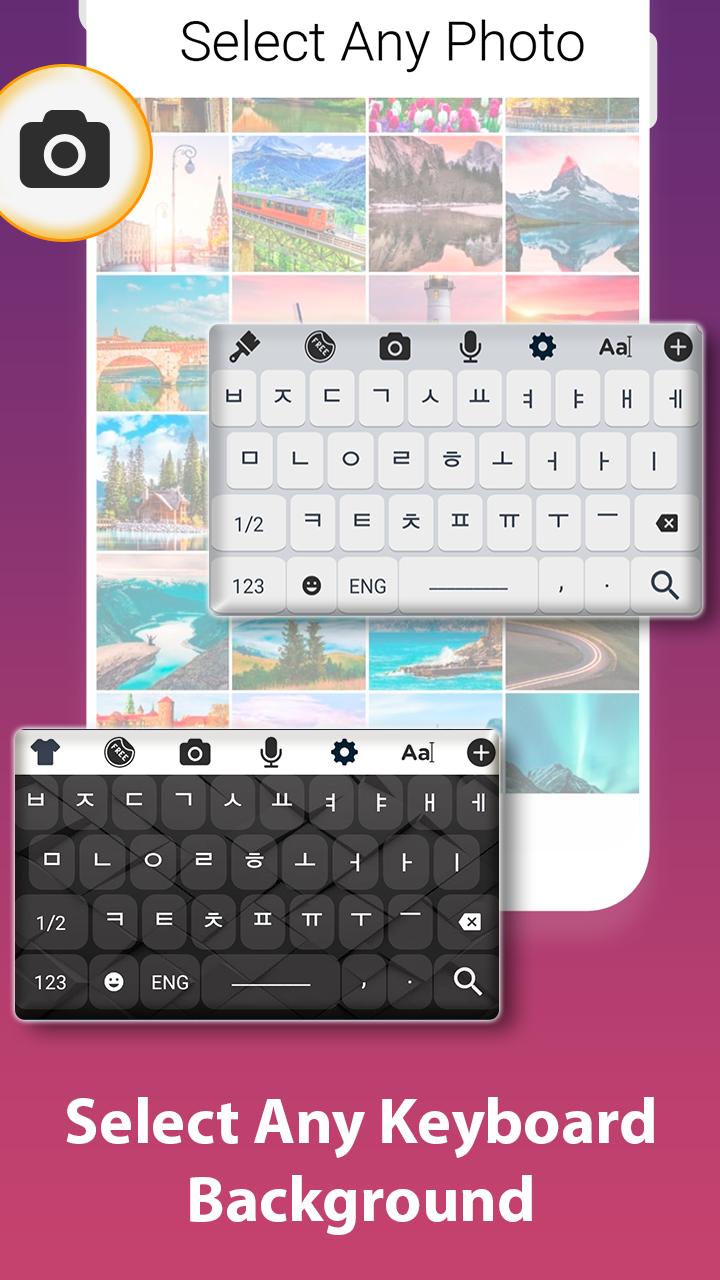
Change theme from collection of themes.
Set a background which gives you ease while typing in korean language.
Salient Features:
Large collection of keyboard themes.
Huge collection of backgrounds.
Korean keyboard typing support.
Emoji collection.
Avance

Etiquetas
HerramientasInformación
Desarrollador
United Apps LLC.
La última versión
1.9
Última actualización
2020-06-04
Categoría
Herramientas
Disponible en
Google Play
Mostrar más
Cómo jugar Korean Keyboard: Korean typing keypad con GameLoop en PC
1. Descargue GameLoop desde el sitio web oficial, luego ejecute el archivo exe para instalar GameLoop.
2. Abra GameLoop y busque "Korean Keyboard: Korean typing keypad", busque Korean Keyboard: Korean typing keypad en los resultados de búsqueda y haga clic en "Instalar".
3. Disfruta jugando Korean Keyboard: Korean typing keypad en GameLoop.
Minimum requirements
OS
Windows 8.1 64-bit or Windows 10 64-bit
GPU
GTX 1050
CPU
i3-8300
Memory
8GB RAM
Storage
1GB available space
Recommended requirements
OS
Windows 8.1 64-bit or Windows 10 64-bit
GPU
GTX 1050
CPU
i3-9320
Memory
16GB RAM
Storage
1GB available space