Safe Browser – Web Filter para PC
kiddoware
Descarga Safe Browser – Web Filter en PC con GameLoop Emulator
Safe Browser – Web Filter en PC
Safe Browser – Web Filter, proveniente del desarrollador kiddoware, se ejecuta en el sistema Android en el pasado.
Ahora, puedes jugar Safe Browser – Web Filter en PC con GameLoop sin problemas.
Descárgalo en la biblioteca de GameLoop o en los resultados de búsqueda. No más mirar la batería o llamadas frustrantes en el momento equivocado nunca más.
Simplemente disfrute de Safe Browser – Web Filter PC en la pantalla grande de forma gratuita!
Safe Browser – Web Filter Introducción
Safe Browser: Web Filter & Porn Blocker 🌐
Safe Browser app provides a controlled browsing environment where you can filter websites with URL filtering and create custom rules for your needs.
Key Features🔑
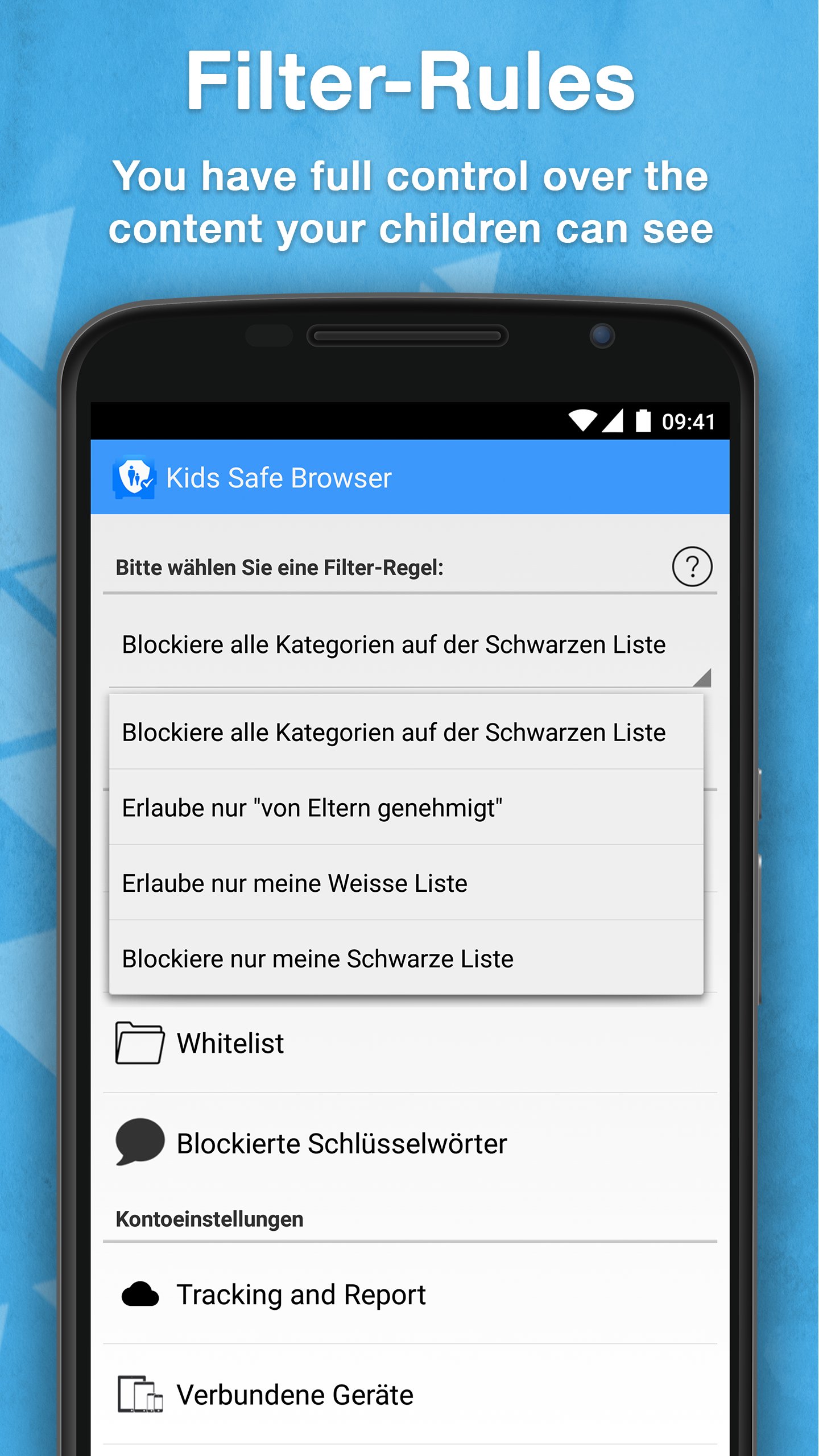
Custom Filtering: Filtering is based on website addresses (URLs/domains), not the contents of a page. Parents can block categories such as adult content or other unwanted sites.
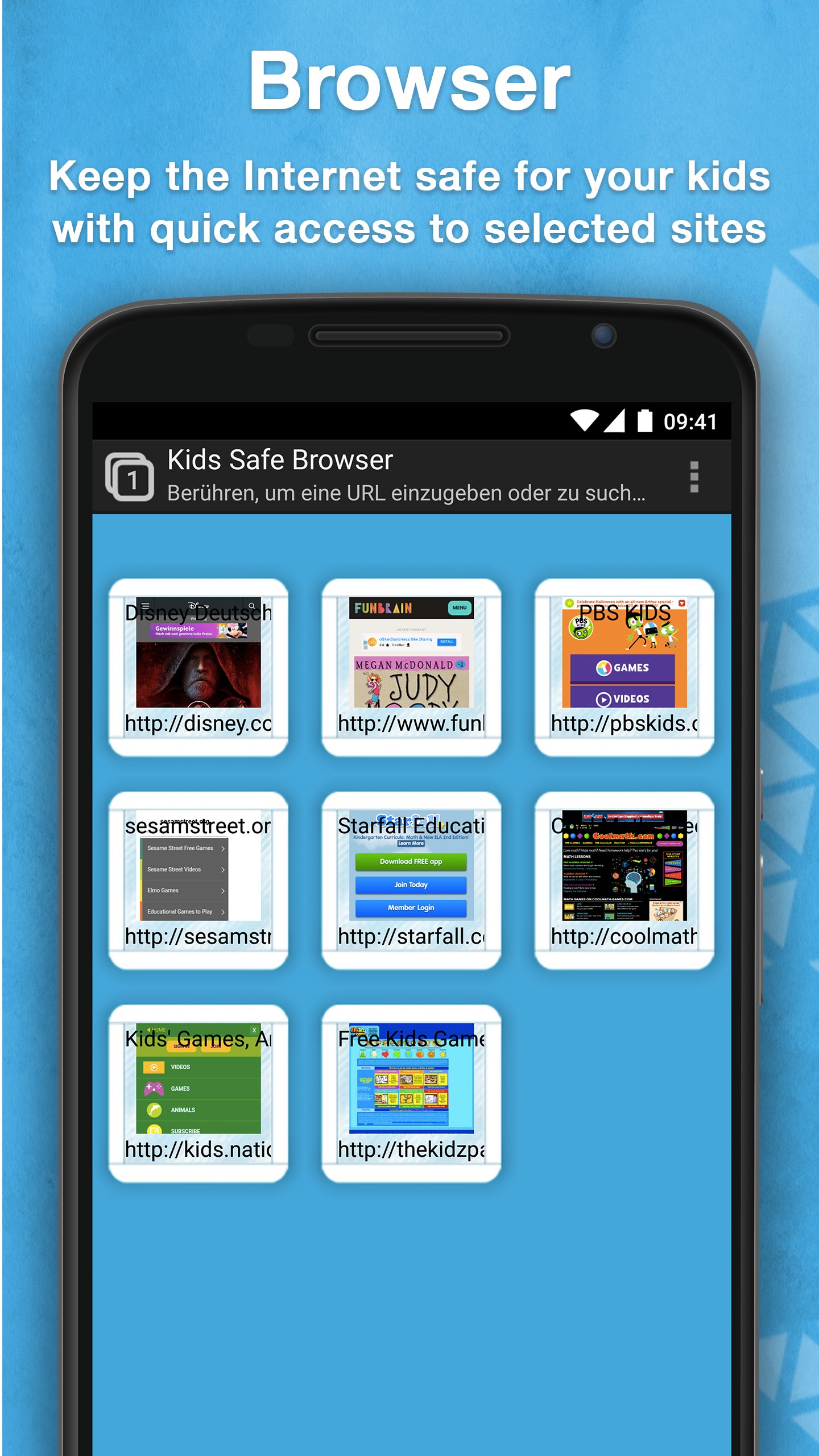
Whitelisting and Blacklisting: Add specific websites to an approved (whitelist) or blocked (blacklist) list. Whitelisted sites can be placed on the home screen for quick access.
Safe Browsing Environment: Create a kid-friendly internet space with only the sites and categories you approve.
Optional Screen Time Controls: Parents can set time limits for browsing to encourage balanced device use.
Easy Setup and Use: Simple for parents to configure and straightforward for users to navigate.
Permissions & App Information 📲
Free Trial: A 7-day free trial gives you access to all features. After the trial, you can continue with limited free features or subscribe for full access.
Device Administrator Permission: Optional. This permission is requested to make it difficult for children to uninstall the app without a parent's permission
About the App
Safe Browser is designed to support parents—not replace them. Filtering is performed on the URL or domain level, not by analyzing page content, which helps maintain privacy. The app provides parental control tools to guide safer online use, but no technology can block 100% of unwanted content. Parents should continue to supervise and discuss safe browsing habits with their children.
For full details, see our Privacy Policy http://kiddoware.com/safe-browser-privacy-policy/
Avance
Etiquetas
HerramientasPaternidad y maternidadInformación
Desarrollador
kiddoware
La última versión
1.10.65
Última actualización
2026-06-03
Categoría
Herramientas
Disponible en
Google Play
Mostrar más
Cómo jugar Safe Browser – Web Filter con GameLoop en PC
1. Descargue GameLoop desde el sitio web oficial, luego ejecute el archivo exe para instalar GameLoop.
2. Abra GameLoop y busque "Safe Browser – Web Filter", busque Safe Browser – Web Filter en los resultados de búsqueda y haga clic en "Instalar".
3. Disfruta jugando Safe Browser – Web Filter en GameLoop.
Minimum requirements
OS
Windows 8.1 64-bit or Windows 10 64-bit
GPU
GTX 1050
CPU
i3-8300
Memory
8GB RAM
Storage
1GB available space
Recommended requirements
OS
Windows 8.1 64-bit or Windows 10 64-bit
GPU
GTX 1050
CPU
i3-9320
Memory
16GB RAM
Storage
1GB available space