KeyMaster para PC
Perme Design
Descarga KeyMaster en PC con GameLoop Emulator
KeyMaster en PC
KeyMaster, proveniente del desarrollador Perme Design, se ejecuta en el sistema Android en el pasado.
Ahora, puedes jugar KeyMaster en PC con GameLoop sin problemas.
Descárgalo en la biblioteca de GameLoop o en los resultados de búsqueda. No más mirar la batería o llamadas frustrantes en el momento equivocado nunca más.
Simplemente disfrute de KeyMaster PC en la pantalla grande de forma gratuita!
KeyMaster Introducción
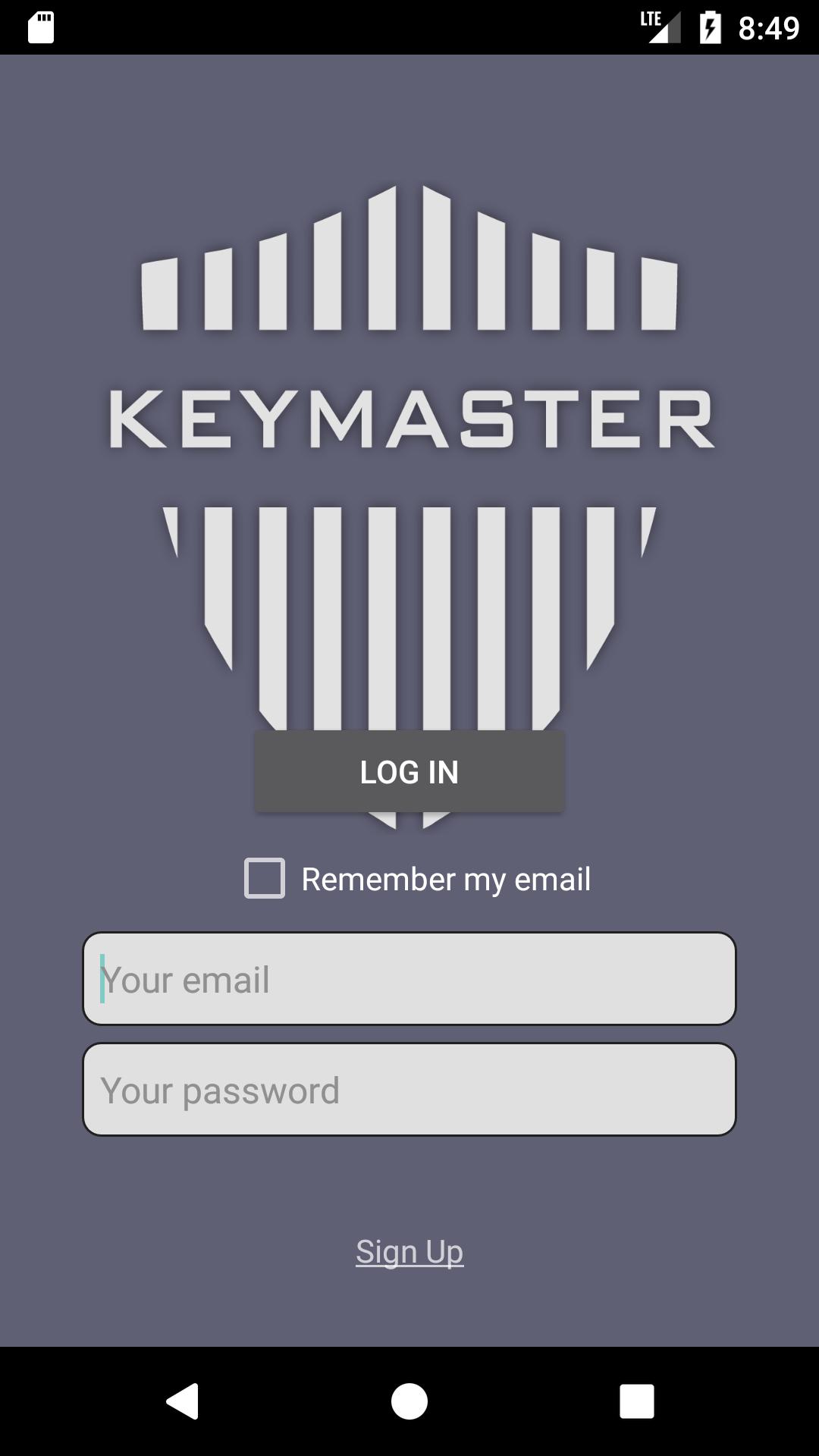
## NOTICE: This app is not available to everyone. Only the invited can be registered.
KeyMaster is an app that keeps private data in secret
by utilizing the standard techniques in cryptography.
KeyMaster protects your data by...
- using two-factor authentication process
- encrypting/decrypting your data with symmetric-key algorithm (AES/CBC)
- transferring your data to a safe cloud-based database
- disabling your device's screenshot functionality
- not storing any of your data in your local device
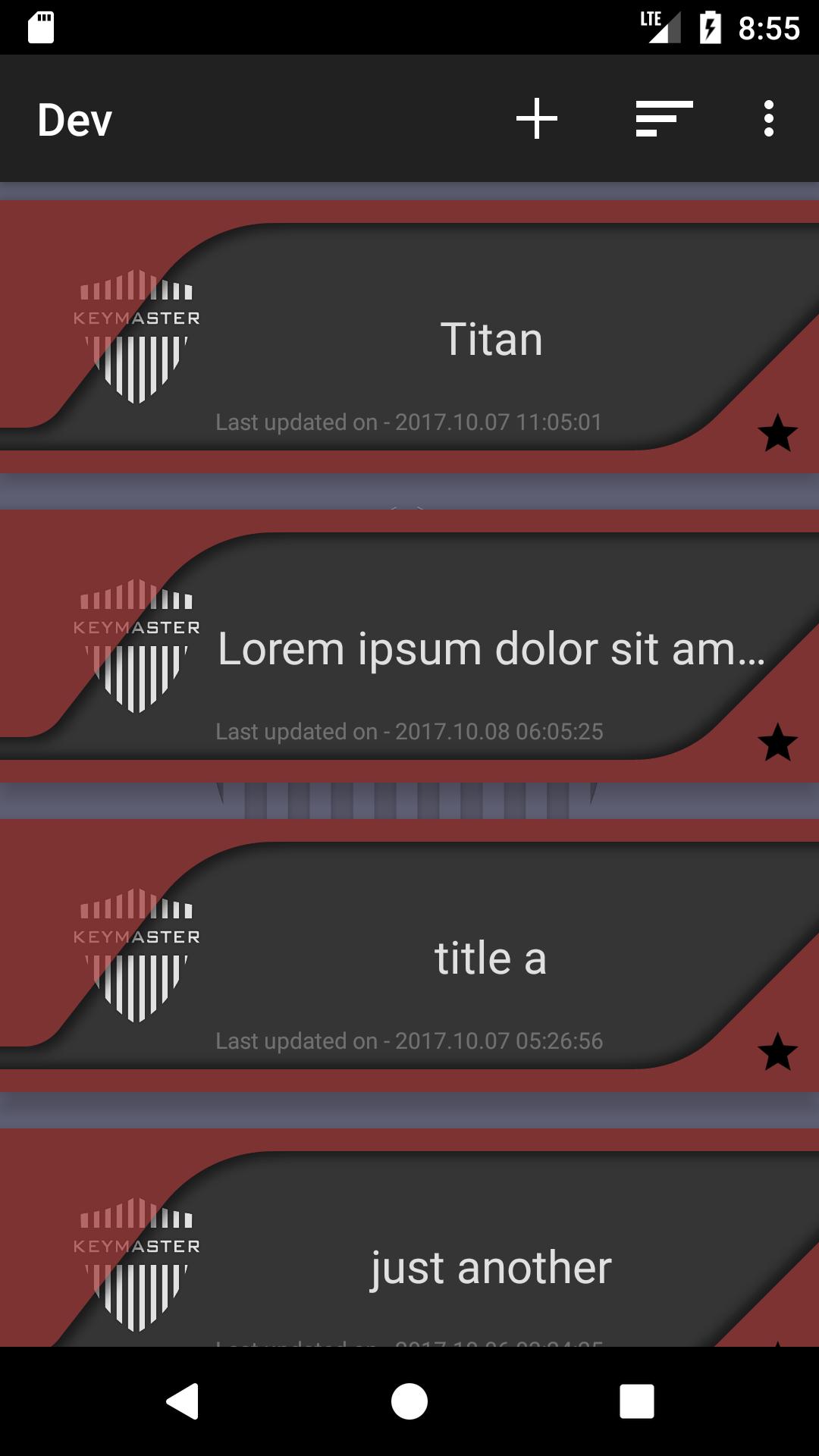
KeyMaster stores data in a simple format, [title]-[content].
Features
1. adding/saving/updating/deleting data
2. sorting by time/alphabet
3. checking/updating the user's profile
# Word of caution:
KeyMaster uses Password-Base Encryption(PBE) to encrypt users' data.
Only the users who have their password can access to the data.
It is the user's responsibility to maintain KeyMaster's password.
If you forget your password, there is no way to decrypt your data.
In that case, You will lose all of your data.
Avance
Etiquetas
HerramientasInformación
Desarrollador
Perme Design
La última versión
1.0.6
Última actualización
2017-10-16
Categoría
Herramientas
Disponible en
Google Play
Mostrar más
Cómo jugar KeyMaster con GameLoop en PC
1. Descargue GameLoop desde el sitio web oficial, luego ejecute el archivo exe para instalar GameLoop.
2. Abra GameLoop y busque "KeyMaster", busque KeyMaster en los resultados de búsqueda y haga clic en "Instalar".
3. Disfruta jugando KeyMaster en GameLoop.
Minimum requirements
OS
Windows 8.1 64-bit or Windows 10 64-bit
GPU
GTX 1050
CPU
i3-8300
Memory
8GB RAM
Storage
1GB available space
Recommended requirements
OS
Windows 8.1 64-bit or Windows 10 64-bit
GPU
GTX 1050
CPU
i3-9320
Memory
16GB RAM
Storage
1GB available space