
DynamicG Popup Launcher para PC
DynamicG
Descarga DynamicG Popup Launcher en PC con GameLoop Emulator
DynamicG Popup Launcher en PC
DynamicG Popup Launcher, proveniente del desarrollador DynamicG, se ejecuta en el sistema Android en el pasado.
Ahora, puedes jugar DynamicG Popup Launcher en PC con GameLoop sin problemas.
Descárgalo en la biblioteca de GameLoop o en los resultados de búsqueda. No más mirar la batería o llamadas frustrantes en el momento equivocado nunca más.
Simplemente disfrute de DynamicG Popup Launcher PC en la pantalla grande de forma gratuita!
DynamicG Popup Launcher Introducción
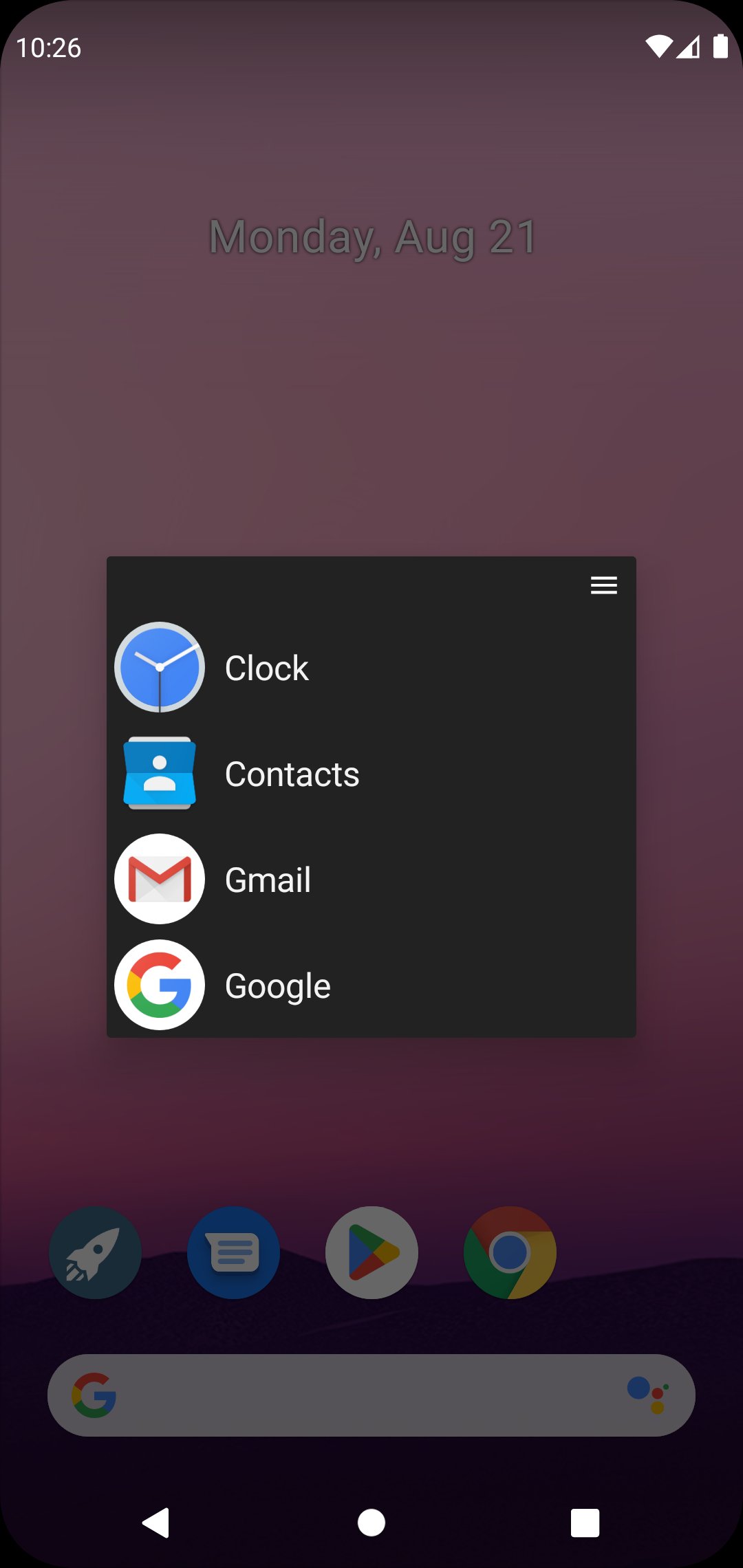
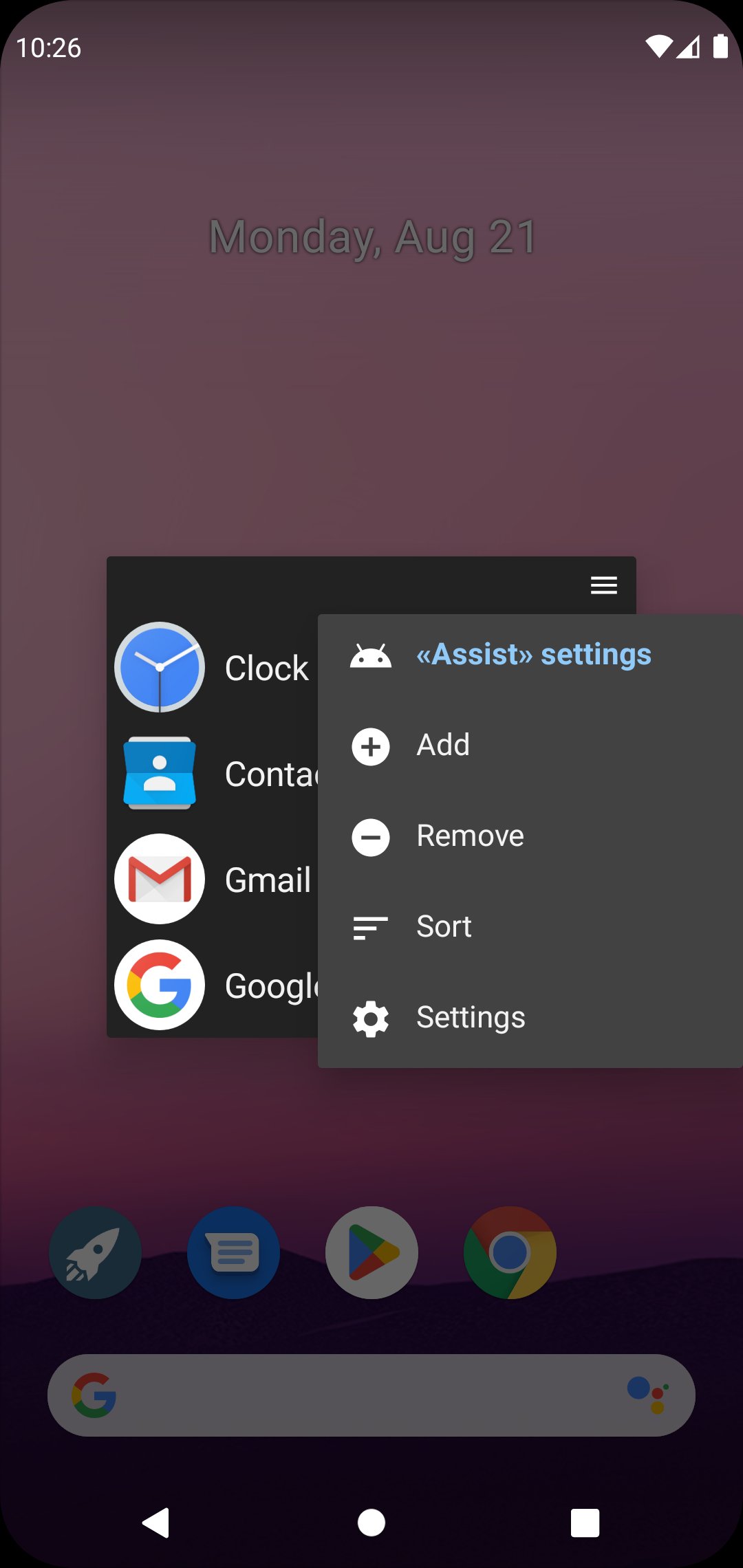
«DynamicG Popup Launcher» (previously called «Home Button Launcher») lets you bookmark your favorite apps, app shortcuts and web pages.
How to launch:
• On Pixel phones with gesture navigation, the app can be configured as “Digital assistant” and launched with “diagonal swipe from bottom corner”, more details see here: https://dynamicg.ch/help/098
• Alternatively, you can use the “Quick Settings” tile to open the app from your phone's notification bar.
• Or you just open the app from your home screen.
• Since One UI 7.0, Samsung uses “Power button long press” to launch the “Digital assistant”, which we think is a bad idea and makes that feature useless. Our app cannot override this behavior.
Features:
★ No advertisement
★ Optional tabs
★ Icon pack and custom icons support
★ Partial “App shortcut” support (many apps don't allow other apps to open their shortcuts, so the list of shortcuts is limited)
★ Minimal set of permissions:
- “QUERY_ALL_PACKAGES” to access the list of installed apps.
- “INTERNET” so the app can download its icons zip file.
- on-demand “CALL_PHONE” for those users who create a "Direct dial" contact shortcut.
Avance
Etiquetas
HerramientasInformación
Desarrollador
DynamicG
La última versión
9.12
Última actualización
2025-11-23
Categoría
Herramientas
Disponible en
Google Play
Mostrar más
Cómo jugar DynamicG Popup Launcher con GameLoop en PC
1. Descargue GameLoop desde el sitio web oficial, luego ejecute el archivo exe para instalar GameLoop.
2. Abra GameLoop y busque "DynamicG Popup Launcher", busque DynamicG Popup Launcher en los resultados de búsqueda y haga clic en "Instalar".
3. Disfruta jugando DynamicG Popup Launcher en GameLoop.
Minimum requirements
OS
Windows 8.1 64-bit or Windows 10 64-bit
GPU
GTX 1050
CPU
i3-8300
Memory
8GB RAM
Storage
1GB available space
Recommended requirements
OS
Windows 8.1 64-bit or Windows 10 64-bit
GPU
GTX 1050
CPU
i3-9320
Memory
16GB RAM
Storage
1GB available space