FTP Tool - Hotspot FTP Server para PC
Lites App
Descarga FTP Tool - Hotspot FTP Server en PC con GameLoop Emulator
FTP Tool - Hotspot FTP Server en PC
FTP Tool - Hotspot FTP Server, proveniente del desarrollador Lites App, se ejecuta en el sistema Android en el pasado.
Ahora, puedes jugar FTP Tool - Hotspot FTP Server en PC con GameLoop sin problemas.
Descárgalo en la biblioteca de GameLoop o en los resultados de búsqueda. No más mirar la batería o llamadas frustrantes en el momento equivocado nunca más.
Simplemente disfrute de FTP Tool - Hotspot FTP Server PC en la pantalla grande de forma gratuita!
FTP Tool - Hotspot FTP Server Introducción
Turn Your Android Device into a Powerful FTP Server – Fast, Simple & Secure File Sharing
Looking for an easy way to transfer files between your Android device and a computer or another mobile device? With LitesApp FTP Server, you can instantly turn your phone or tablet into a fully functional FTP server and access files over Wi-Fi or mobile hotspot – no cables required!
Whether you're a developer, tech enthusiast, or everyday user, this lightweight and intuitive app helps you manage files, share media, and perform wireless transfers effortlessly.
🔹 Key Features:
✅ One-Tap FTP Server
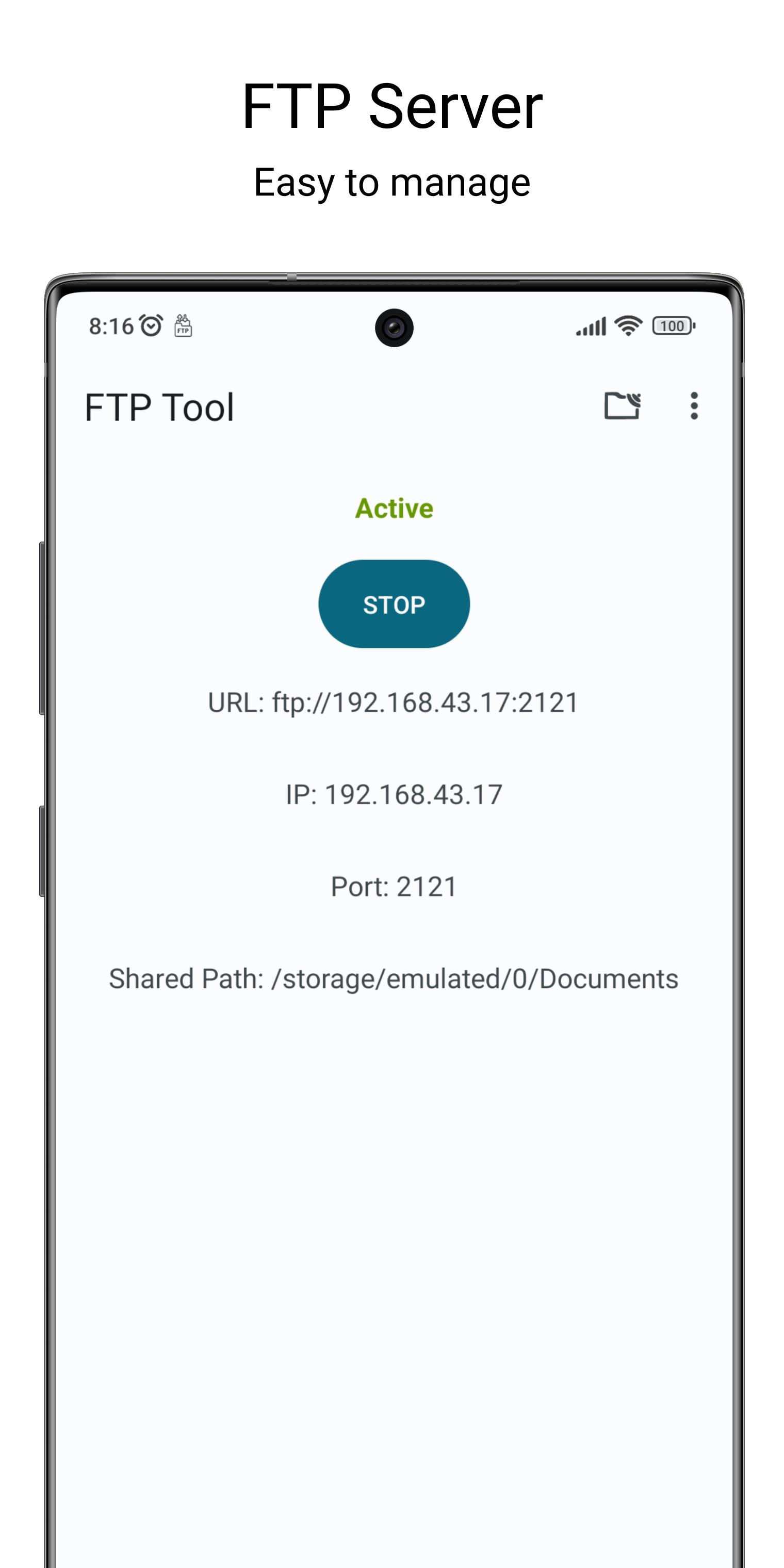
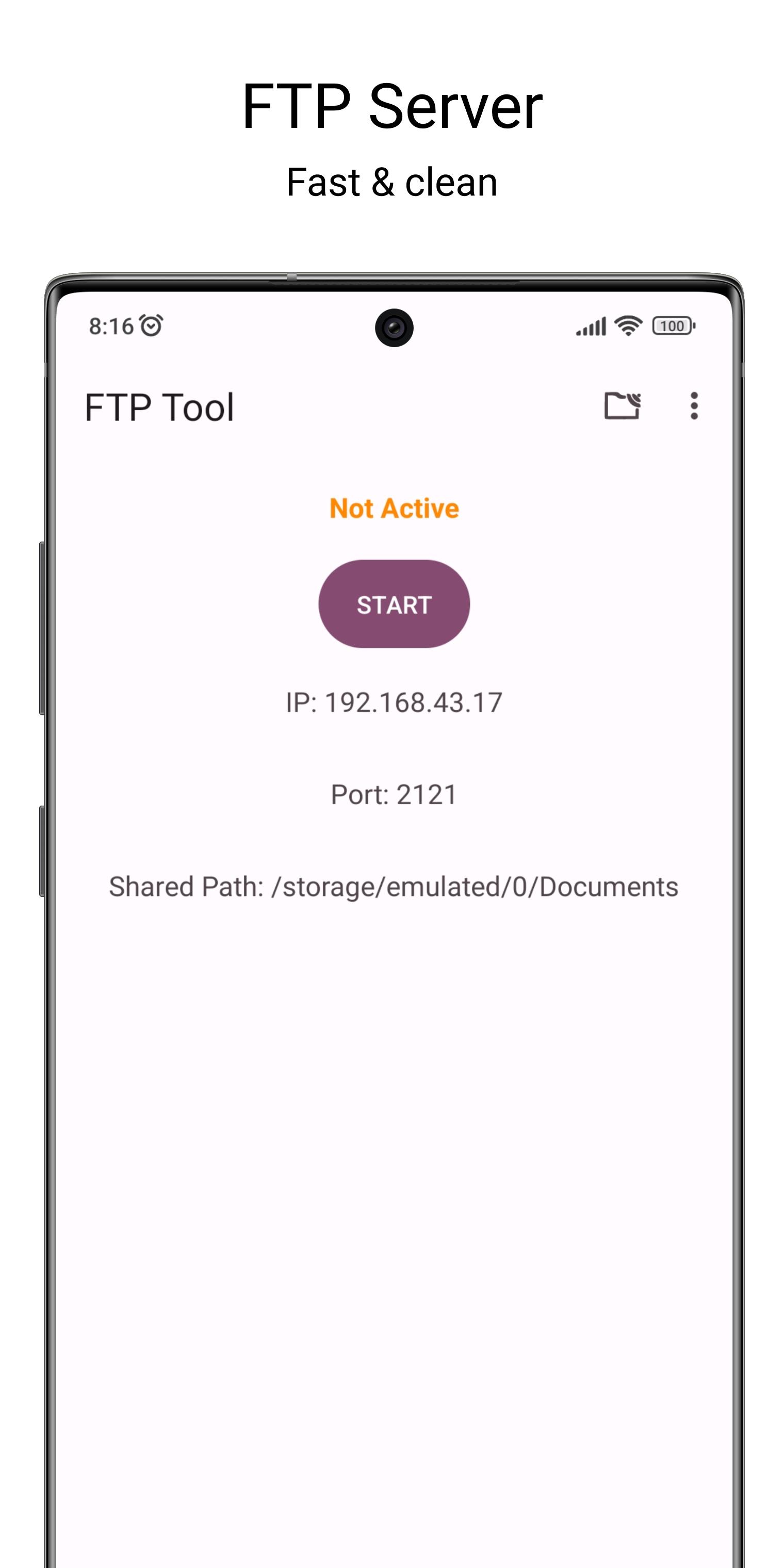
Start or stop the FTP server with a single tap. Your Android device becomes a server instantly.
✅ Works Over Wi-Fi or Hotspot
Transfer files seamlessly across your home network or when sharing a mobile hotspot – no internet needed!
✅ Customizable Port and Home Directory
Set your preferred FTP port and specify which folder to share. You stay in control of access.
✅ Anonymous or Password-Protected Login
Choose open access for convenience or enable authentication for extra security.
✅ Works In Background
Works in background using foreground service for large task .
✅ Minimal UI, Maximum Performance
Built for speed and simplicity with no bloat – optimized for smooth performance even on older devices.
✅ No Root Required
Works out of the box on all Android devices. No root access needed.
🧰 Perfect For:
• Transferring large files without USB cables
• Accessing Android files on PC (Windows, Mac, Linux)
• Sharing media between phones/tablets over the same network
• Developers and system admins testing FTP clients or services
• Backing up app data and documents easily
📱 How to Use:
Connect your Android device and computer to the same Wi-Fi or hotspot.
Open the app and tap Start Server.
Use any FTP client (like FileZilla or Windows Explorer) and enter the shown IP address and port.
Instantly browse, upload, or download files.
🚀 Lightweight & Reliable
Unlike other bloated apps, LitesApp FTP Server is designed to be minimal, secure, and fast, with no ads, no tracking, and no unnecessary permissions. Your privacy and performance are our priority.
Download LitesApp FTP Server now and take control of your file transfers – simple, fast, and wireless!
Paid version also available:
https://play.google.com/store/apps/details?id=com.litesapp.ftptool
Contact:
We strive every day to improve this app, and your feedback plays a big role in that. If you report bugs or share suggestions for current or new features, we’ll be happy to hear from you. Just email us at contact@litesapp.com — we respond quickly and take your input seriously.
Avance
Etiquetas
HerramientasInformación
Desarrollador
Lites App
La última versión
1.6.0
Última actualización
2025-07-25
Categoría
Herramientas
Disponible en
Google Play
Mostrar más
Cómo jugar FTP Tool - Hotspot FTP Server con GameLoop en PC
1. Descargue GameLoop desde el sitio web oficial, luego ejecute el archivo exe para instalar GameLoop.
2. Abra GameLoop y busque "FTP Tool - Hotspot FTP Server", busque FTP Tool - Hotspot FTP Server en los resultados de búsqueda y haga clic en "Instalar".
3. Disfruta jugando FTP Tool - Hotspot FTP Server en GameLoop.
Minimum requirements
OS
Windows 8.1 64-bit or Windows 10 64-bit
GPU
GTX 1050
CPU
i3-8300
Memory
8GB RAM
Storage
1GB available space
Recommended requirements
OS
Windows 8.1 64-bit or Windows 10 64-bit
GPU
GTX 1050
CPU
i3-9320
Memory
16GB RAM
Storage
1GB available space