
FL Smart ID: Thales para PC
FLHSMV
Descarga FL Smart ID: Thales en PC con GameLoop Emulator
FL Smart ID: Thales en PC
FL Smart ID: Thales, proveniente del desarrollador FLHSMV, se ejecuta en el sistema Android en el pasado.
Ahora, puedes jugar FL Smart ID: Thales en PC con GameLoop sin problemas.
Descárgalo en la biblioteca de GameLoop o en los resultados de búsqueda. No más mirar la batería o llamadas frustrantes en el momento equivocado nunca más.
Simplemente disfrute de FL Smart ID: Thales PC en la pantalla grande de forma gratuita!
FL Smart ID: Thales Introducción
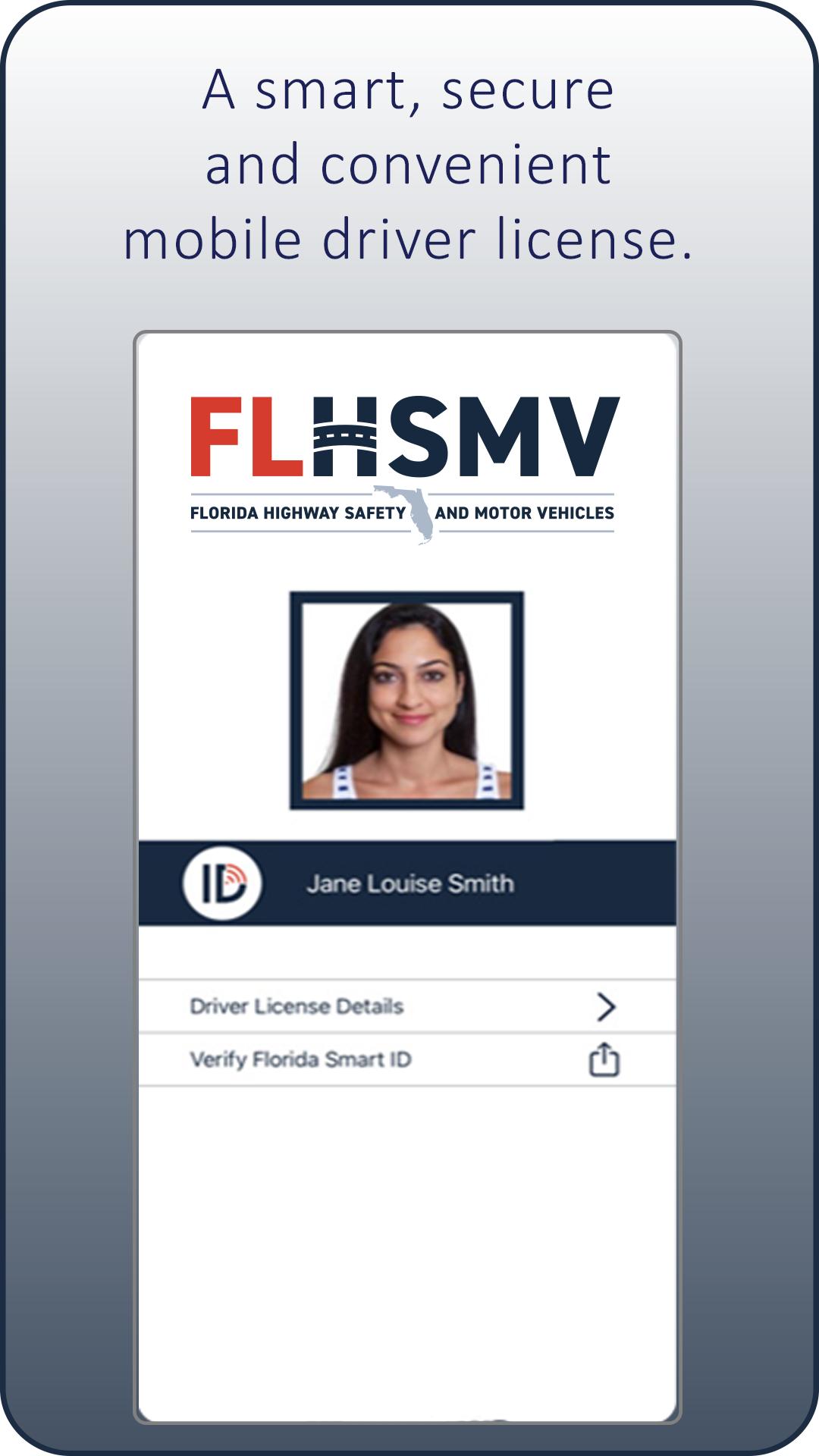
Florida Smart ID by Thales is an official app-based version of your Florida driver license, and a secure, convenient and contactless way to display proof of identity or age.
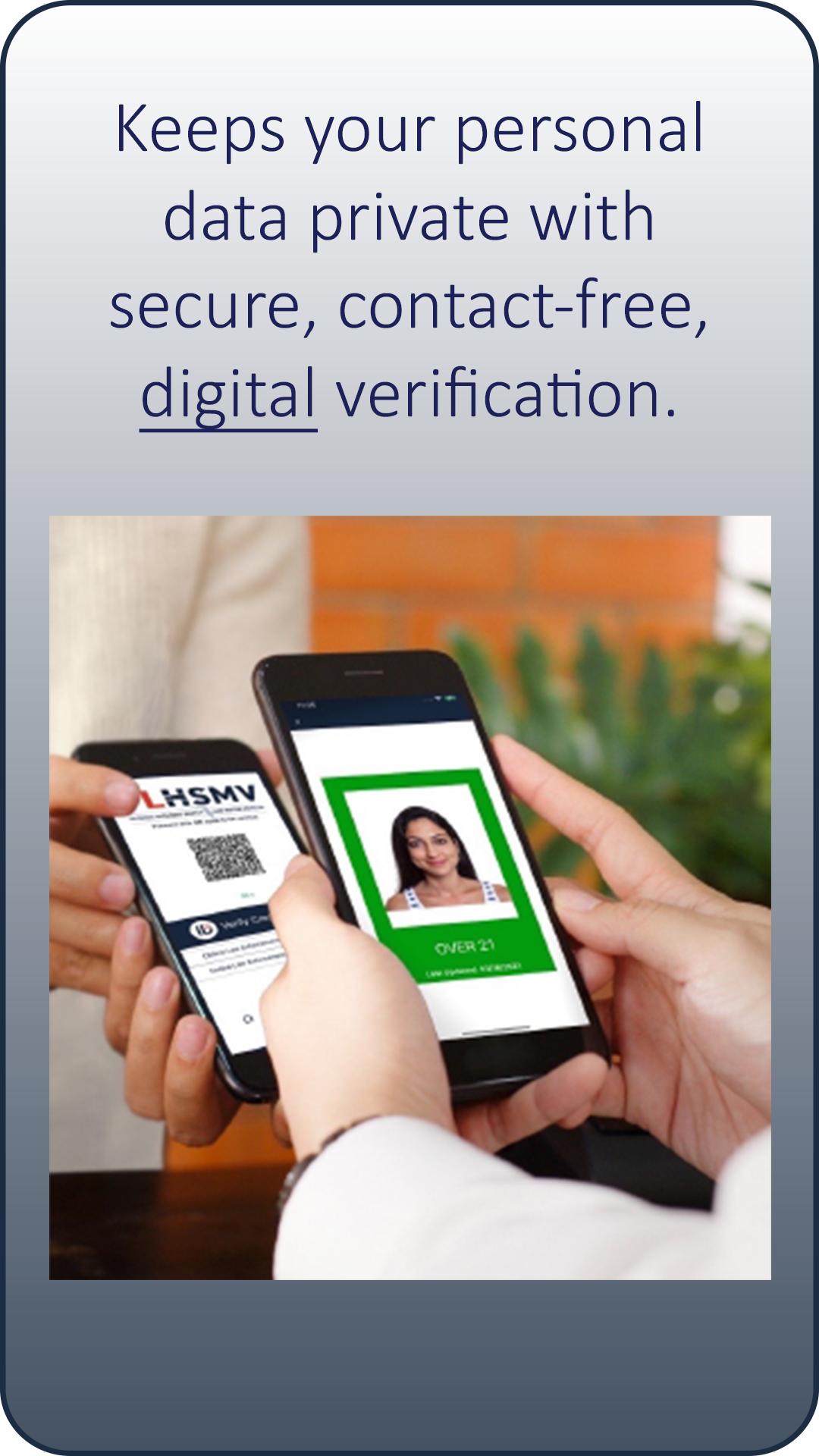
After downloading and activating, users can launch Florida Smart ID on their smartphone or other smart device, select the type of verification needed, and present it for scanning by a business or law enforcement. Your smart device does not leave your hand when being verified, making Florida Smart ID a contact-free and convenient way to display proof of identity or age.
Although Florida Smart ID by Thales is an official credential offered by the Florida Department of Highway Safety and Motor Vehicles, it does not replace your Florida driver license. Florida law requires carrying the physical driver license when operating a motor vehicle.
Device and Identification Requirements
• Android 6+
• Bluetooth v4.2+
• Near Field Communication
• Internet Connectivity for Updates
• Driver License or Identification Card must be valid, Real ID compliant
How to Activate
Enroll in Florida Smart ID within the app OR through your MyDMV Portal account.
• In-app enrollment will require you to take a photo of your driver license or ID card and a photo of yourself to verify your identity via facial recognition technology.
• If you’d prefer, you can use you MyDMV Portal account to enroll and activate. (You will receive an email with an activation code.)
3. Complete the setup of your Florida Smart ID by creating a six-digit PIN using the randomized keypad for additional security.
Powered by Thales, a leader in digital identity and security worldwide, Florida Smart ID is a convenient and secure digital companion to your current Florida driver license. Similar to your physical Florida driver license or ID, your Florida Smart ID can be used whenever you need to confirm your driving privilege, your identity or proof of your age. This includes:
• Proving your identity and driving privileges during a traffic stop with Law Enforcement.
• Proving your age to a retailer when purchasing age-restricted items like alcohol or tobacco, or when entering age-restricted venues like bars or casinos.
SECURE
Florida Smart ID by Thales uses strong security standards along with digital verification processes to ensure your personal information is always kept safe. This advanced technology offers much better protection against counterfeiting or fraud than a simple digital image of your Florida driver license.
CONVENIENT
Because your smartphone is always with you, so is your Florida Smart ID. No more shuffling through your wallet to find your license. No more handing your license to someone else. When you use your Florida Smart ID, your smartphone or smart device stays in your hands. You’re always in control.
SMART
With Florida Smart ID by Thales, your personal data remains private. Only the information necessary for each situation is shared. For instance, if you are purchasing alcohol or entering a bar, Florida Smart ID only shares your photo and confirmation that you meet the age requirement. Unlike when using your physical ID, other personal information, such as your name, date of birth or address, are kept private and are not shown to the person checking your Florida Smart ID.
More information is at flhsmv.gov/FloridaSmartID.
Avance
Etiquetas
HerramientasInformación
Desarrollador
FLHSMV
La última versión
3.4.2-prd
Última actualización
2024-03-20
Categoría
Herramientas
Disponible en
Google Play
Mostrar más
Cómo jugar FL Smart ID: Thales con GameLoop en PC
1. Descargue GameLoop desde el sitio web oficial, luego ejecute el archivo exe para instalar GameLoop.
2. Abra GameLoop y busque "FL Smart ID: Thales", busque FL Smart ID: Thales en los resultados de búsqueda y haga clic en "Instalar".
3. Disfruta jugando FL Smart ID: Thales en GameLoop.
Minimum requirements
OS
Windows 8.1 64-bit or Windows 10 64-bit
GPU
GTX 1050
CPU
i3-8300
Memory
8GB RAM
Storage
1GB available space
Recommended requirements
OS
Windows 8.1 64-bit or Windows 10 64-bit
GPU
GTX 1050
CPU
i3-9320
Memory
16GB RAM
Storage
1GB available space