Find My Bluetooth Device para PC
Epic Apps Studio
Descarga Find My Bluetooth Device en PC con GameLoop Emulator
Find My Bluetooth Device en PC
Find My Bluetooth Device, proveniente del desarrollador Epic Apps Studio, se ejecuta en el sistema Android en el pasado.
Ahora, puedes jugar Find My Bluetooth Device en PC con GameLoop sin problemas.
Descárgalo en la biblioteca de GameLoop o en los resultados de búsqueda. No más mirar la batería o llamadas frustrantes en el momento equivocado nunca más.
Simplemente disfrute de Find My Bluetooth Device PC en la pantalla grande de forma gratuita!
Find My Bluetooth Device Introducción
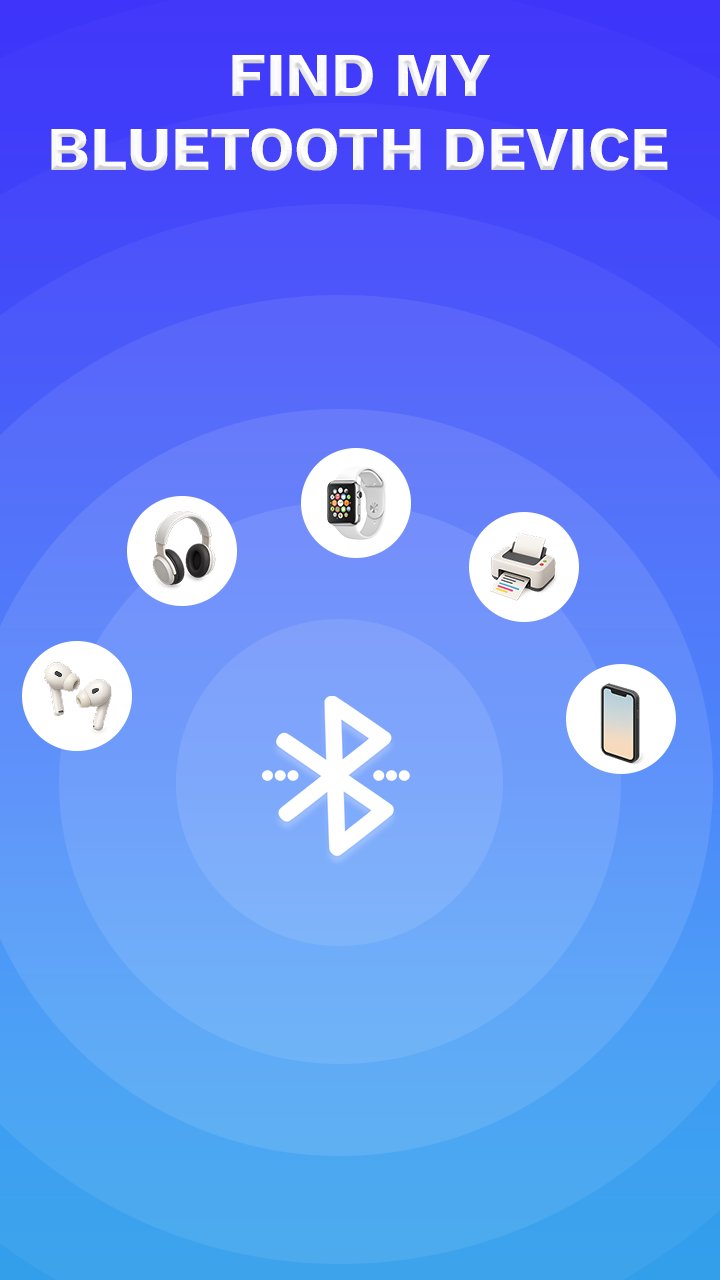
Find My Bluetooth Device is the ultimate Bluetooth finder & tracker app — easily locate, connect, and manage your Bluetooth Auto Connect devices with smart tools.
🔎 Key Features :-
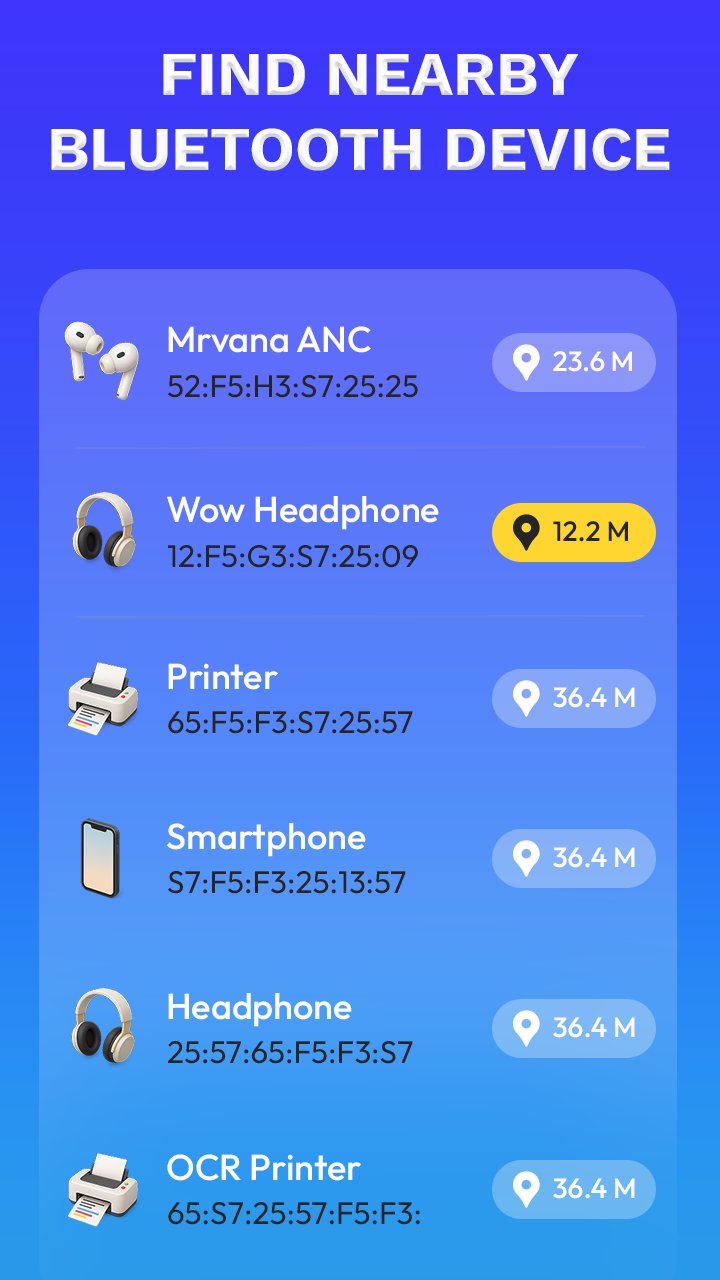
• Find & Connect Bluetooth — Scan for nearby Bluetooth devices and establish connections quickly
• Search Lost Bluetooth Device — Locate lost or misplaced devices via signal strength and last known location
• Bluetooth Signal Strength Meter — Get real-time RSSI readings to guide your search
• Paired Device List — View and manage all your paired Bluetooth devices
• Bluetooth Info & Details — View device name, MAC address, UUID, battery (if available)
• Headset Charging Info — See charging status for Bluetooth headsets (if supported)
• Bluetooth Device Widget — Add a home-screen widget for quick access to favorite devices
🎯 Use Cases :-
- Lost your Bluetooth headset or earpiece? Let the Bluetooth finder guides you
- Debug signal issues by monitoring signal strength
- Quickly connect to saved or paired devices from home screen
- Check battery/charging status of your Bluetooth headphones
- Use the widget to jump straight to your favorite device
Get Find My Bluetooth Device app NOW!!!
Avance
Etiquetas
HerramientasInformación
Desarrollador
Epic Apps Studio
La última versión
3.2
Última actualización
2026-10-19
Categoría
Herramientas
Disponible en
Google Play
Mostrar más
Cómo jugar Find My Bluetooth Device con GameLoop en PC
1. Descargue GameLoop desde el sitio web oficial, luego ejecute el archivo exe para instalar GameLoop.
2. Abra GameLoop y busque "Find My Bluetooth Device", busque Find My Bluetooth Device en los resultados de búsqueda y haga clic en "Instalar".
3. Disfruta jugando Find My Bluetooth Device en GameLoop.
Minimum requirements
OS
Windows 8.1 64-bit or Windows 10 64-bit
GPU
GTX 1050
CPU
i3-8300
Memory
8GB RAM
Storage
1GB available space
Recommended requirements
OS
Windows 8.1 64-bit or Windows 10 64-bit
GPU
GTX 1050
CPU
i3-9320
Memory
16GB RAM
Storage
1GB available space