File Viewer for Android para PC
Sharpened Productions
Descarga File Viewer for Android en PC con GameLoop Emulator
File Viewer for Android en PC
File Viewer for Android, proveniente del desarrollador Sharpened Productions, se ejecuta en el sistema Android en el pasado.
Ahora, puedes jugar File Viewer for Android en PC con GameLoop sin problemas.
Descárgalo en la biblioteca de GameLoop o en los resultados de búsqueda. No más mirar la batería o llamadas frustrantes en el momento equivocado nunca más.
Simplemente disfrute de File Viewer for Android PC en la pantalla grande de forma gratuita!
File Viewer for Android Introducción
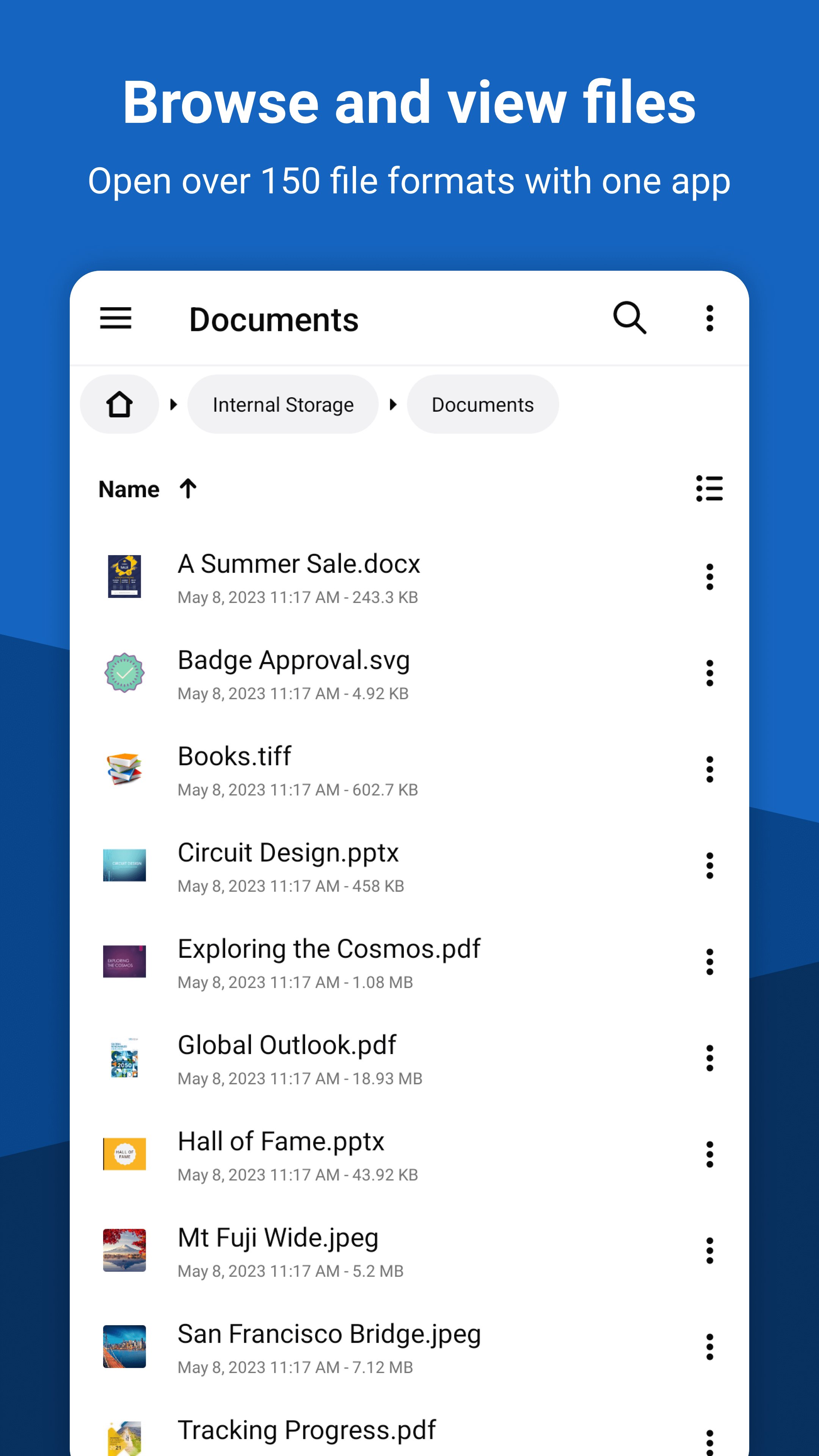
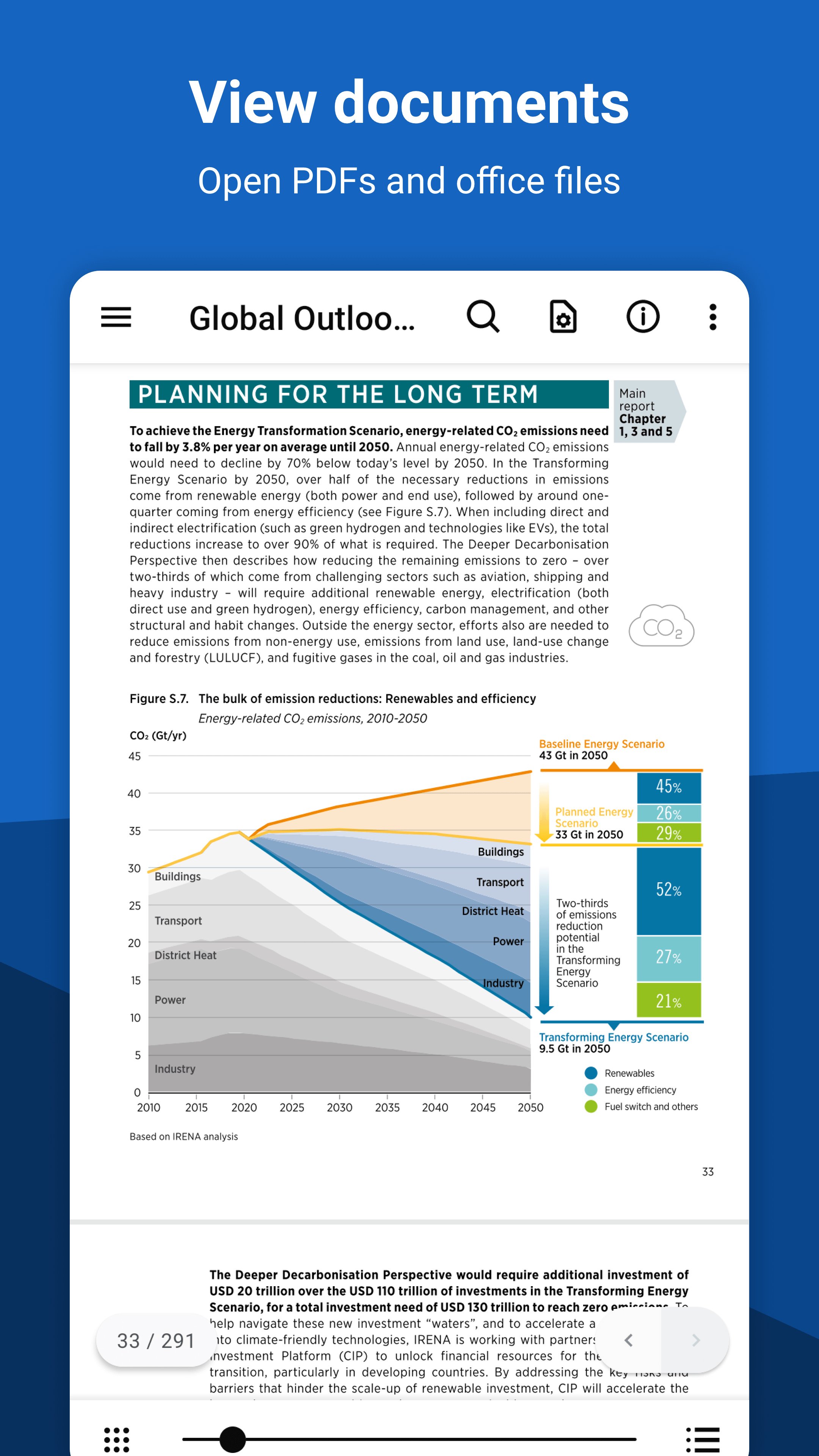
File Viewer for Android is an easy-to-use file viewer and file manager that can open over 150 file types, including PDFs, Office documents (.doc, .docx, .ppt, .pptx, .xls, .xlsx), eBooks (.epub, .mobi, .azw3), and multimedia files. View the full list of supported file formats below.
🌟 Features
✔ Open over 150 different file formats with a single app
✔ Browse, search, and manage files with the built-in file manager and file explorer
✔ View documents (DOCX reader, DOC reader, PDF viewer, PPTX viewer, PPT viewer, CSV viewer)
✔ Convert documents (DOCX to PDF converter, PPTX to PDF converter, PPT to PDF converter)
✔ Open image formats not supported on Android (TIFF file viewer, SVG viewer, Raw photo viewer)
✔ Extract compressed archives (Zip file extractor, 7z extractor, Tar Gzip extractor)
✔ Read eBook files (EPUB reader, MOBI reader, Kindle reader)
✔ View and install APK files (APK installer)
✔ View file metadata, MD5 checksums, and EXIF data
📄 Documents
- PDF Document (.pdf)
- Microsoft Word Document (.doc, .docx, .docm, .dot, .dotm, .dotx)
- Microsoft PowerPoint Presentation (.ppt, .pptx, .pptm, .pot, .potm, .potx, .pps, .ppsx, .ppsm)
- Microsoft Excel Spreadsheet (.xls, .xlsx, .xlsm, .xlt, .xltm, .xltx) *print preview only
- Comma-Separated Values (.csv, .tsv, .psv, .ssv)
- XML Paper Specification (.xps)
- OpenXPS (.oxps)
📖 eBooks*
- EPUB eBook (.epub)
- Mobipocket eBook (.mobi)
- Amazon Kindle eBook (.azw, .azw3)
- Palm eBook (.pdb)
*non-DRM protected
📨 Emails
- Email Message (.eml, .emlx)
- Outlook Message (.msg, .oft)
- Outlook Email Attachment (winmail.dat)
📸 Camera Raws
- Hasselblad (.3fr)
- Sony (.arw, .sr2, .srw)
- Casio (.bay)
- Canon (.cr2, .crw)
- Canon Raw 3 (.cr3)
- Kodak (.dcr, .kdc)
- Digital Negative Image (.dng)
- Epson (.erf)
- Leaf (.mos)
- Mamiya (.mrw)
- Nikon (.nef, .nrw)
- Olympus (.orf)
- Pentax (.pef)
- Fuji (.raf)
- Camera Raw (.raw)
- Panasonic (.rw2)
- Leica (.rwl)
- Samsung (.srw)
- SIGMA (.x3f)
🏞 Images
- AVIF Image (.avif) - Android 12+ only
- Bitmap Image (.bmp)
- DirectDraw Surface (.dds)
- GIF Image (.gif)
- High Efficiency File Format (.heic, .heif) - Android 9+ only
- Icon File (.ico)
- JPEG Network Graphic (.jng)
- JPEG 2000 Image (.jp2)
- JPEG Image (.jpg, .jpeg)
- OpenEXR (.exr)
- Kodak Photo CD (.pcd)
- PNG Image (.png)
- Photoshop Document (.psd)
- Scalable Vector Graphics (.svg)
- Targa Image (.tga, .targa)
- TIFF Image (.tif, .tiff)
- WebP Image (.webp) - Note: animated WebP images not supported
- Other: .iff, .mng, .pbm, .pcx, .pfm, .pgm, .ppm, .ras, .sgi, .wbmp, .xbm, .xpm
🎧 Audio: 3ga, aac, amr, flac, m4a, mka, mp3, ogg, opus, wav, imy, mid, midi, ota
🎞 Video: 3gp, mkv, mp4, ts, webm
🗂 Archives: 7z, apk, bz2, cbz, tbz2, tar.bz2, gz, jar, tar, tgz, tar.gz, z, zip
📄 Text: cfg, conf, txt
🌐 Web: htm, html, xhtml
💻 Source Code
* View with syntax highlighting
Supported languages: Ada (.ada), AutoHotkey (.ahk), ActionScript (.as), BASIC (.bas), C/C++ (.c, .cpp, .h), Coffee (.coffee), C# (.cs), CSS (.css), Dart (.dart), Gradle (.gradle), Groovy (.groovy), Haml (.haml), HTACCESS (.htaccess), Windows INI (.ini), Java (.java), JavaScript (.js), JSON (.json), Kotlin (.kt), Less (.less), Lisp (.lisp) Lua (.lua), Objective-C (.m), Makefile (.mk), Markdown (.md), Nim (.nim), NSIS (.nsi), Pascal (.pas), PHP (.php), Perl (.pl), Java Properties (.properties), PowerShell (.ps1), Python (.py), R Script (.r), Ruby (.rb), Sass (.sass, .scss), Bash (.sh), SQL (.sql), Swift (.swift), Tcl (.tcl), Visual Basic (.vb), XML (.xml), XQuery (.xq, .xquery), YAML (.yaml, .yml)
Android File Viewer is brought to you by FileInfo.com, an online database containing information about thousands of file types.
Avance
Etiquetas
HerramientasInformación
Desarrollador
Sharpened Productions
La última versión
4.10.5
Última actualización
2026-03-11
Categoría
Herramientas
Disponible en
Google Play
Mostrar más
Cómo jugar File Viewer for Android con GameLoop en PC
1. Descargue GameLoop desde el sitio web oficial, luego ejecute el archivo exe para instalar GameLoop.
2. Abra GameLoop y busque "File Viewer for Android", busque File Viewer for Android en los resultados de búsqueda y haga clic en "Instalar".
3. Disfruta jugando File Viewer for Android en GameLoop.
Minimum requirements
OS
Windows 8.1 64-bit or Windows 10 64-bit
GPU
GTX 1050
CPU
i3-8300
Memory
8GB RAM
Storage
1GB available space
Recommended requirements
OS
Windows 8.1 64-bit or Windows 10 64-bit
GPU
GTX 1050
CPU
i3-9320
Memory
16GB RAM
Storage
1GB available space