Universal TV Remote - MyRem para PC
SoomApps
Descarga Universal TV Remote - MyRem en PC con GameLoop Emulator
Universal TV Remote - MyRem en PC
Universal TV Remote - MyRem, proveniente del desarrollador SoomApps, se ejecuta en el sistema Android en el pasado.
Ahora, puedes jugar Universal TV Remote - MyRem en PC con GameLoop sin problemas.
Descárgalo en la biblioteca de GameLoop o en los resultados de búsqueda. No más mirar la batería o llamadas frustrantes en el momento equivocado nunca más.
Simplemente disfrute de Universal TV Remote - MyRem PC en la pantalla grande de forma gratuita!
Universal TV Remote - MyRem Introducción
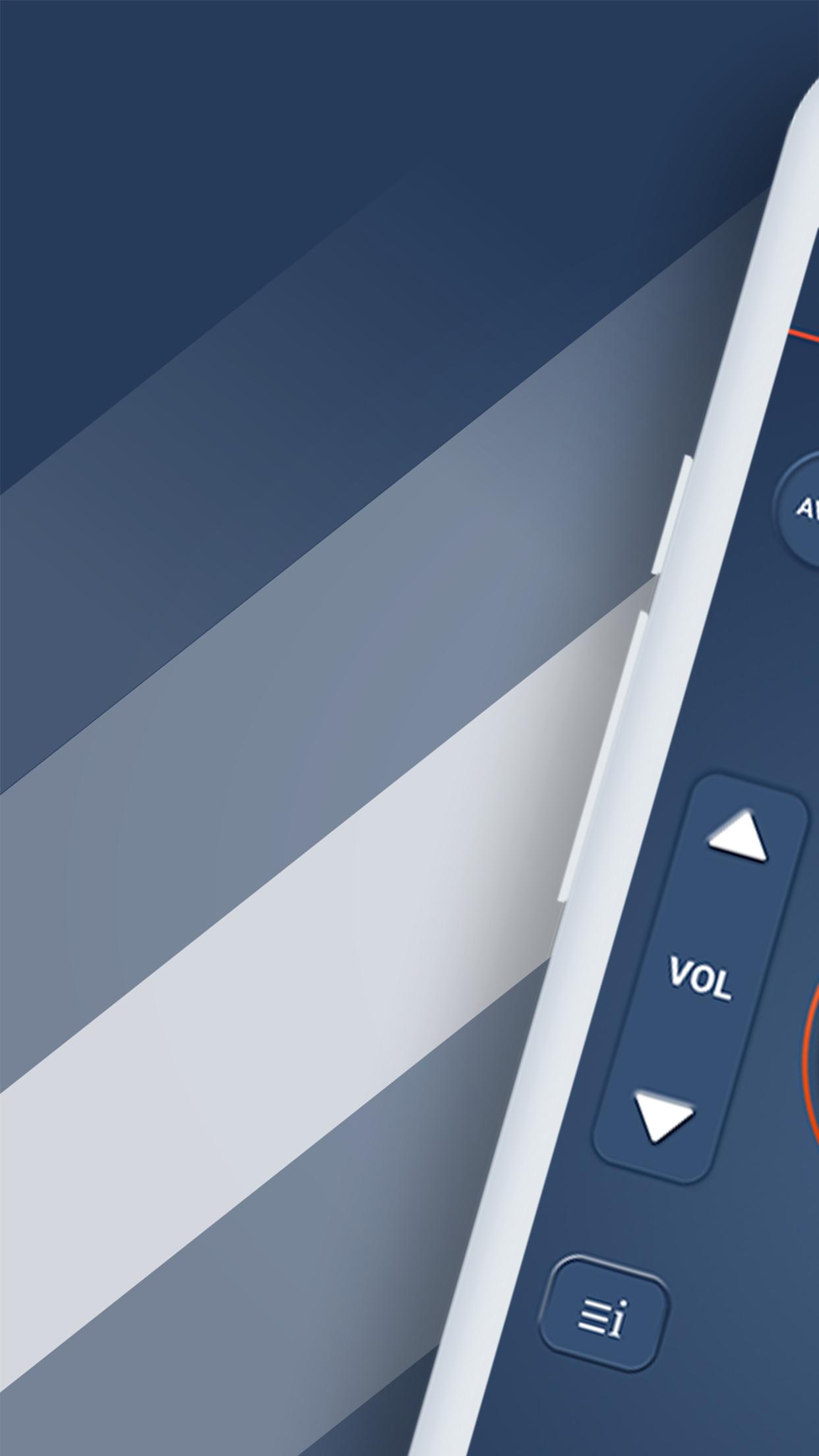
Remote control for all TV (MyRem) is the best app that allows you use your phone or tablet as a universal remote control for your Television. This universal remote control (MyRem) will turn your android phone into a super TV Controller. Your smartphone and tablet will become your remote control for your TV, Never worry about losing your remote control or running out of battery With this TV remote control (MyRem).
Want to re-purpose your Android smartphone or tablet into a universal remote control for enjoying live television shows and other home entertainment options? Here is a must-have Wifi Remote Control for TV app for Android.
Don’t fret if you misplace your traditional remote control or accidentally damage it. Your Android device, when equipped with this Universal Blu Ray Remote app, can just as easily double as a universal remote control.
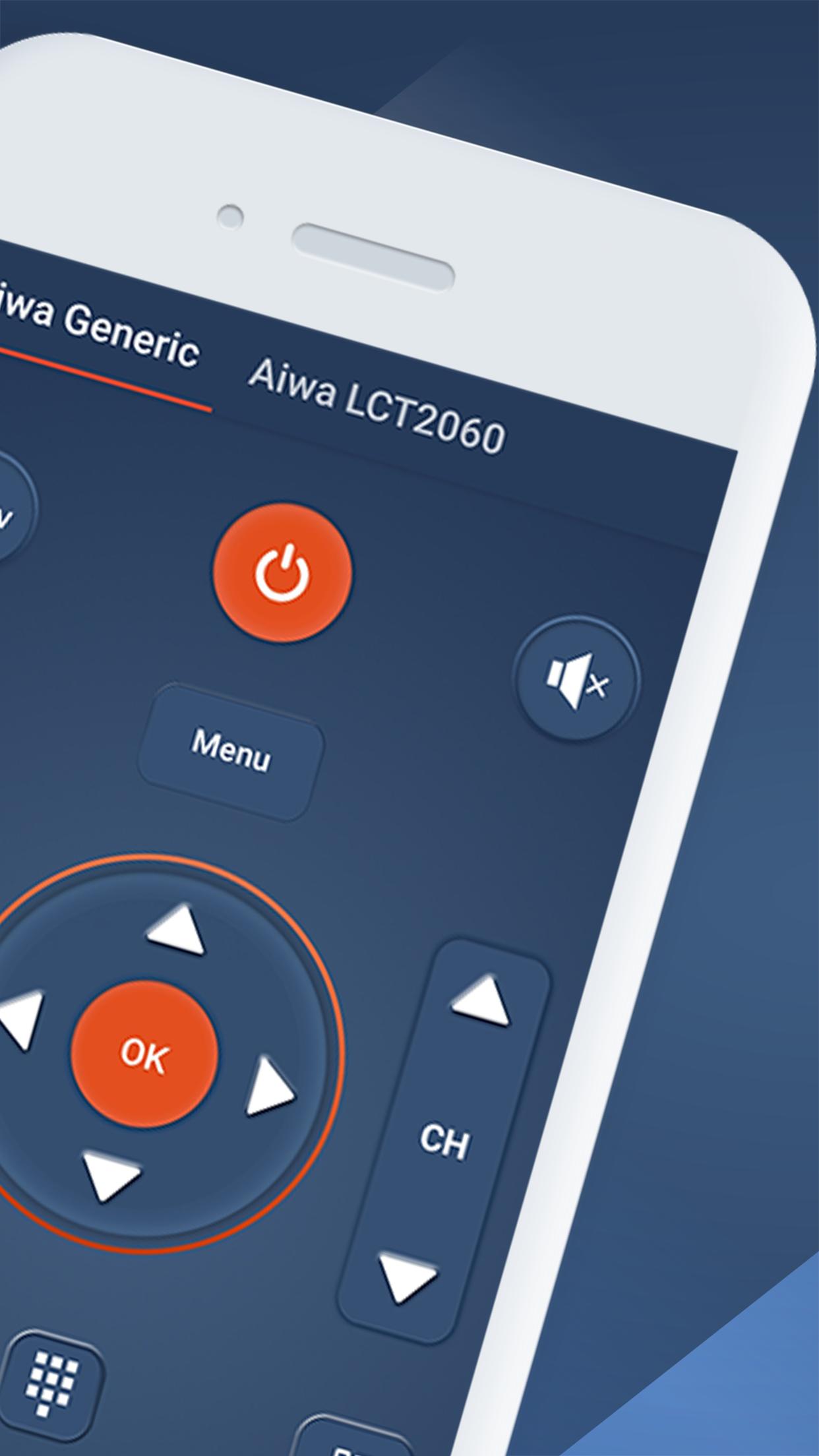
Learning to work with different remote controls can be a real hassle. Having to choose the right remote control for your purpose is sometimes confusing. remote control for all tv (MyRem) solves these problems. The interface has the same look and feel as your old remote control. This makes universal remote control very intuitive and easy to use for everyone.
TV remote control (MyRem) is an extremely powerful remote app with an easy to use interface. Wifi Remote Control for TV supports a wide variety of remote control systems, from your phone’s built-in IR blasters as well as Smart TVs!
Universal Blu Ray Remote, easily convert your Android phone into a universal remote for your television. remote control for all tv is simple and easy to set up and use, the mode of operation is exactly the same as the TV remote control.
This universal remote control (MyRem) is for those Android users who don’t want to use the bundled-in remote control or want the flexibility to use their smartphone as a remote control and not want to handle multiple devices.
This TV remote control is everything a regular remote control is and offers a few additional features as well. The Wifi Remote Control for TV app connects to your TV through IR or Wi-Fi. If you are going the Wi-Fi route, ensure your smartphone TV are on the same network. IR is the other option if Wi-Fi is not working. This means the Universal Blu Ray Remote app is universal and would work on all smartphones and mobile devices.
If your phone does not have IR port, you can also use an IR Blaster, and even via WiFi you can control the new Smart TVs. With our Smart TV Remote, you just need one android device to control all your TVs.
MyRem is compatible with these TV brands: Acer, Admiral, Aiwa, Akai, Alba, AOC, Apex, Asus, Atec, Atlanta, AudioSonic, AudioVox, Bahum, BBK, Beko, BGH, Blaupunkt, Bush, CCE, Changhong, Challenger, Chanllenger TV, Coby Colby, Comcats, Condor, Continental, Daewoo, Dell, Denon, Dick Smith, Durabrand, Dynex, Ecco, Echostar STB, Elekta, Element, Emerson, Fujitsu, Funai, GoldMaster, Gold Star Grundig, Haier, Hisense Hitachi Horizon, Humax Hyundai, LLO, Insignia, ISymphony, Jensen JVC, Kendo, Kogan, Kolin, Konda, LG, Logik, Loewe, Magnavox, Mascom, Medion, Medion TV, Micromax, Mitsai, Mitsubishi, Mystery, Nec, Next, Nexus, NFusion, Nikia, Niko, Noblex, OKI, Olevia, Onida, Orange, Orion, Palsonic, Panasonic, Philco, Philips, Pioneer, Polaroid, Prima, Promac, Proscan, RCA, Reliance, Rubin, Saba, Samsung, Sansui, Sanyo, Scott, SEG, Seiki, Shapp, Shivaki, Singer, Sinotec, Skyworth, Soniq, Sony, Supra, Sylvania, Symphonic, TataSky, TelStar, TCL, Teac, Technika, Telefunken, Thomson, Toshiba, Venturer, Veon, Vestel, Videocon, Vior, Vivax, Vizio, Vu, UMC, Wansa, Westinghouse, Wharfedale, Zenith.
Avance
Etiquetas
HerramientasInformación
Desarrollador
SoomApps
La última versión
2.0.8
Última actualización
2023-02-27
Categoría
Herramientas
Disponible en
Google Play
Mostrar más
Cómo jugar Universal TV Remote - MyRem con GameLoop en PC
1. Descargue GameLoop desde el sitio web oficial, luego ejecute el archivo exe para instalar GameLoop.
2. Abra GameLoop y busque "Universal TV Remote - MyRem", busque Universal TV Remote - MyRem en los resultados de búsqueda y haga clic en "Instalar".
3. Disfruta jugando Universal TV Remote - MyRem en GameLoop.
Minimum requirements
OS
Windows 8.1 64-bit or Windows 10 64-bit
GPU
GTX 1050
CPU
i3-8300
Memory
8GB RAM
Storage
1GB available space
Recommended requirements
OS
Windows 8.1 64-bit or Windows 10 64-bit
GPU
GTX 1050
CPU
i3-9320
Memory
16GB RAM
Storage
1GB available space