MiniShare - Mini Size File Transfer App para PC
OmniaShare
Descarga MiniShare - Mini Size File Transfer App en PC con GameLoop Emulator
MiniShare - Mini Size File Transfer App en PC
MiniShare - Mini Size File Transfer App, proveniente del desarrollador OmniaShare, se ejecuta en el sistema Android en el pasado.
Ahora, puedes jugar MiniShare - Mini Size File Transfer App en PC con GameLoop sin problemas.
Descárgalo en la biblioteca de GameLoop o en los resultados de búsqueda. No más mirar la batería o llamadas frustrantes en el momento equivocado nunca más.
Simplemente disfrute de MiniShare - Mini Size File Transfer App PC en la pantalla grande de forma gratuita!
MiniShare - Mini Size File Transfer App Introducción
MiniShare is an ultra-light, lightning fast, file sharing application that enables users to transfer content seamlessly between devices. The app prides itself on being small, or in other words, less than 2MB, making it easy for users whose phones have limited storage to have access to our app. The small size does not compromise on file transfer speeds, making it one of the fastest file transfer apps out there. In addition to being a lightweight champion, our app also boasts the following features.
Features:
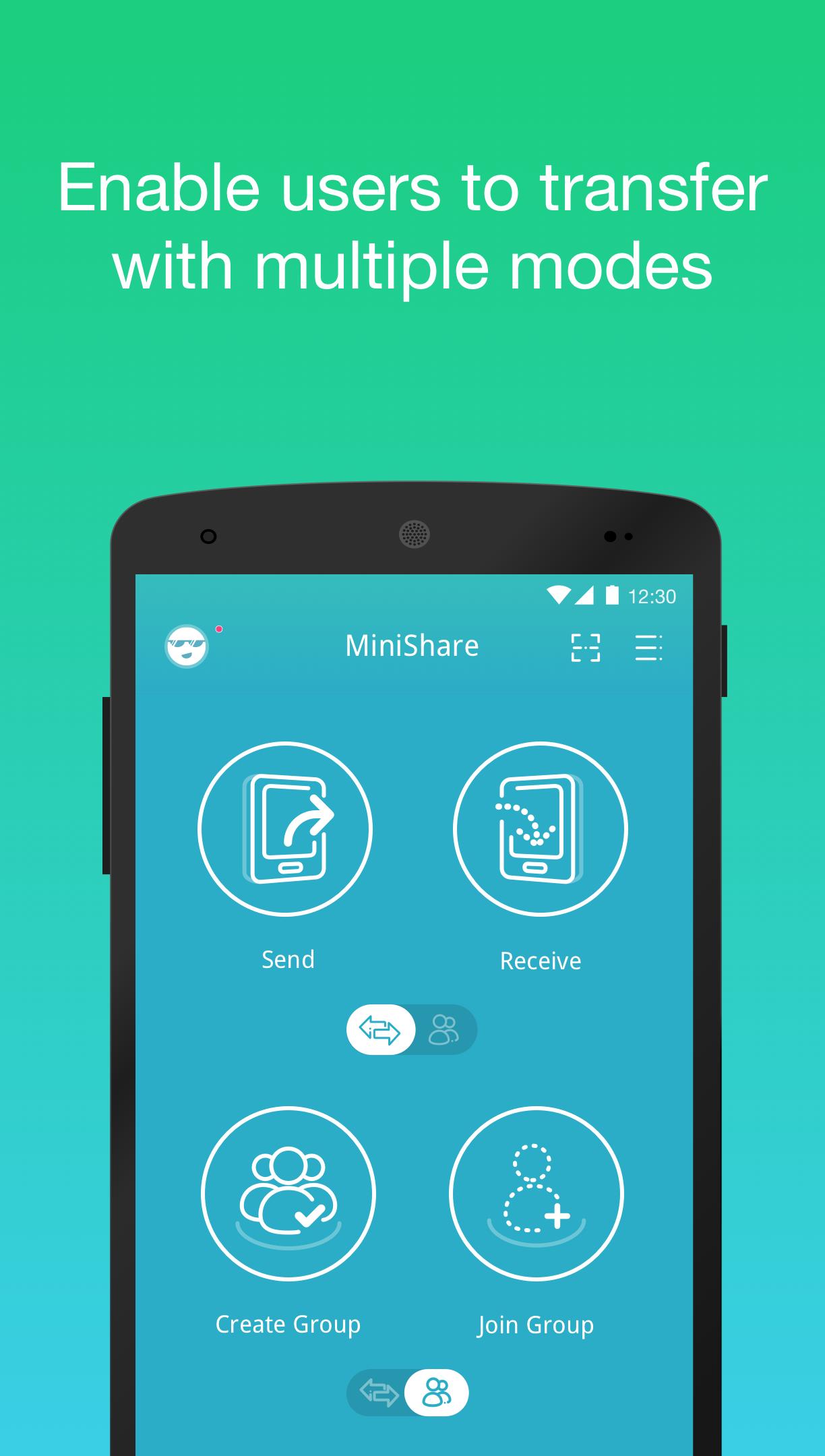
• Group Feature: MiniShare has a create group and join group feature to facilitate quick file transfers between friends and family
• Ultra-light: “Mini” is the key feature here: the app is only 1.8 Megabytes!
• No Wi-Fi, No Problem: Don’t have the best internet connection? Don’t worry. MiniShare enables users with no Wi-Fi to transfer files with ease, also saving users money in the process!
• Easy on the memory: The app does not run as a background application, thereby consuming less memory on your smartphone device.
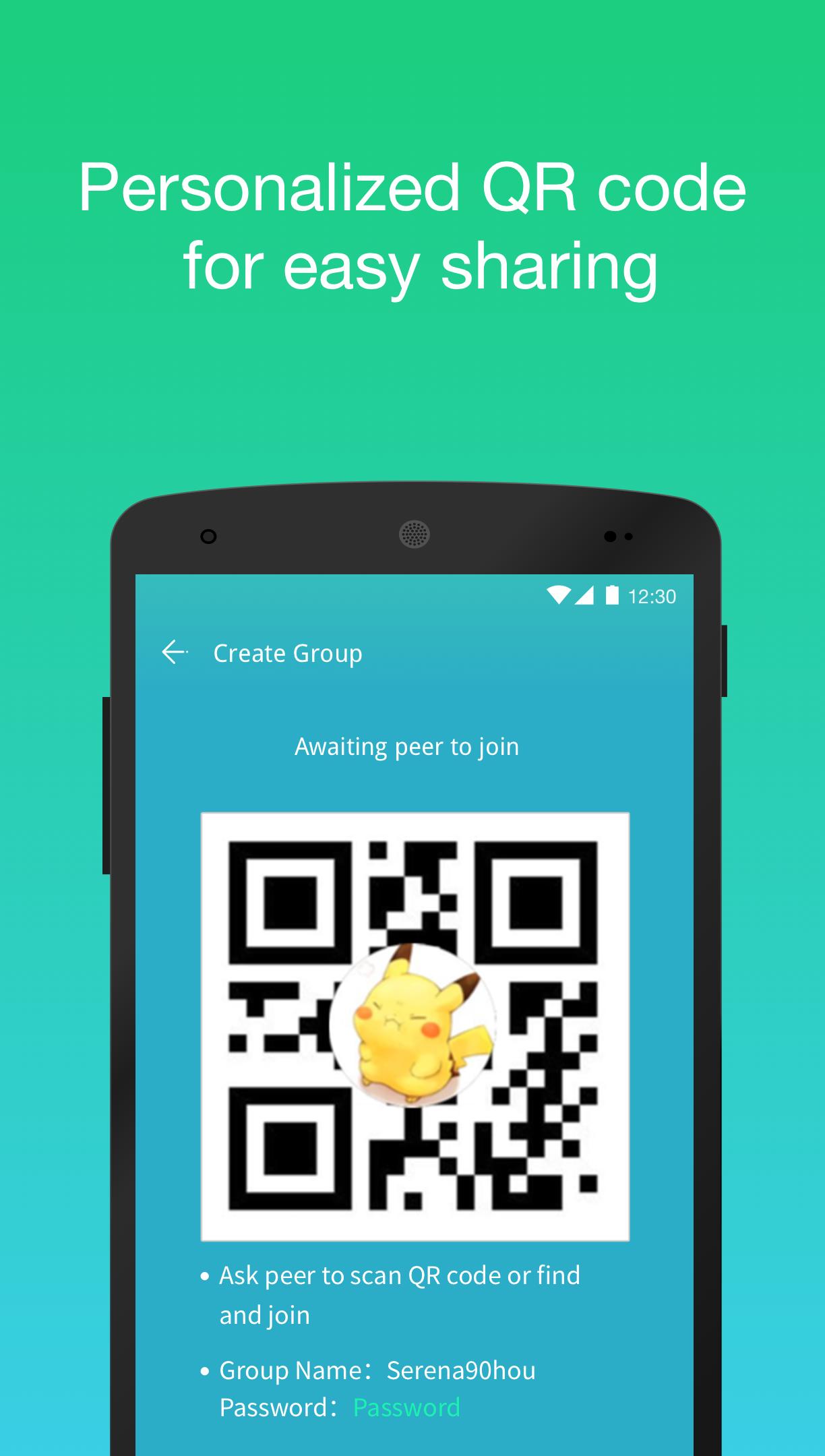
• Local Share: Need to share files in bulk? Select your files, let MiniShare make these files available by generating a hotspot, and lastly, users can simply receive files by scanning the generated QR Code
• QR Code Connectivity: Connect MiniShare with a QR code function
• Multiple Languages: The app supports m Chinese (Simplified), English, Spanish, Russian, Thai and Indonesian
• Compatible with other applications: The application is also fully compatible with Zapya - File Transfer, Sharing on Android, iOS, PC and Mac platforms
Avance
Información
Desarrollador
OmniaShare
La última versión
1.6.6
Última actualización
2021-06-23
Categoría
Herramientas
Disponible en
Google Play
Mostrar más
Cómo jugar MiniShare - Mini Size File Transfer App con GameLoop en PC
1. Descargue GameLoop desde el sitio web oficial, luego ejecute el archivo exe para instalar GameLoop.
2. Abra GameLoop y busque "MiniShare - Mini Size File Transfer App", busque MiniShare - Mini Size File Transfer App en los resultados de búsqueda y haga clic en "Instalar".
3. Disfruta jugando MiniShare - Mini Size File Transfer App en GameLoop.
Minimum requirements
OS
Windows 8.1 64-bit or Windows 10 64-bit
GPU
GTX 1050
CPU
i3-8300
Memory
8GB RAM
Storage
1GB available space
Recommended requirements
OS
Windows 8.1 64-bit or Windows 10 64-bit
GPU
GTX 1050
CPU
i3-9320
Memory
16GB RAM
Storage
1GB available space