Gyroscope Fix - Game Launcher para PC
Ataraxian Studios
Descarga Gyroscope Fix - Game Launcher en PC con GameLoop Emulator
Gyroscope Fix - Game Launcher en PC
Gyroscope Fix - Game Launcher, proveniente del desarrollador Ataraxian Studios, se ejecuta en el sistema Android en el pasado.
Ahora, puedes jugar Gyroscope Fix - Game Launcher en PC con GameLoop sin problemas.
Descárgalo en la biblioteca de GameLoop o en los resultados de búsqueda. No más mirar la batería o llamadas frustrantes en el momento equivocado nunca más.
Simplemente disfrute de Gyroscope Fix - Game Launcher PC en la pantalla grande de forma gratuita!
Gyroscope Fix - Game Launcher Introducción
Enhance Your Gaming Experience with the Latest Update
Our latest update introduces a suite of powerful features designed to elevate your gaming experience:
Introducing Game Launcher: Effortlessly organize and launch all your favorite games from a single, convenient location.
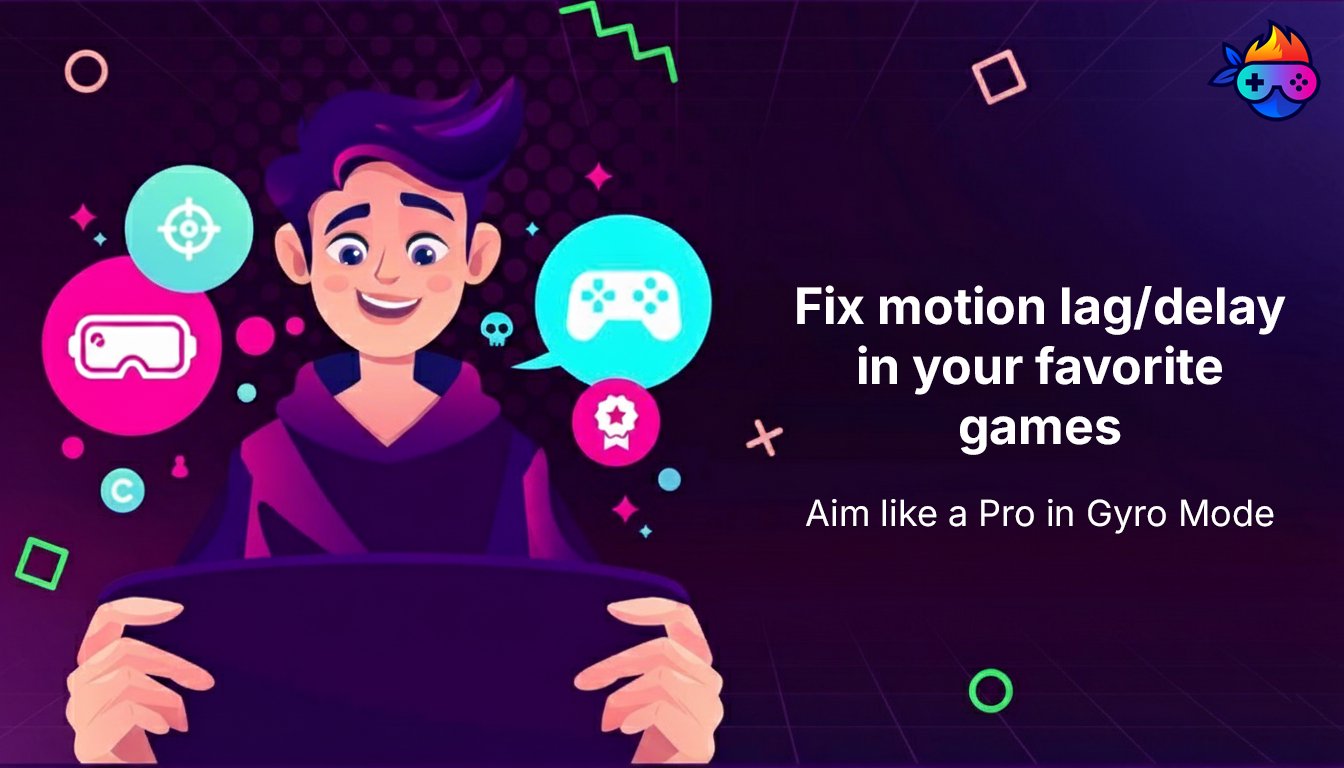
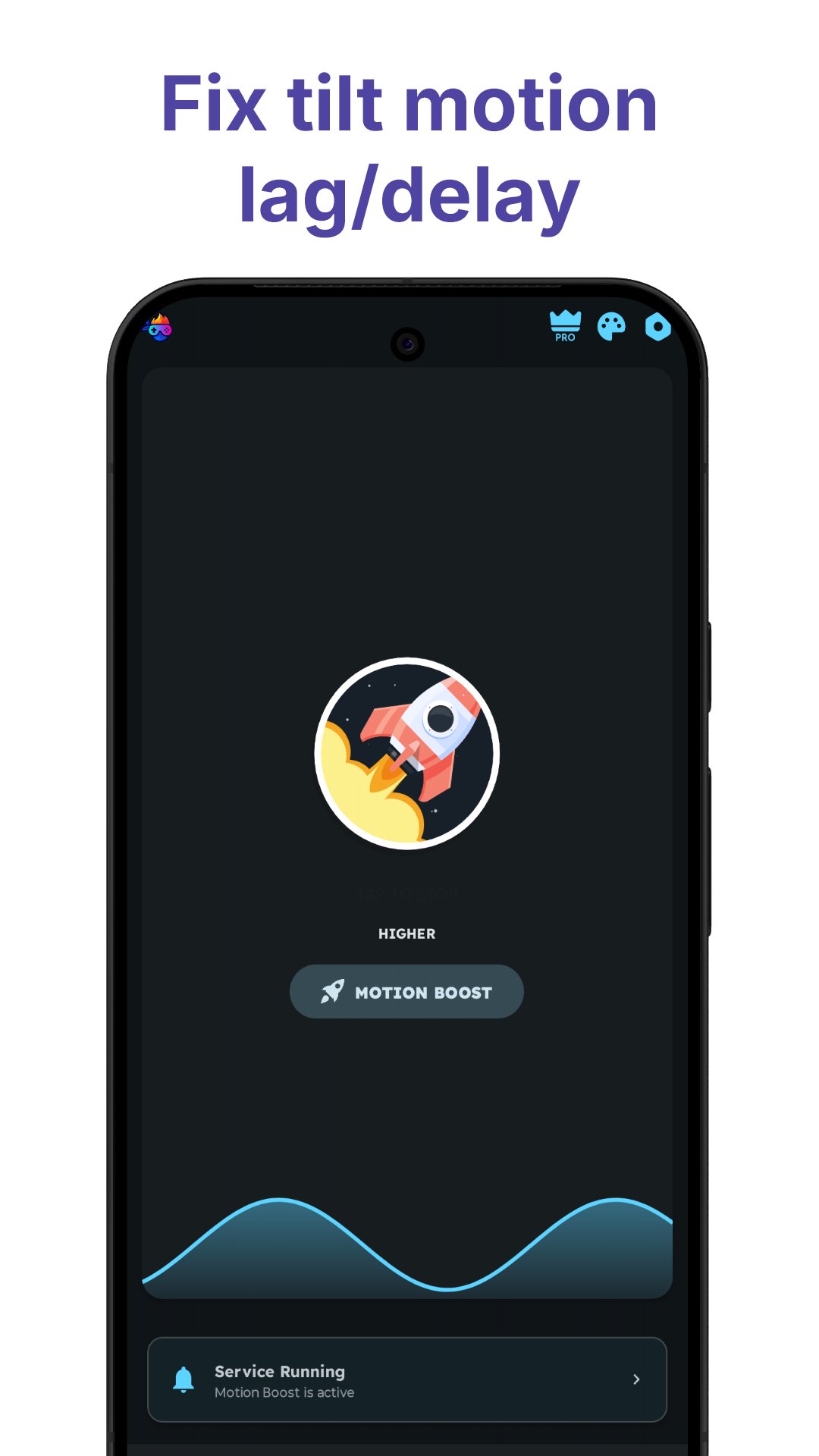
Angular Motion Booster Enhancement: Experience enhanced precision and responsiveness with a new mode added to the Angular Motion Booster, improving your performance in motion-based games, FPS, and VR experiences.
Redesigned User Interface: Enjoy a streamlined and intuitive interface with a host of new features to improve your gaming experience.
Performance Monitoring and Optimization: Calibrate and view the accuracy of your device's sensors for optimal gameplay. Monitor critical gaming vitals such as battery temperature and ping to ensure peak performance. Dive deep into detailed charts and data for your device's gyroscope, accelerometer, and magnetometer, all within the app.
This update delivers a comprehensive suite of tools to enhance your gaming experience. Update now and enjoy the difference!
We hope you find this Game Hub/Arcade app useful. For any queries, reach us at ataraxianstudios@gmail.com.
Avance
Etiquetas
HerramientasInformación
Desarrollador
Ataraxian Studios
La última versión
19.1.2
Última actualización
2026-04-15
Categoría
Herramientas
Disponible en
Google Play
Mostrar más
Cómo jugar Gyroscope Fix - Game Launcher con GameLoop en PC
1. Descargue GameLoop desde el sitio web oficial, luego ejecute el archivo exe para instalar GameLoop.
2. Abra GameLoop y busque "Gyroscope Fix - Game Launcher", busque Gyroscope Fix - Game Launcher en los resultados de búsqueda y haga clic en "Instalar".
3. Disfruta jugando Gyroscope Fix - Game Launcher en GameLoop.
Minimum requirements
OS
Windows 8.1 64-bit or Windows 10 64-bit
GPU
GTX 1050
CPU
i3-8300
Memory
8GB RAM
Storage
1GB available space
Recommended requirements
OS
Windows 8.1 64-bit or Windows 10 64-bit
GPU
GTX 1050
CPU
i3-9320
Memory
16GB RAM
Storage
1GB available space