Junk Cleaner - Cache Scanner para PC
Bazinga!
Descarga Junk Cleaner - Cache Scanner en PC con GameLoop Emulator
Junk Cleaner - Cache Scanner en PC
Junk Cleaner - Cache Scanner, proveniente del desarrollador Bazinga!, se ejecuta en el sistema Android en el pasado.
Ahora, puedes jugar Junk Cleaner - Cache Scanner en PC con GameLoop sin problemas.
Descárgalo en la biblioteca de GameLoop o en los resultados de búsqueda. No más mirar la batería o llamadas frustrantes en el momento equivocado nunca más.
Simplemente disfrute de Junk Cleaner - Cache Scanner PC en la pantalla grande de forma gratuita!
Junk Cleaner - Cache Scanner Introducción
🧰 Core Features:
🗑️ Cache Scanner
✔ Scan cache of all apps , help you finding biggest cache
[Important Notice]
This app contains only scan cache function , it can’t clear cache directly because third party app does not have access to other app's cache files , you need clear cache in app's settings
[How to clear cache]
Click on an app in scan result list will open its setting page , then click [Storage] -> [Clear Cache]
♻️ Junk Cleaner
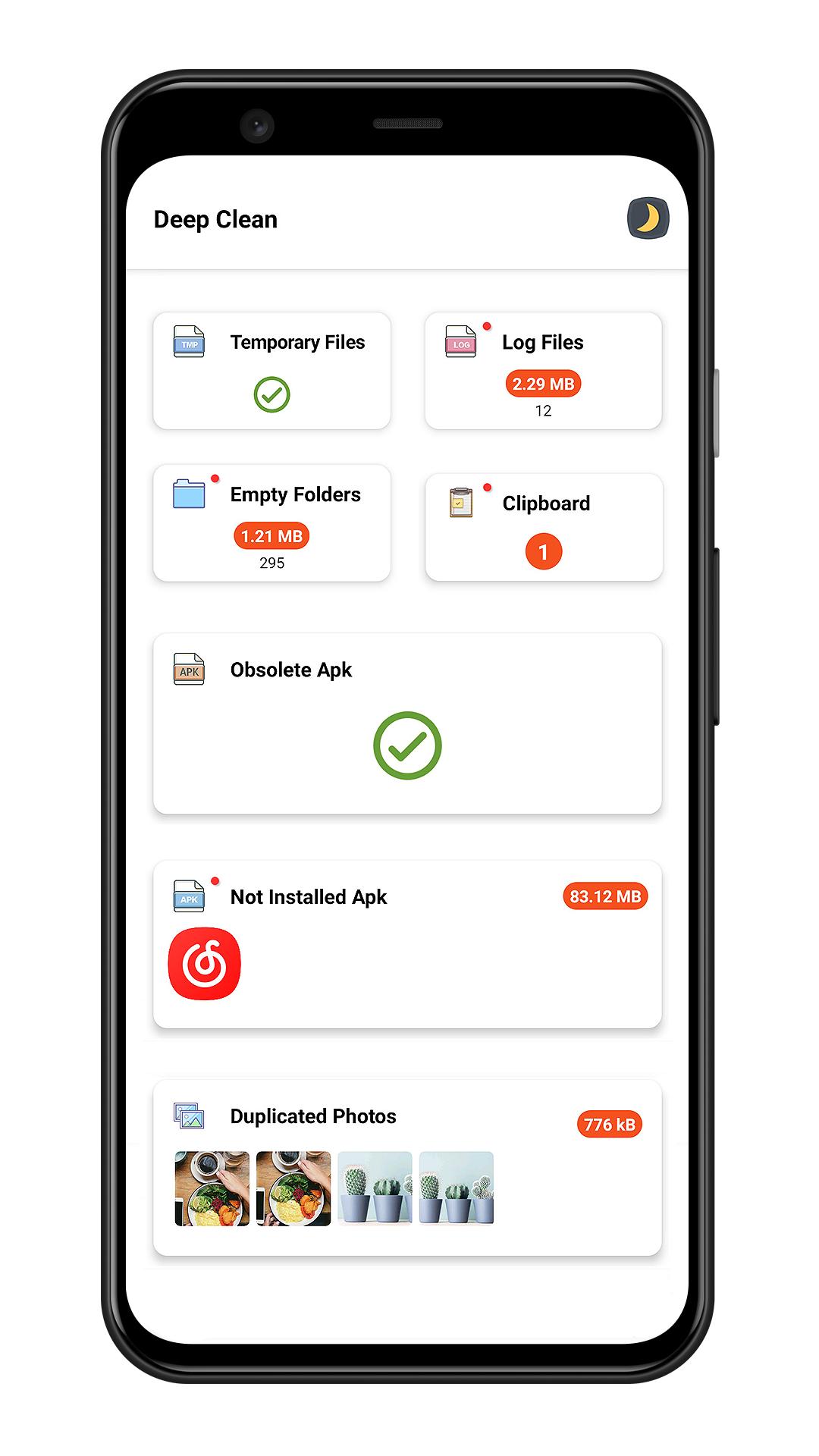
✔ Smart junk cleaner engine help you clear junk files including temporary files , log files , empty folders , obsolete apk
📑 Large File Cleaner
✔ Scan large file which size larger than 10 MB
✔ Sort large files by file type / directory / file extension
✔ Mark of new large file
🖼️ Photo Cleaner
✔ Intelligent photo analyzer help you find similar photos
✔ Auto select better quality photo in a group of similar photos
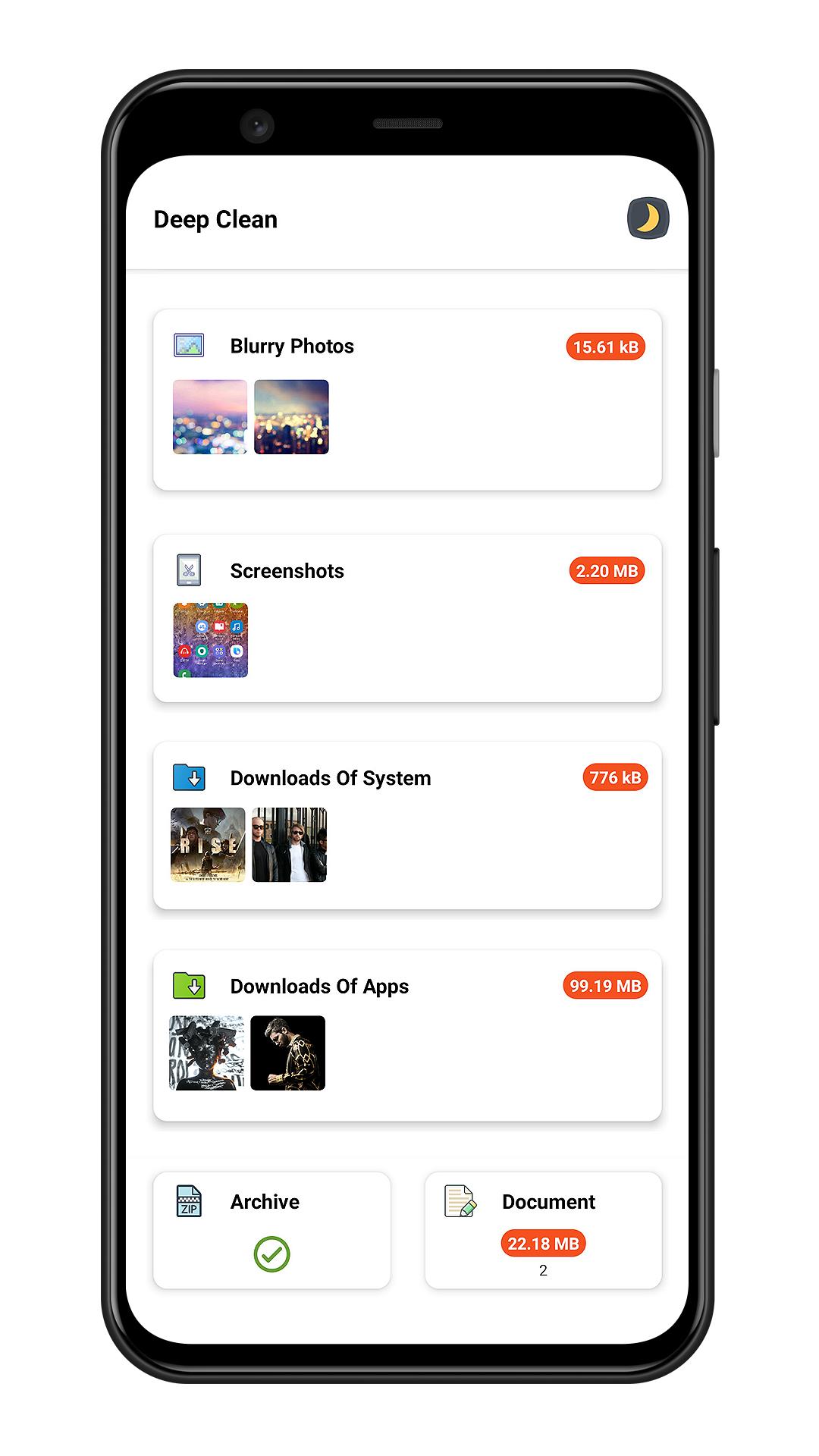
✔ Scan bad quality photos(blurred or dark photo)
✔ Screenshots cleaner
📽️ Media Manager
✔ Manager audio files
✔ Manager video files
✔ Manager archive files
✔ Manager documents
⬇️ Downloads Cleaner
✔ Clean system downloads
✔ Clean files downloaded by third party apps
📱 App Uninstaller
✔ Batch Uninstall apps to release storage
✔ Sort apps by app size to find big size app
✔ Quick search to find app
✔ Plugin uninstaller help you uninstall hidden app
[What is plugin uninstaller]
Some app does not contains user interface and does not show in launcher , Junk Cleaner can help you finding this kind app.
🎨 Day Mode & Night Mode
✔ This app has two theme(day/night) for your choose
Avance
Etiquetas
HerramientasProductividadInformación
Desarrollador
Bazinga!
La última versión
3.8
Última actualización
2023-06-29
Categoría
Herramientas
Disponible en
Google Play
Mostrar más
Cómo jugar Junk Cleaner - Cache Scanner con GameLoop en PC
1. Descargue GameLoop desde el sitio web oficial, luego ejecute el archivo exe para instalar GameLoop.
2. Abra GameLoop y busque "Junk Cleaner - Cache Scanner", busque Junk Cleaner - Cache Scanner en los resultados de búsqueda y haga clic en "Instalar".
3. Disfruta jugando Junk Cleaner - Cache Scanner en GameLoop.
Minimum requirements
OS
Windows 8.1 64-bit or Windows 10 64-bit
GPU
GTX 1050
CPU
i3-8300
Memory
8GB RAM
Storage
1GB available space
Recommended requirements
OS
Windows 8.1 64-bit or Windows 10 64-bit
GPU
GTX 1050
CPU
i3-9320
Memory
16GB RAM
Storage
1GB available space