ClassLink Remote Login para PC
ClassLink
Descarga ClassLink Remote Login en PC con GameLoop Emulator
ClassLink Remote Login en PC
ClassLink Remote Login, proveniente del desarrollador ClassLink, se ejecuta en el sistema Android en el pasado.
Ahora, puedes jugar ClassLink Remote Login en PC con GameLoop sin problemas.
Descárgalo en la biblioteca de GameLoop o en los resultados de búsqueda. No más mirar la batería o llamadas frustrantes en el momento equivocado nunca más.
Simplemente disfrute de ClassLink Remote Login PC en la pantalla grande de forma gratuita!
ClassLink Remote Login Introducción
ClassLink Remote Login is designed for anyone who wants to magically login to ClassLink from their mobile device, either for themselves, or for all the kids in their classroom.
With ClassLink Remote Login, you don’t have to type your username and password into the ClassLink signon screen. It’s easy and has a few benefits. For example, if you are somewhere using a public computer and prefer not to enter your username and password on a computer you don’t know, use ClassLink Remote Login. Also, if you are a teacher in a younger classroom and your students forget their logins, you can use ClassLink Remote Login to sign them in.
PLEASE NOTE… The following is required for this app to work:
Your school or organization must have ClassLink.
To use ClassLink Remote Login:
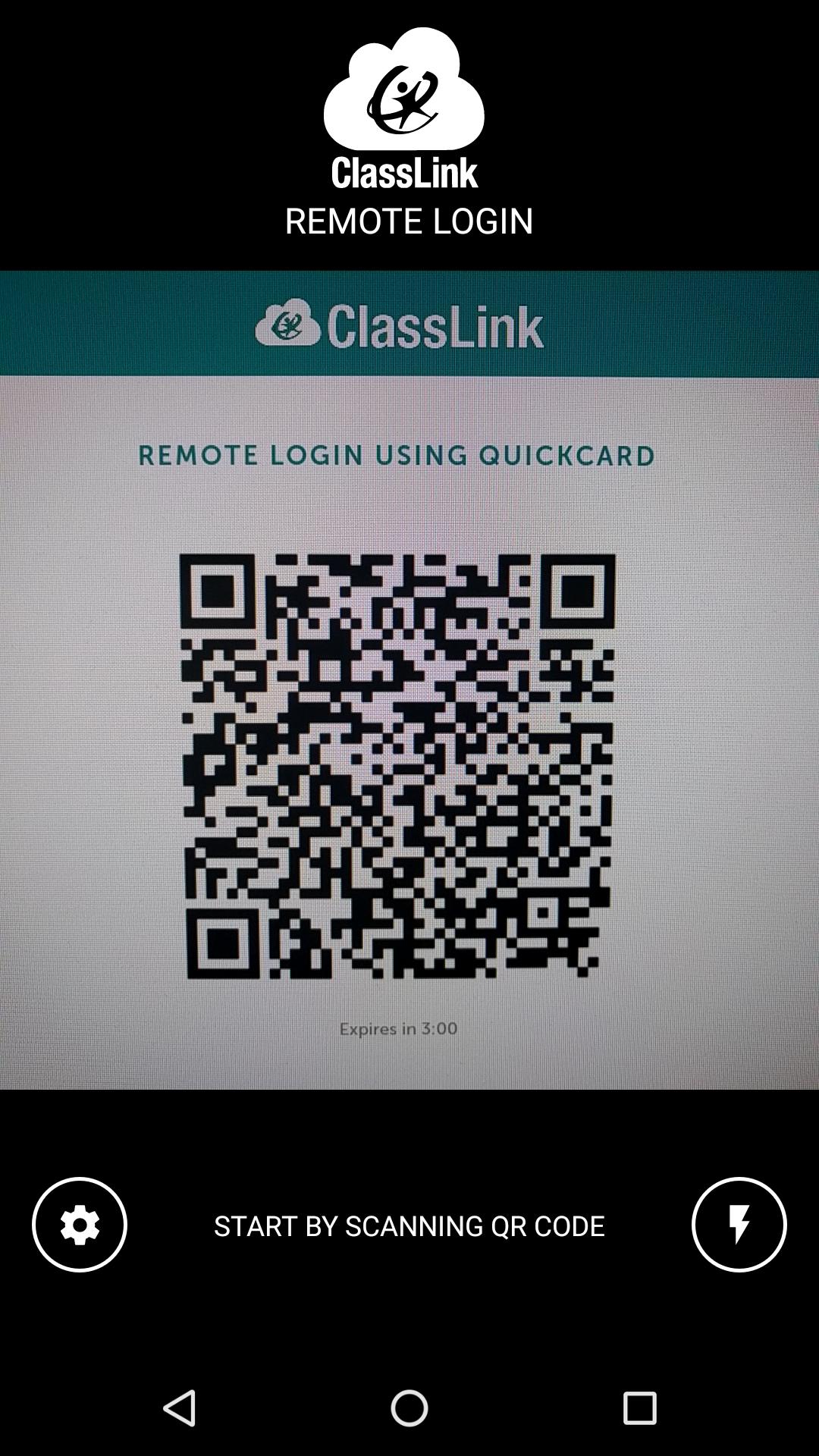
Go to your ClassLink login page and click ‘Remote Login’ near the bottom center. A QR code will appear on the screen identifying that specific computer.
Launch ClassLink Remote Login on your phone and use your camera to take a picture of the QR Code.
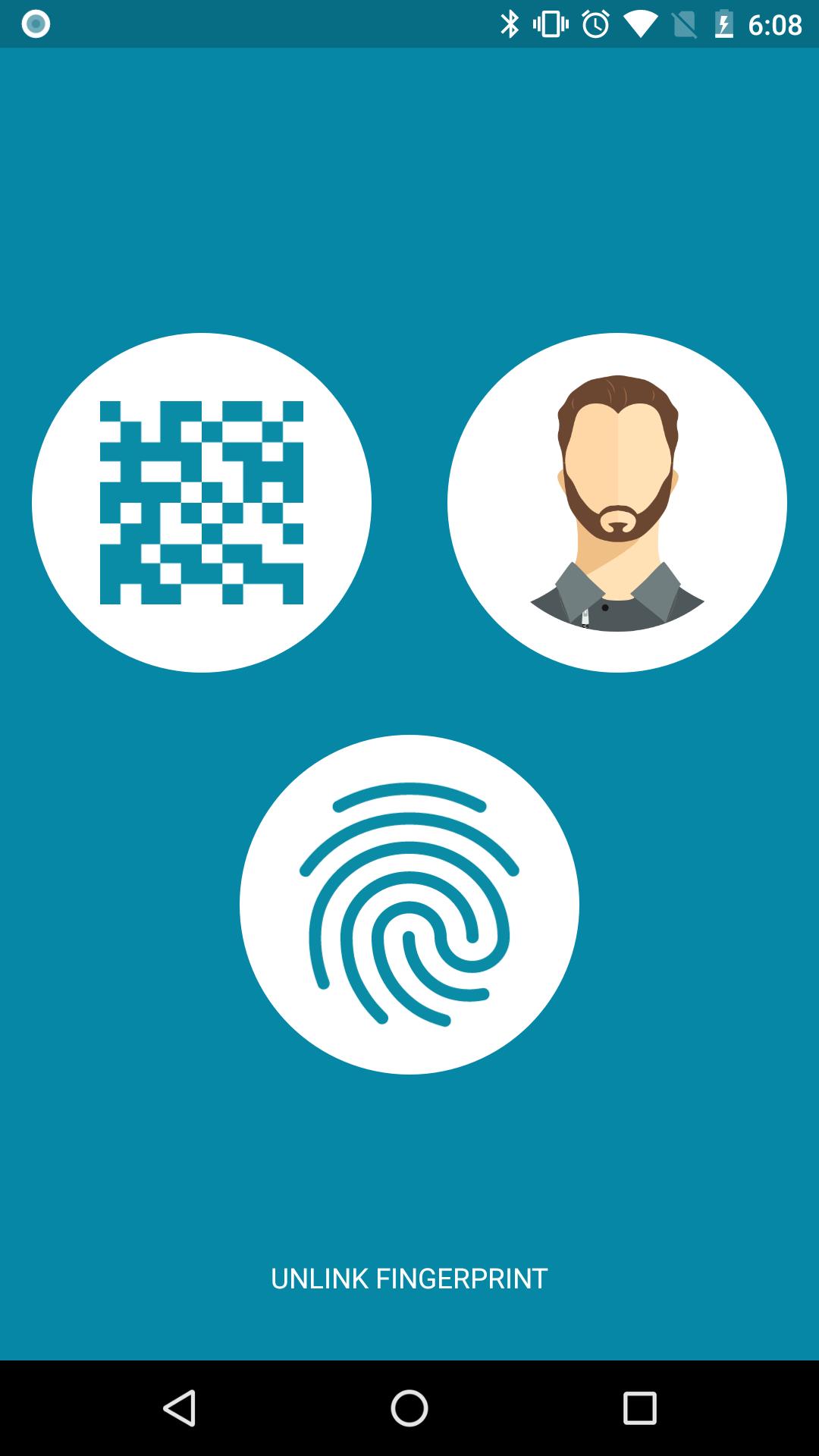
On your phone, select the person you want to sign in, either yourself, or maybe one of the kids in your classroom.
Watch as your computer magically signs you in directly to ClassLink.
Avance
Etiquetas
HerramientasInformación
Desarrollador
ClassLink
La última versión
6
Última actualización
2024-04-22
Categoría
Herramientas
Disponible en
Google Play
Mostrar más
Cómo jugar ClassLink Remote Login con GameLoop en PC
1. Descargue GameLoop desde el sitio web oficial, luego ejecute el archivo exe para instalar GameLoop.
2. Abra GameLoop y busque "ClassLink Remote Login", busque ClassLink Remote Login en los resultados de búsqueda y haga clic en "Instalar".
3. Disfruta jugando ClassLink Remote Login en GameLoop.
Minimum requirements
OS
Windows 8.1 64-bit or Windows 10 64-bit
GPU
GTX 1050
CPU
i3-8300
Memory
8GB RAM
Storage
1GB available space
Recommended requirements
OS
Windows 8.1 64-bit or Windows 10 64-bit
GPU
GTX 1050
CPU
i3-9320
Memory
16GB RAM
Storage
1GB available space