Chinese Keyboard: Voice to Typ para PC
ipMove Ltd
Descarga Chinese Keyboard: Voice to Typ en PC con GameLoop Emulator
Chinese Keyboard: Voice to Typ en PC
Chinese Keyboard: Voice to Typ, proveniente del desarrollador ipMove Ltd, se ejecuta en el sistema Android en el pasado.
Ahora, puedes jugar Chinese Keyboard: Voice to Typ en PC con GameLoop sin problemas.
Descárgalo en la biblioteca de GameLoop o en los resultados de búsqueda. No más mirar la batería o llamadas frustrantes en el momento equivocado nunca más.
Simplemente disfrute de Chinese Keyboard: Voice to Typ PC en la pantalla grande de forma gratuita!
Chinese Keyboard: Voice to Typ Introducción
Chinese Keyboard: Voice to Typing is New Chinese Language with Amazing Stylish Themes and New Emoji. Chinese Language Keyboard is an easy typing of Chinese language and makes it simple for all Chinese app Typing keyboard users who want to write Voice to Chinese at the same time. Chinese Typing Keyboard special design for these people who love Chinese Language. Chinese Keyboard: Voice to Typing is the best mobile keyboard for typing in Chinese language.
Start typing in Chinese Keyboard: Voice to Typing word suggestions for what you're typing fast keyboard. Offline support: works on android phones and Android tablets also. Simple to use with touch screen Chinese voice to text typing from phonetic transliteration using this fast typing keyboard.
Voice to Typing with New Chinese Keyboard: Voice to Typing is the fastest way to type you don't need any other Chinese input tools. This app works inside all applications on your Mobile phone no more copy-paste needs sogou. Supports 10+ colorful keyboard themes with easy settings and easy interface this is the trendiest way to type Chinese letters on Android and the easiest Chinese Keyboard: Voice to Typing.
★ No more typing with slow manual keyboards this is the New Fastest Chinese Transliteration Keyboard that is free and fast, effortless, Chinese texts best keyboard and easy to use.
★ His Chinese Keyboard: Voice to Typing is 100% safe because we do not save any keystroke and No need personal information or credit card details are collected pleco coolest. We store anonymous statistics that may be shared to improve your experience.
★ Chinese Keyboard: Voice to Typing app suggested words to write your emotions in
Your own language & save your time while typing fast.
How to Use Chinese Keyboard: Voice to Typing:
1. Download and Install!
2. Open (“Chinese Keyboard”).
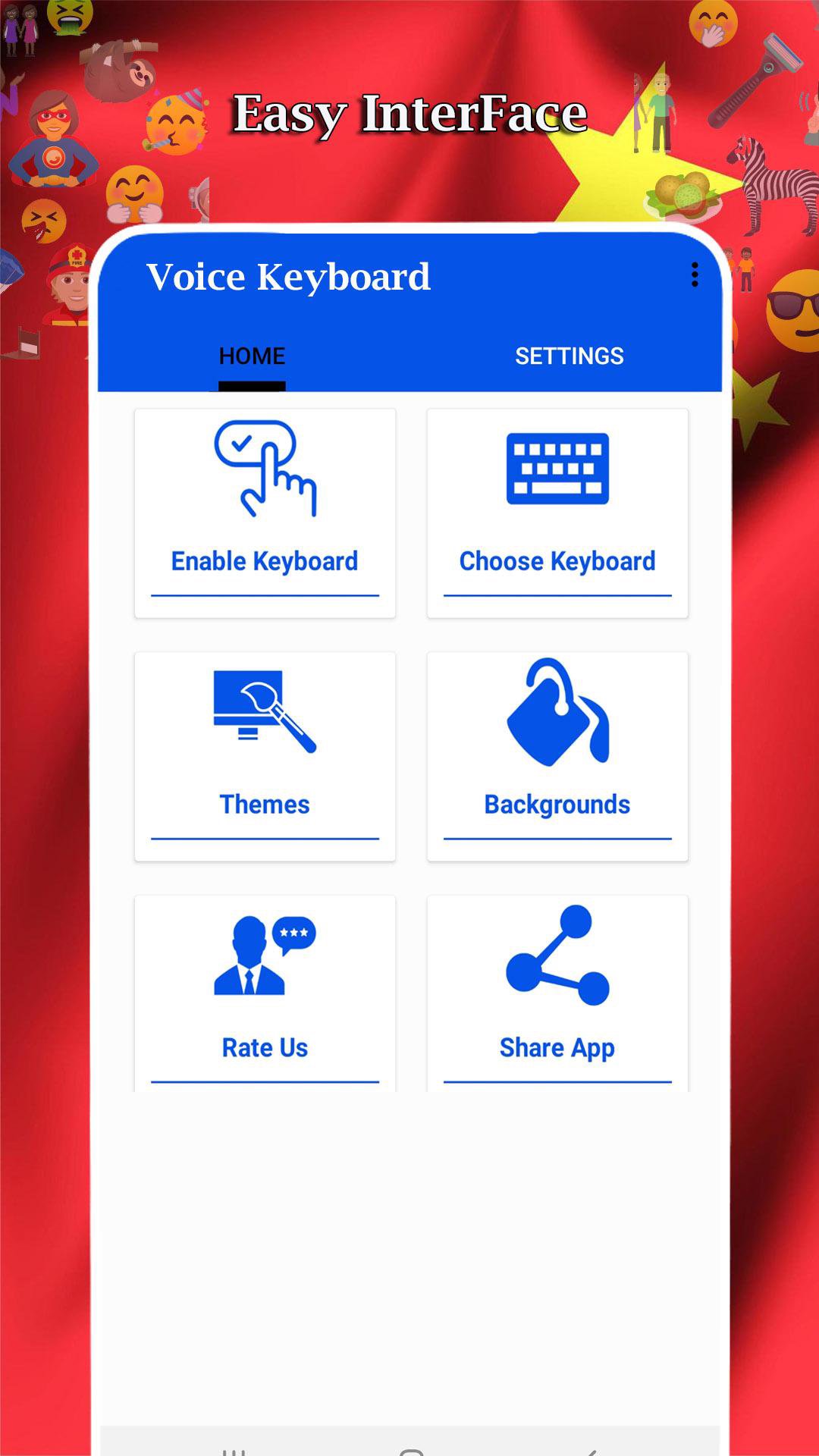
3. Enable Keyboard (“Choose the Chinese Keyboard”).
4. Select Keyboard (“Choose Chinese Keyboard”).
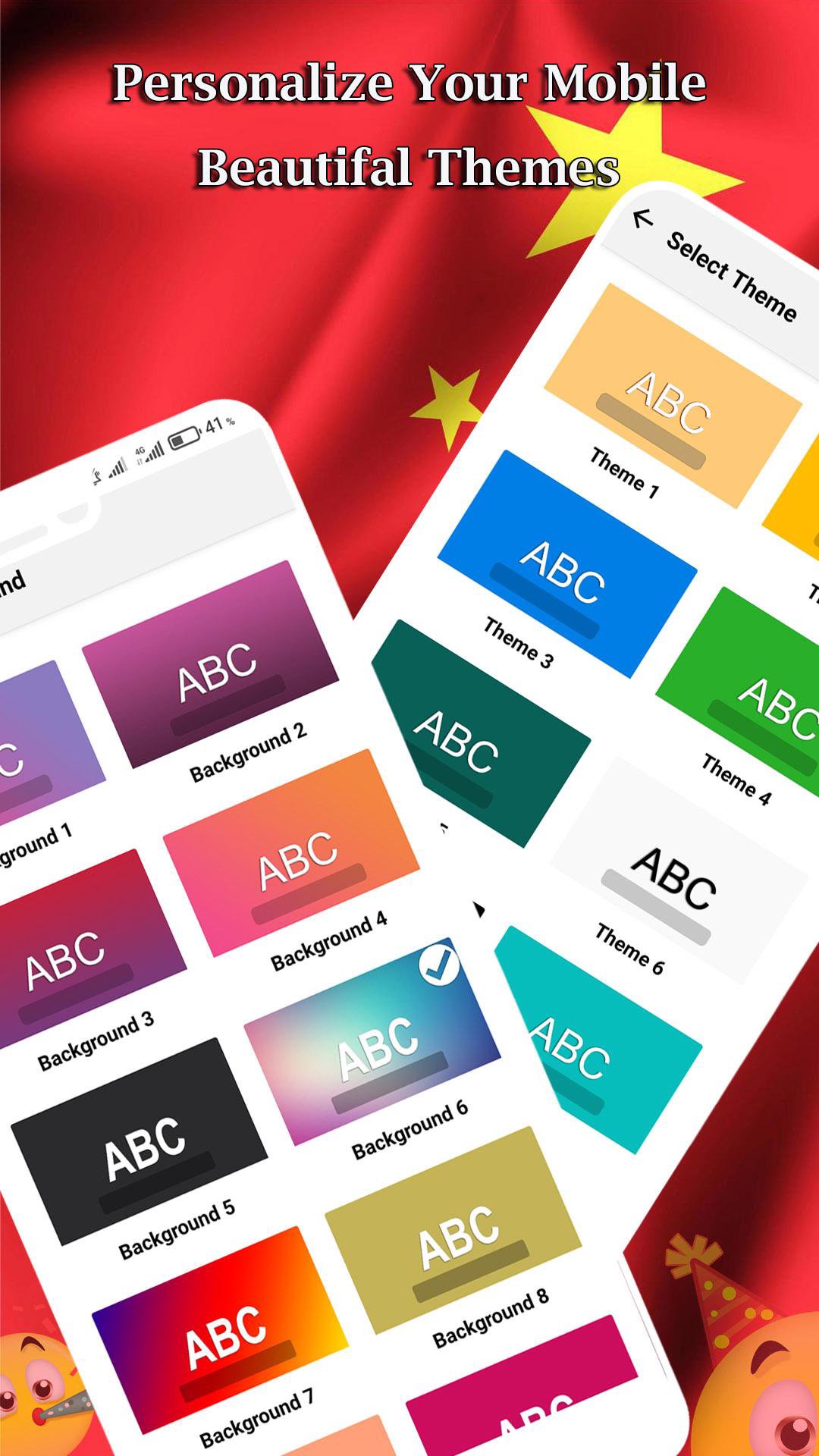
5. Colorful Themes (“Select Favorite of your Choice”).
Download Chinese Keyboard: Voice to Typing now and start enjoying its awesome unique designs grammarly keyboard! Its emoji’s and stickers can be used in any messenger and chatting app and on most Android versions Chinese style. Don't forget to share this awesome keyboard app with your best friends and family, so they can have more fun with their phones too.
★ Start typing Chinese language everywhere!
★ Awesome themes!
★ Unique sounds!
★ Different button sizes and shapes!
This Chinese voice typing App Enjoy a fun way to write your text messages and chat with your friends with this new Chinese Keyboard: Voice to Typing app.
Avance
Etiquetas
HerramientasInformación
Desarrollador
ipMove Ltd
La última versión
1.0
Última actualización
2020-10-02
Categoría
Herramientas
Disponible en
Google Play
Mostrar más
Cómo jugar Chinese Keyboard: Voice to Typ con GameLoop en PC
1. Descargue GameLoop desde el sitio web oficial, luego ejecute el archivo exe para instalar GameLoop.
2. Abra GameLoop y busque "Chinese Keyboard: Voice to Typ", busque Chinese Keyboard: Voice to Typ en los resultados de búsqueda y haga clic en "Instalar".
3. Disfruta jugando Chinese Keyboard: Voice to Typ en GameLoop.
Minimum requirements
OS
Windows 8.1 64-bit or Windows 10 64-bit
GPU
GTX 1050
CPU
i3-8300
Memory
8GB RAM
Storage
1GB available space
Recommended requirements
OS
Windows 8.1 64-bit or Windows 10 64-bit
GPU
GTX 1050
CPU
i3-9320
Memory
16GB RAM
Storage
1GB available space