
Cherrys VPN para PC
Hayes Ruth
Descarga Cherrys VPN en PC con GameLoop Emulator
Cherrys VPN en PC
Cherrys VPN, proveniente del desarrollador Hayes Ruth, se ejecuta en el sistema Android en el pasado.
Ahora, puedes jugar Cherrys VPN en PC con GameLoop sin problemas.
Descárgalo en la biblioteca de GameLoop o en los resultados de búsqueda. No más mirar la batería o llamadas frustrantes en el momento equivocado nunca más.
Simplemente disfrute de Cherrys VPN PC en la pantalla grande de forma gratuita!
Cherrys VPN Introducción
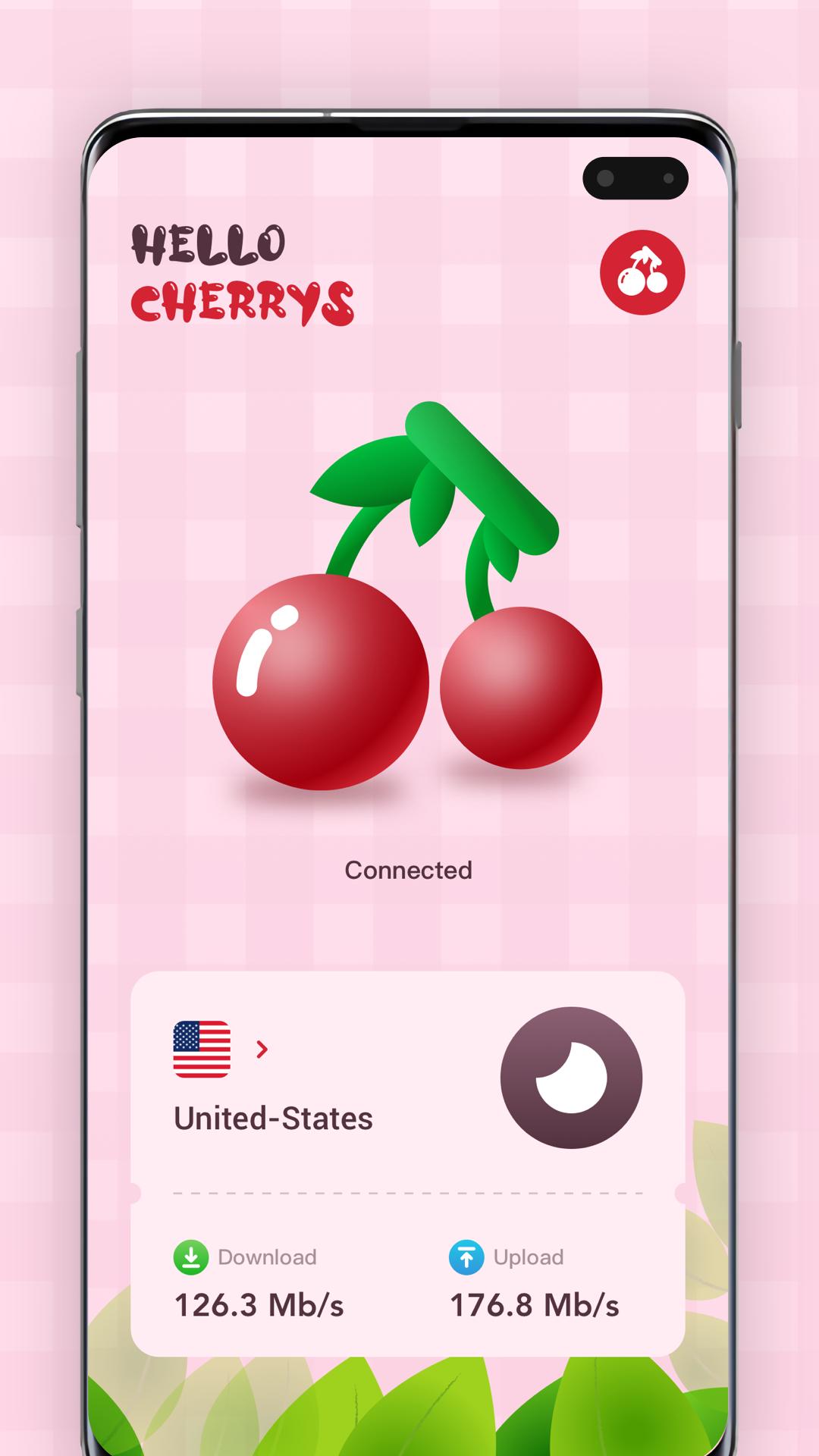
Cherrys VPN is an ultra fast and secure "Virtual Private Network" application that provides completely free and unlimited security products and services. It adopts one click technology, does not need any registration or configuration, and only needs one click Startup.
The private network provided by Cherrys VPN is a secure tunnel connection between the device and the Internet. This can protect your online activities and hide your online identity. How did this happen? We connect you to a secure server so that your Internet traffic passes through a military level encrypted channel, which hides your activities to companies, hackers, service providers or anyone.
Cherrys VPN uses the best high-specification server, and the dedicated high-quality bandwidth leads to low latency and high speed, making it perfect for live streaming, online games, social media services and video telephony.
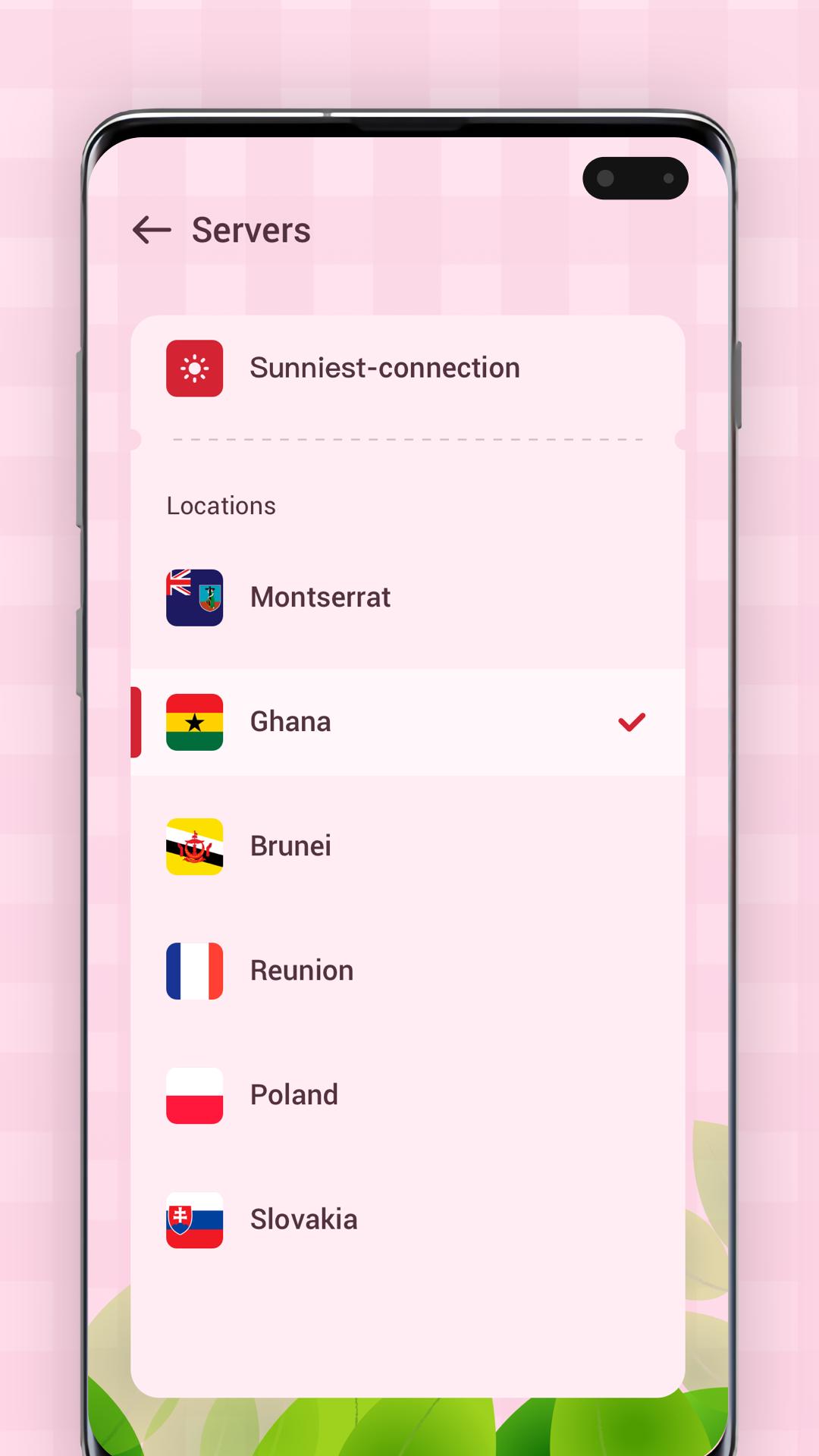
You can use the Internet without restriction, without any data or time limit. We have an extensive global network with hundreds of servers selected from more than 50 countries.
Why use the Cherrys VPN?
- Easy to set up and use on Android.
- Multiple servers are located in the Americas, Europe, Asia and around the world.
- Unlimited bandwidth, unlimited servers.
- Visit all websites and applications, watch videos, speed up games and bypass firewalls.
- Reliable and stable service.
If you like us, Please give us Five-Stars rating!
Avance
Etiquetas
HerramientasInformación
Desarrollador
Hayes Ruth
La última versión
1.0.1
Última actualización
2022-07-12
Categoría
Herramientas
Disponible en
Google Play
Mostrar más
Cómo jugar Cherrys VPN con GameLoop en PC
1. Descargue GameLoop desde el sitio web oficial, luego ejecute el archivo exe para instalar GameLoop.
2. Abra GameLoop y busque "Cherrys VPN", busque Cherrys VPN en los resultados de búsqueda y haga clic en "Instalar".
3. Disfruta jugando Cherrys VPN en GameLoop.
Minimum requirements
OS
Windows 8.1 64-bit or Windows 10 64-bit
GPU
GTX 1050
CPU
i3-8300
Memory
8GB RAM
Storage
1GB available space
Recommended requirements
OS
Windows 8.1 64-bit or Windows 10 64-bit
GPU
GTX 1050
CPU
i3-9320
Memory
16GB RAM
Storage
1GB available space