
QR & Barcode Scanner para PC
SukronMoh
Descarga QR & Barcode Scanner en PC con GameLoop Emulator
QR & Barcode Scanner en PC
QR & Barcode Scanner, proveniente del desarrollador SukronMoh, se ejecuta en el sistema Android en el pasado.
Ahora, puedes jugar QR & Barcode Scanner en PC con GameLoop sin problemas.
Descárgalo en la biblioteca de GameLoop o en los resultados de búsqueda. No más mirar la batería o llamadas frustrantes en el momento equivocado nunca más.
Simplemente disfrute de QR & Barcode Scanner PC en la pantalla grande de forma gratuita!
QR & Barcode Scanner Introducción
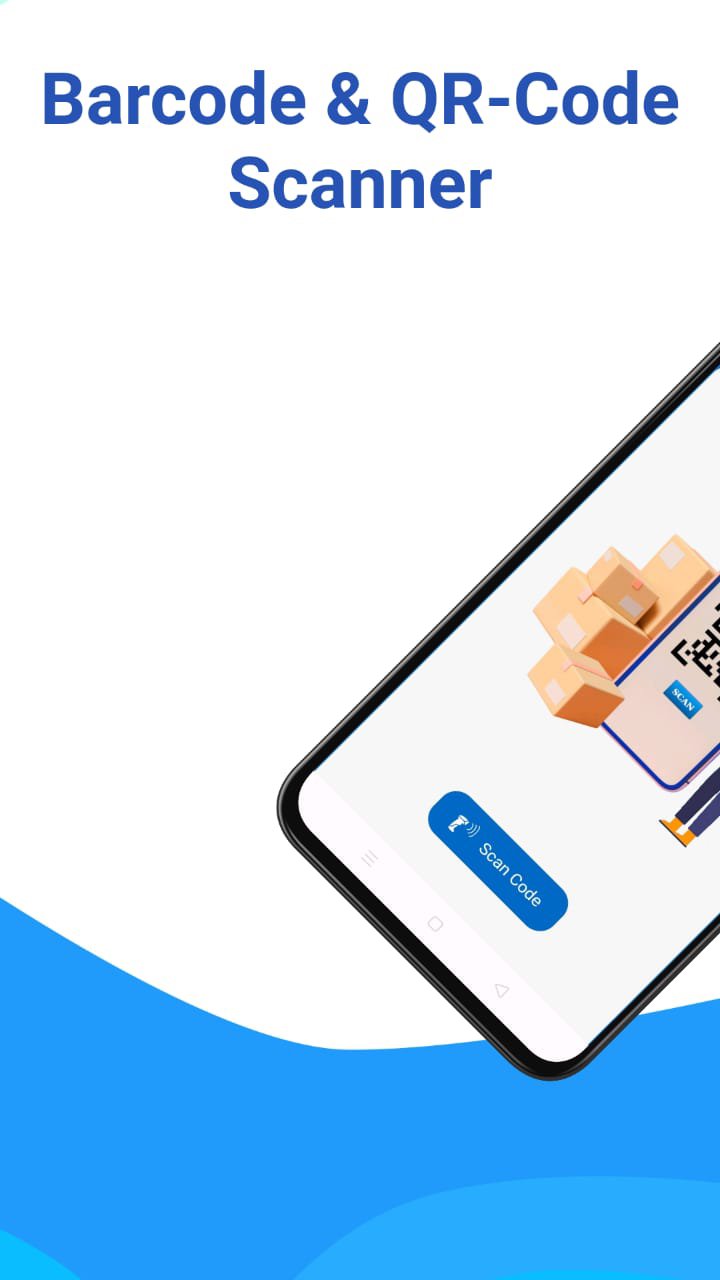
QR & Barcode Scanner - Your Ultimate AI-Powered Productivity Tool!
Upgrade your scanning experience! This is more than just a standard barcode reader. Now equipped with cutting-edge AI Live Translate, our app allows you to translate text instantly through your camera in real-time.
NEW: AI Live Camera Translate (OCR)
✅ Instant Translation: Point your camera at menus, signs, or documents, and see the translation appear right on top of the image.
✅ Auto-Language Detection: Powered by advanced AI, the app automatically detects the source language—no manual switching required!
✅ Freeze-Frame Feature: Click "Pause" to freeze the camera view. Read translations comfortably without needing to keep your hands steady.
✅ Smart Device Sync: Automatically translates to your phone's default language for a seamless experience.
Versatile Scanning & Management:
🚀 All-in-One Scanner: Supports all QR & Barcode formats (Data Matrix, Aztec, UPC, EAN, Code 39, and more).
📄 Scan to PDF: High-quality document scanning. Convert your scans into digital PDF files instantly.
📊 Google Sheets Integration: Perfect for business! Save your scan data directly to Google Sheets for inventory, attendance, or tracking.
🎨 QR Code Generator: Create custom QR codes for WiFi, Contacts, URLs, Business Cards, or Events.
🌙 Night Mode & Flashlight: Fast scanning even in low-light environments.
🔒 Privacy First: We respect your data. Camera permissions are used strictly for scanning and translation.
Why Choose Us?
Our app is lightweight, battery-efficient, and designed for speed. Whether you are a traveler navigating foreign signs, a student reading documents, or a business owner managing inventory via Google Sheets, this app is built for you.
How to use Live Translate:
1. Open the "Live Translate" menu.
2. Point the camera at the text you want to translate.
3. Tap the "Pause" button to "freeze" the frame and read the results easily.
4. Tap "Resume" to continue scanning other texts.
Download/Update now and experience the future of smart scanning with AI!
Avance

Etiquetas
HerramientasInformación
Desarrollador
SukronMoh
La última versión
9.4.1
Última actualización
2026-06-08
Categoría
Herramientas
Disponible en
Google Play
Mostrar más
Cómo jugar QR & Barcode Scanner con GameLoop en PC
1. Descargue GameLoop desde el sitio web oficial, luego ejecute el archivo exe para instalar GameLoop.
2. Abra GameLoop y busque "QR & Barcode Scanner", busque QR & Barcode Scanner en los resultados de búsqueda y haga clic en "Instalar".
3. Disfruta jugando QR & Barcode Scanner en GameLoop.
Minimum requirements
OS
Windows 8.1 64-bit or Windows 10 64-bit
GPU
GTX 1050
CPU
i3-8300
Memory
8GB RAM
Storage
1GB available space
Recommended requirements
OS
Windows 8.1 64-bit or Windows 10 64-bit
GPU
GTX 1050
CPU
i3-9320
Memory
16GB RAM
Storage
1GB available space