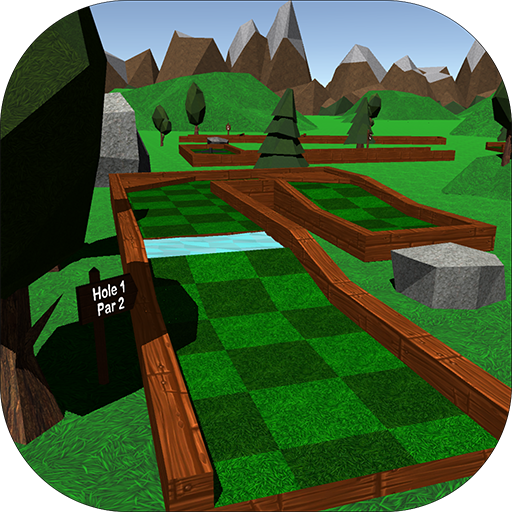
Mini Golf 3D Classic para PC
5amStudios
Descarga Mini Golf 3D Classic en PC con GameLoop Emulator
Mini Golf 3D Classic en PC
Mini Golf 3D Classic, proveniente del desarrollador 5amStudios, se ejecuta en el sistema Android en el pasado.
Ahora, puedes jugar Mini Golf 3D Classic en PC con GameLoop sin problemas.
Descárgalo en la biblioteca de GameLoop o en los resultados de búsqueda. No más mirar la batería o llamadas frustrantes en el momento equivocado nunca más.
Simplemente disfrute de Mini Golf 3D Classic PC en la pantalla grande de forma gratuita!
Mini Golf 3D Classic Introducción
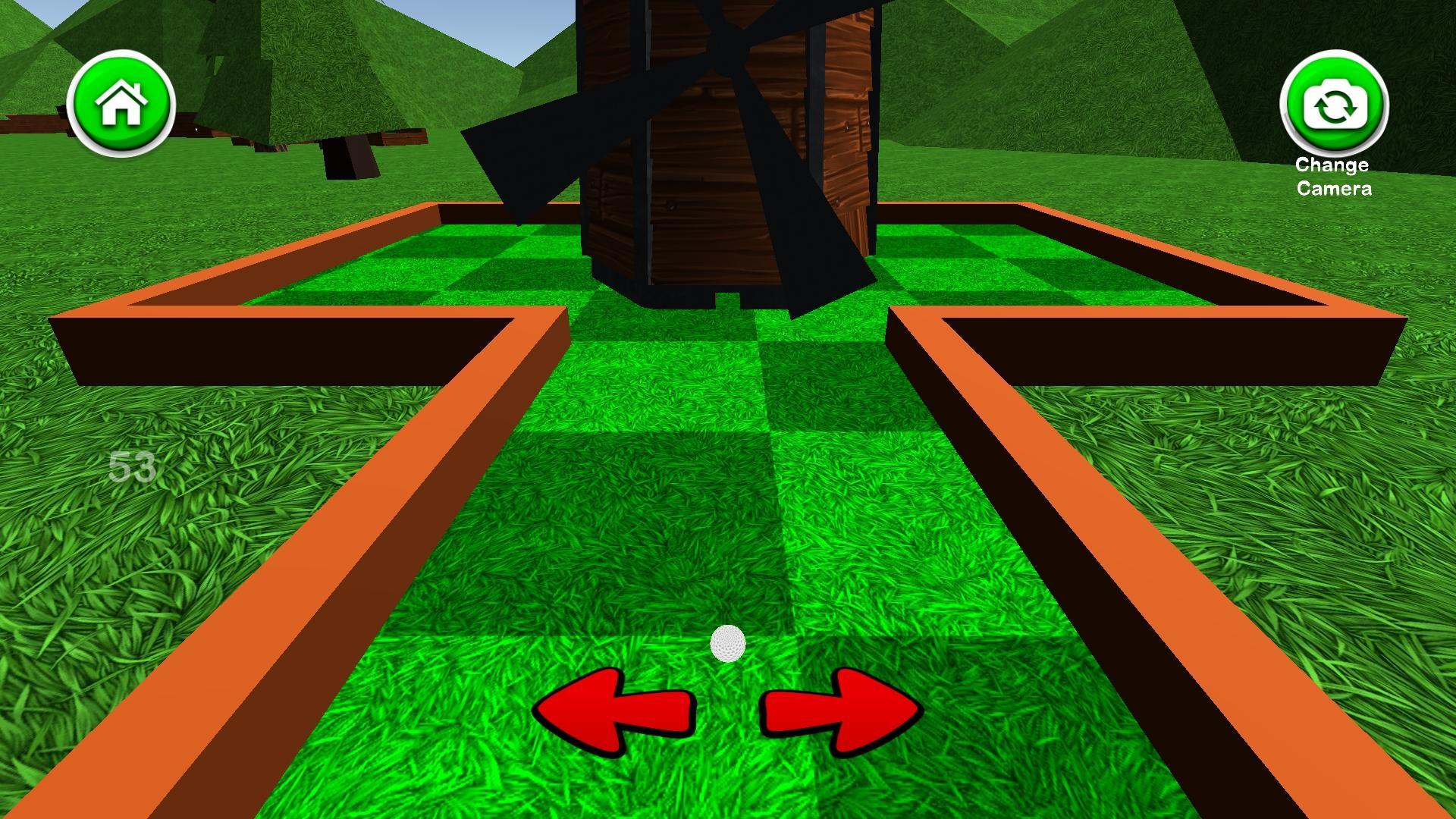
Mini Golf 3D Classic is a free mini golf game that includes six 18 hole courses with a simple to use interface and appealing graphics. Mini Golf 3D Classic features normal mode, where you can compare your high scores with people around the world and unlock achievements, and a practice mode where you can skip around the course and play any hole you like. You can earn coins by getting hole-in-ones and completing rounds, which can be spent on unlocking new ball colors, removing advertisements, and purchasing mulligans. There are also 3 different camera modes to cycle through including a behind-the-ball view, aerial view, and another view that gives you a preview of the hole. You can sign in to the Google Play Games Service to compete against friends on the global leader boards and earn achievements as well. The leader boards rank the best scores for the current day, week, and all time, as well as the total number of holes-in-one and rounds completed. If you enjoy mini golf, you'll love this relaxing, yet challenging mini golf game. See if you can set the high score and become the mini golf champion!
Interface Tutorial:
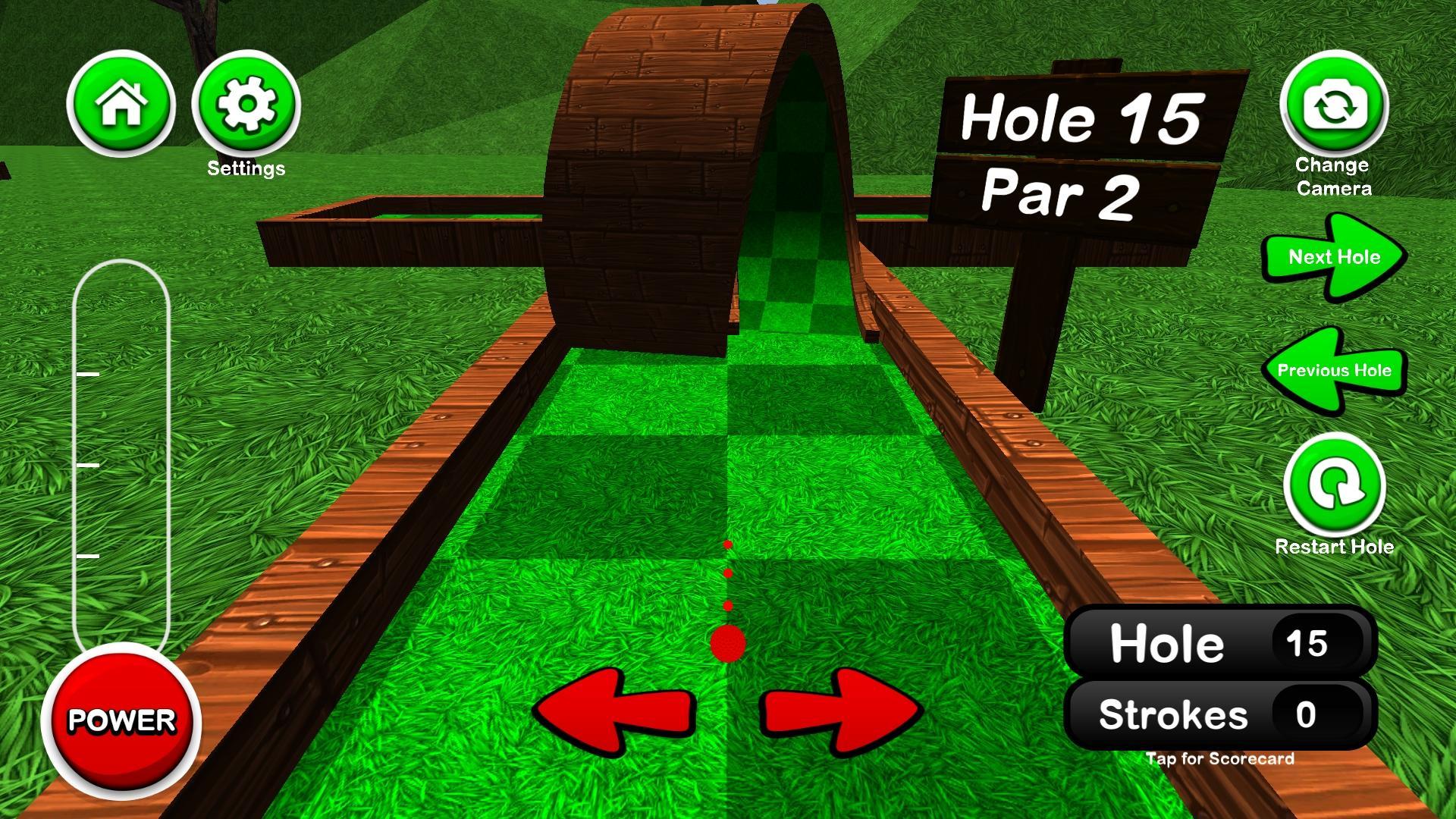
Tap or hold the left and right arrows to adjust your aim
Tap the power button once to start the power meter, then again to stop it at the desired power
Pressing the camera button in the top right cycles through the different camera views
Pressing the score in the bottom right opens/closes the scorecard
Avance
Etiquetas
GolfCasualUn solo jugadorEstilizadoDesconectadoInformación
Desarrollador
5amStudios
La última versión
5.5
Última actualización
2024-01-01
Categoría
deportes
Disponible en
Google Play
Mostrar más
Cómo jugar Mini Golf 3D Classic con GameLoop en PC
1. Descargue GameLoop desde el sitio web oficial, luego ejecute el archivo exe para instalar GameLoop.
2. Abra GameLoop y busque "Mini Golf 3D Classic", busque Mini Golf 3D Classic en los resultados de búsqueda y haga clic en "Instalar".
3. Disfruta jugando Mini Golf 3D Classic en GameLoop.
Minimum requirements
OS
Windows 8.1 64-bit or Windows 10 64-bit
GPU
GTX 1050
CPU
i3-8300
Memory
8GB RAM
Storage
1GB available space
Recommended requirements
OS
Windows 8.1 64-bit or Windows 10 64-bit
GPU
GTX 1050
CPU
i3-9320
Memory
16GB RAM
Storage
1GB available space