
Football Stickers For WhAtsApp para PC
Naila Inc
Descarga Football Stickers For WhAtsApp en PC con GameLoop Emulator
Football Stickers For WhAtsApp en PC
Football Stickers For WhAtsApp, proveniente del desarrollador Naila Inc, se ejecuta en el sistema Android en el pasado.
Ahora, puedes jugar Football Stickers For WhAtsApp en PC con GameLoop sin problemas.
Descárgalo en la biblioteca de GameLoop o en los resultados de búsqueda. No más mirar la batería o llamadas frustrantes en el momento equivocado nunca más.
Simplemente disfrute de Football Stickers For WhAtsApp PC en la pantalla grande de forma gratuita!
Football Stickers For WhAtsApp Introducción
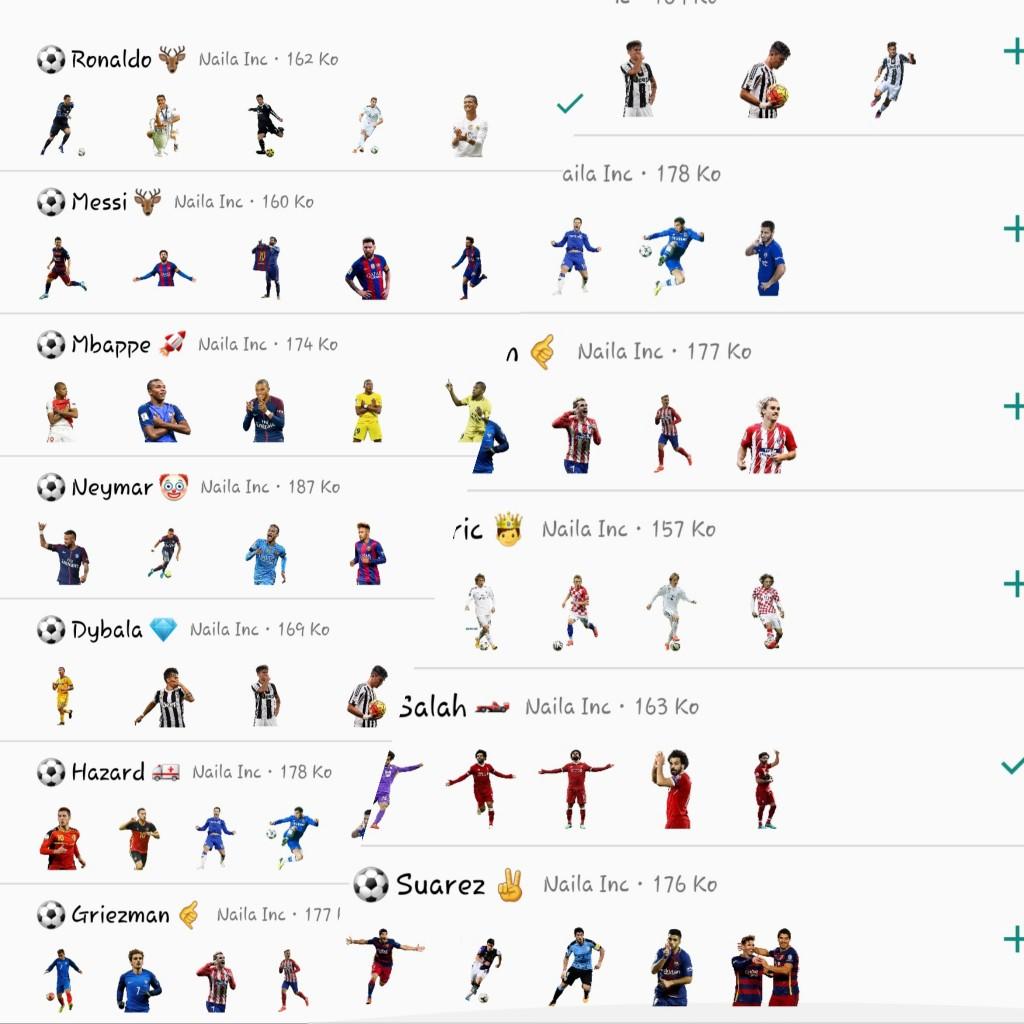
In this world, there are thousands of famous football players. However, only a few are able to compete to be the best. Footballers are currently more popular that celebrities or movie stars. They are crazy about so many people that the various merchandise offered is always purchased. One of the most widely used people today is Football Stickers for Whatsapp, and because of that, we make you a Football Stickers for Whatsapp application that contains world-famous football players. We apologize because not all of famous football players have presented it to you. Later, we will update so that you will get more Football Stickers for Whatsapp.
How do you use this application?
1. Download the Football Stickers for Whatsapp application
2. Open the Football Stickers for Whatsapp application
3. Select the Football Stickers for Whatsapp package
4. After selecting one of the sticker packages, click Add to Whatsapp
5. Football Stickers for Whatsapp package automatically added to your WhatsApp
6. Open your Whatsapp, Tap the chat column
7. Tap the Emoji Whatsapp icon
8. You will see a new sticker icon at the bottom
9. The Stickers package is ready for use
Football Stickers for Whatsapp, Messi , Neymar , Cristiano Ronaldo , Mohammed Salah.
Avance

Etiquetas
deportesInformación
Desarrollador
Naila Inc
La última versión
Football
Última actualización
2022-10-17
Categoría
deportes
Disponible en
Google Play
Mostrar más
Cómo jugar Football Stickers For WhAtsApp con GameLoop en PC
1. Descargue GameLoop desde el sitio web oficial, luego ejecute el archivo exe para instalar GameLoop.
2. Abra GameLoop y busque "Football Stickers For WhAtsApp", busque Football Stickers For WhAtsApp en los resultados de búsqueda y haga clic en "Instalar".
3. Disfruta jugando Football Stickers For WhAtsApp en GameLoop.
Minimum requirements
OS
Windows 8.1 64-bit or Windows 10 64-bit
GPU
GTX 1050
CPU
i3-8300
Memory
8GB RAM
Storage
1GB available space
Recommended requirements
OS
Windows 8.1 64-bit or Windows 10 64-bit
GPU
GTX 1050
CPU
i3-9320
Memory
16GB RAM
Storage
1GB available space