
Weverse: Connect with Artists para PC
WEVERSE COMPANY Inc.
Descarga Weverse: Connect with Artists en PC con GameLoop Emulator
Weverse: Connect with Artists en PC
Weverse: Connect with Artists, proveniente del desarrollador WEVERSE COMPANY Inc., se ejecuta en el sistema Android en el pasado.
Ahora, puedes jugar Weverse: Connect with Artists en PC con GameLoop sin problemas.
Descárgalo en la biblioteca de GameLoop o en los resultados de búsqueda. No más mirar la batería o llamadas frustrantes en el momento equivocado nunca más.
Simplemente disfrute de Weverse: Connect with Artists PC en la pantalla grande de forma gratuita!
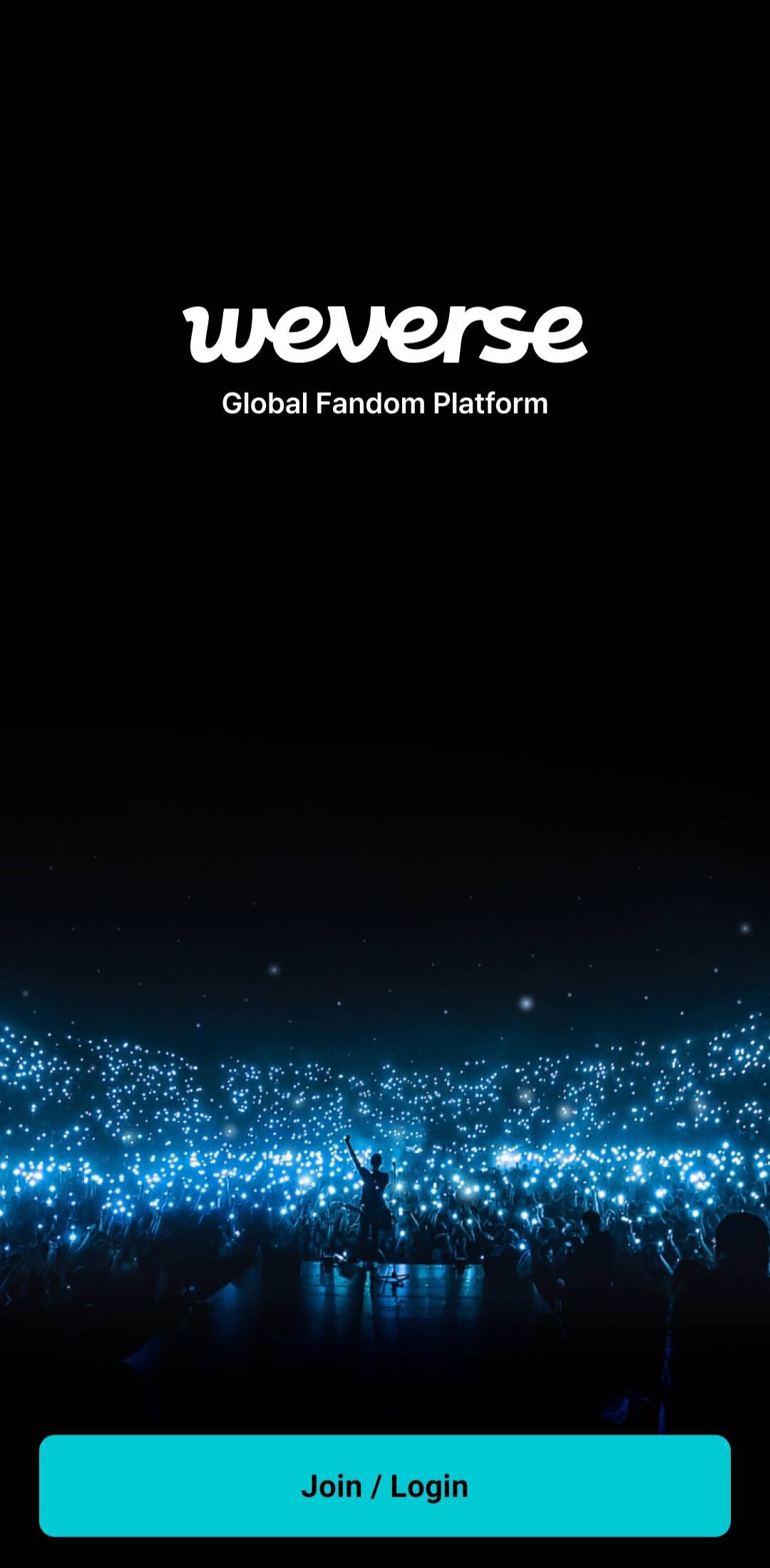
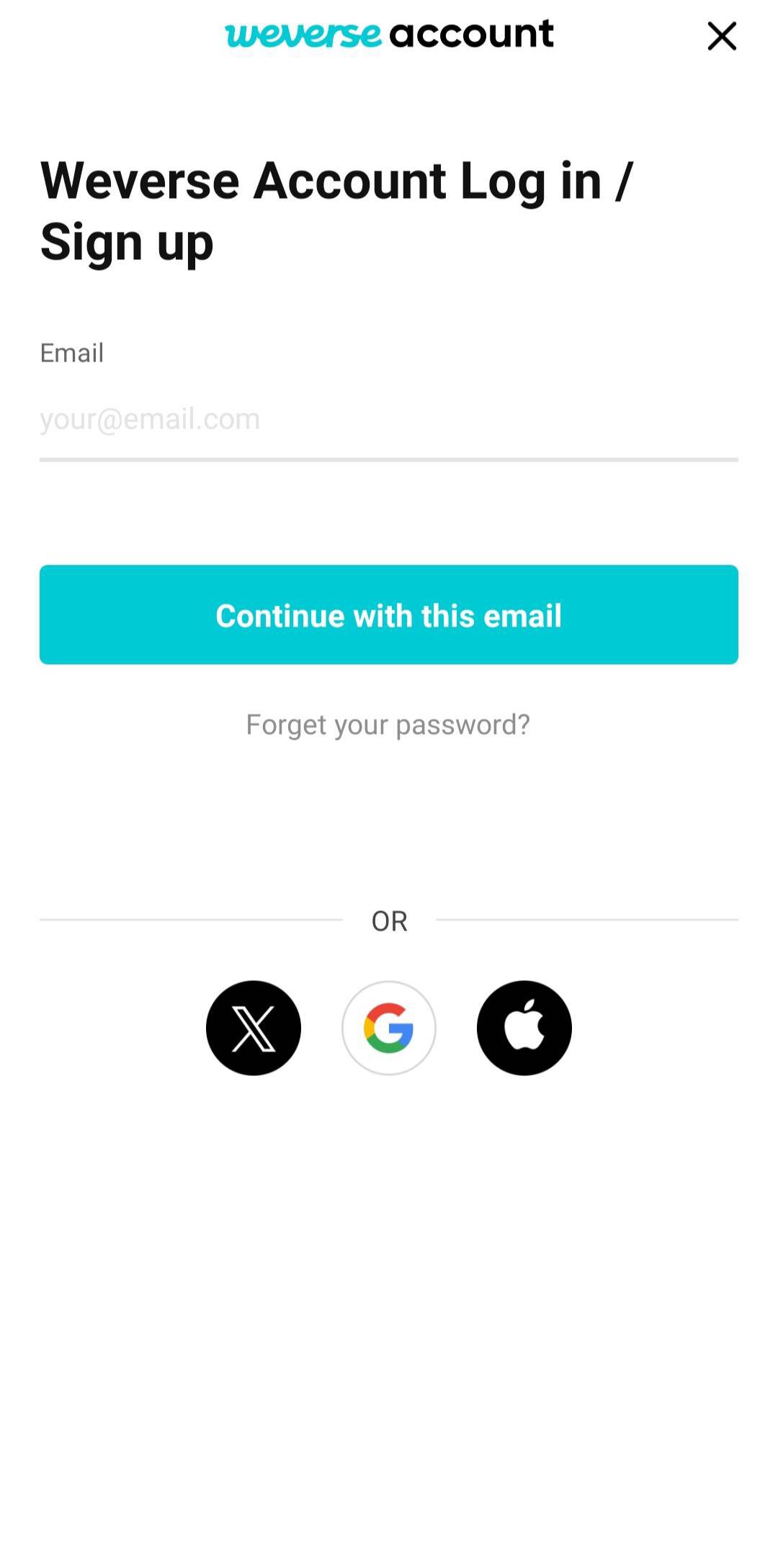
Weverse: Connect with Artists Introducción
■ A Community for Fans and Artists
· Check out the daily stories, major updates, LIVEs, and media of the artists and leave comments and likes.
· Use the auto-translation feature to overcome the language barrier! Posts and comments by artists can also be auto-translated into the selected language.
■ Instant Answers with Weverse AI
· Use the Weverse AI icon located at the top right of the Weverse home screen to look up information fast.
· Tap suggested questions across Weverse to view answers, or easily search for major notices, LIVEs, and various merch.
■ Communicate in Real-Time on Weverse LIVE
· Watch the artists stream in real-time on Weverse LIVE and send messages and hearts in real-time!
■ Share your music and connect - Listening Party
· Connect your streaming service to Weverse, listen to music together, and communicate in real-time with the Listening Party.
■ Get Closer to Your Favorite Artists on Weverse DM
· Subscribe to Weverse DM, where you can talk directly with artists! You can subscribe using Jelly, Weverse's digital currency.
■ Shop on Weverse
· Head to the Shop tab to purchase official merch and albums, check your order history, and get real-time notifications more conveniently!
■ Your Ultimate Companion for Offline Events, Spot
· From live concerts to pop-up stores and exhibitions—explore complete event details all in one place on the Spot tab.
· Unlock a seamless offline event experience with interactive features like the Stamp Rally, Pickup, Queues, and Saved QR Codes.
■ Express Your Heart with Fan Letters
· Unleash your creativity and use various templates and decoration features provided to send your love and support to your favorite artists.
■ Archive Your Fan Activities with Collection
· Earn badges and Collectibles based on your fan activities and complete missions to acquire badges and Collectibles, such as digital items like images and videos.
■ Diverse and Exclusive Media Content
· Watch a wide range of media content, from artist official content to Weverse-exclusive media content, on Weverse with global subtitles!
· Enjoy the exclusive content and benefits only available for official membership holders!
[Access Permissions]
* Required
- Device & App History: Check app errors and improve usability
- Device ID: Device identification
* Optional
- Camera: Write posts, recognize images, and record video content
- Photos/Media/Files: Write posts and download media
- Location: Access queue services and purchase certain products
- Notifications: Receive alerts for content, notices, etc.
- Microphone: Record video and audio content
- Local Network: Connect with devices such as Chromecast
* You can use the service even if you do not agree to the optional access permissions. However, some features may be restricted if you do not agree.
[Stay Connected with Weverse]
- X: @weverseofficial
- Instagram: @weverseofficial
- YouTube: @weverse
- TikTok: @weverseofficial
[Subscriptions on Weverse]
▷ Weverse offers two monthly subscription services: [BTS behind] and [TXT behind].
[BTS behind] monthly subscription: $2.99 (Based on the KRW price, VAT included)
[TXT behind] monthly subscription: $2.99 (Based on the KRW price, VAT included)
Terms of Use: https://weverse.io/policies/terms
Privacy Policy: https://weverse.io/policies/privacy
Inquiry: support@weverse.io
Customer Service: 1544-0790 (Available only in South Korea)
Avance
Etiquetas
SocialesInformación
Desarrollador
WEVERSE COMPANY Inc.
La última versión
3.19.5
Última actualización
Yesterday
Categoría
Sociales
Disponible en
Google Play
Mostrar más
Cómo jugar Weverse: Connect with Artists con GameLoop en PC
1. Descargue GameLoop desde el sitio web oficial, luego ejecute el archivo exe para instalar GameLoop.
2. Abra GameLoop y busque "Weverse: Connect with Artists", busque Weverse: Connect with Artists en los resultados de búsqueda y haga clic en "Instalar".
3. Disfruta jugando Weverse: Connect with Artists en GameLoop.
Minimum requirements
OS
Windows 8.1 64-bit or Windows 10 64-bit
GPU
GTX 1050
CPU
i3-8300
Memory
8GB RAM
Storage
1GB available space
Recommended requirements
OS
Windows 8.1 64-bit or Windows 10 64-bit
GPU
GTX 1050
CPU
i3-9320
Memory
16GB RAM
Storage
1GB available space