
Hugin Messenger para PC
Harry Eriksson
Descarga Hugin Messenger en PC con GameLoop Emulator
Hugin Messenger en PC
Hugin Messenger, proveniente del desarrollador Harry Eriksson, se ejecuta en el sistema Android en el pasado.
Ahora, puedes jugar Hugin Messenger en PC con GameLoop sin problemas.
Descárgalo en la biblioteca de GameLoop o en los resultados de búsqueda. No más mirar la batería o llamadas frustrantes en el momento equivocado nunca más.
Simplemente disfrute de Hugin Messenger PC en la pantalla grande de forma gratuita!
Hugin Messenger Introducción
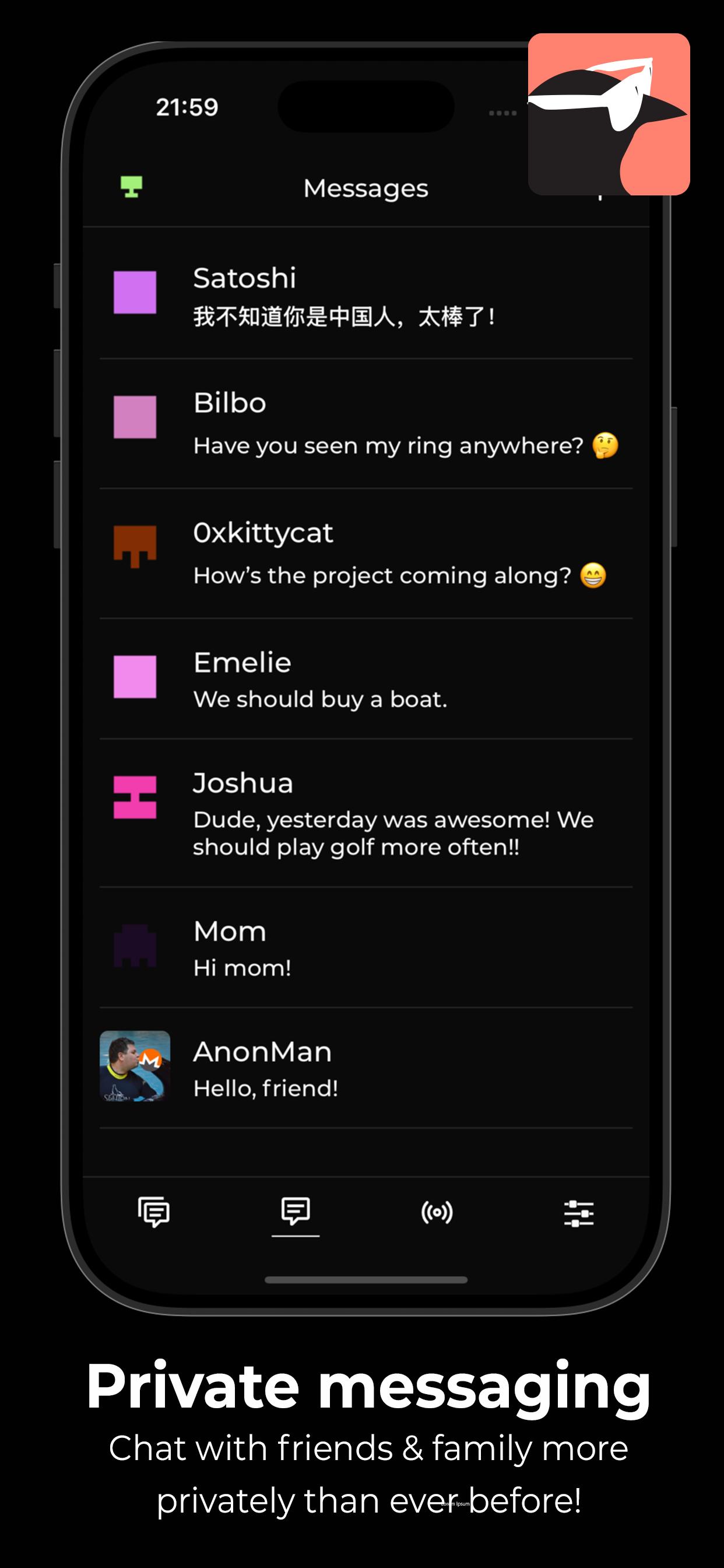
Hugin Messenger is a privacy-focused, peer-to-peer chat service built for secure, decentralized communication with crypto payments.
Connect with your friends and communities in group chats and direct messages — all without relying on central servers.
*** Why Hugin? ***
True Peer-to-Peer Communication
- No servers. No middlemen. Your data never touches a third party.
End-to-End Encryption by Default
- Messages and calls are secured using modern encryption technologies.
Easily Make Payments
- Together with a XKR wallet, you can send crypto payments to your friends, and tip strangers for good content!
Crystal Clear Voice & Video Calls
- Enjoy high-quality, low-latency calls with no compromise on privacy.
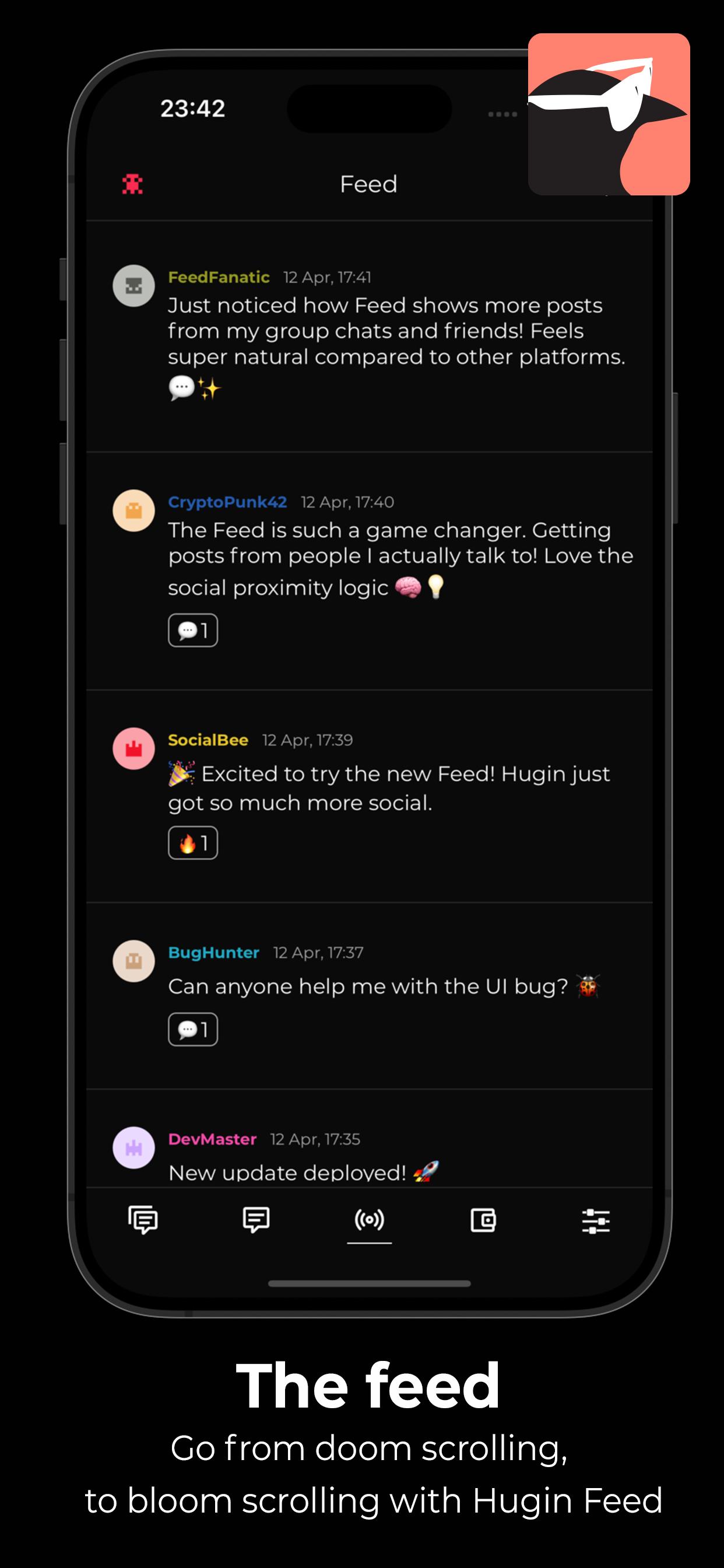
Decentralized Social Feed
- Discover new discussions and connect with others using the Hugin Feed — no algorithms, no tracking.
Zero Sign-Up, Zero Tracking
- No phone number. No email. No identity required. We don’t collect or store any personal data.
Powered by a Global P2P Network
- Built on top of a resilient, decentralized infrastructure — your messages flow directly between devices.
Take back control of your conversations.
- Download Hugin Messenger and experience private communication without compromise.
Avance
Etiquetas
SocialesInformación
Desarrollador
Harry Eriksson
La última versión
1.0.8
Última actualización
2025-06-14
Categoría
Sociales
Disponible en
Google Play
Mostrar más
Cómo jugar Hugin Messenger con GameLoop en PC
1. Descargue GameLoop desde el sitio web oficial, luego ejecute el archivo exe para instalar GameLoop.
2. Abra GameLoop y busque "Hugin Messenger", busque Hugin Messenger en los resultados de búsqueda y haga clic en "Instalar".
3. Disfruta jugando Hugin Messenger en GameLoop.
Minimum requirements
OS
Windows 8.1 64-bit or Windows 10 64-bit
GPU
GTX 1050
CPU
i3-8300
Memory
8GB RAM
Storage
1GB available space
Recommended requirements
OS
Windows 8.1 64-bit or Windows 10 64-bit
GPU
GTX 1050
CPU
i3-9320
Memory
16GB RAM
Storage
1GB available space