MultiCraft: Building Adventure para PC
LiteGame
Descarga MultiCraft: Building Adventure en PC con GameLoop Emulator
MultiCraft: Building Adventure en PC
MultiCraft: Building Adventure, proveniente del desarrollador LiteGame, se ejecuta en el sistema Android en el pasado.
Ahora, puedes jugar MultiCraft: Building Adventure en PC con GameLoop sin problemas.
Descárgalo en la biblioteca de GameLoop o en los resultados de búsqueda. No más mirar la batería o llamadas frustrantes en el momento equivocado nunca más.
Simplemente disfrute de MultiCraft: Building Adventure PC en la pantalla grande de forma gratuita!
MultiCraft: Building Adventure Introducción
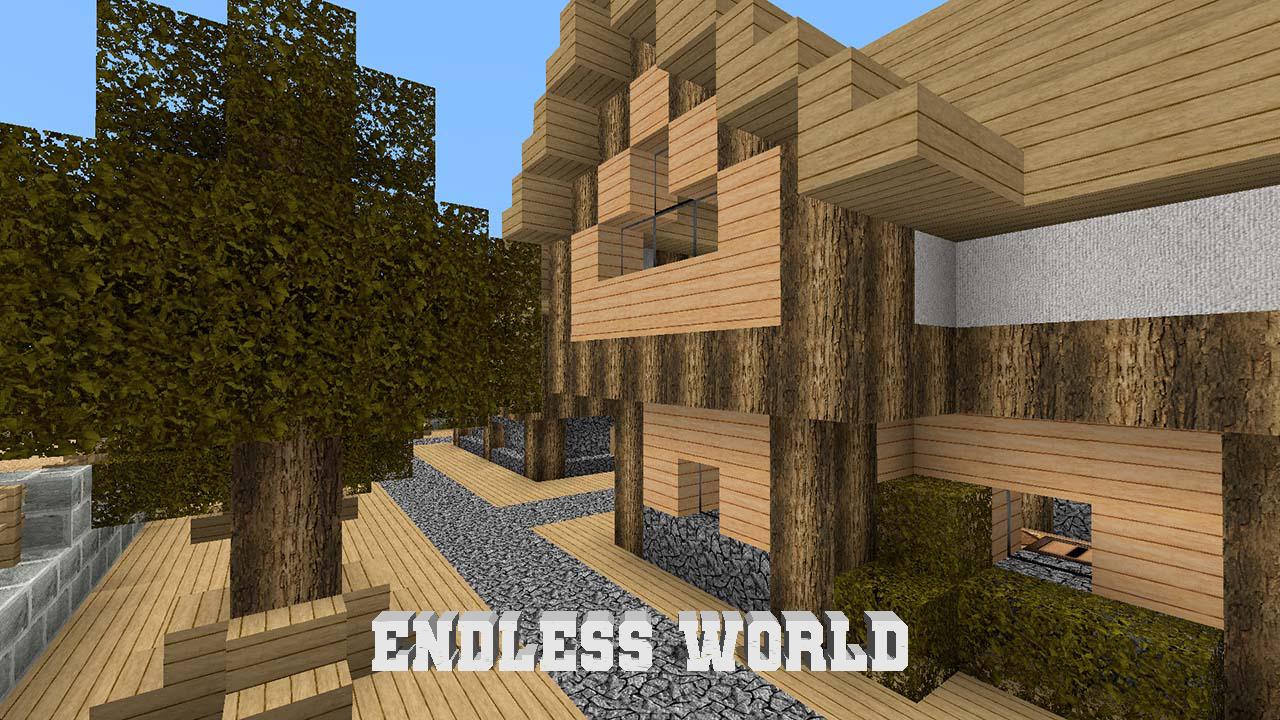
Meet the game with an endless and open 3D world with unlimited possibilities! This is a world of adventure that you must explore.
Unleash your imagination and create a whole Universe. There is always something to do, the choice is yours: crafting, construction, fighting monsters and more.
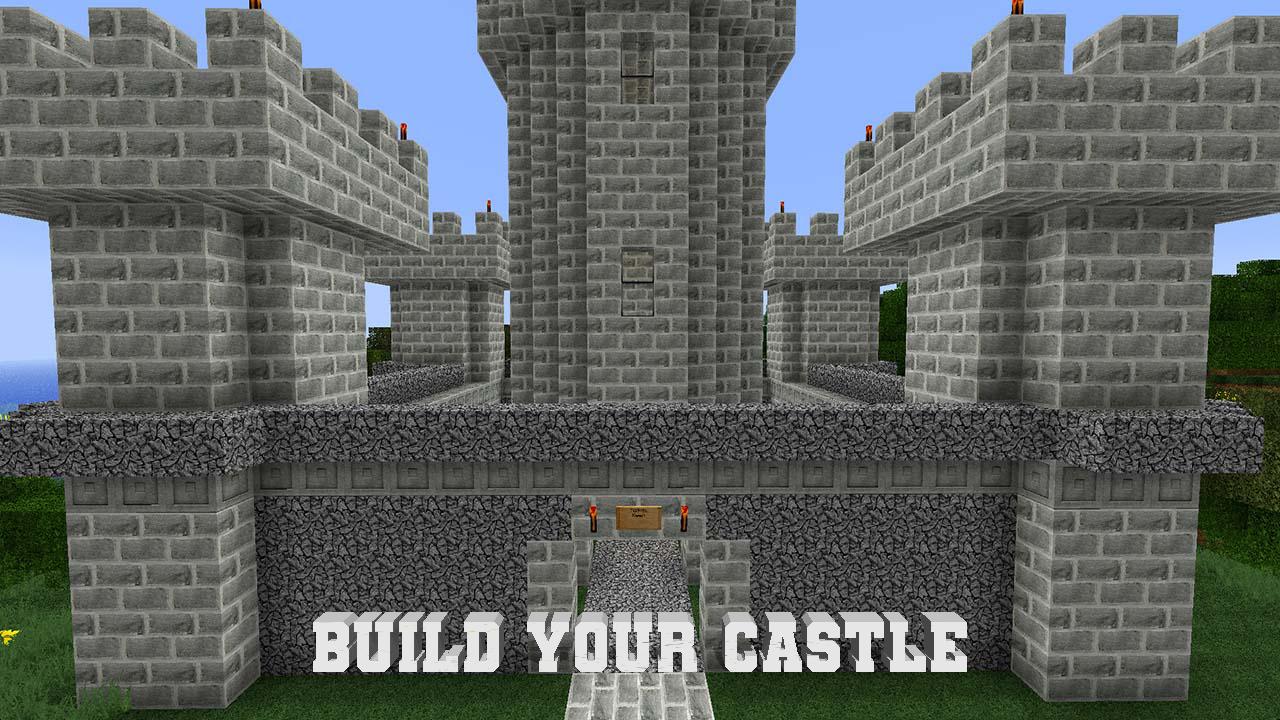
Use blocks to create your own house, or go to meet enemies, dangers and treasures, here you can do everything!
Feature of game:
- interesting gameplay;
- excellent graphics;
- large and open game world;
- change of time of day;
- a huge variety of enemies and animals
Avance
Etiquetas
administraciónCasualUn solo jugadorEstilizadopixeladoDesconectadoInformación
Desarrollador
LiteGame
La última versión
1.0.6
Última actualización
2021-02-21
Categoría
Simulación
Disponible en
Google Play
Mostrar más
Cómo jugar MultiCraft: Building Adventure con GameLoop en PC
1. Descargue GameLoop desde el sitio web oficial, luego ejecute el archivo exe para instalar GameLoop.
2. Abra GameLoop y busque "MultiCraft: Building Adventure", busque MultiCraft: Building Adventure en los resultados de búsqueda y haga clic en "Instalar".
3. Disfruta jugando MultiCraft: Building Adventure en GameLoop.
Minimum requirements
OS
Windows 8.1 64-bit or Windows 10 64-bit
GPU
GTX 1050
CPU
i3-8300
Memory
8GB RAM
Storage
1GB available space
Recommended requirements
OS
Windows 8.1 64-bit or Windows 10 64-bit
GPU
GTX 1050
CPU
i3-9320
Memory
16GB RAM
Storage
1GB available space