
Alarmy: wake up monster puzzle para PC
ALMA Games
Descarga Alarmy: wake up monster puzzle en PC con GameLoop Emulator
Alarmy: wake up monster puzzle en PC
Alarmy: wake up monster puzzle, proveniente del desarrollador ALMA Games, se ejecuta en el sistema Android en el pasado.
Ahora, puedes jugar Alarmy: wake up monster puzzle en PC con GameLoop sin problemas.
Descárgalo en la biblioteca de GameLoop o en los resultados de búsqueda. No más mirar la batería o llamadas frustrantes en el momento equivocado nunca más.
Simplemente disfrute de Alarmy: wake up monster puzzle PC en la pantalla grande de forma gratuita!
Alarmy: wake up monster puzzle Introducción
Alarmy: wake up monster - Addictive Brain Teaser Puzzle Game!
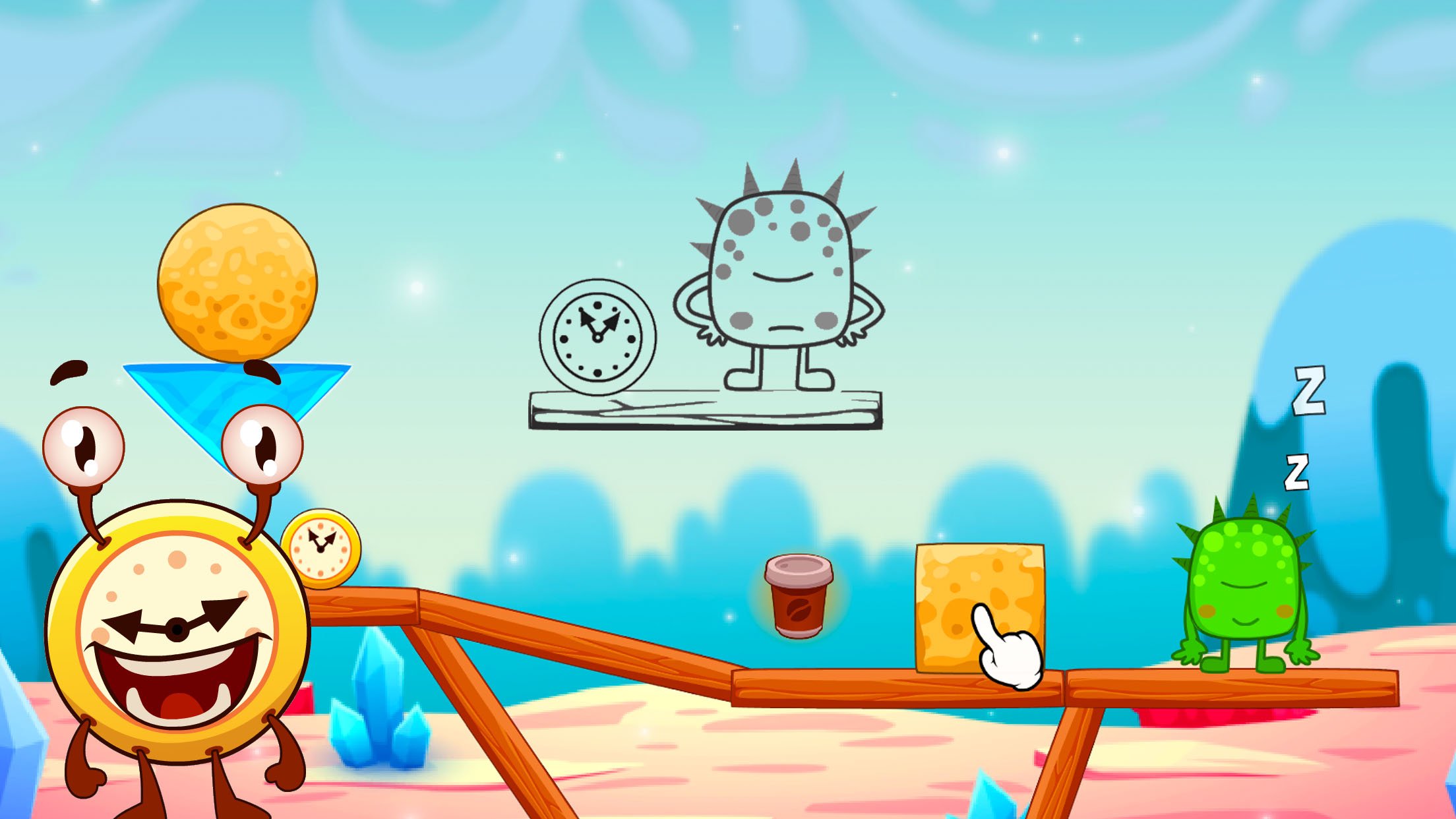
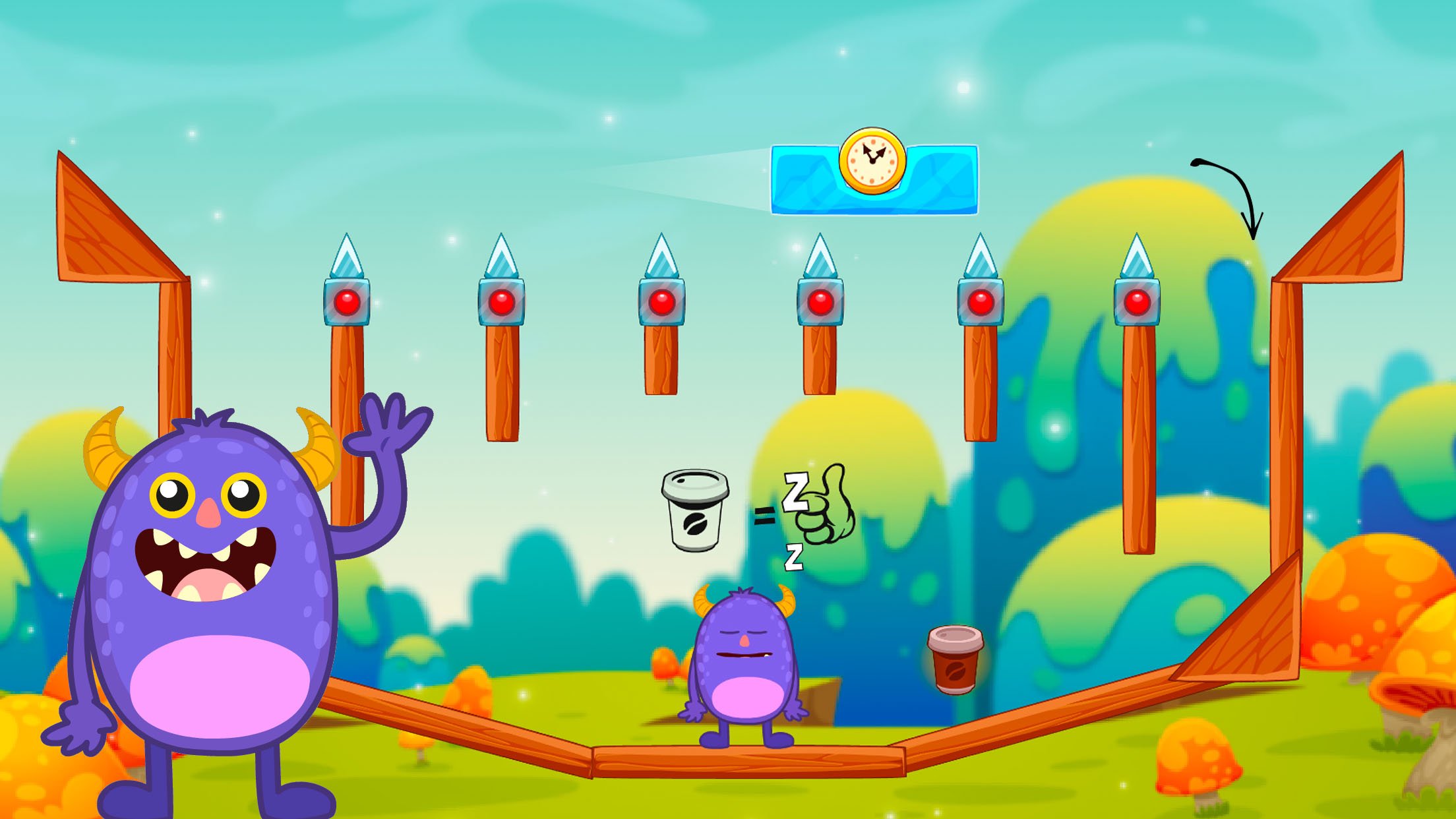
Welcome to a world full of fun, logic, and charming monsters! In this addictive physics puzzle adventure, your goal is simple yet incredibly engaging - help the funny alarm clock Alarmy wake up a sleepy monster. Every level is a new brain teaser that challenges your logic, creativity, and sense of timing.
If you enjoy puzzle games that make you think and smile at the same time, this game is made for you. Combining elements of logic puzzles, physics-based challenges, and playful monster-themed fun, "Alarmy: wake up monster" offers a refreshing twist on classic puzzle mechanics.
Join Alarmy’s adventure by interacting with objects to skillfully guide and cheerfully wake the sleepy monster. Remove blocks, pull levers, slide platforms, and use gravity to creatively solve each thoughtfully designed challenge. Every move counts - and every level is a new brain teaser waiting to be solved.
This funny and cheerful puzzle game is perfect for players of all ages. Whether you're looking for a short mental break or want to dive into a long session of challenging logic puzzles, the game has something for everyone. Its addictive gameplay and humorous design will keep you coming back for more.
Game Features:
- Hundreds of funny physics puzzles full of creative logic challenges
- Addictive gameplay with simple controls and deep strategy
- Cute and colorful monster characters you’ll love to wake up
- Charming alarm clock hero named Alarmy, always ready to go!
- Vibrant, hand-crafted levels that blend brain teasers with fun mechanics
- Realistic physics puzzle elements that make every solution unique
- Relaxing music and delightful sound effects to enhance your puzzle-solving experience
- Optimized for both casual players and puzzle enthusiasts.
How to play:
Each level is a fun and clever physics puzzle. Use your logic to clear blocks, activate devices, and confidently guide the sleepy monster to wakefulness. Jump, rotate, and interact with objects in realistic ways. Solve each brain teaser, collect stars, and enjoy the funny, addictive gameplay!
As you progress through the game, the puzzles become more complex and rewarding. Use your critical thinking and creativity to explore different strategies and discover the best solution. It’s a logic game that encourages experimentation, creative problem-solving, and of course - fun.
Whether you’re a fan of clever brain teasers, relaxing puzzle adventures, or charming monster games, "Alarmy: wake up monster" delivers a joyful experience filled with laughter and challenge. Try it now and join Alarmy in his mission to wake up every last monster - no snoozing allowed!
Avance
Etiquetas
CasualUn solo jugadorEstilizadoDibujos animadosDesconectadoRompecabezasLógicaInformación
Desarrollador
ALMA Games
La última versión
1.10.0
Última actualización
2026-08-25
Categoría
Rompecabezas
Disponible en
Google Play
Mostrar más
Cómo jugar Alarmy: wake up monster puzzle con GameLoop en PC
1. Descargue GameLoop desde el sitio web oficial, luego ejecute el archivo exe para instalar GameLoop.
2. Abra GameLoop y busque "Alarmy: wake up monster puzzle", busque Alarmy: wake up monster puzzle en los resultados de búsqueda y haga clic en "Instalar".
3. Disfruta jugando Alarmy: wake up monster puzzle en GameLoop.
Minimum requirements
OS
Windows 8.1 64-bit or Windows 10 64-bit
GPU
GTX 1050
CPU
i3-8300
Memory
8GB RAM
Storage
1GB available space
Recommended requirements
OS
Windows 8.1 64-bit or Windows 10 64-bit
GPU
GTX 1050
CPU
i3-9320
Memory
16GB RAM
Storage
1GB available space