
Write 3 para PC
Stylus Labs
Descarga Write 3 en PC con GameLoop Emulator
Write 3 en PC
Write 3, proveniente del desarrollador Stylus Labs, se ejecuta en el sistema Android en el pasado.
Ahora, puedes jugar Write 3 en PC con GameLoop sin problemas.
Descárgalo en la biblioteca de GameLoop o en los resultados de búsqueda. No más mirar la batería o llamadas frustrantes en el momento equivocado nunca más.
Simplemente disfrute de Write 3 PC en la pantalla grande de forma gratuita!
Write 3 Introducción
Write provides a unique set of tools for editing and navigating handwritten documents, plus all the usual features of a vector drawing application. Write is perfect for note-taking, brainstorming, and sketching.
Write now supports online whiteboarding for real-time collaboration - learn more at http://styluslabs.com/share
UNIQUE TOOLS FOR HANDWRITTEN DOCUMENTS
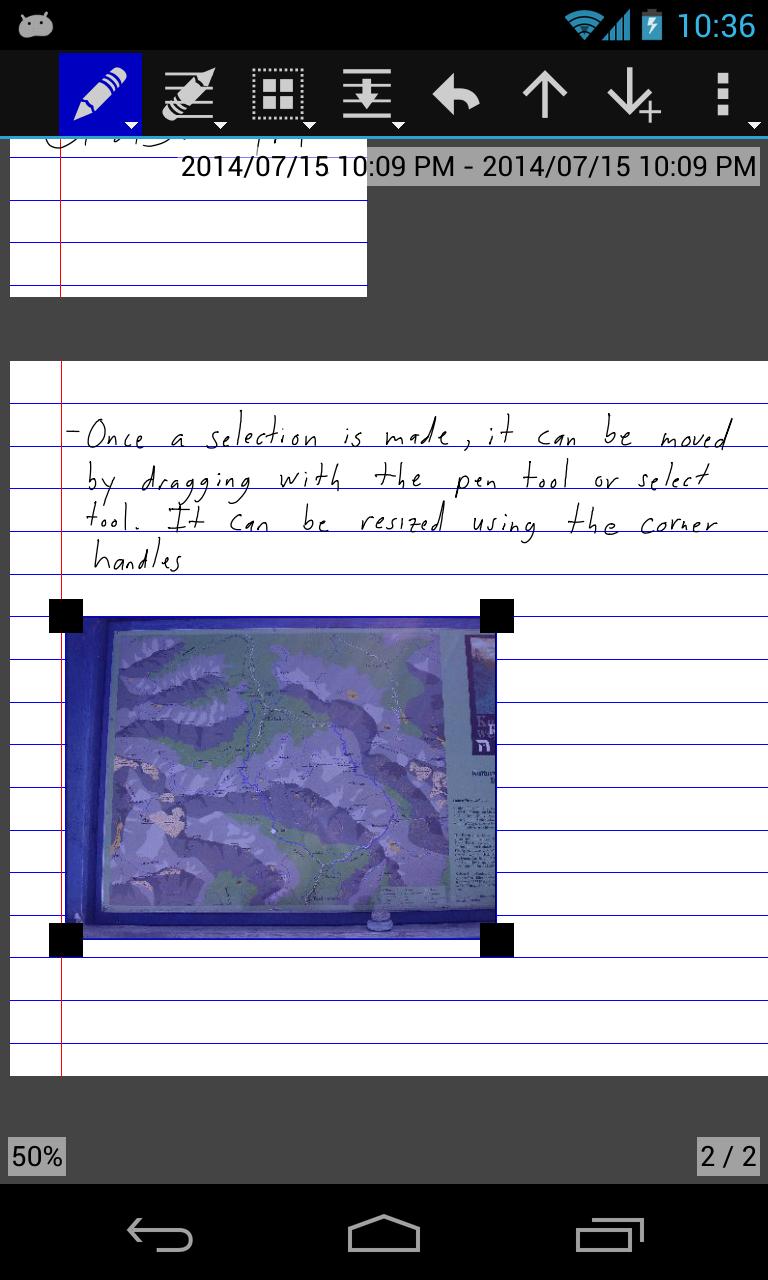
• intelligent tools to select, erase, and move writing
• reflow handwritten text with the insert space tool
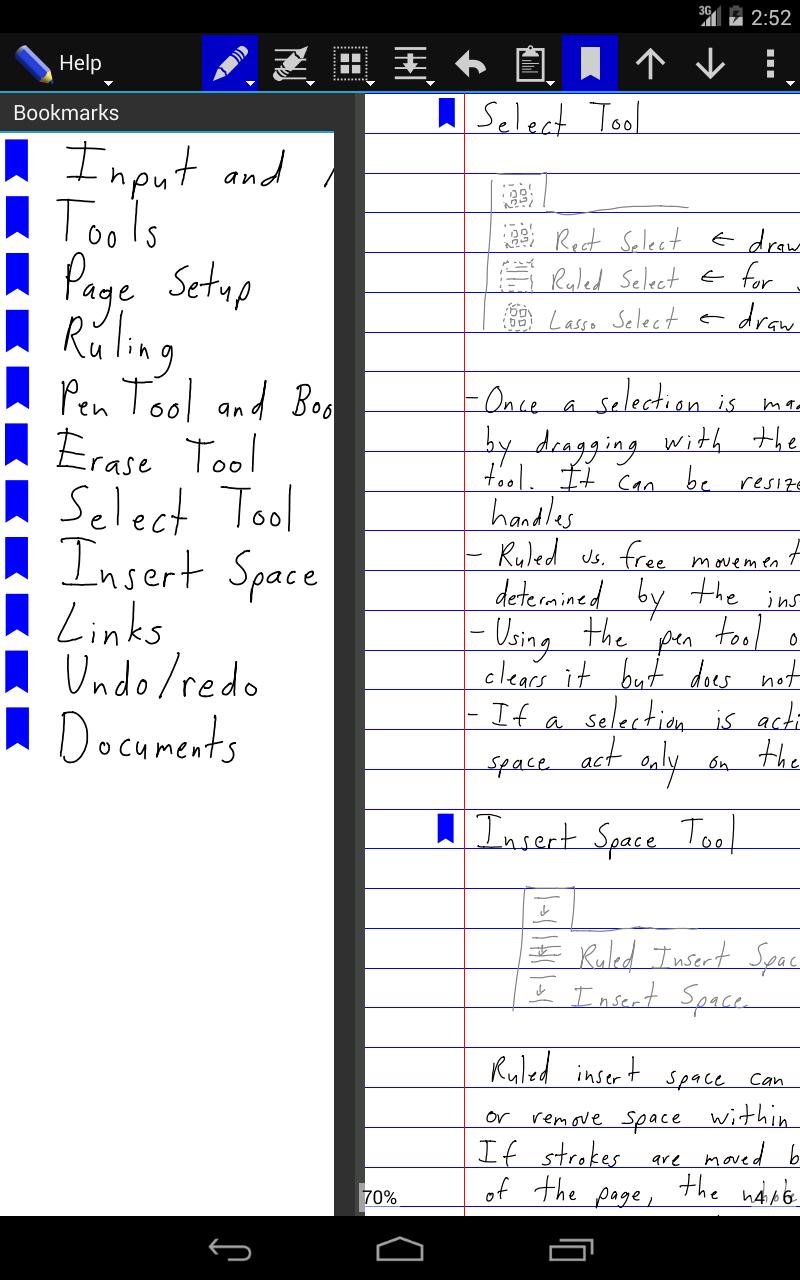
• create bookmarks labeled with handwriting
• create handwritten links to bookmarks and websites
• save shapes or anything else as clippings for easy reuse
• unlimited undo/redo jog dial
• disappearing ("ephemeral") pen for presentations
• split view: work on two documents or two parts of the same document
FLEXIBLE AND CROSS-PLATFORM
• Write is also available for Windows, Linux, macOS, and iOS
• non-proprietary SVG file format can be opened in other vector graphics apps and web browsers
• documents are stored as regular files to support backup and sync
• organize documents with folders (and subfolders!)
• download or create templates: https://github.com/styluslabs/templates
STANDARD NOTE-TAKING AND DRAWING TOOLS
• insert images (and vector content as SVG)
• cut, copy, paste, move, scale, and rotate selections
• customize and save pens
• customize page size, color, and ruling
• pages can grow automatically when writing nears edge
• PDF export
Support:
Resources: http://styluslabs.com/support
Email: support@styluslabs.com
Avance
Etiquetas
ProductividadInformación
Desarrollador
Stylus Labs
La última versión
3.0.20
Última actualización
2021-08-16
Categoría
Productividad
Disponible en
Google Play
Mostrar más
Cómo jugar Write 3 con GameLoop en PC
1. Descargue GameLoop desde el sitio web oficial, luego ejecute el archivo exe para instalar GameLoop.
2. Abra GameLoop y busque "Write 3", busque Write 3 en los resultados de búsqueda y haga clic en "Instalar".
3. Disfruta jugando Write 3 en GameLoop.
Minimum requirements
OS
Windows 8.1 64-bit or Windows 10 64-bit
GPU
GTX 1050
CPU
i3-8300
Memory
8GB RAM
Storage
1GB available space
Recommended requirements
OS
Windows 8.1 64-bit or Windows 10 64-bit
GPU
GTX 1050
CPU
i3-9320
Memory
16GB RAM
Storage
1GB available space