Screenshot Maker & Editor App para PC
APK Builder
Descarga Screenshot Maker & Editor App en PC con GameLoop Emulator
Screenshot Maker & Editor App en PC
Screenshot Maker & Editor App, proveniente del desarrollador APK Builder, se ejecuta en el sistema Android en el pasado.
Ahora, puedes jugar Screenshot Maker & Editor App en PC con GameLoop sin problemas.
Descárgalo en la biblioteca de GameLoop o en los resultados de búsqueda. No más mirar la batería o llamadas frustrantes en el momento equivocado nunca más.
Simplemente disfrute de Screenshot Maker & Editor App PC en la pantalla grande de forma gratuita!
Screenshot Maker & Editor App Introducción
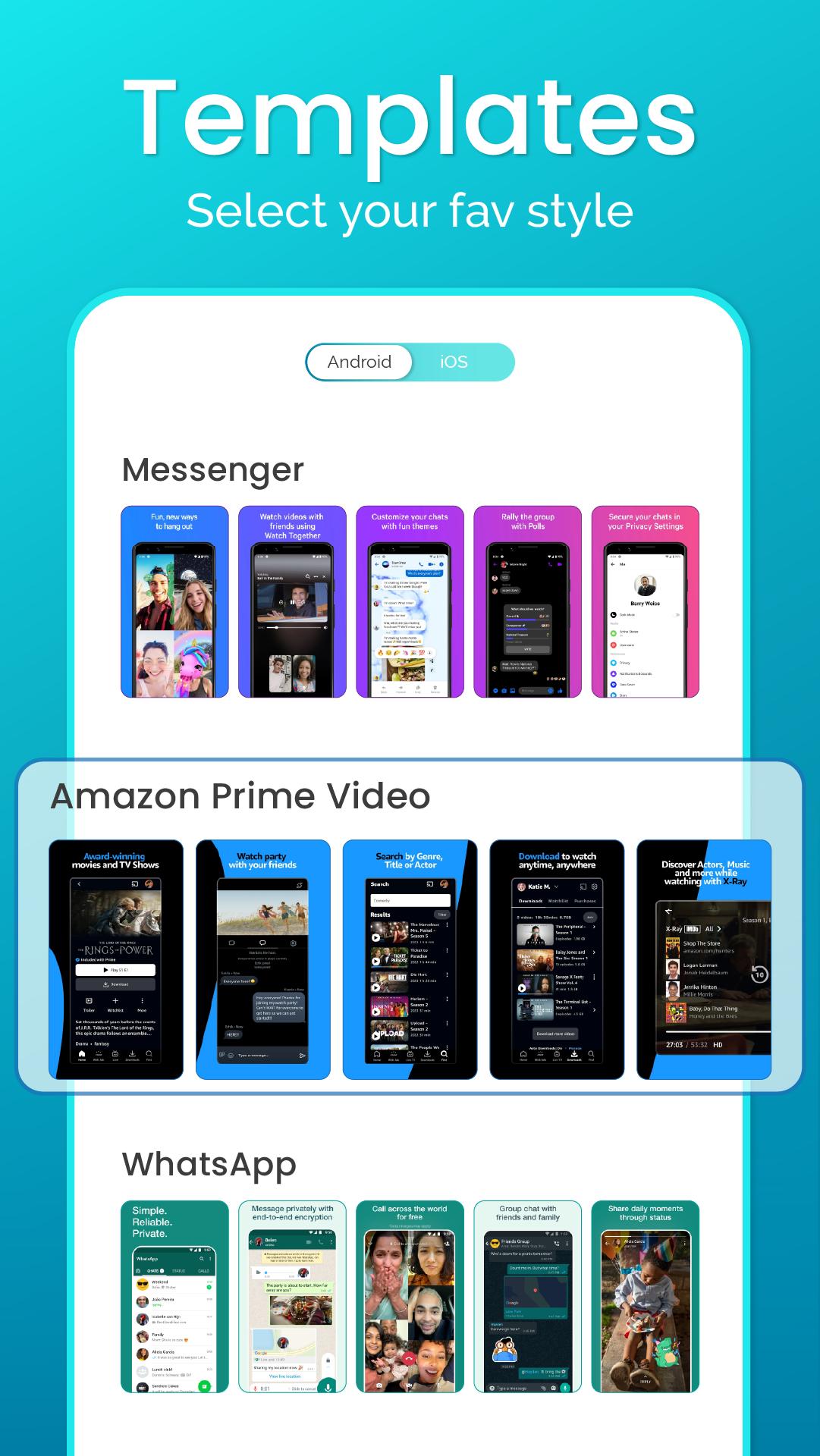
Screenshot Maker and Editor app is a user-friendly tool to make screenshot designs with the latest device mockups. This screenshot editor app provides stunning screenshot templates that help to make screenshots in minutes without hiring any screenshot designer for your app.
With the screenshot maker app, making screenshots has been easier. Using this all-in-one editor app, you can add texts, stickers, and images and make collage, crops and change the background of your choice. You can easily edit texts with stylish fonts, color, opacity, size, etc with the screenshot editor text tool. With the unlimited features, you can just take your screenshots to the next level with this screenshot mobile app.
How can you use this app?
- Select your mockup
- Upload your app screenshot
- Add text on photo to the screenshot template
- Edit screenshot designs with stickers, images, and backgrounds
- Edit texts with color, opacity, etc with all photo editing tools
- Save or download in png or jpg format with your desirable size
- Upload on your app’s store listing
Install this screenshot maker and editor app now, to unlock unlimited features to make, edit and personalize your screenshot easily.
Avance

Etiquetas
ProductividadInformación
Desarrollador
APK Builder
La última versión
4.0.2
Última actualización
2023-06-16
Categoría
Productividad
Disponible en
Google Play
Mostrar más
Cómo jugar Screenshot Maker & Editor App con GameLoop en PC
1. Descargue GameLoop desde el sitio web oficial, luego ejecute el archivo exe para instalar GameLoop.
2. Abra GameLoop y busque "Screenshot Maker & Editor App", busque Screenshot Maker & Editor App en los resultados de búsqueda y haga clic en "Instalar".
3. Disfruta jugando Screenshot Maker & Editor App en GameLoop.
Minimum requirements
OS
Windows 8.1 64-bit or Windows 10 64-bit
GPU
GTX 1050
CPU
i3-8300
Memory
8GB RAM
Storage
1GB available space
Recommended requirements
OS
Windows 8.1 64-bit or Windows 10 64-bit
GPU
GTX 1050
CPU
i3-9320
Memory
16GB RAM
Storage
1GB available space