
Screen Time Manager para PC
AppBuck3t
Descarga Screen Time Manager en PC con GameLoop Emulator
Screen Time Manager en PC
Screen Time Manager, proveniente del desarrollador AppBuck3t, se ejecuta en el sistema Android en el pasado.
Ahora, puedes jugar Screen Time Manager en PC con GameLoop sin problemas.
Descárgalo en la biblioteca de GameLoop o en los resultados de búsqueda. No más mirar la batería o llamadas frustrantes en el momento equivocado nunca más.
Simplemente disfrute de Screen Time Manager PC en la pantalla grande de forma gratuita!
Screen Time Manager Introducción
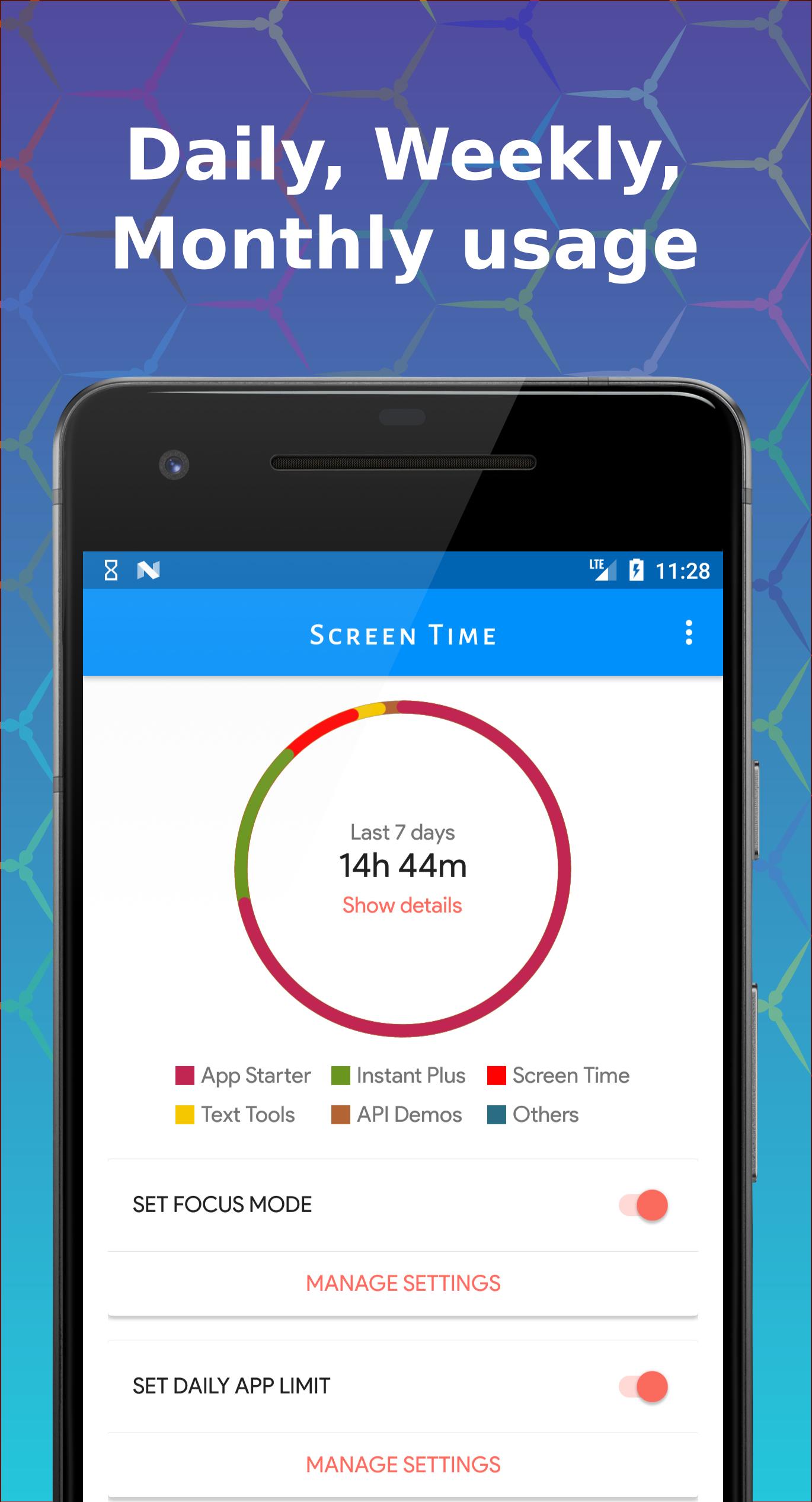
Take control of your phone usage and enhance your focus with Screen Time Manager! Available for all Android users up to Lollipop, this app extends Digital Well-being functionalities for better digital health.
Key Features
- 🕒 Limit App Usage: Set daily limits for apps.
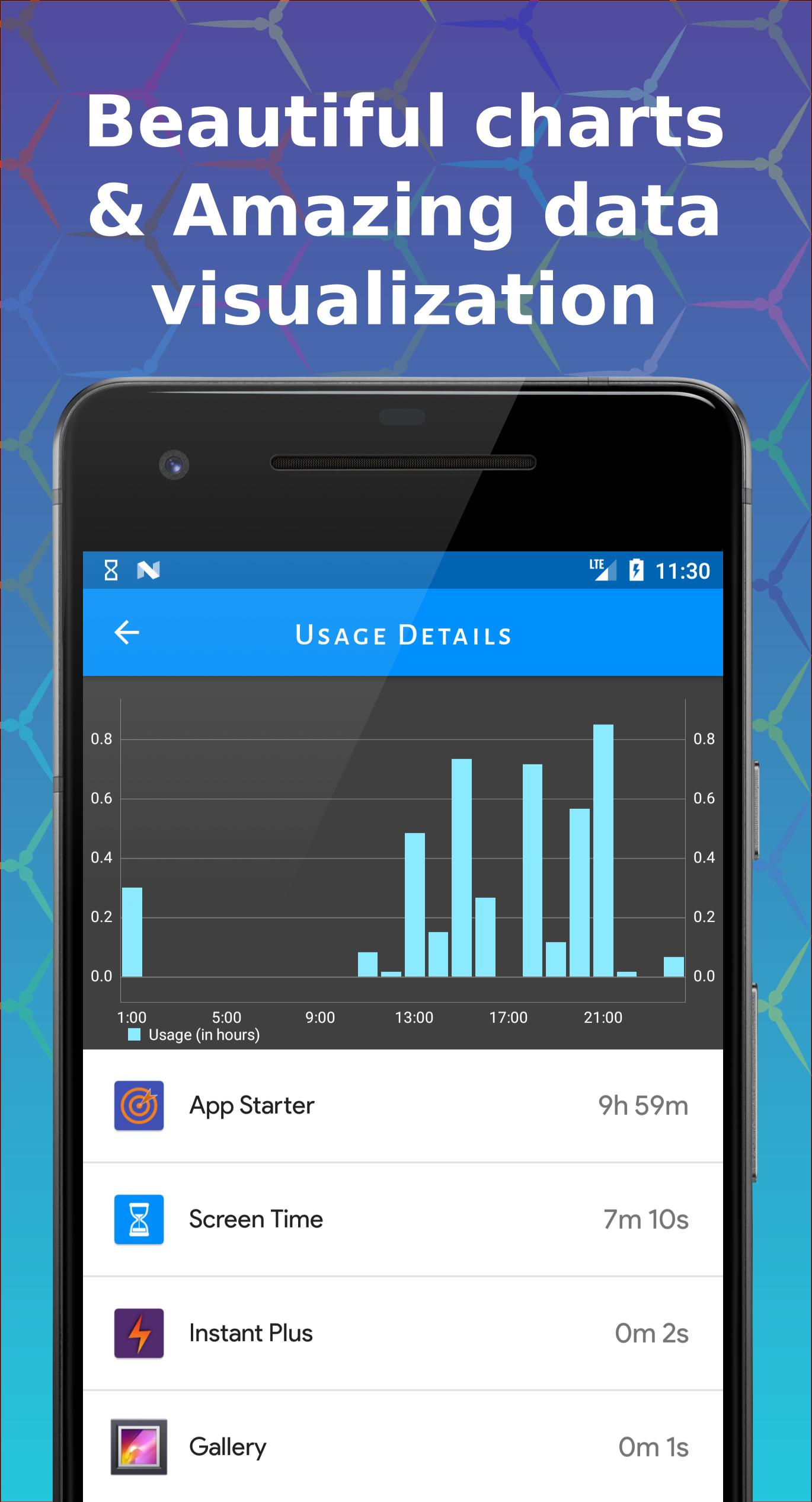
- 📊 Visualize Screen Time: Powerful visualizer and charts.
- ⏳ Daily App Limits: Manage phone usage effectively.
- 🚫 Focus Mode: Allow only essential apps during selected times.
- 📈 Compare Data: View screen time data across different periods.
- 🔍 Control Excessive Use: Enhanced charts to monitor usage.
- ⏰ Daily Notifications: Get screen time alerts.
Usage & Benefits
- 🔒 Effective Limiting: Manage app usage and break phone addiction.
- ⏰ Daily Limits: Keep track of app usage with notifications.
- 🚫 Focus Mode: Block certain apps during specific times.
Individuals often spend more time on their phones than they realize. Screen Time Manager helps you understand and manage your app usage for better productivity and digital wellbeing.
Why Choose Us?
Simple yet powerful, Screen Time Manager helps you manage screen time effectively. Your privacy is our priority; all data remains on your phone.
We’re always excited to hear from you! Contact us with any problems or suggestions.
Avance
Etiquetas
ProductividadInformación
Desarrollador
AppBuck3t
La última versión
1.13.2
Última actualización
2025-08-17
Categoría
Productividad
Disponible en
Google Play
Mostrar más
Cómo jugar Screen Time Manager con GameLoop en PC
1. Descargue GameLoop desde el sitio web oficial, luego ejecute el archivo exe para instalar GameLoop.
2. Abra GameLoop y busque "Screen Time Manager", busque Screen Time Manager en los resultados de búsqueda y haga clic en "Instalar".
3. Disfruta jugando Screen Time Manager en GameLoop.
Minimum requirements
OS
Windows 8.1 64-bit or Windows 10 64-bit
GPU
GTX 1050
CPU
i3-8300
Memory
8GB RAM
Storage
1GB available space
Recommended requirements
OS
Windows 8.1 64-bit or Windows 10 64-bit
GPU
GTX 1050
CPU
i3-9320
Memory
16GB RAM
Storage
1GB available space