
Plain Notes para PC
Moritz Sanden
Descarga Plain Notes en PC con GameLoop Emulator
Plain Notes en PC
Plain Notes, proveniente del desarrollador Moritz Sanden, se ejecuta en el sistema Android en el pasado.
Ahora, puedes jugar Plain Notes en PC con GameLoop sin problemas.
Descárgalo en la biblioteca de GameLoop o en los resultados de búsqueda. No más mirar la batería o llamadas frustrantes en el momento equivocado nunca más.
Simplemente disfrute de Plain Notes PC en la pantalla grande de forma gratuita!
Plain Notes Introducción
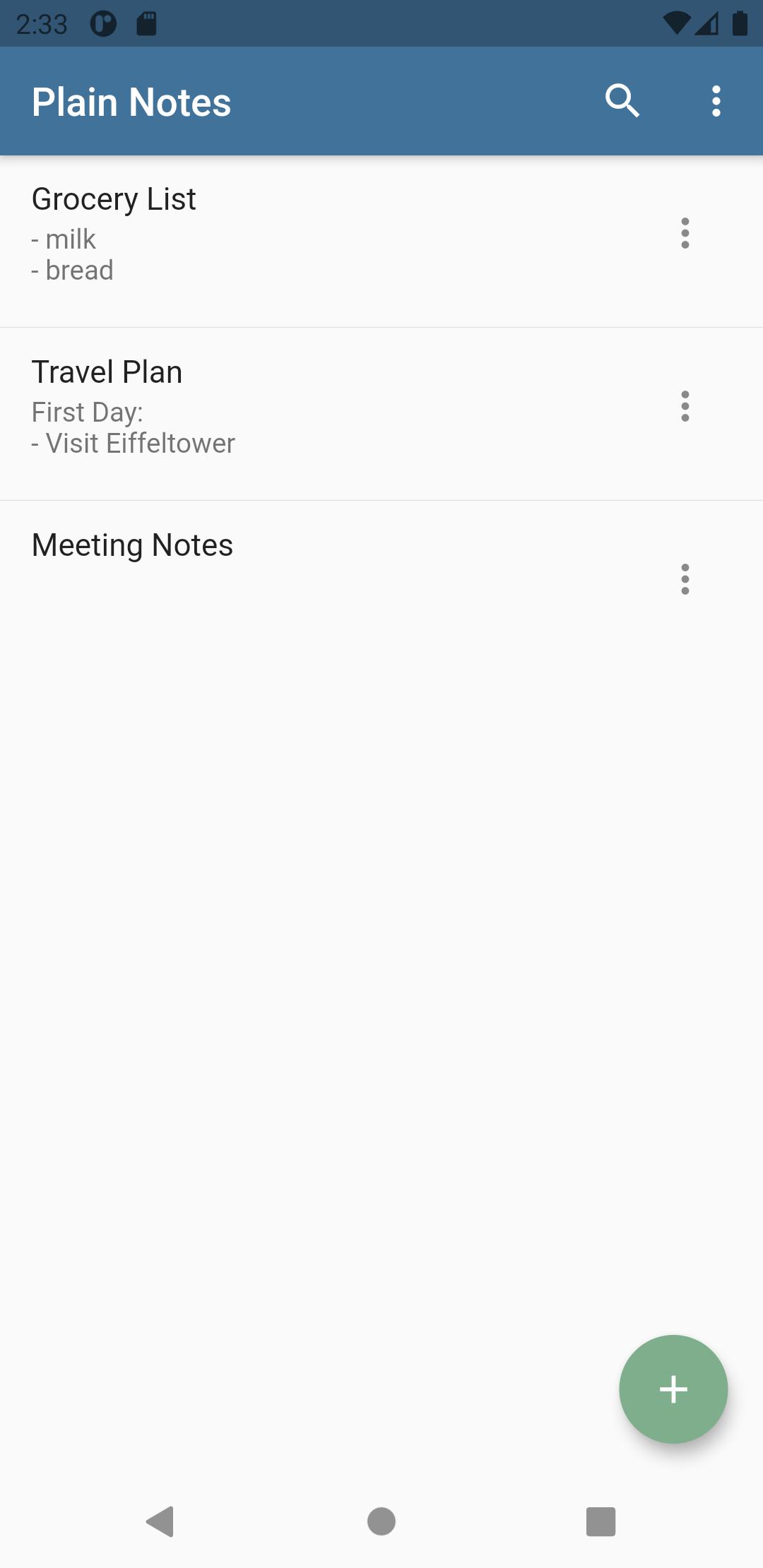
This may sound riciulous first but brings lots of advantages.If you need your notes somewhere else you can just copy them from the folder to another. This makes the backup process easier! Moreover you can open and edit the notes with any texteditor you like, as soon as you add the ".txt" suffix to the file.
If you're looking for the very cool and revolutionary feature I must disappoint you, there is none. This is an app without lots of paraphernalia but it convinces by its simplicity. In return it doesn't require much disc space, or a powerful device. It should work on any phone or tablet running at least Android 4 IceCreamSandwich.
When you recognize a bug or any other sloppiness of mine, please tell me, I'll try to improve.
Enjoy!
Avance
Etiquetas
ProductividadInformación
Desarrollador
Moritz Sanden
La última versión
3.0.1
Última actualización
2021-05-16
Categoría
Productividad
Disponible en
Google Play
Mostrar más
Cómo jugar Plain Notes con GameLoop en PC
1. Descargue GameLoop desde el sitio web oficial, luego ejecute el archivo exe para instalar GameLoop.
2. Abra GameLoop y busque "Plain Notes", busque Plain Notes en los resultados de búsqueda y haga clic en "Instalar".
3. Disfruta jugando Plain Notes en GameLoop.
Minimum requirements
OS
Windows 8.1 64-bit or Windows 10 64-bit
GPU
GTX 1050
CPU
i3-8300
Memory
8GB RAM
Storage
1GB available space
Recommended requirements
OS
Windows 8.1 64-bit or Windows 10 64-bit
GPU
GTX 1050
CPU
i3-9320
Memory
16GB RAM
Storage
1GB available space