
ONYX para PC
HELLA Sonnen- und Wetterschutztechnik GmbH
Descarga ONYX en PC con GameLoop Emulator
ONYX en PC
ONYX, proveniente del desarrollador HELLA Sonnen- und Wetterschutztechnik GmbH, se ejecuta en el sistema Android en el pasado.
Ahora, puedes jugar ONYX en PC con GameLoop sin problemas.
Descárgalo en la biblioteca de GameLoop o en los resultados de búsqueda. No más mirar la batería o llamadas frustrantes en el momento equivocado nunca más.
Simplemente disfrute de ONYX PC en la pantalla grande de forma gratuita!
ONYX Introducción
With ONYX from HELLA, you control your sun protection intelligently, conveniently, and energy-efficiently. The app combines modern smart home design with automated shading control – for greater living comfort and a more conscious approach to energy.
Easy setup:
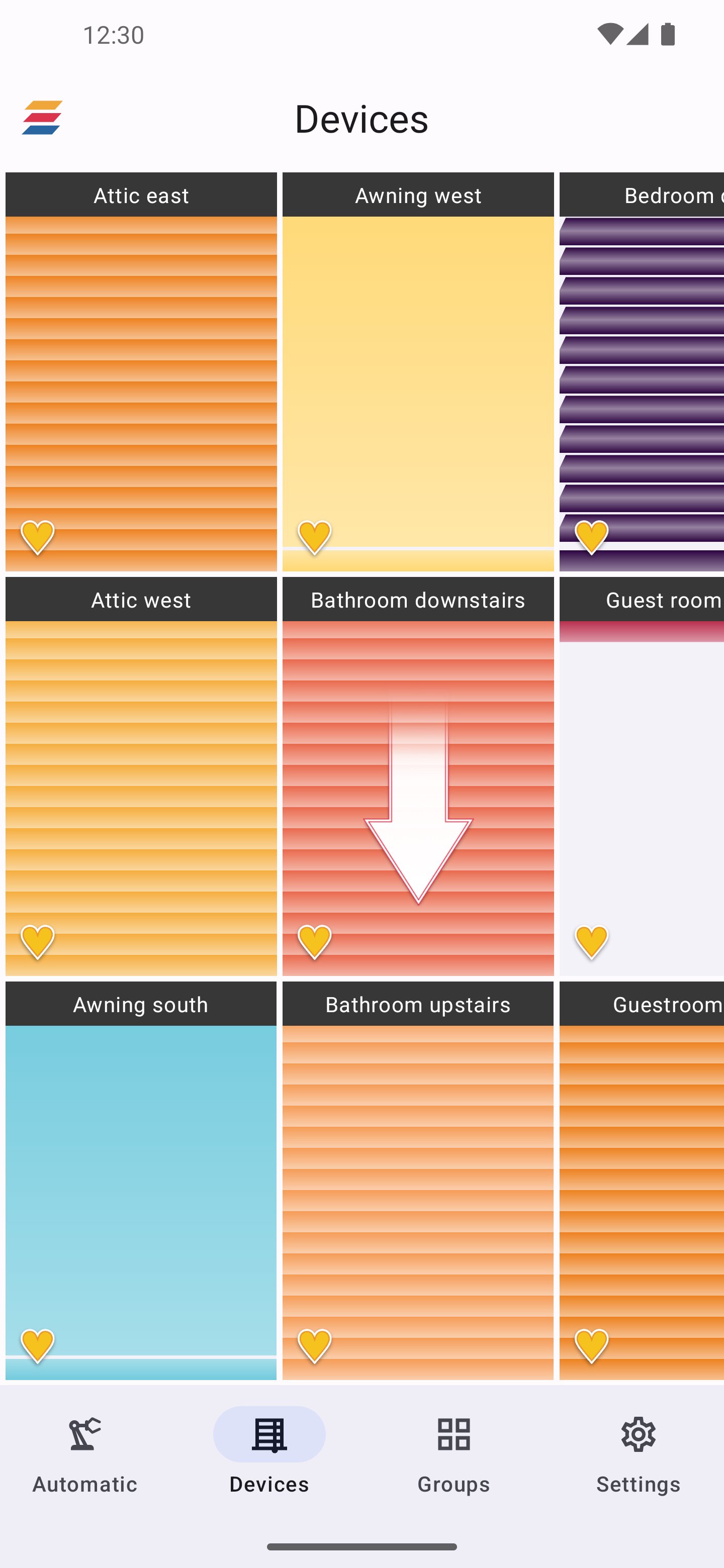
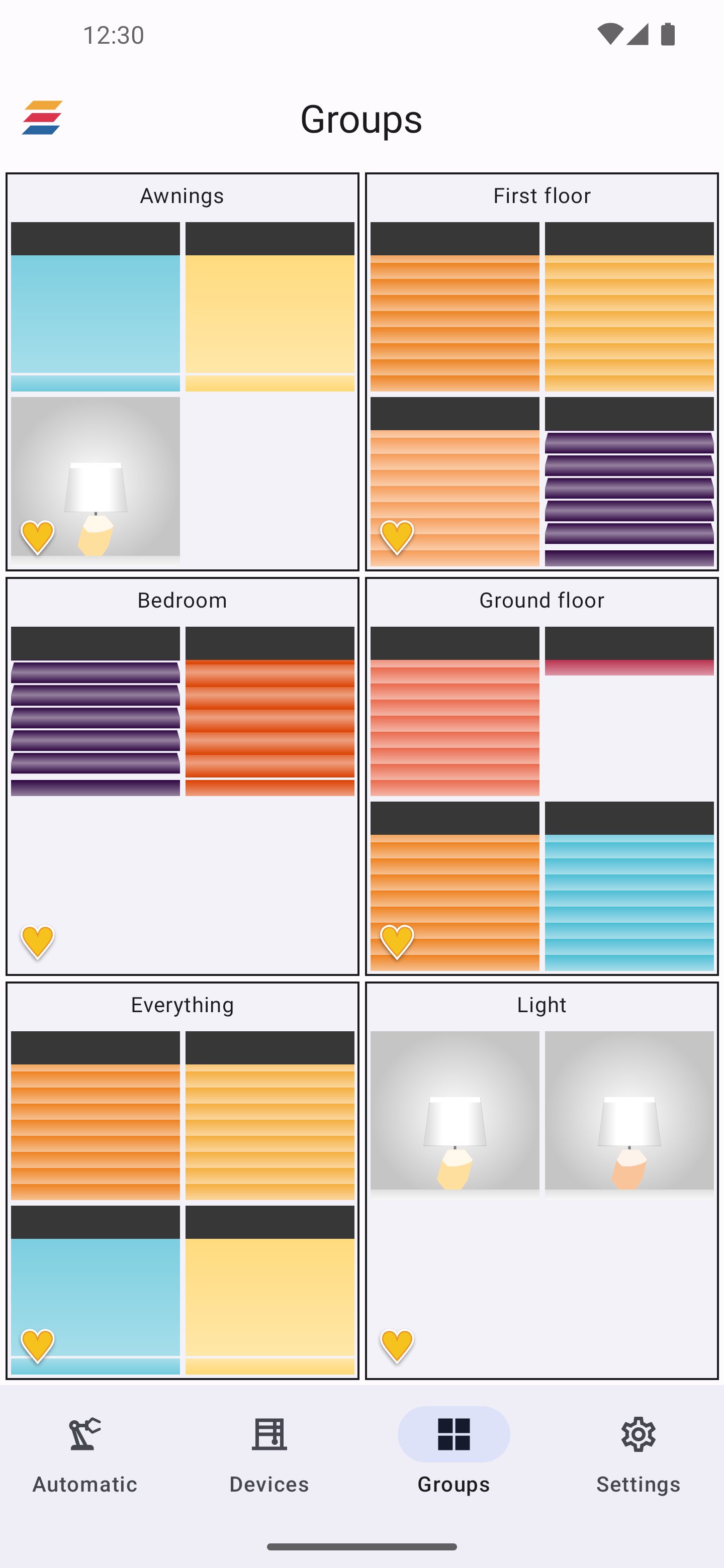
Add new devices in just a few steps: scan the QR code, assign a name and color, done. Group your shading elements, keep track of everything at all times, and flexibly adapt everything to your living situation.
Convenient control:
Control individual elements or entire groups with intuitive gesture control – at home or on the go. With scenarios and automations, your sun protection adapts to your daily routine.
Intelligent & energy-efficient:
ONYX uses daylight, sun position, and weather information to automatically control your shading. This keeps your home pleasantly cool in summer and warmer longer in winter – reducing the need for heating and air conditioning and helping to save energy.
Connected in the smart home:
ONYX can be integrated into modern smart home environments and offers a future-proof platform for connected shading solutions from HELLA.
Requirements:
To control your home with the ONYX app, you need compatible ONYX control devices for your sun protection products. The full range of functions – especially remote access, automatic and scene functions – is available with an ONYX.CENTER. For more information, contact your HELLA partner.
Avance
Etiquetas
ProductividadInformación
Desarrollador
HELLA Sonnen- und Wetterschutztechnik GmbH
La última versión
2.4
Última actualización
2026-01-12
Categoría
Productividad
Disponible en
Google Play
Mostrar más
Cómo jugar ONYX con GameLoop en PC
1. Descargue GameLoop desde el sitio web oficial, luego ejecute el archivo exe para instalar GameLoop.
2. Abra GameLoop y busque "ONYX", busque ONYX en los resultados de búsqueda y haga clic en "Instalar".
3. Disfruta jugando ONYX en GameLoop.
Minimum requirements
OS
Windows 8.1 64-bit or Windows 10 64-bit
GPU
GTX 1050
CPU
i3-8300
Memory
8GB RAM
Storage
1GB available space
Recommended requirements
OS
Windows 8.1 64-bit or Windows 10 64-bit
GPU
GTX 1050
CPU
i3-9320
Memory
16GB RAM
Storage
1GB available space