
My CenturyLink para PC
CenturyLink, Inc
Descarga My CenturyLink en PC con GameLoop Emulator
My CenturyLink en PC
My CenturyLink, proveniente del desarrollador CenturyLink, Inc, se ejecuta en el sistema Android en el pasado.
Ahora, puedes jugar My CenturyLink en PC con GameLoop sin problemas.
Descárgalo en la biblioteca de GameLoop o en los resultados de búsqueda. No más mirar la batería o llamadas frustrantes en el momento equivocado nunca más.
Simplemente disfrute de My CenturyLink PC en la pantalla grande de forma gratuita!
My CenturyLink Introducción
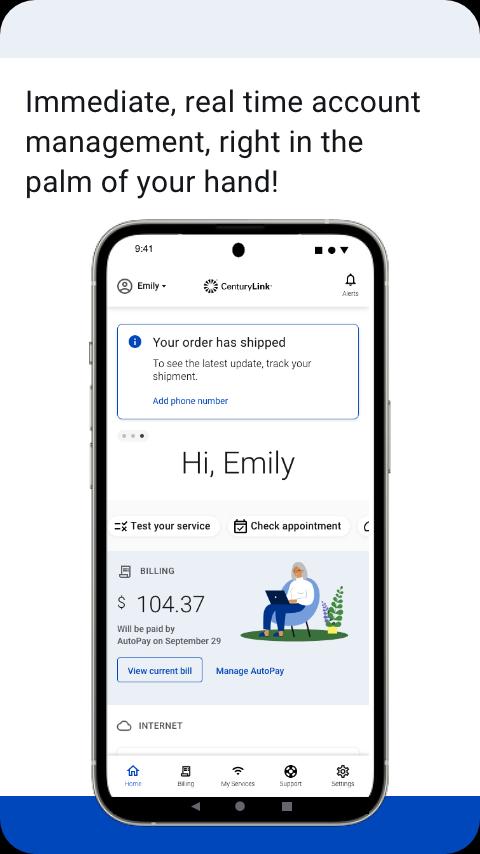
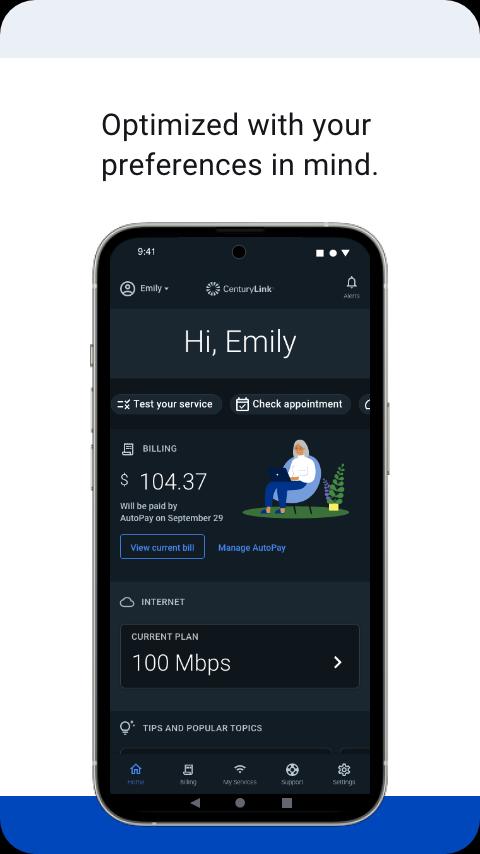
The My CenturyLink app brings management of your account and services into one easy place.
You can use the app to:
• Connect your new service quickly with modem self-install.
• View and manage your bill payment with convenience and ease.
• Check your services, upgrade your Internet speed (if available in your area).
• Manage your settings.
• Visit Support to troubleshoot or optimize your service through self-help tools and videos.
• Get personalized alerts, so you can see the status of your order, or find out if there is an interruption to your Internet service.
• Plus, so much more.
Additional features for our Secure WiFi customers (Secure WiFi is available on compatible modems leased from CenturyLink):
• Parental controls to guard against inappropriate web content.
• Pause and resume internet access of devices on our WiFi.
• Schedule online and offline times for devices and users.
Learn more about Secure WiFi by visiting https://centurylink.com/home/help/internet/secure-wifi
We're here to help! You can get in touch via http://www.centurylink.com/contact
Avance
Etiquetas
ProductividadInformación
Desarrollador
CenturyLink, Inc
La última versión
5.4.5
Última actualización
2025-09-25
Categoría
Productividad
Disponible en
Google Play
Mostrar más
Cómo jugar My CenturyLink con GameLoop en PC
1. Descargue GameLoop desde el sitio web oficial, luego ejecute el archivo exe para instalar GameLoop.
2. Abra GameLoop y busque "My CenturyLink", busque My CenturyLink en los resultados de búsqueda y haga clic en "Instalar".
3. Disfruta jugando My CenturyLink en GameLoop.
Minimum requirements
OS
Windows 8.1 64-bit or Windows 10 64-bit
GPU
GTX 1050
CPU
i3-8300
Memory
8GB RAM
Storage
1GB available space
Recommended requirements
OS
Windows 8.1 64-bit or Windows 10 64-bit
GPU
GTX 1050
CPU
i3-9320
Memory
16GB RAM
Storage
1GB available space