
My Calendar - Simple Planner para PC
Komorebi Inc.
Descarga My Calendar - Simple Planner en PC con GameLoop Emulator
My Calendar - Simple Planner en PC
My Calendar - Simple Planner, proveniente del desarrollador Komorebi Inc., se ejecuta en el sistema Android en el pasado.
Ahora, puedes jugar My Calendar - Simple Planner en PC con GameLoop sin problemas.
Descárgalo en la biblioteca de GameLoop o en los resultados de búsqueda. No más mirar la batería o llamadas frustrantes en el momento equivocado nunca más.
Simplemente disfrute de My Calendar - Simple Planner PC en la pantalla grande de forma gratuita!
My Calendar - Simple Planner Introducción
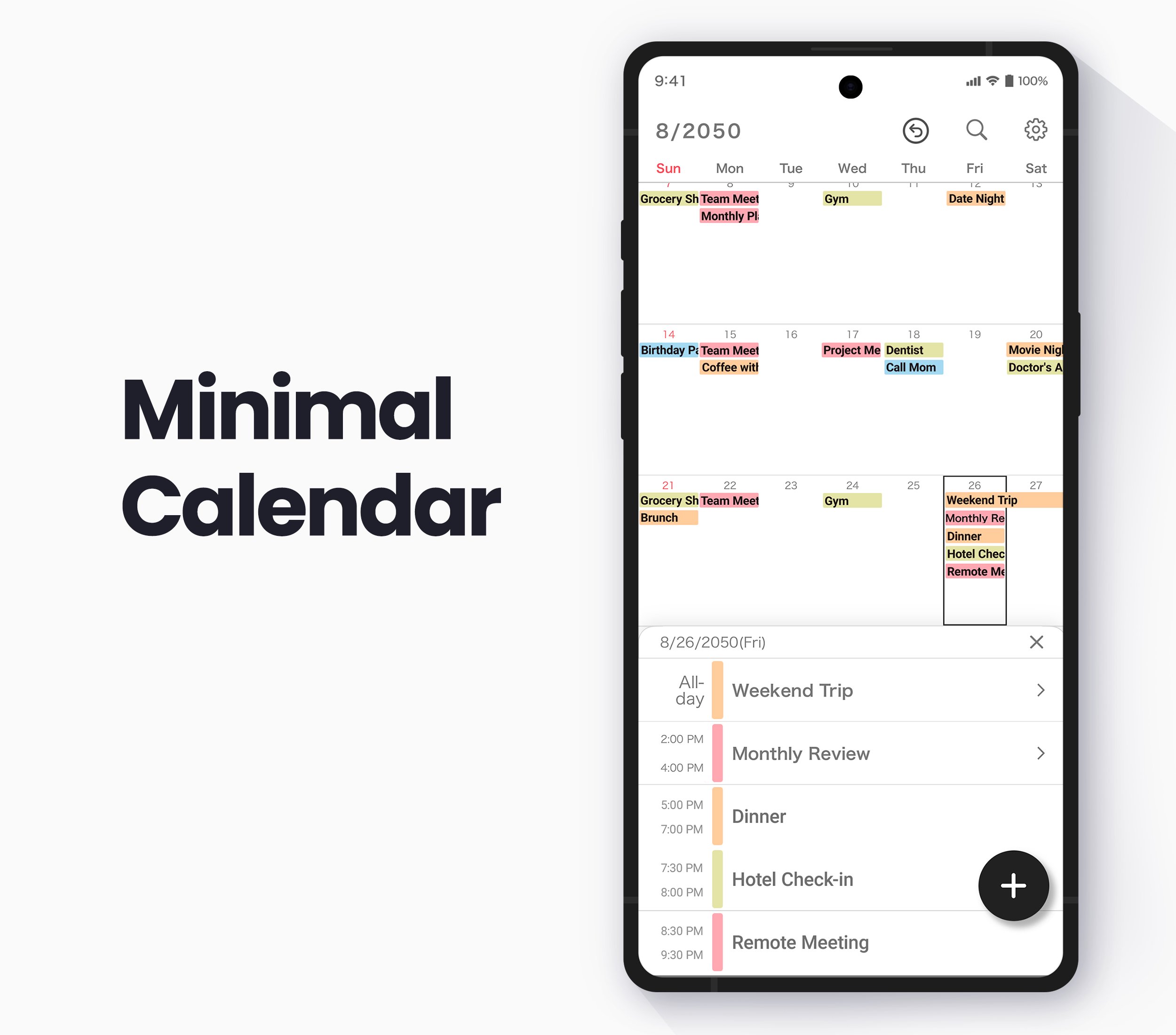
My Calendar is a simple calendar app built for people who want to see their month clearly, customize the look, and keep their schedule private.
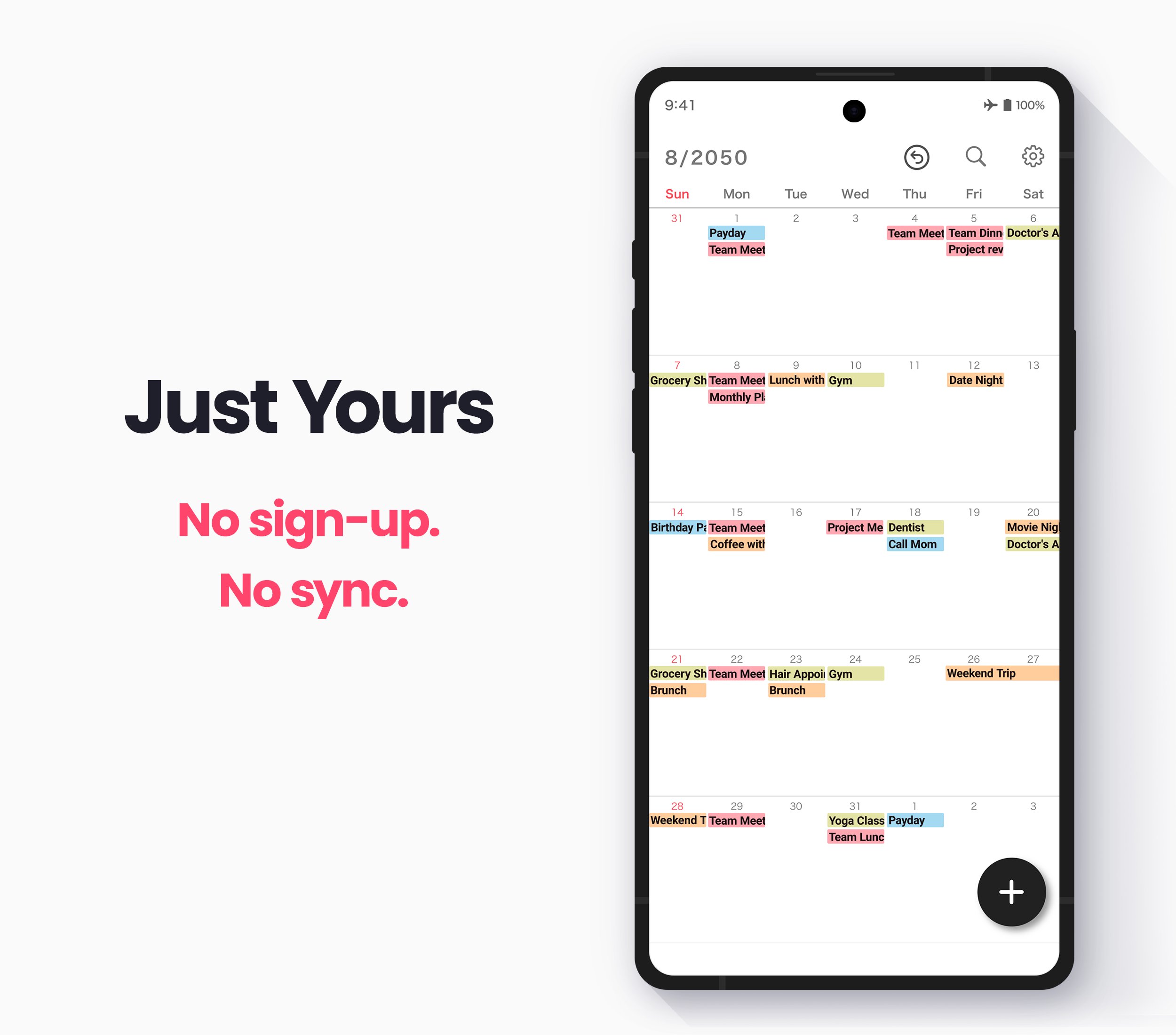
The app opens to a clean monthly calendar screen with no tab bar. You can check your plans at a glance, tap a date, add an event, and get back to your day without moving through multiple screens.
There is no account setup or calendar sync required. You can use it offline, manage your schedule locally, and keep personal plans separate from cloud-based calendar services.
You can also set your favorite wallpaper behind the calendar, choose theme colors, adjust font sizes, and use color labels to make your month easier to read.
Main Features
* Clean monthly calendar screen with no tab bar
* No account required
* Offline use and local schedule management
* Custom wallpaper settings
* Home screen widgets
* 35 color labels for events and time blocks
* 50 theme colors
* Dark mode themes
* Font size adjustment with 10 sizes
* Notes, URLs, and map information
* Reminders and alarms
* Add the same event to multiple dates at once
* Recurring events
* Passcode lock for privacy protection
* Google Drive backup and data transfer between devices
* Option to remove ads with in-app purchase
See the Whole Month in One Place
The monthly view is designed to stay simple.
Instead of switching between many tabs or planner views, you can keep your month in front of you and quickly understand what is coming up. This is useful for appointments, work plans, school events, family plans, holidays, routines, and personal reminders.
Make the Calendar Feel Personal
You can set a wallpaper behind the calendar and change the look to match your style.
Theme colors, font size settings, and color labels help make the calendar easier to read. Use colors to separate different types of plans, highlight important days, or make busy weeks easier to understand.
Dark mode themes are also available if you prefer a darker look.
Private, Local, and Offline
This calendar is designed for personal schedule management.
You do not need to sign in or connect another calendar service. Your plans can be managed locally, and the app can be used even when you are offline.
For extra privacy, you can protect the calendar with a passcode lock.
There is no event sharing and no automatic cloud sync in this app. These features are left out on purpose. Your schedule stays on your device unless you choose to back it up, so the calendar remains simple and private.
Widgets for Quick Checking
Add widgets to your home screen to check upcoming plans without opening the app.
Widgets are useful when you want to quickly see what is next during the day.
Backup and Device Transfer
You can back up your schedule to Google Drive or export it manually at any time.
When you change devices, you can restore a backup and continue using your calendar. You can also transfer data between this app and its iPhone or iPad version.
Simple Calendar for Everyday Use
Use it for work, study, appointments, holidays, birthdays, routines, notes, and private plans.
It also works well as a second calendar when you want to keep certain plans separate from your main calendar account.
Free to Use with a Premium Option
My Calendar is free to download and use, with ads shown in the app. The Premium Service subscription removes ads and provides access to all theme colors, unlimited wallpaper changes, unlimited date background color changes, and priority support.
Start managing your month with a clean, private, and customizable calendar.
Avance
Etiquetas
ProductividadInformación
Desarrollador
Komorebi Inc.
La última versión
3.3.0
Última actualización
2026-10-11
Categoría
Productividad
Disponible en
Google Play
Mostrar más
Cómo jugar My Calendar - Simple Planner con GameLoop en PC
1. Descargue GameLoop desde el sitio web oficial, luego ejecute el archivo exe para instalar GameLoop.
2. Abra GameLoop y busque "My Calendar - Simple Planner", busque My Calendar - Simple Planner en los resultados de búsqueda y haga clic en "Instalar".
3. Disfruta jugando My Calendar - Simple Planner en GameLoop.
Minimum requirements
OS
Windows 8.1 64-bit or Windows 10 64-bit
GPU
GTX 1050
CPU
i3-8300
Memory
8GB RAM
Storage
1GB available space
Recommended requirements
OS
Windows 8.1 64-bit or Windows 10 64-bit
GPU
GTX 1050
CPU
i3-9320
Memory
16GB RAM
Storage
1GB available space