
Kramer VIA para PC
Kramer Electronics LTD.
Descarga Kramer VIA en PC con GameLoop Emulator
Kramer VIA en PC
Kramer VIA, proveniente del desarrollador Kramer Electronics LTD., se ejecuta en el sistema Android en el pasado.
Ahora, puedes jugar Kramer VIA en PC con GameLoop sin problemas.
Descárgalo en la biblioteca de GameLoop o en los resultados de búsqueda. No más mirar la batería o llamadas frustrantes en el momento equivocado nunca más.
Simplemente disfrute de Kramer VIA PC en la pantalla grande de forma gratuita!
Kramer VIA Introducción
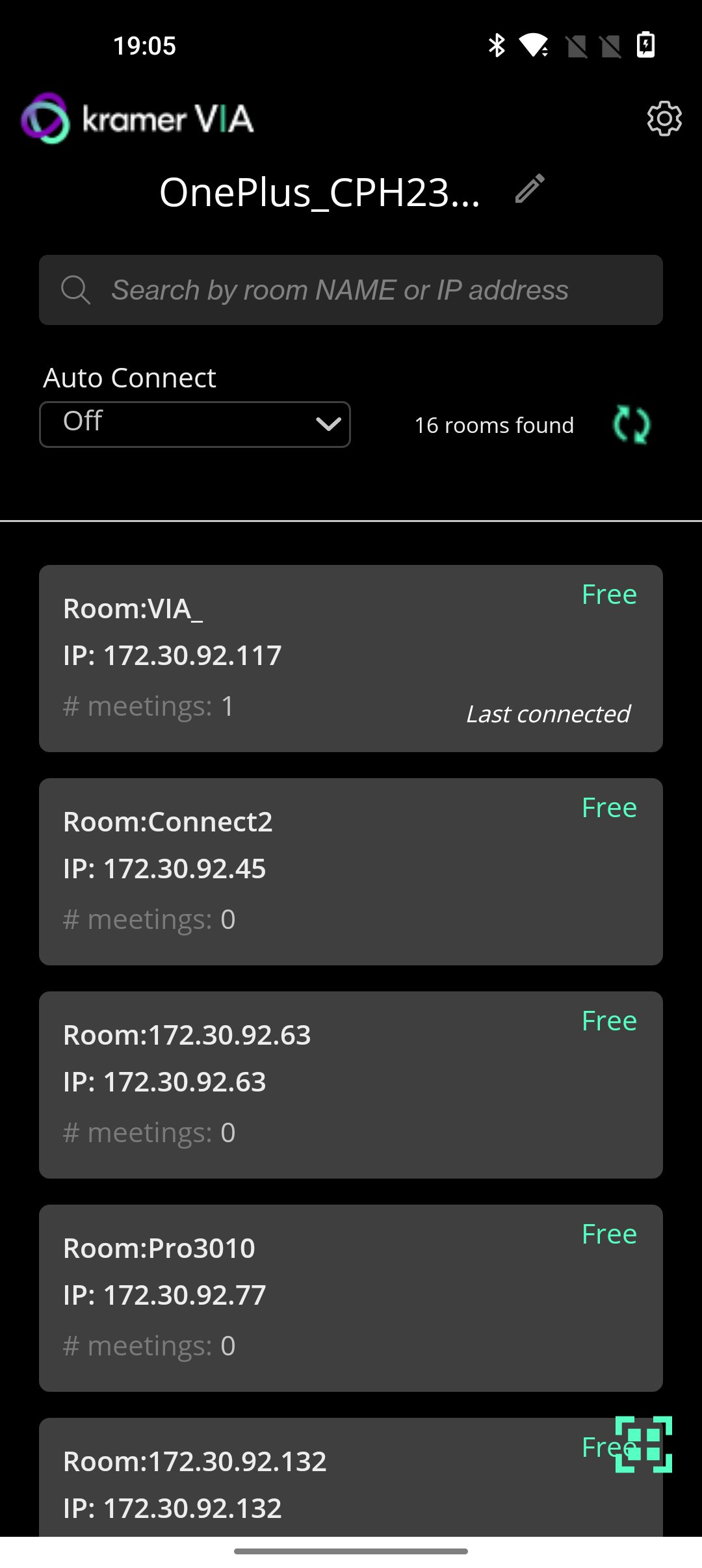
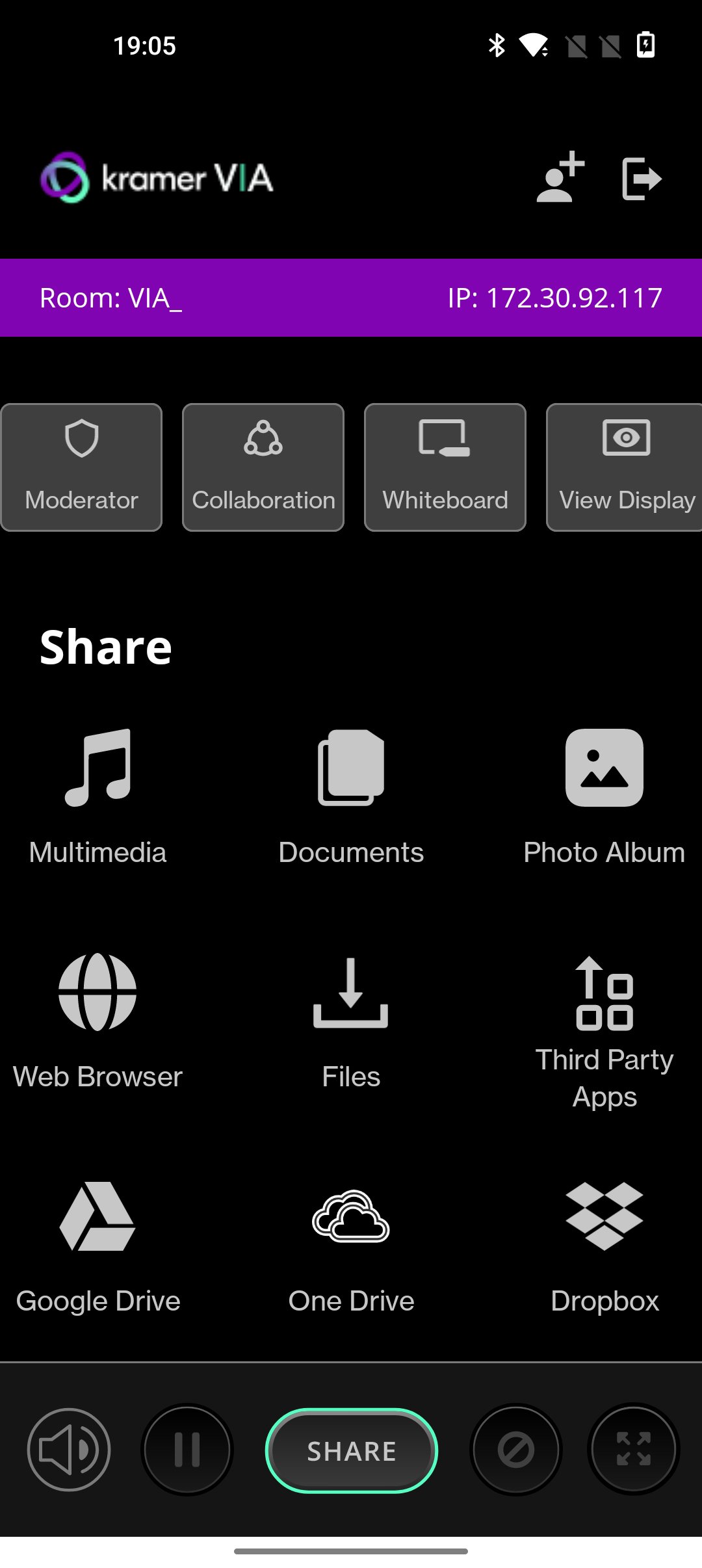
VIA turns any screen into a potential meeting point for ideas to stream freely without conventional restrictions that consume or constrict a meeting’s resources. Independent of wires and cables for total connectivity, VIA is an audio- visual integrator. The box connects to and works off an existing wireless network and links every device in a meeting space with the primary presentation screen.
KEY FEATURES
1. BYOD Wireless Collaboration
2. HD Video Streaming
3. Multi-Display Presentation
4. HDMI Input
5. Dynamic Display Layout
6. Collaboration Notes
7. Team Collaboration
8. Interactive Touch Collaboration
9. Interactive Whiteboard
WHAT's new
• New improved 4.0 UI
• Screen can be resized during presentation. Mobile presenter will acquire 30% of the screen size by default.
• Security enhancements
• Performance and Stability fixes
• Added auto connect feature based on most used OR last connected gateway.
• Invite to meeting, feature added.
• Document feature has separated from multimedia.
Avance
Etiquetas
ProductividadInformación
Desarrollador
Kramer Electronics LTD.
La última versión
V-4.2.730
Última actualización
2026-03-20
Categoría
Productividad
Disponible en
Google Play
Mostrar más
Cómo jugar Kramer VIA con GameLoop en PC
1. Descargue GameLoop desde el sitio web oficial, luego ejecute el archivo exe para instalar GameLoop.
2. Abra GameLoop y busque "Kramer VIA", busque Kramer VIA en los resultados de búsqueda y haga clic en "Instalar".
3. Disfruta jugando Kramer VIA en GameLoop.
Minimum requirements
OS
Windows 8.1 64-bit or Windows 10 64-bit
GPU
GTX 1050
CPU
i3-8300
Memory
8GB RAM
Storage
1GB available space
Recommended requirements
OS
Windows 8.1 64-bit or Windows 10 64-bit
GPU
GTX 1050
CPU
i3-9320
Memory
16GB RAM
Storage
1GB available space