Gamu: Retro Game Hub para PC
Protector & Security for Mobile Ltd
Descarga Gamu: Retro Game Hub en PC con GameLoop Emulator
Gamu: Retro Game Hub en PC
Gamu: Retro Game Hub, proveniente del desarrollador Protector & Security for Mobile Ltd, se ejecuta en el sistema Android en el pasado.
Ahora, puedes jugar Gamu: Retro Game Hub en PC con GameLoop sin problemas.
Descárgalo en la biblioteca de GameLoop o en los resultados de búsqueda. No más mirar la batería o llamadas frustrantes en el momento equivocado nunca más.
Simplemente disfrute de Gamu: Retro Game Hub PC en la pantalla grande de forma gratuita!
Gamu: Retro Game Hub Introducción
If you're a fan of classic video games and want to relive your childhood memories, Gamu is the perfect solution for enjoying those timeless titles on your computer or mobile device.
Gamu brings together support for a wide range of retro game formats in one unified platform. It’s compatible with multiple systems, including PC, Mac, Linux, and mobile devices like Android and iOS. The app also supports external game controllers, built-in game library organization, and continues to receive regular updates to improve performance and features.
Gamu is an open-source project built using Libretro, a powerful cross-platform framework. Libretro enables rich multimedia features like OpenGL rendering, camera integration, and more — designed to run smoothly across devices from phones to smart TVs. Best of all, Gamu is completely free, ad-free, and includes built-in modules to deliver a seamless all-in-one entertainment hub.
Key Features:
• Auto-save and resume game progress
• Game file scanning and cataloging
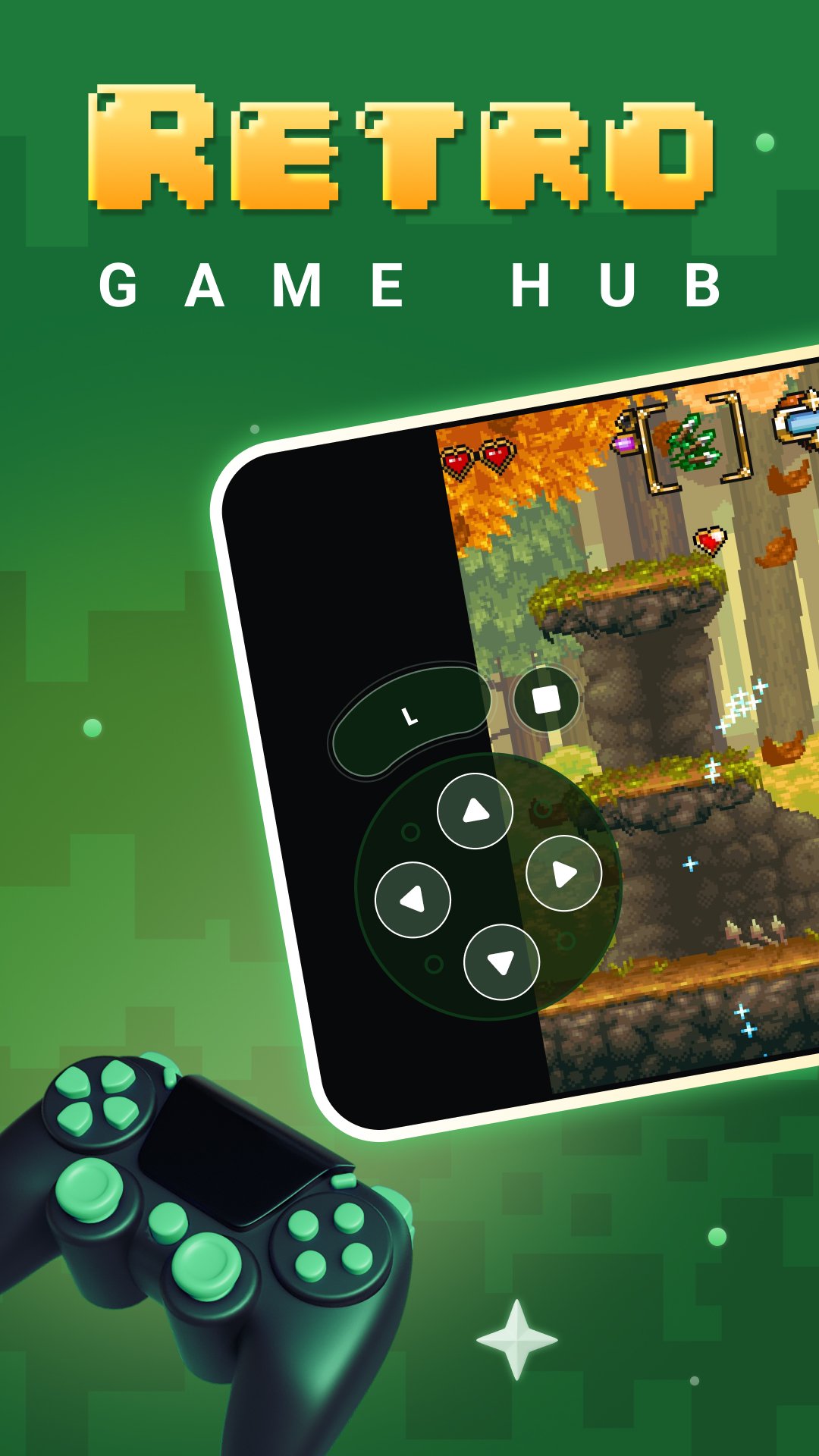
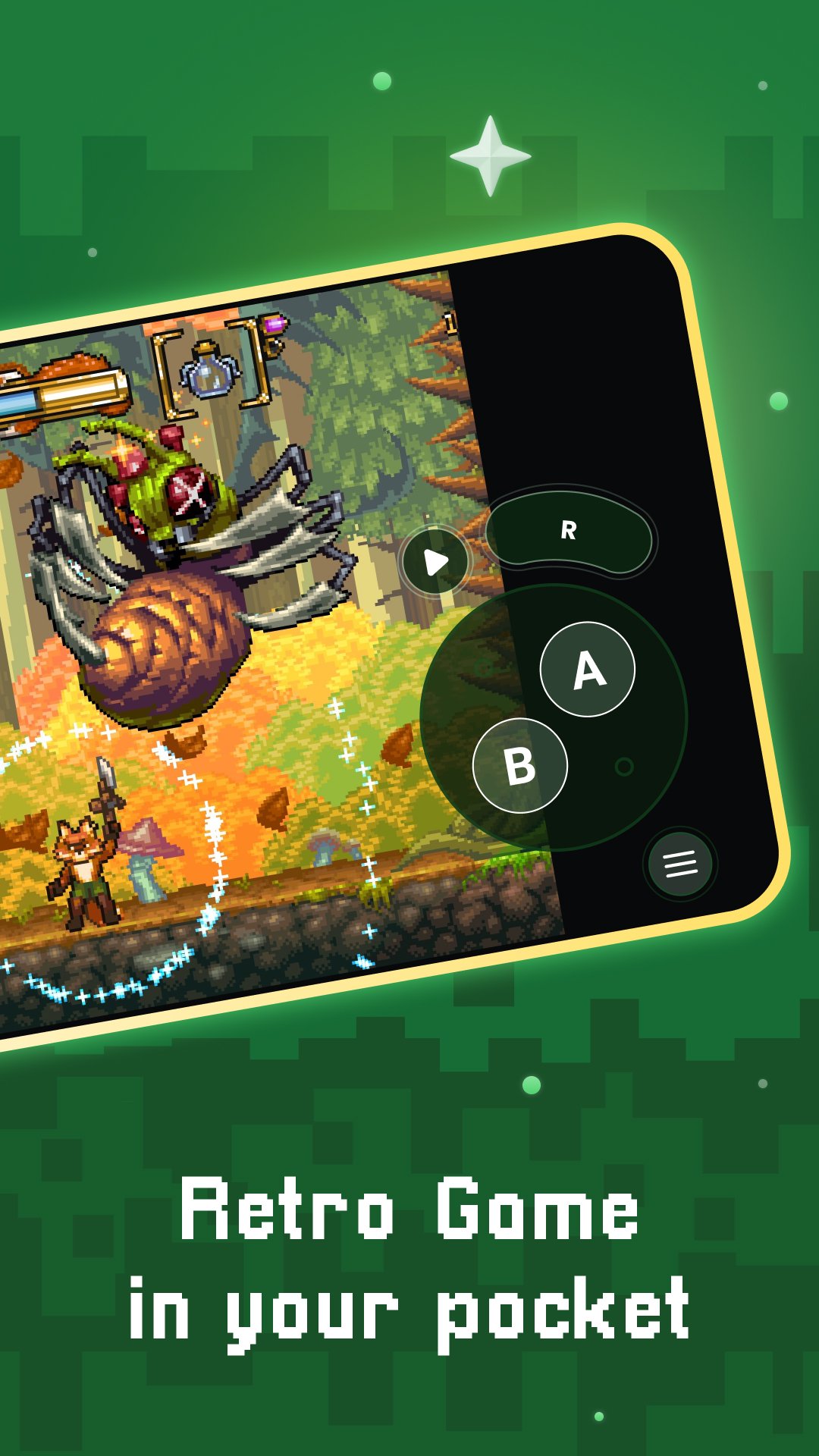
• Optimized virtual controls
• Quick save/load slots
• Support for compressed game files (.zip)
• Visual filters and display simulation (LCD/CRT styles)
• Fast-forward mode
• Controller and gamepad compatibility
• Motion control (tilt-to-stick)
• Customizable on-screen buttons
• Cloud sync for saves
• Local multiplayer support with multiple controllers
Note: Performance depends on your device's capabilities. Running newer systems may require more powerful hardware. This app does not contain any games. You must provide your own legally acquired game files.
Avance
Etiquetas
ProductividadInformación
Desarrollador
Protector & Security for Mobile Ltd
La última versión
3.9.3
Última actualización
2026-02-04
Categoría
Productividad
Disponible en
Google Play
Mostrar más
Cómo jugar Gamu: Retro Game Hub con GameLoop en PC
1. Descargue GameLoop desde el sitio web oficial, luego ejecute el archivo exe para instalar GameLoop.
2. Abra GameLoop y busque "Gamu: Retro Game Hub", busque Gamu: Retro Game Hub en los resultados de búsqueda y haga clic en "Instalar".
3. Disfruta jugando Gamu: Retro Game Hub en GameLoop.
Minimum requirements
OS
Windows 8.1 64-bit or Windows 10 64-bit
GPU
GTX 1050
CPU
i3-8300
Memory
8GB RAM
Storage
1GB available space
Recommended requirements
OS
Windows 8.1 64-bit or Windows 10 64-bit
GPU
GTX 1050
CPU
i3-9320
Memory
16GB RAM
Storage
1GB available space