
Correctbook PDF Scan app para PC
Moqod
Descarga Correctbook PDF Scan app en PC con GameLoop Emulator
Correctbook PDF Scan app en PC
Correctbook PDF Scan app, proveniente del desarrollador Moqod, se ejecuta en el sistema Android en el pasado.
Ahora, puedes jugar Correctbook PDF Scan app en PC con GameLoop sin problemas.
Descárgalo en la biblioteca de GameLoop o en los resultados de búsqueda. No más mirar la batería o llamadas frustrantes en el momento equivocado nunca más.
Simplemente disfrute de Correctbook PDF Scan app PC en la pantalla grande de forma gratuita!
Correctbook PDF Scan app Introducción
PDF Scan App to digitalize, organize, save and share your notes and ideas
Correctbook PDF Scan App is a smart solution to digitalize, organize and share your notes and ideas.
We developed notebooks (& more!), which are endless reusable.
The Correctbook PDF Scan App gives you the ultimate modern writing experience. The best between analog writing and digital organising.
1.) Write in a Correctbook as it has the same writing experience as on paper
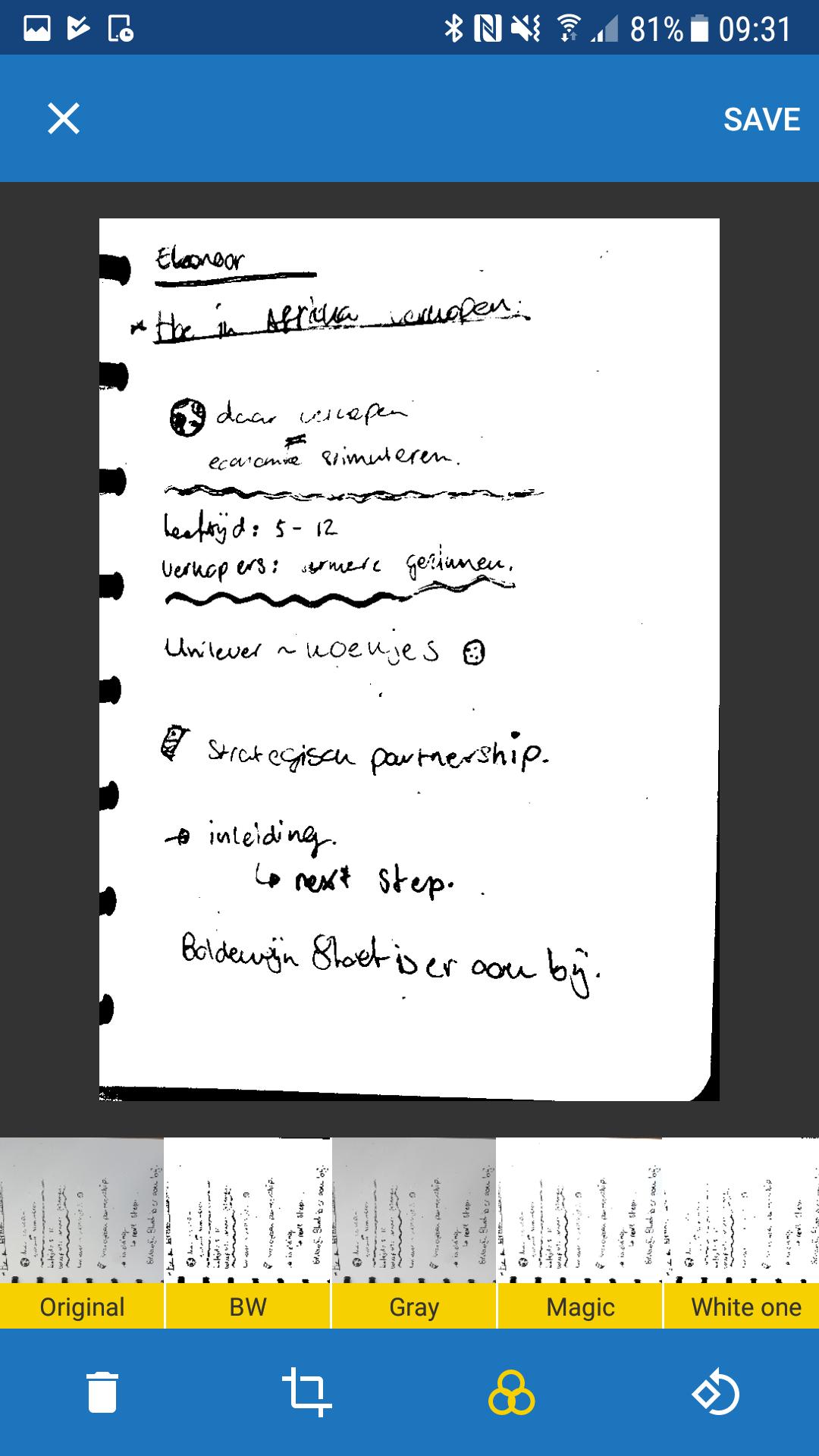
2.) Scan your notes and save them into the Correctbook app or share them via the share options
3.) Erase your notes and use your Correctbook again
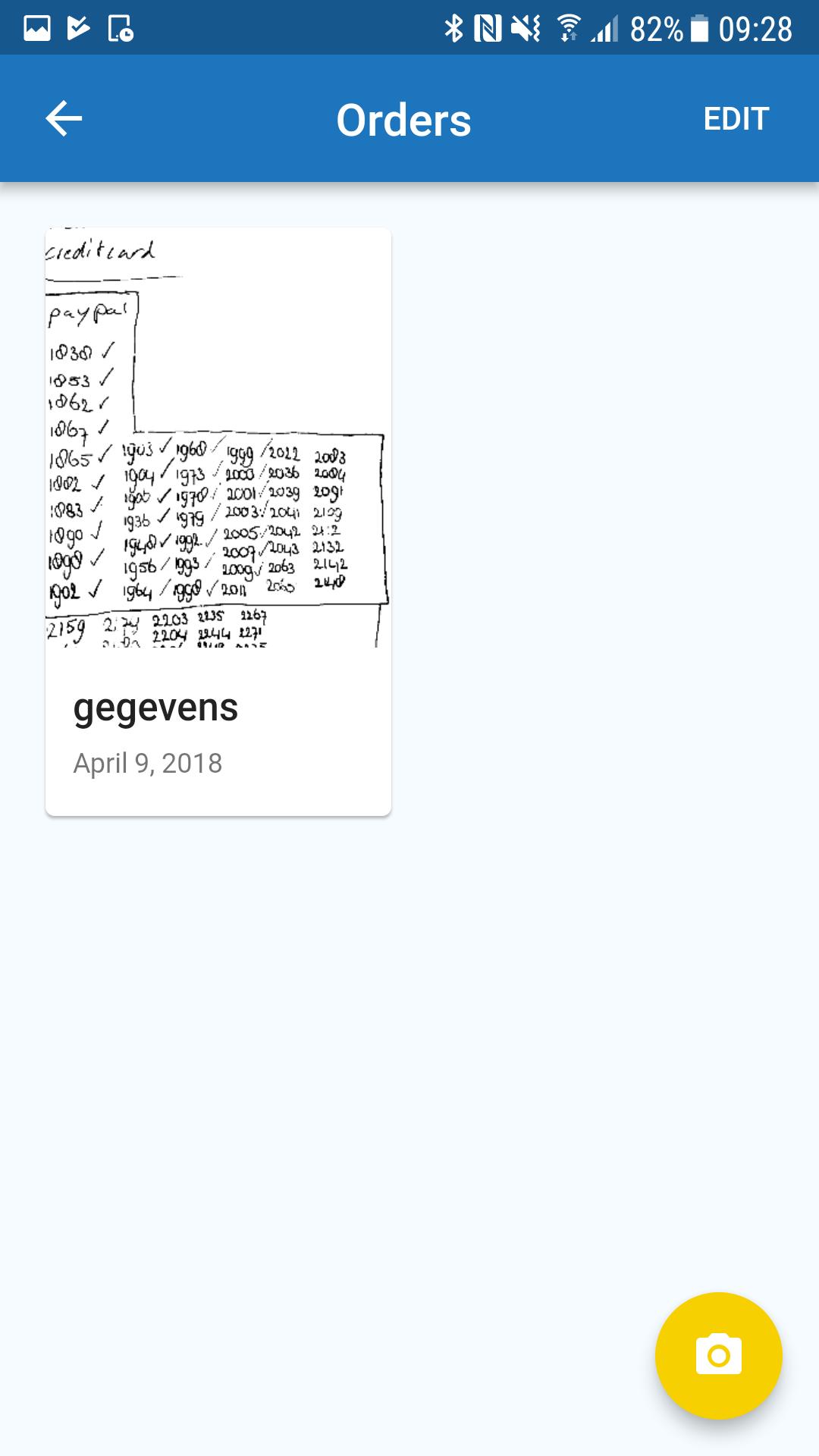
With the Correctbook app, you can easily organize your notes and ideas.
1). Give names to the pdf files you create
2). Place your pdf file in the folder you want
3). Give names to different folders
4). Add new folders
People using the app for:
1). Students digitalize and organize their homework
2). Businesses digitalize and share meeting notes or daily structures & tasks
3). Every writing person who makes notes and like structure
Functionalities:
Scanner:
-Automatic document detection
-Create pdf files
Editor:
-Manually cropping
-Different filters
-Rotate scans
-Give names to scans
-Place scan to a specific folder
Galery:
-Organize and create different folders
-Share files
-Move files to other folders
-Summary of all scans
-Delete files or folders
Avance
Etiquetas
ProductividadInformación
Desarrollador
Moqod
La última versión
1.0
Última actualización
2018-04-20
Categoría
Productividad
Disponible en
Google Play
Mostrar más
Cómo jugar Correctbook PDF Scan app con GameLoop en PC
1. Descargue GameLoop desde el sitio web oficial, luego ejecute el archivo exe para instalar GameLoop.
2. Abra GameLoop y busque "Correctbook PDF Scan app", busque Correctbook PDF Scan app en los resultados de búsqueda y haga clic en "Instalar".
3. Disfruta jugando Correctbook PDF Scan app en GameLoop.
Minimum requirements
OS
Windows 8.1 64-bit or Windows 10 64-bit
GPU
GTX 1050
CPU
i3-8300
Memory
8GB RAM
Storage
1GB available space
Recommended requirements
OS
Windows 8.1 64-bit or Windows 10 64-bit
GPU
GTX 1050
CPU
i3-9320
Memory
16GB RAM
Storage
1GB available space