BarTender Mobile App para PC
Seagull Scientific, Inc.
Descarga BarTender Mobile App en PC con GameLoop Emulator
BarTender Mobile App en PC
BarTender Mobile App, proveniente del desarrollador Seagull Scientific, Inc., se ejecuta en el sistema Android en el pasado.
Ahora, puedes jugar BarTender Mobile App en PC con GameLoop sin problemas.
Descárgalo en la biblioteca de GameLoop o en los resultados de búsqueda. No más mirar la batería o llamadas frustrantes en el momento equivocado nunca más.
Simplemente disfrute de BarTender Mobile App PC en la pantalla grande de forma gratuita!
BarTender Mobile App Introducción
BarTender Mobile App
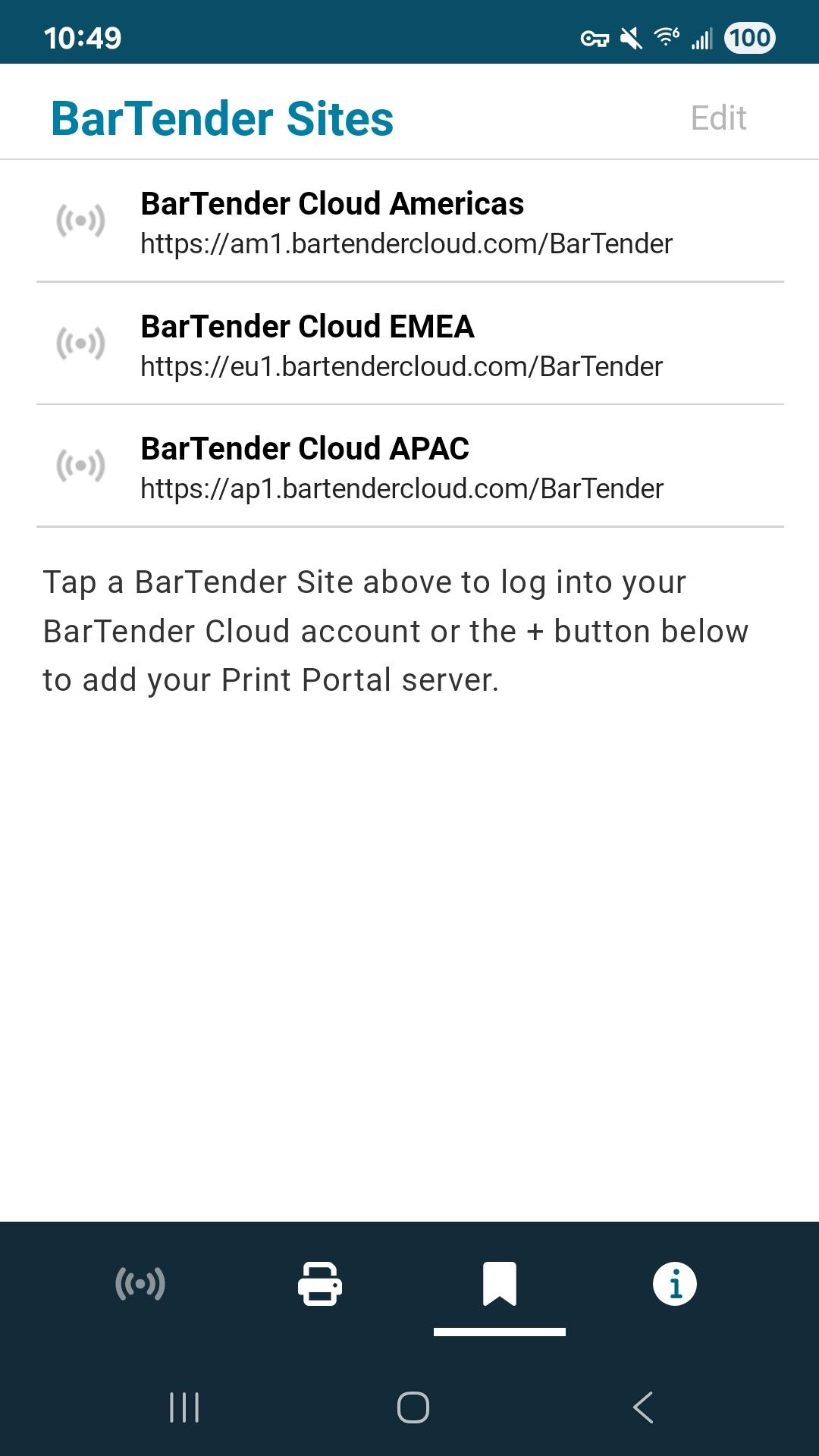
BarTender provides easy, fast and secure mobile printing of documents, barcode labels and RFID tags at your source of work. The app works with active BarTender Print Portal (BarTender 11.4, 2022, 2021) or BarTender Cloud to print existing labels directly from a mobile device.
• Print at the source of work including print operator forms and predefined data entry options
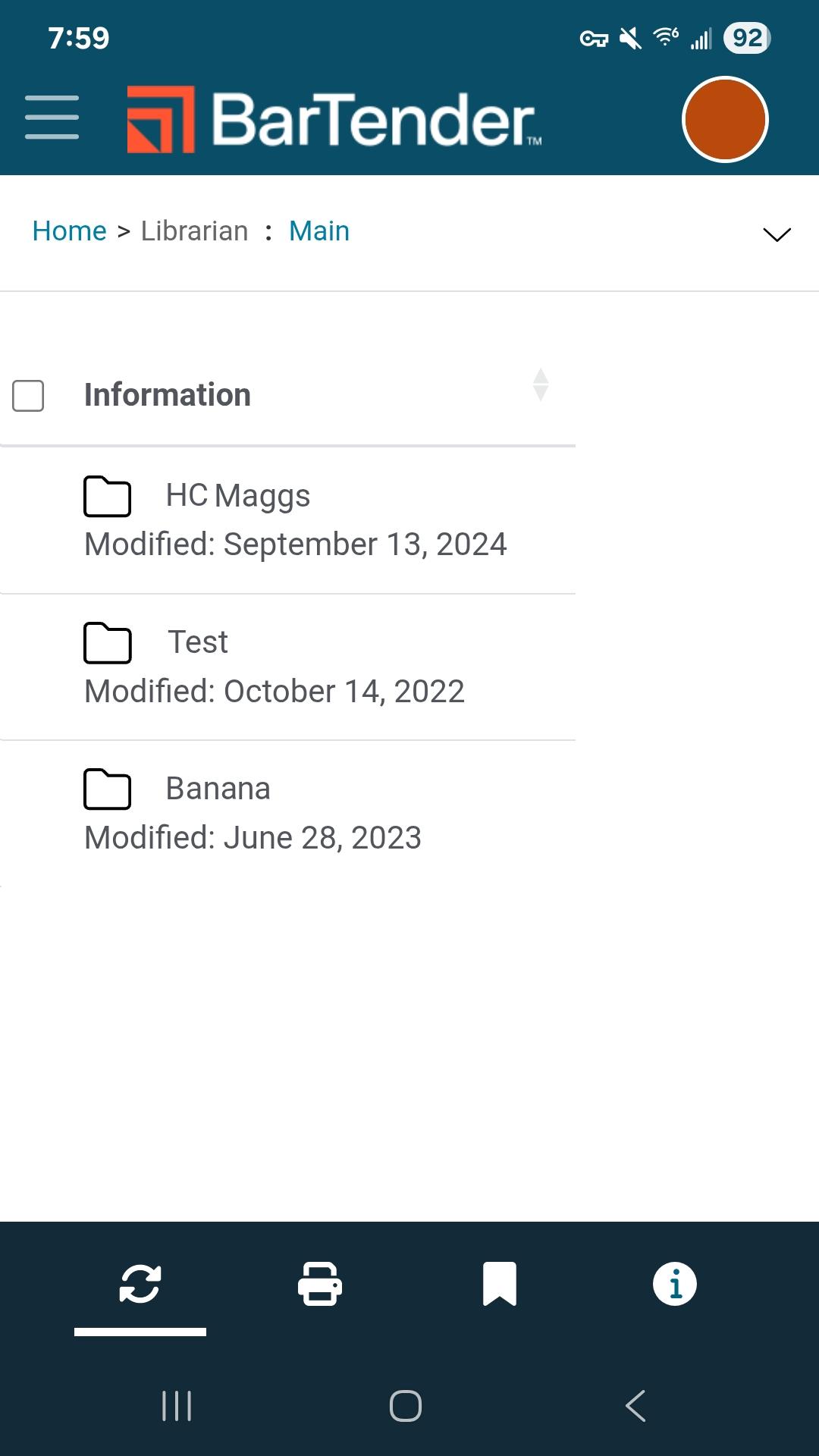
• Select and print your label documents
• Add real-time data
• Centralize label template management
• Automatically discover and connect to any Bluetooth printer
• Maintain mission-critical security
• Enable automatic login
• Configure document folders
• Configure printers
For support, refer to https://support.seagullscientific.com
For information about how to connect to your Print Portal, refer to https://help.seagullscientific.com/BarTenderMobile/
Seagull Software
Developer
Avance
Etiquetas
ProductividadInformación
Desarrollador
Seagull Scientific, Inc.
La última versión
2.2.5
Última actualización
2025-08-05
Categoría
Productividad
Disponible en
Google Play
Mostrar más
Cómo jugar BarTender Mobile App con GameLoop en PC
1. Descargue GameLoop desde el sitio web oficial, luego ejecute el archivo exe para instalar GameLoop.
2. Abra GameLoop y busque "BarTender Mobile App", busque BarTender Mobile App en los resultados de búsqueda y haga clic en "Instalar".
3. Disfruta jugando BarTender Mobile App en GameLoop.
Minimum requirements
OS
Windows 8.1 64-bit or Windows 10 64-bit
GPU
GTX 1050
CPU
i3-8300
Memory
8GB RAM
Storage
1GB available space
Recommended requirements
OS
Windows 8.1 64-bit or Windows 10 64-bit
GPU
GTX 1050
CPU
i3-9320
Memory
16GB RAM
Storage
1GB available space