
smartWake - Auto screen On/Off para PC
Jawomo
Descarga smartWake - Auto screen On/Off en PC con GameLoop Emulator
smartWake - Auto screen On/Off en PC
smartWake - Auto screen On/Off, proveniente del desarrollador Jawomo, se ejecuta en el sistema Android en el pasado.
Ahora, puedes jugar smartWake - Auto screen On/Off en PC con GameLoop sin problemas.
Descárgalo en la biblioteca de GameLoop o en los resultados de búsqueda. No más mirar la batería o llamadas frustrantes en el momento equivocado nunca más.
Simplemente disfrute de smartWake - Auto screen On/Off PC en la pantalla grande de forma gratuita!
smartWake - Auto screen On/Off Introducción
With smartWake you can easily wake the screen of your phone without pressing any buttons!
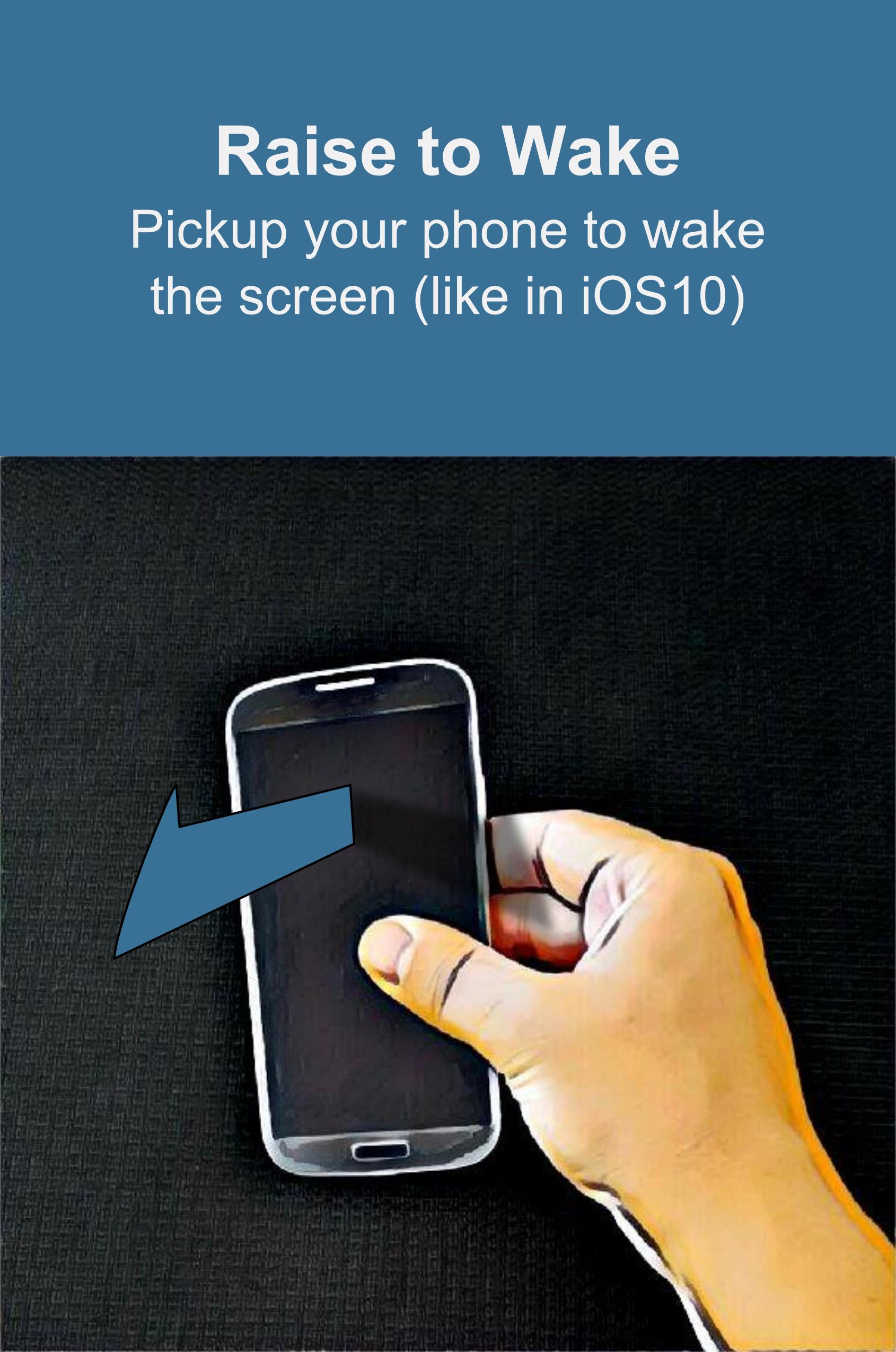
No need for tap to wake or similar. With Raise to Wake(like in iOS 10) you just have to pick op your phone to turn the screen on!
Use the innovative face wake technology to wake the phone when you look at it!
FEATURES:
• Raise to Wake the screen (like in iOS 10)
• Face wake, turn the screen on when you look at the phone!
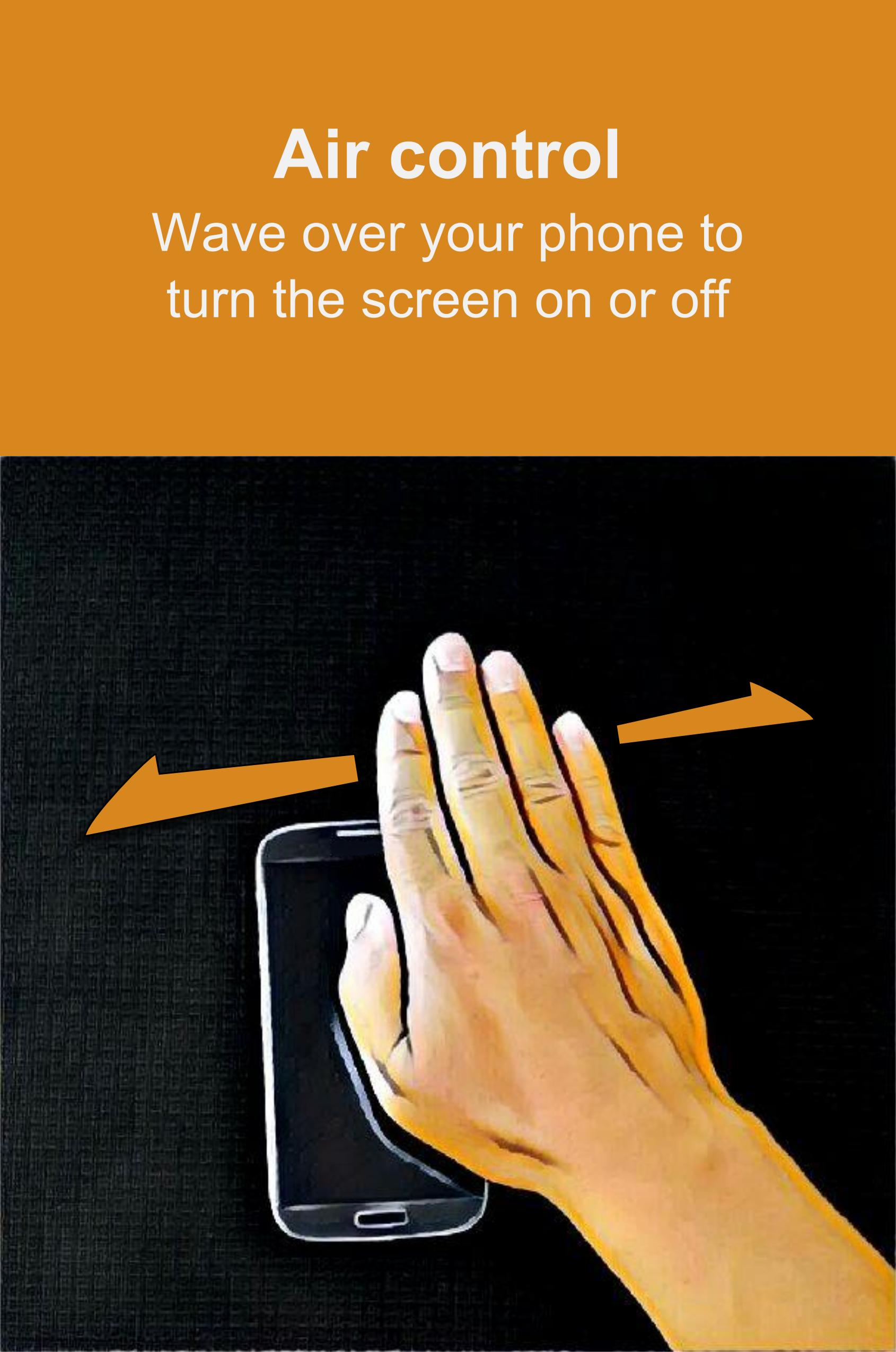
• Air control, turn the screen on or off by waving your hand over the phone
• Tilt control, rotate your phone to turn the screen on
• Sleep in pocket, turn the screen off when the phone is in a pocket
• Sleep on table, turn the screen off when you put the phone on a table
• Wake the screen on notifications
• No need for tap to wake the screen anymore!
Permission usages:
BIND_DEVICE_ADMIN : Used to turn off the screen only
INFO - SUPPORT - BETA RELEASES - TRANSLATIONS
• Link: https://plus.google.com/communities/100241188820321255499
• Please note that not all e-mails can be replied instantly. But I will try to fix every bug asap.
This app uses the Device Administrator permission.
Avance
Información
Desarrollador
Jawomo
La última versión
1.30
Última actualización
2016-11-05
Categoría
Productividad
Disponible en
Google Play
Mostrar más
Cómo jugar smartWake - Auto screen On/Off con GameLoop en PC
1. Descargue GameLoop desde el sitio web oficial, luego ejecute el archivo exe para instalar GameLoop.
2. Abra GameLoop y busque "smartWake - Auto screen On/Off", busque smartWake - Auto screen On/Off en los resultados de búsqueda y haga clic en "Instalar".
3. Disfruta jugando smartWake - Auto screen On/Off en GameLoop.
Minimum requirements
OS
Windows 8.1 64-bit or Windows 10 64-bit
GPU
GTX 1050
CPU
i3-8300
Memory
8GB RAM
Storage
1GB available space
Recommended requirements
OS
Windows 8.1 64-bit or Windows 10 64-bit
GPU
GTX 1050
CPU
i3-9320
Memory
16GB RAM
Storage
1GB available space